To see the full preview, please revisit this page on your desktop device.
Payment Request Form Template
Want to automate this template?
- 1Start with this template, placeholders included
- 2Map data from your data source
- 3Generate documents automatically
What's on this payment request form?
| Part | What goes in it |
|---|---|
| Instructions | Where to send the finished form: the finance department's email address. |
| Requester information | Your full name, employee ID, department, position, email address and phone number. |
| Payment details | Reimbursement or direct payment, the amount and currency, what the money is for, and the date of the expense or service. |
| Expense details | The vendor or supplier, the invoice or receipt number if there is one, what was bought, and a line for the receipts or invoices. |
| Approvals | Name, signature and date for your immediate supervisor and for your department head. |
| Finance department use only | Who received the form and when, who approved or rejected it and when, and who processed the payment and when. |
| Notes and disclaimer | Room for comments, and a line where you confirm the details are accurate and agree to the company's payment and reimbursement policy. |
How do I fill in a payment request?
In the Word file, most details are placeholders in double curly braces, such as {{amount_requested}}. Type over each one. The amount line starts with a dollar sign, so delete it if the amount isn't in dollars.
- Fill in your details, the payment details and the expense details. Keep Reimbursement if you paid and want the money back, or Direct Payment if the company should pay the vendor on the invoice, and delete the other.
- Link or attach the receipts or the invoice on the supporting documents line.
- Give the form to your supervisor to sign and date. If the department head is someone else, they sign next.
- Send the signed form to the finance address at the top. Leave the finance block empty: that part is theirs.
Should I send an invoice instead?
Yes, if a client owes you money. Make one in our free invoice generator: add your business, your client and the line items, then download it as a PDF.
Can payment requests be filled in and sent for sign-off automatically?
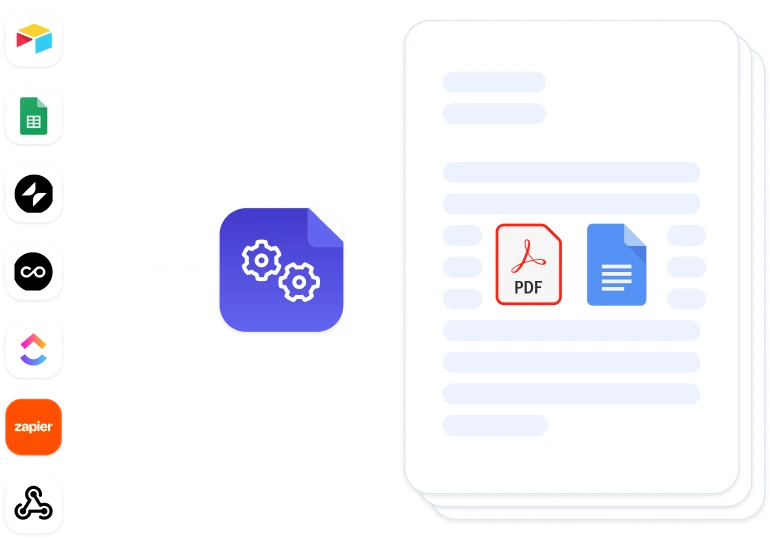
Yes, if your team logs expenses in Airtable or Google Sheets. DocsAutomator fills this same Word file once per expense, so each row becomes its own PDF or Word document and nobody types over a placeholder.
Then send it for e-signature to the supervisor and the department head, one after the other. Signing is included in every plan.
Want someone to check large requests first? With Approvals, requests over a limit you set (say, 5,000) wait until a team member you pick approves them. Nothing goes out for signature before that. Approvals are on the Business and Scale plans.
Questions about payment request forms
What does RfP mean on a payment request?
RfP can stand for request for payment, which is what this form is. The same letters also stand for request for proposal, a document that asks suppliers to bid on a project. One asks for money, the other for an offer.