Free Microsoft Word Templates
With DocsAutomator's free Microsoft Word Templates, a curated collection of professionally designed free document templates, you can streamline your work and enhance your productivity.

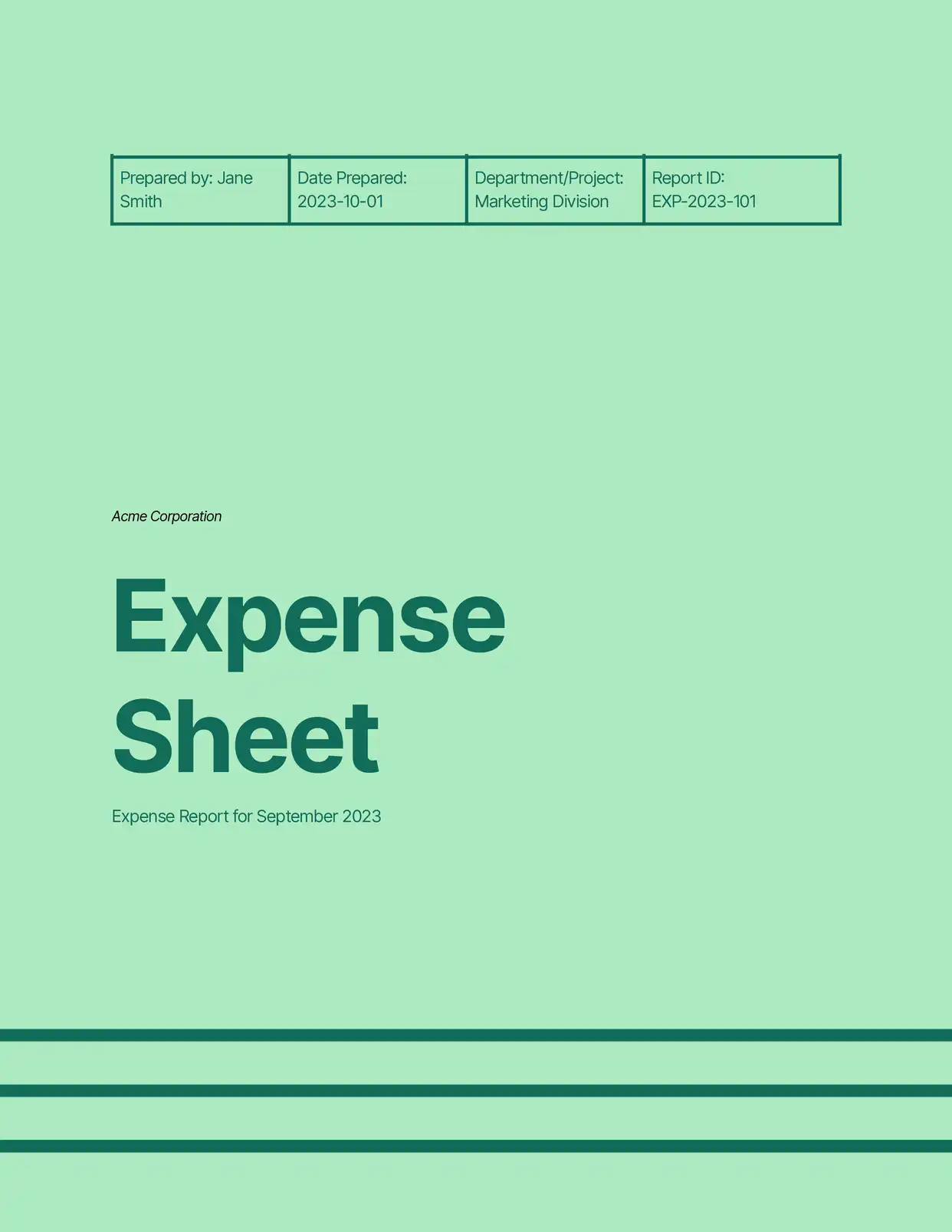
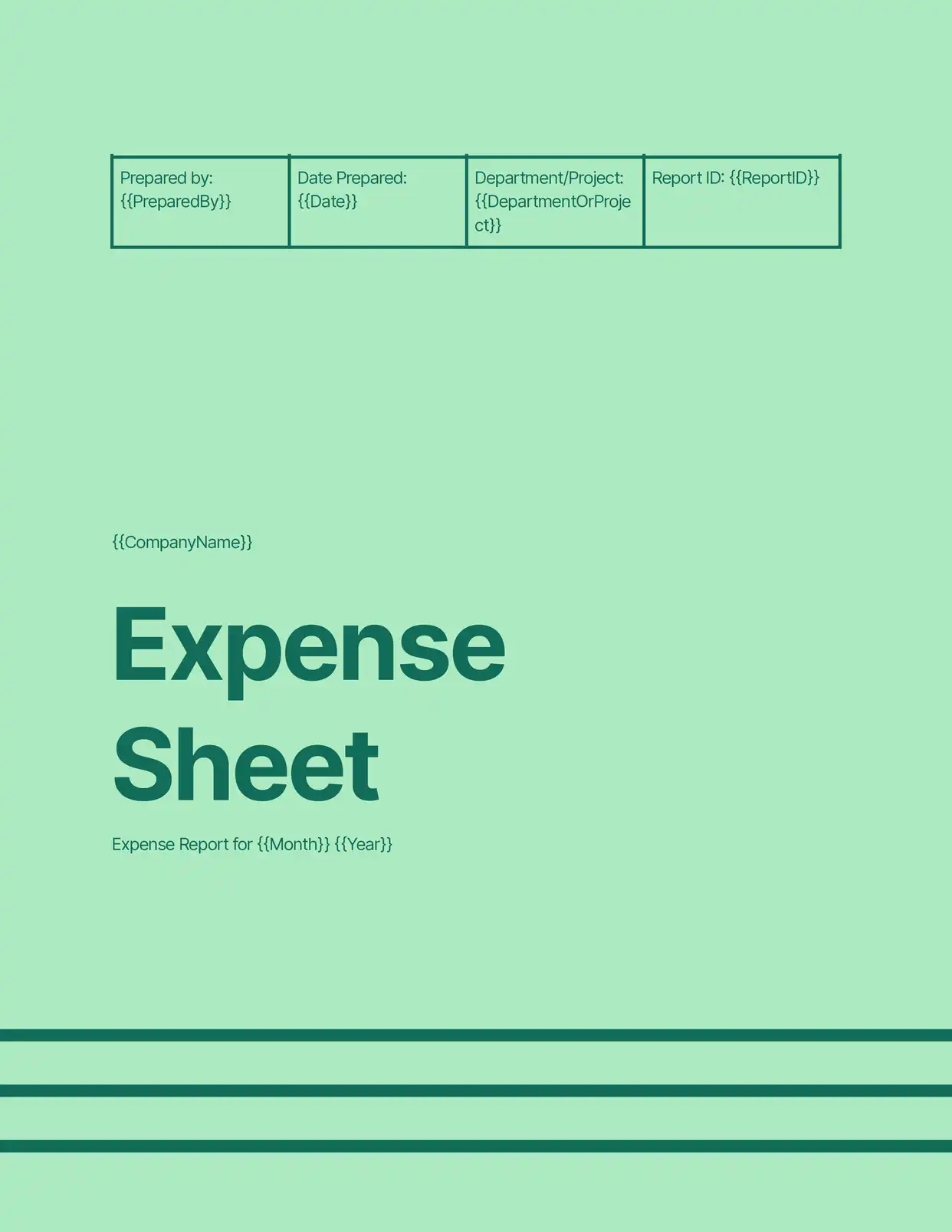
Top 3 Featured Templates
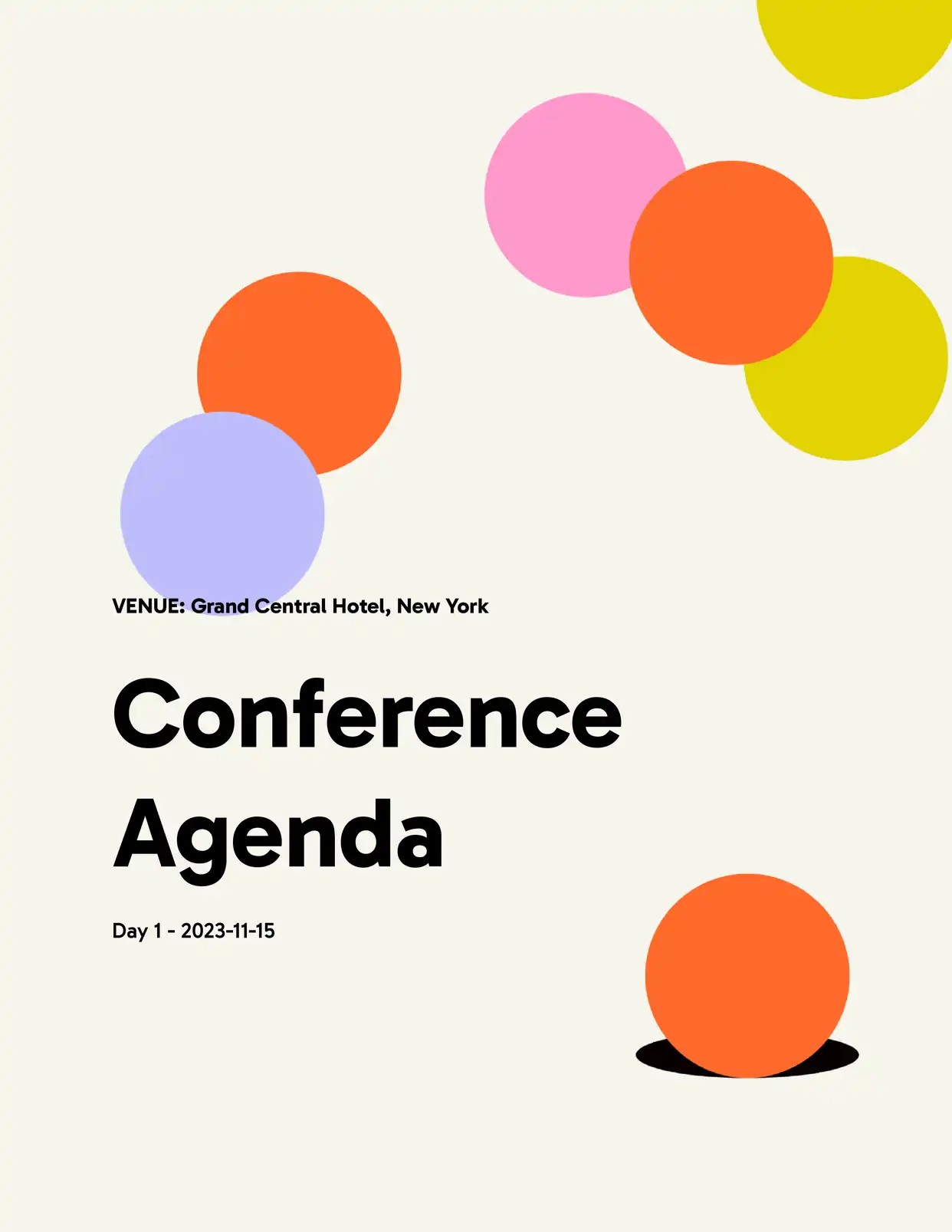

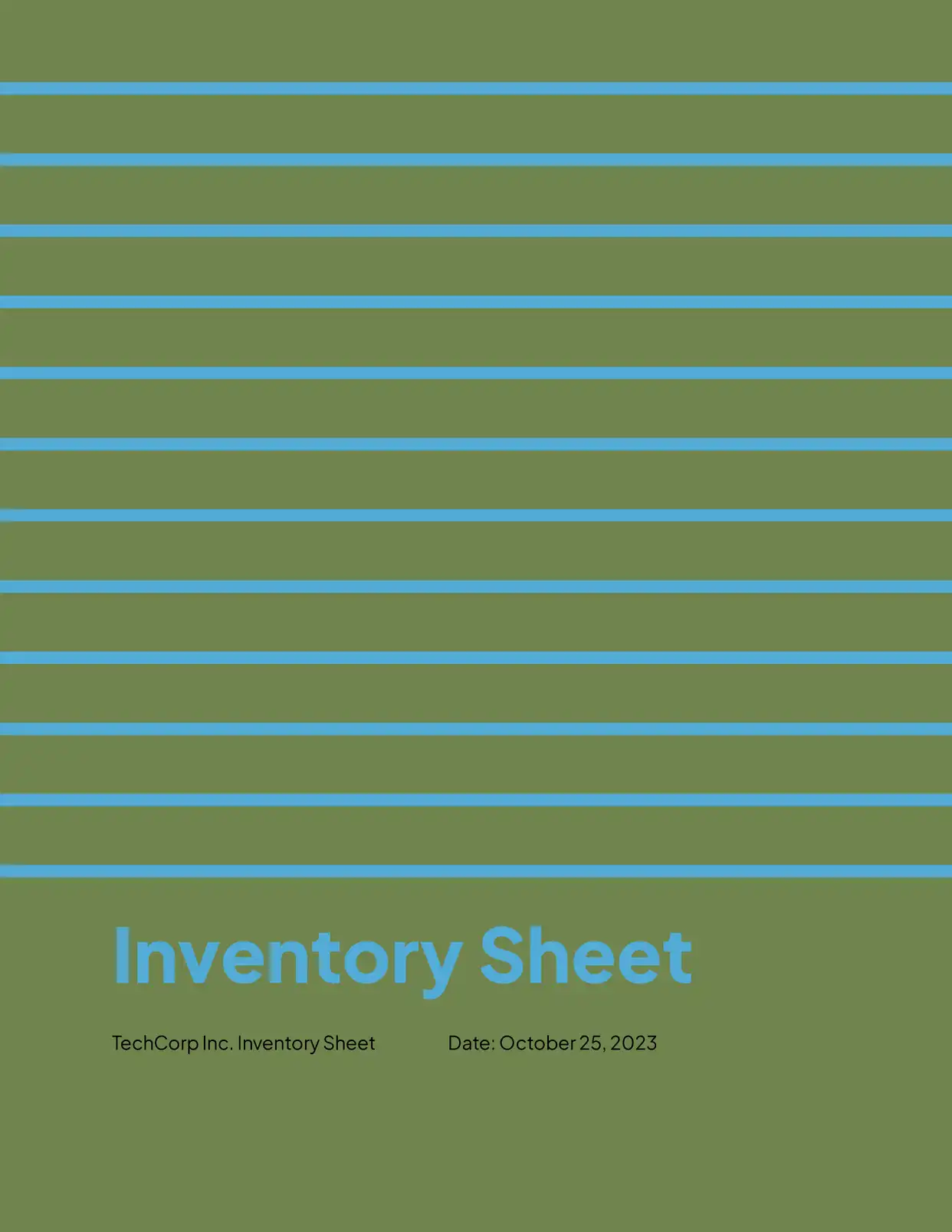
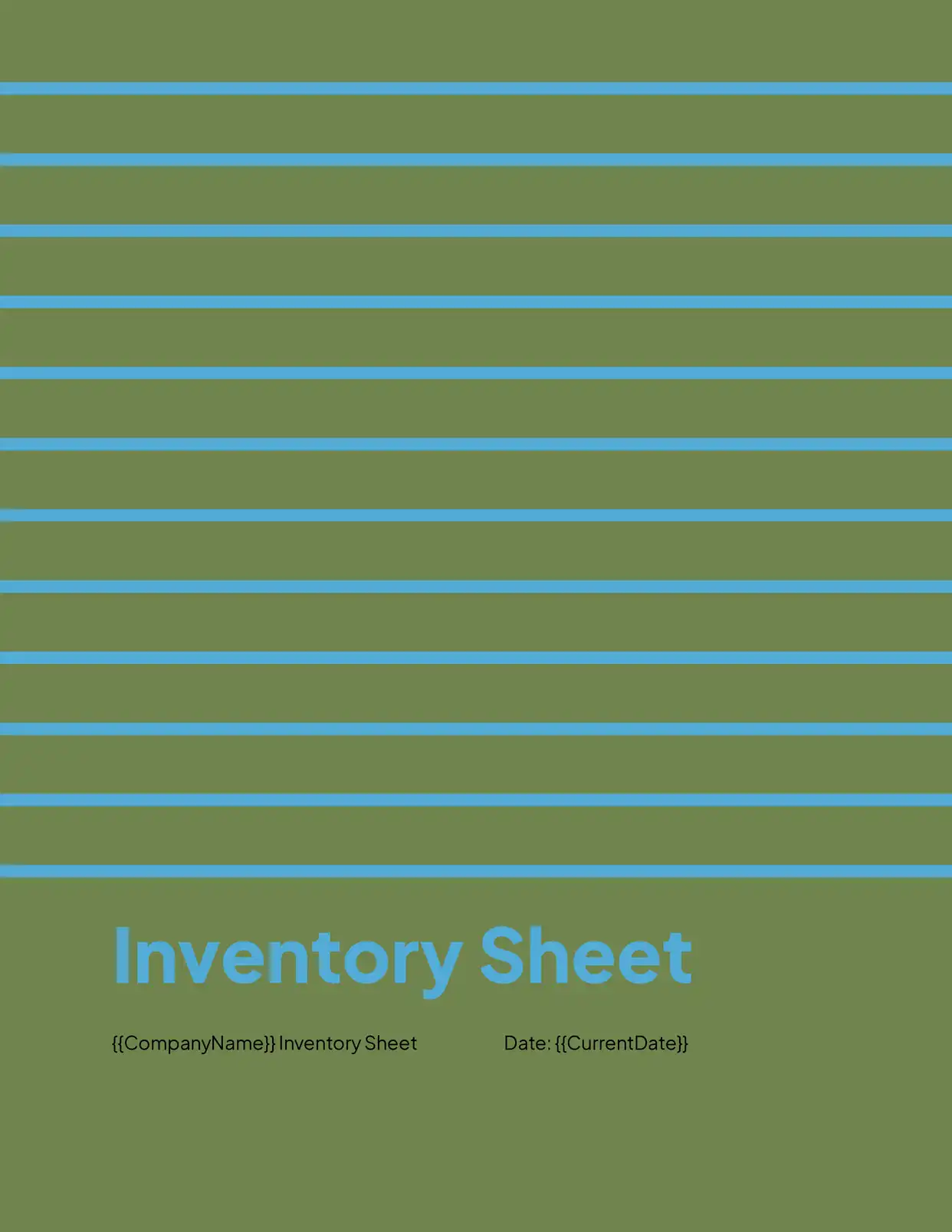
Top Categories
Automate & e-sign documents from your data
Connect these templates to Airtable, Google Sheets, and more. Automatically generate personalized documents and collect legally binding e-signatures.











All Featured Templates
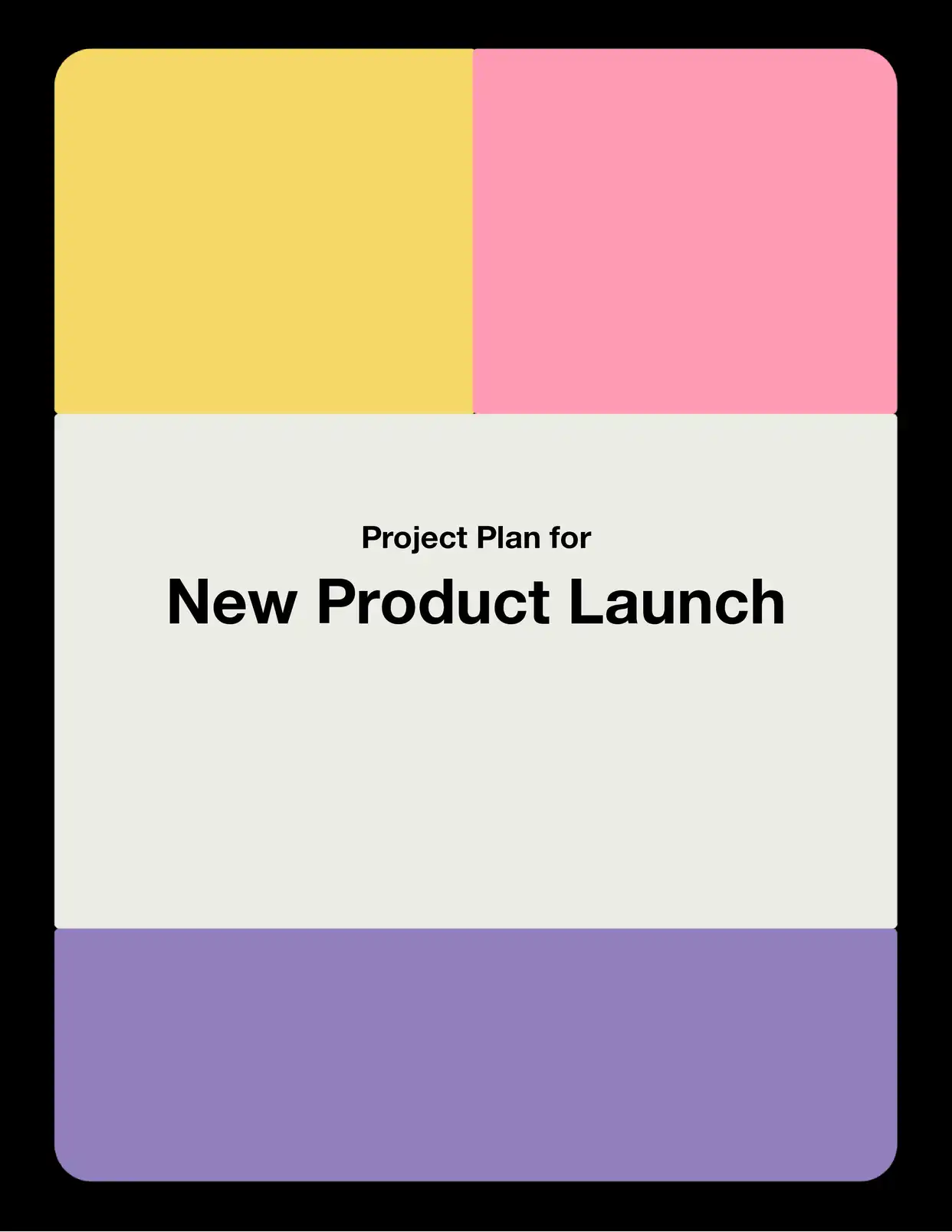
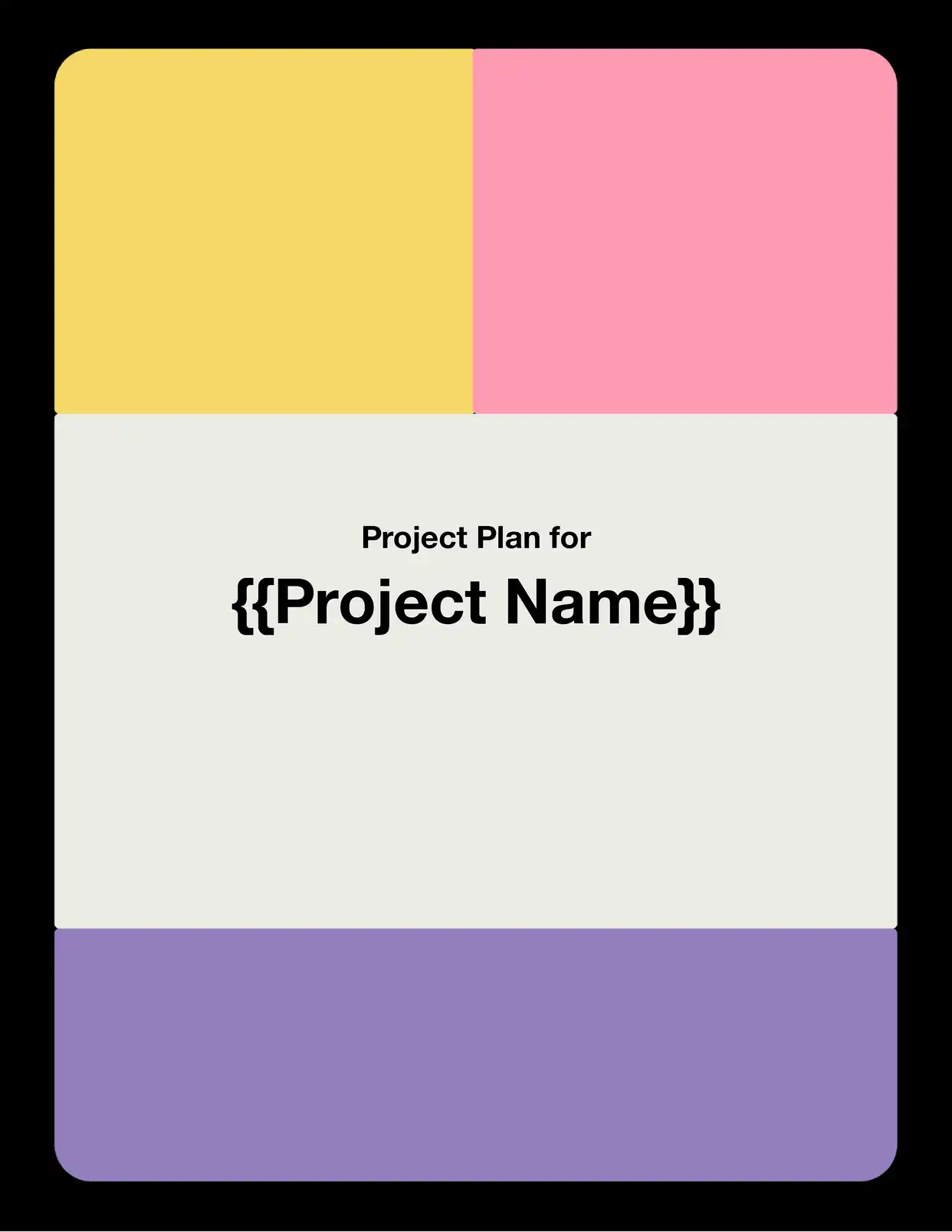
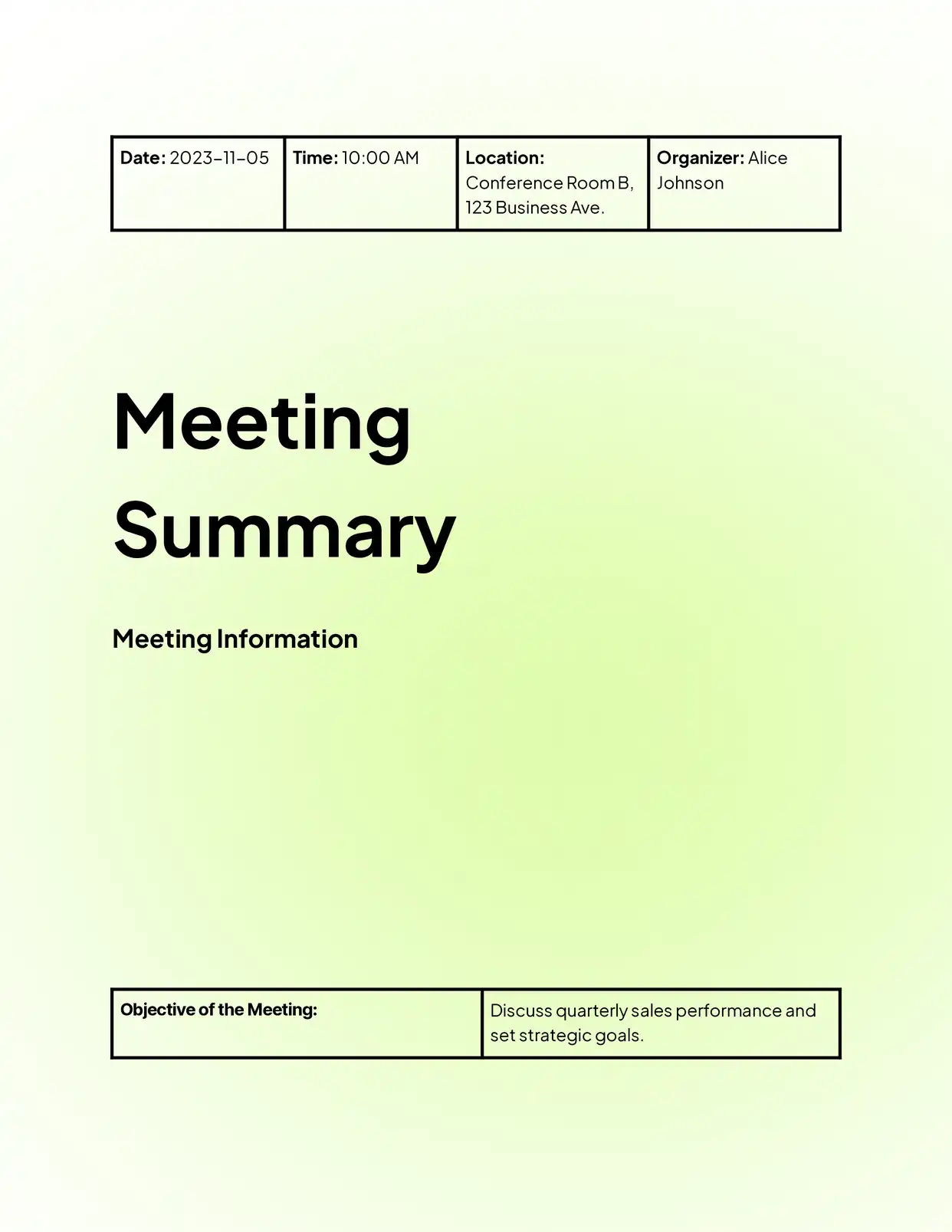
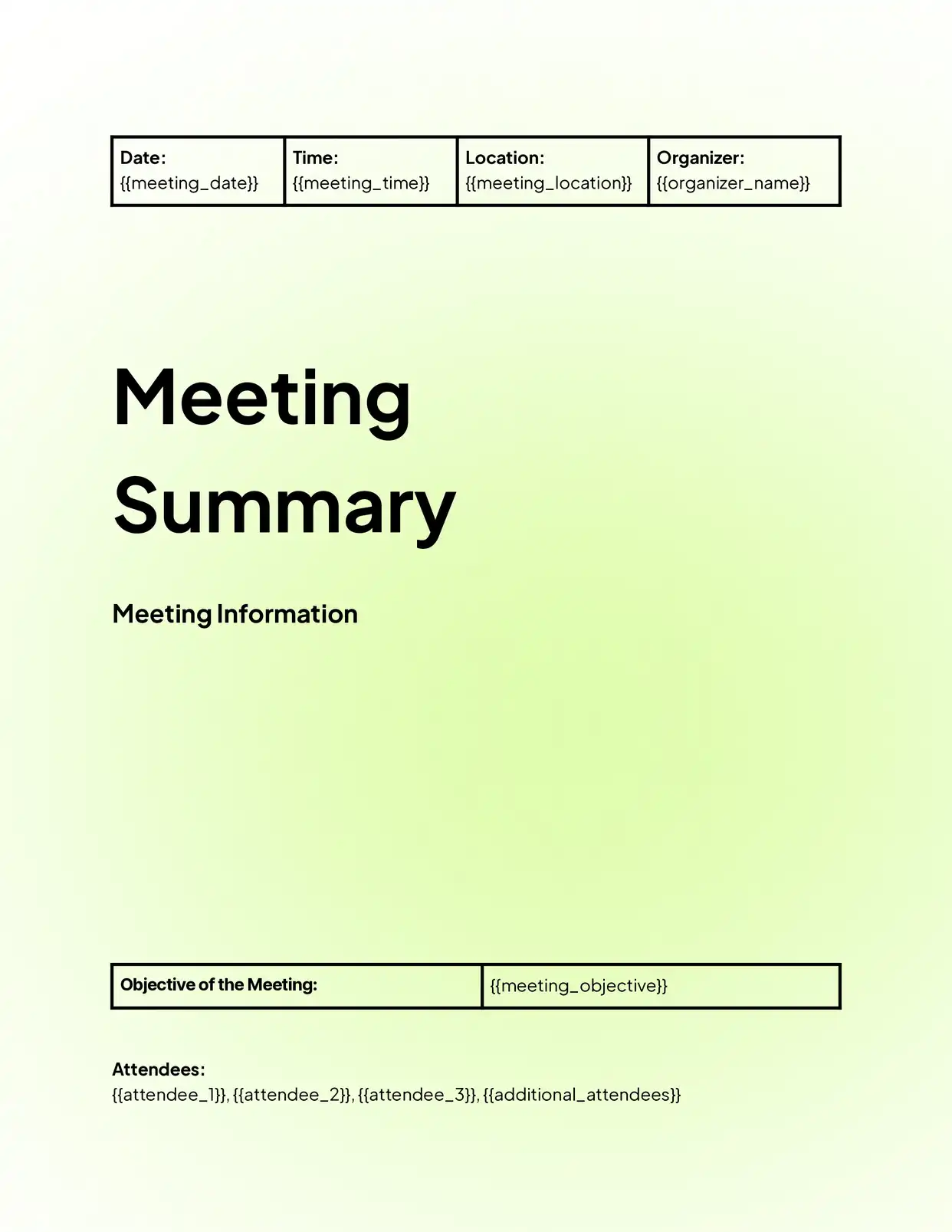
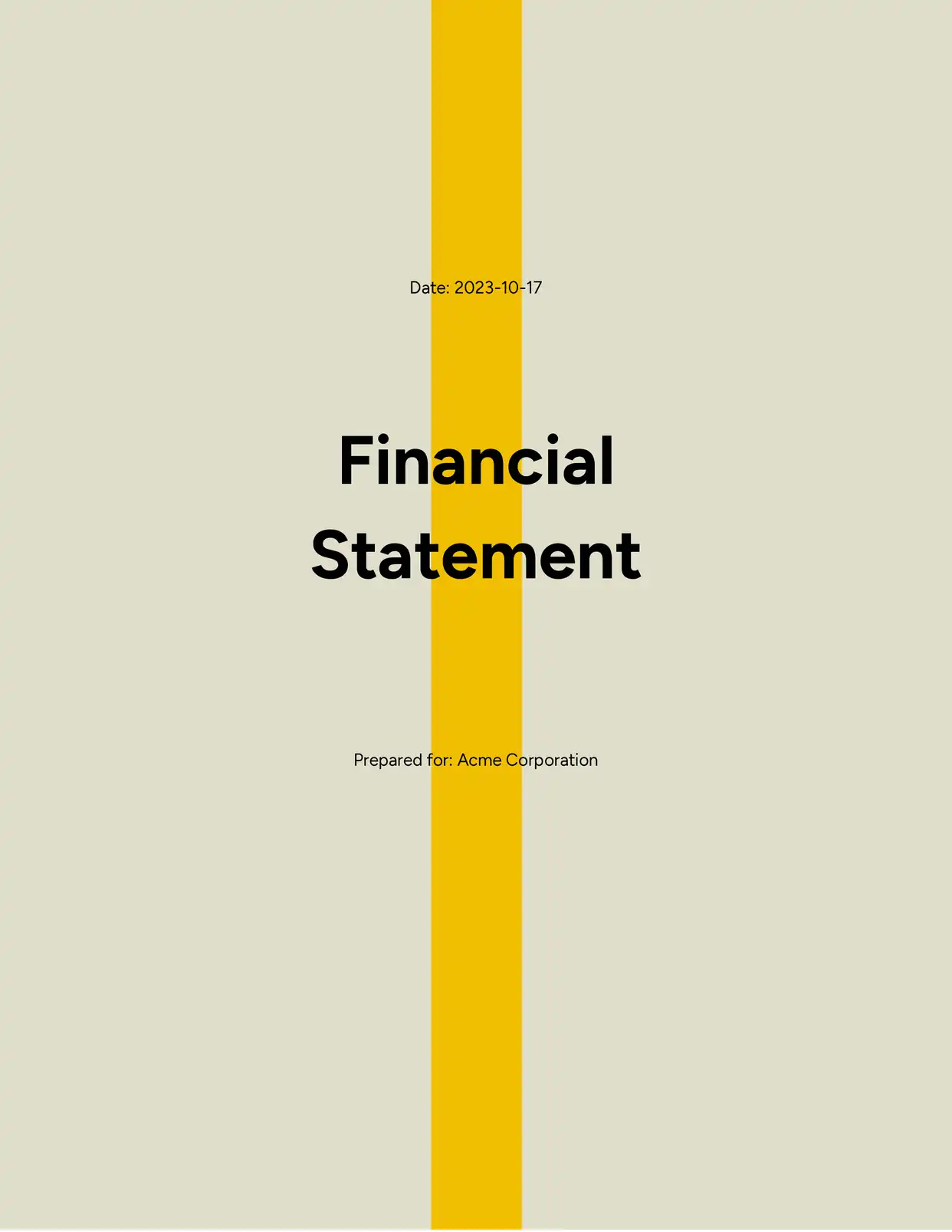
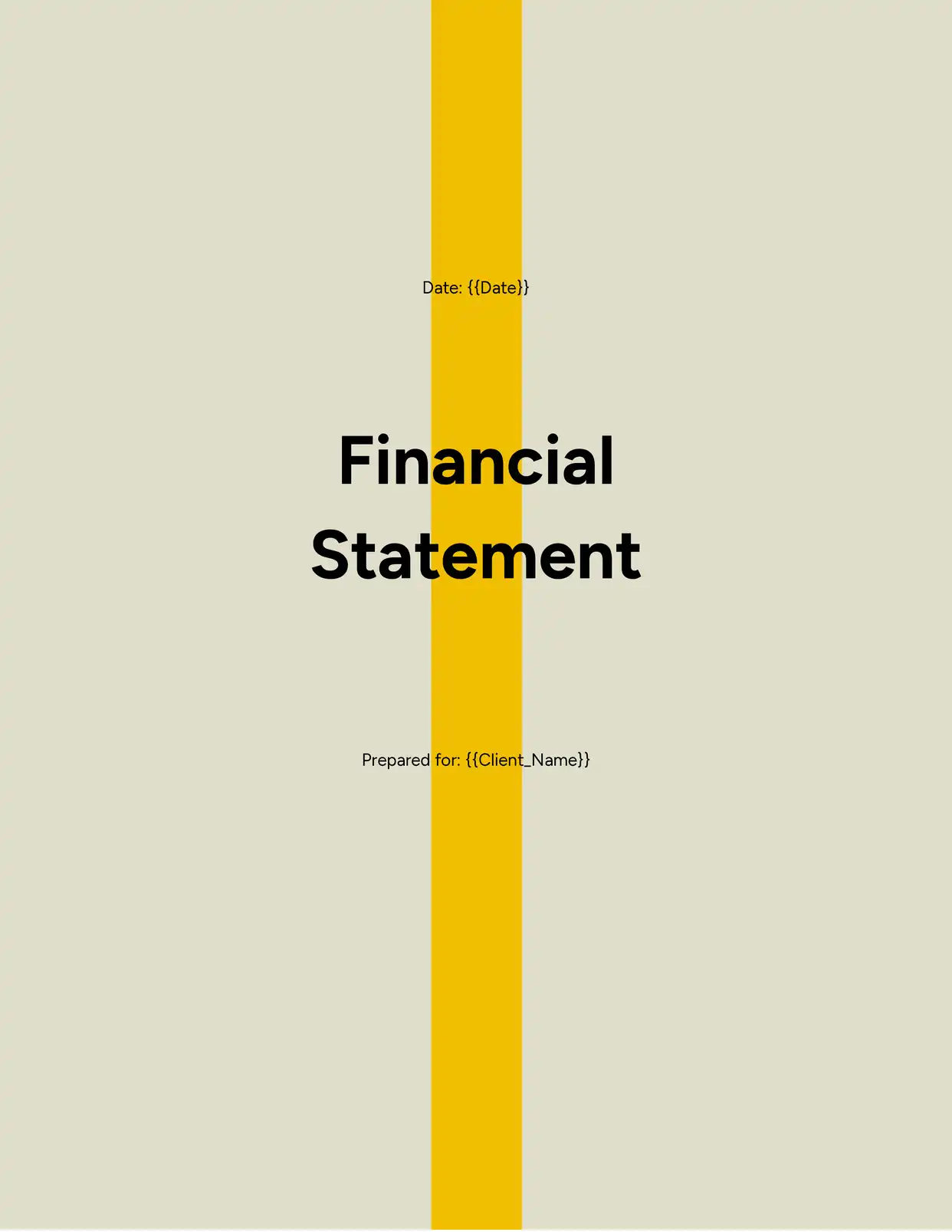
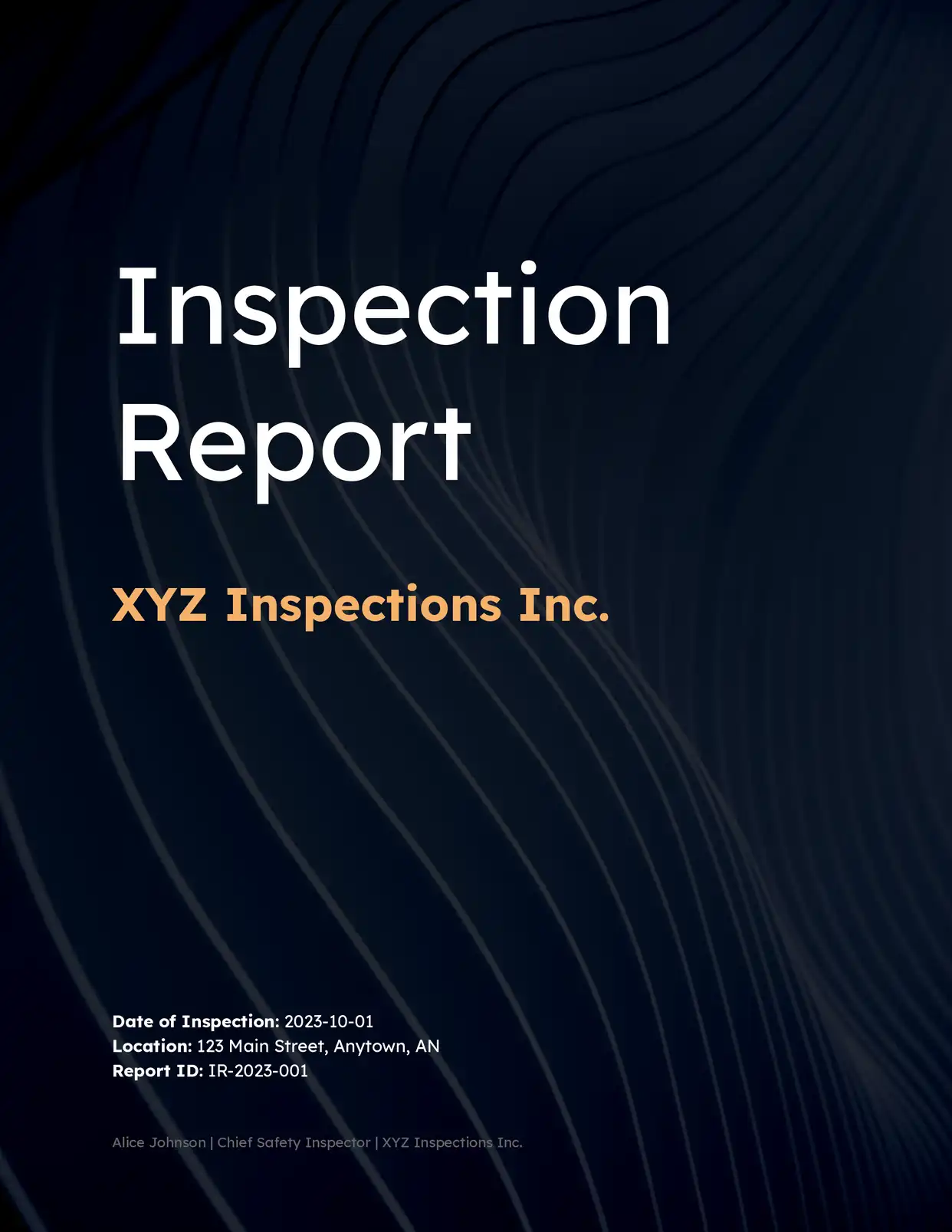
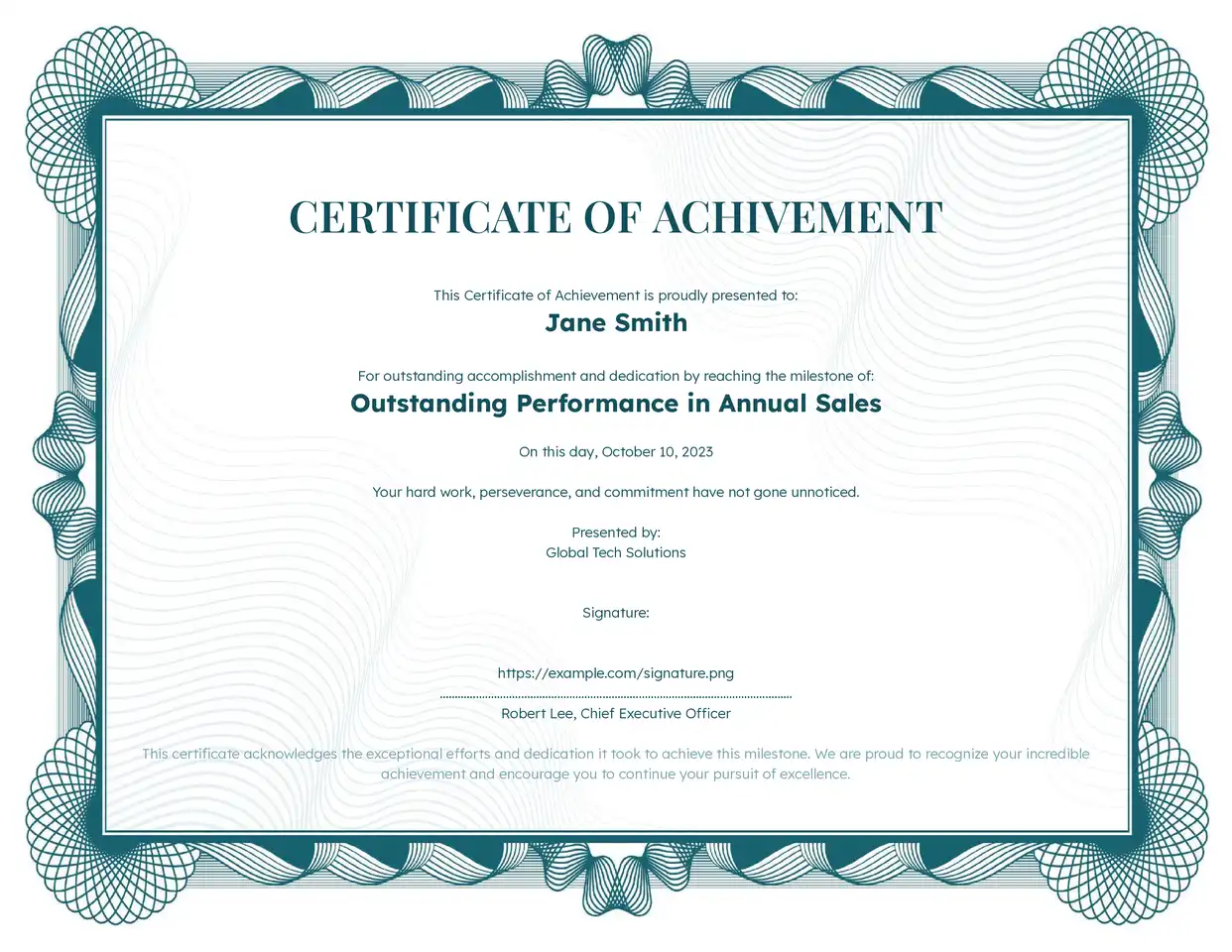
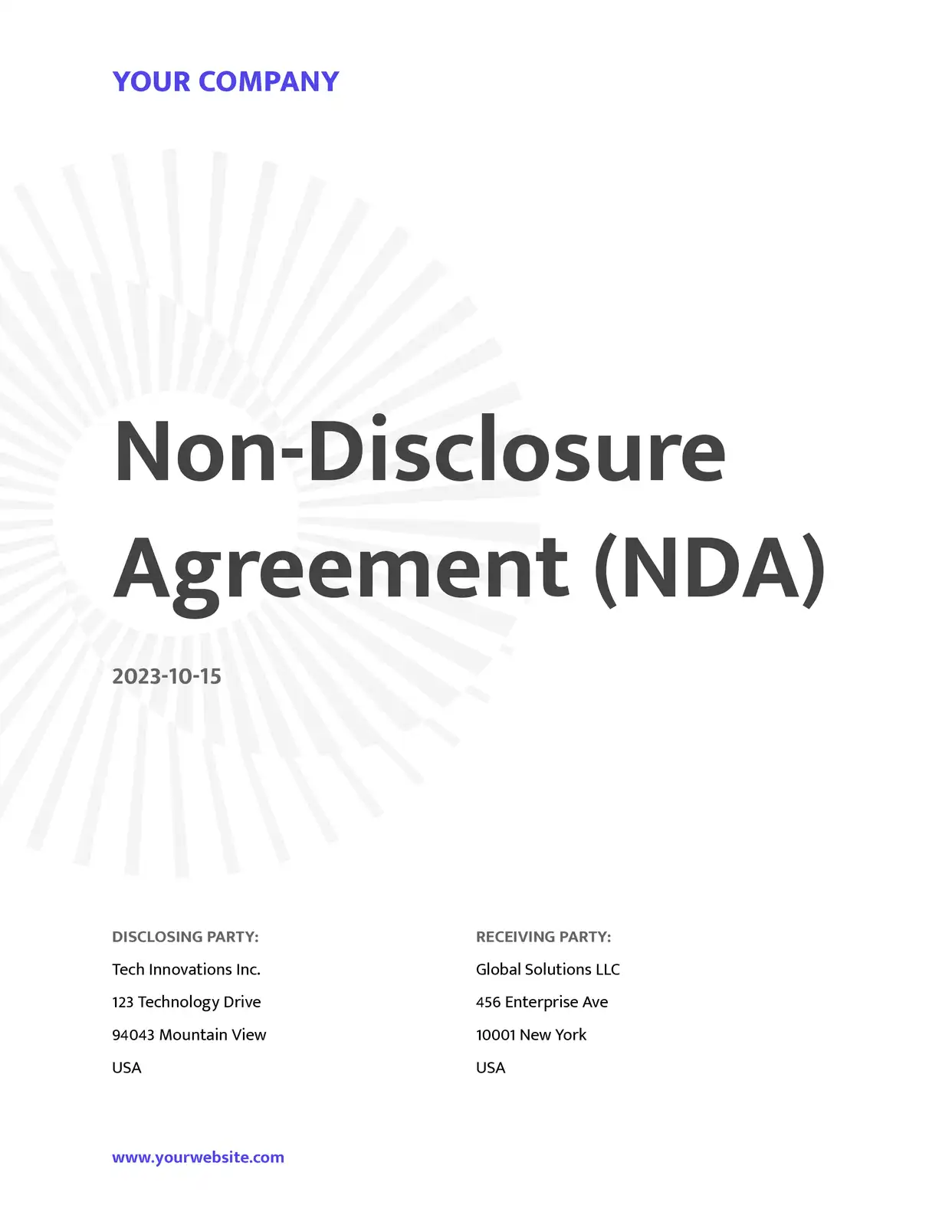
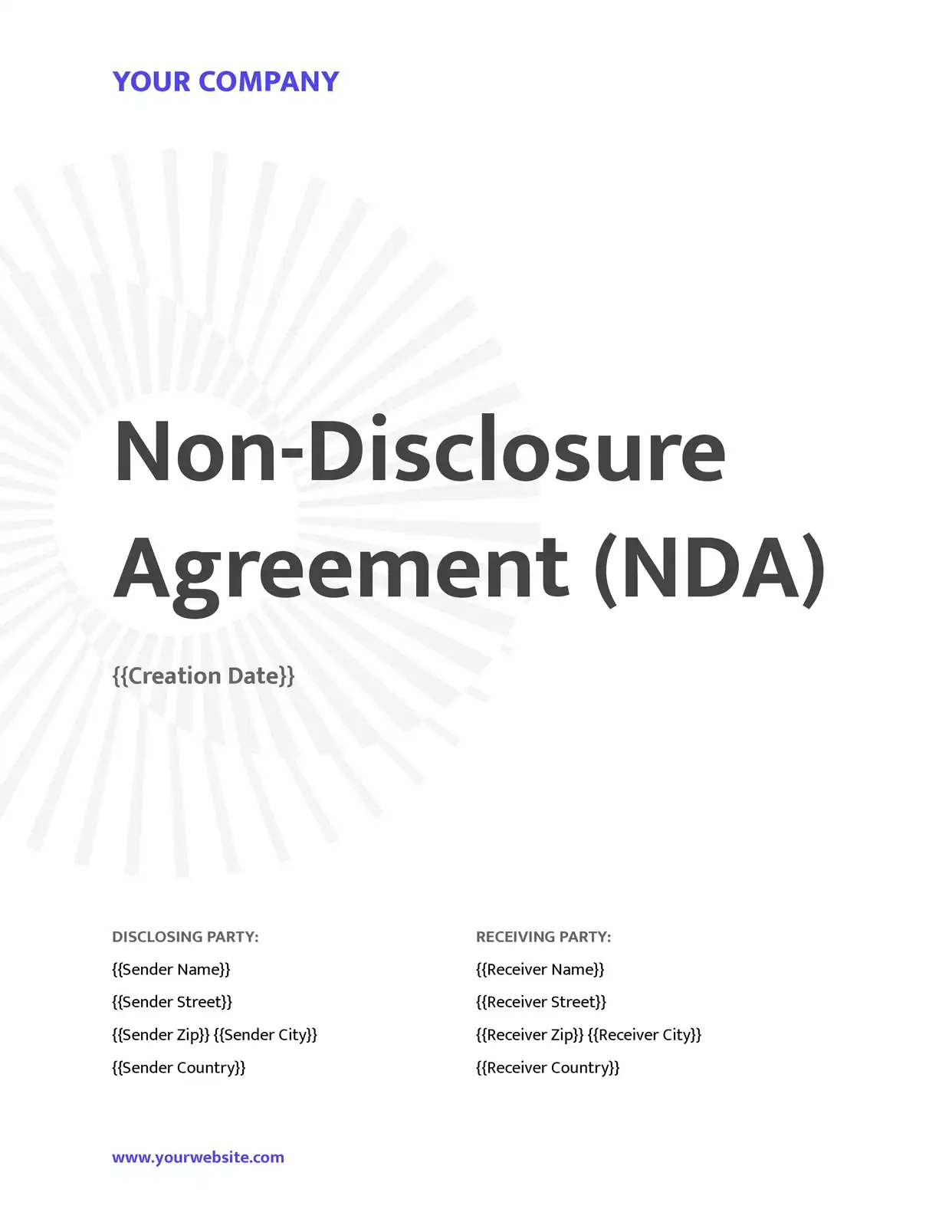


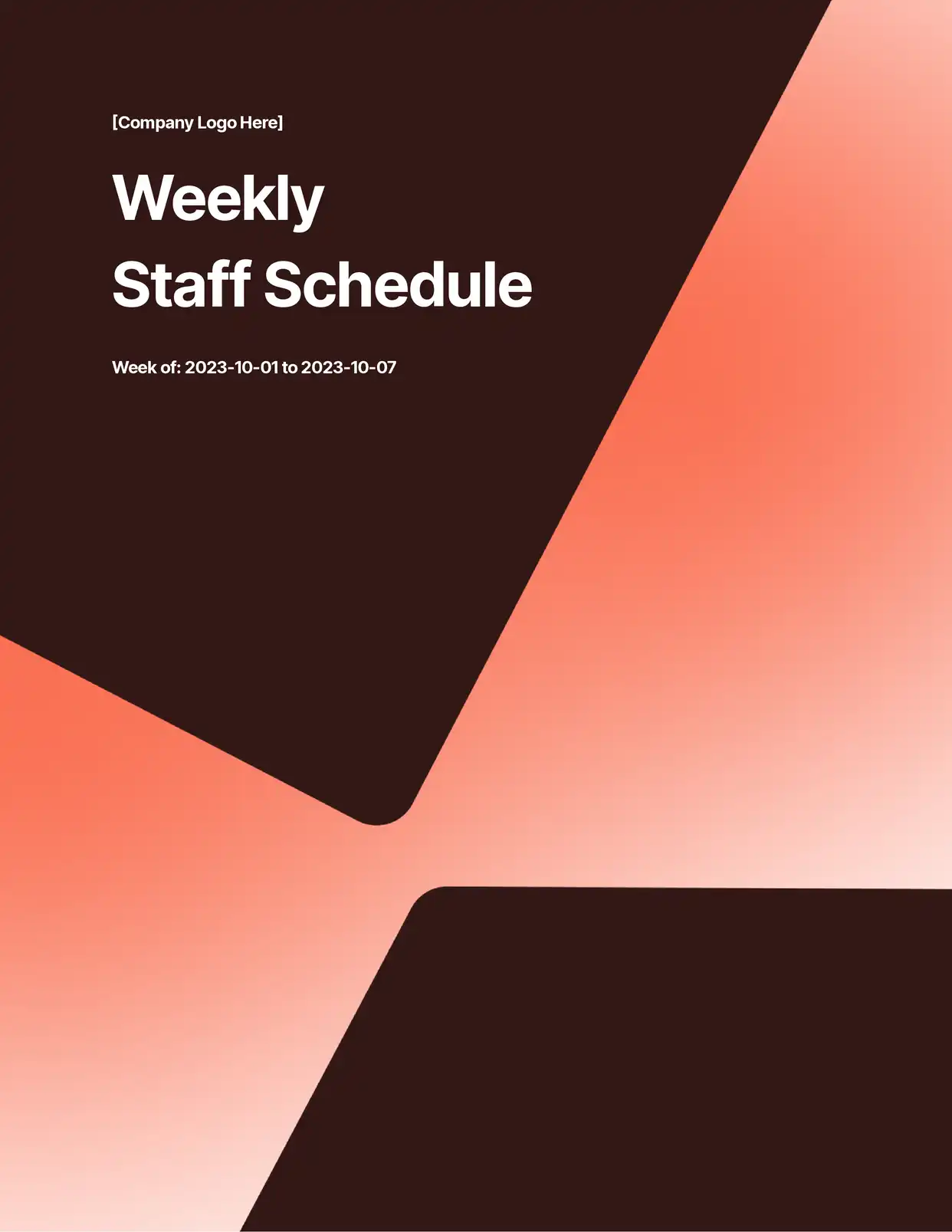
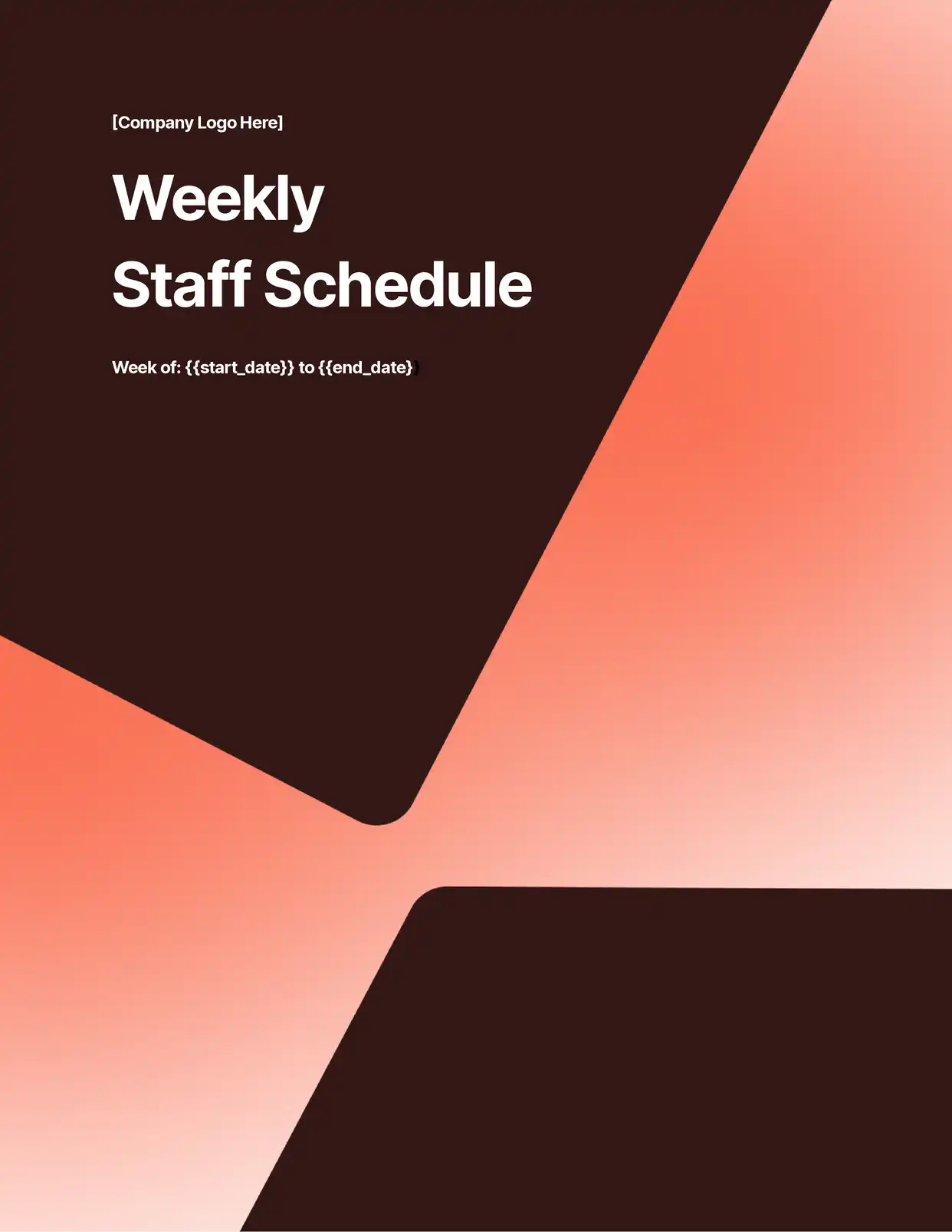
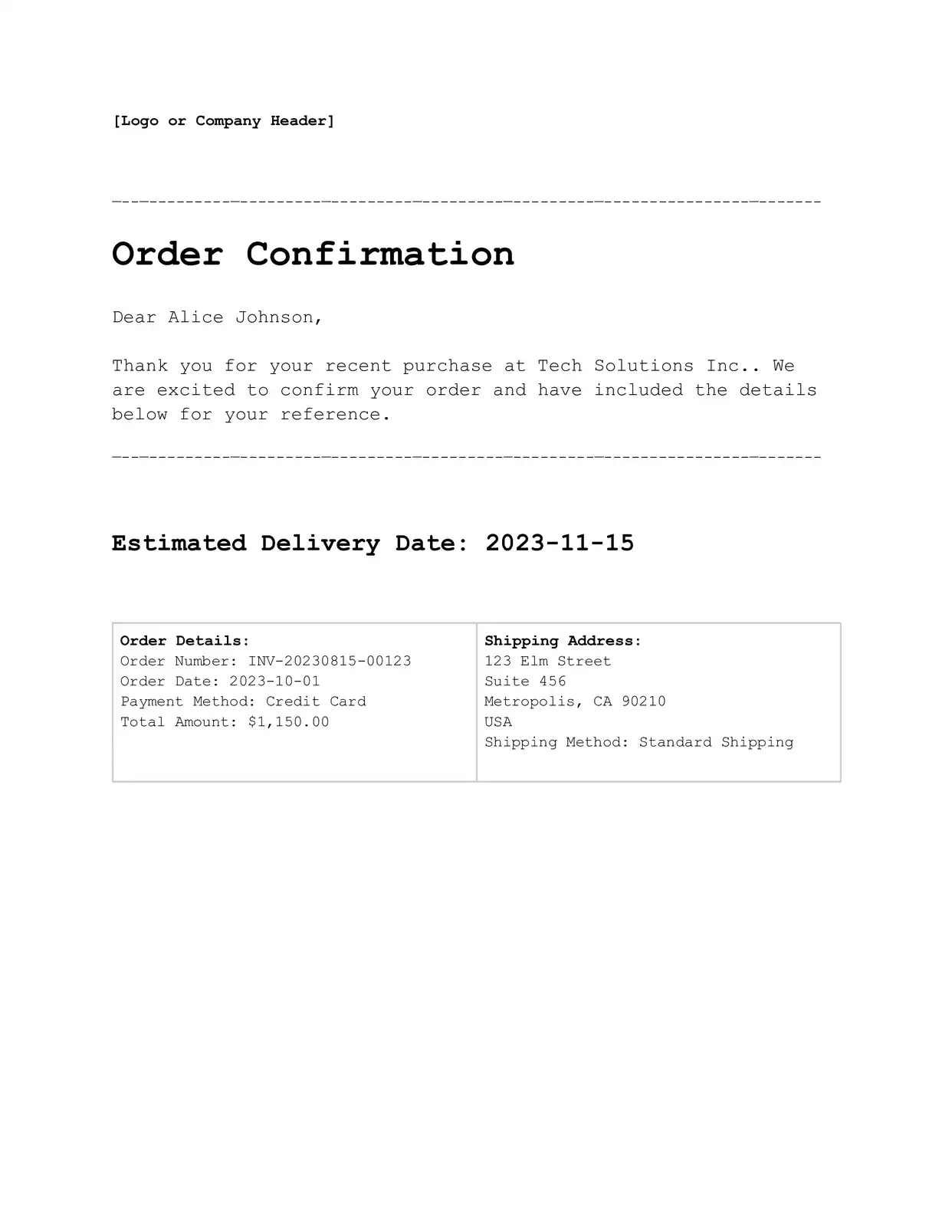
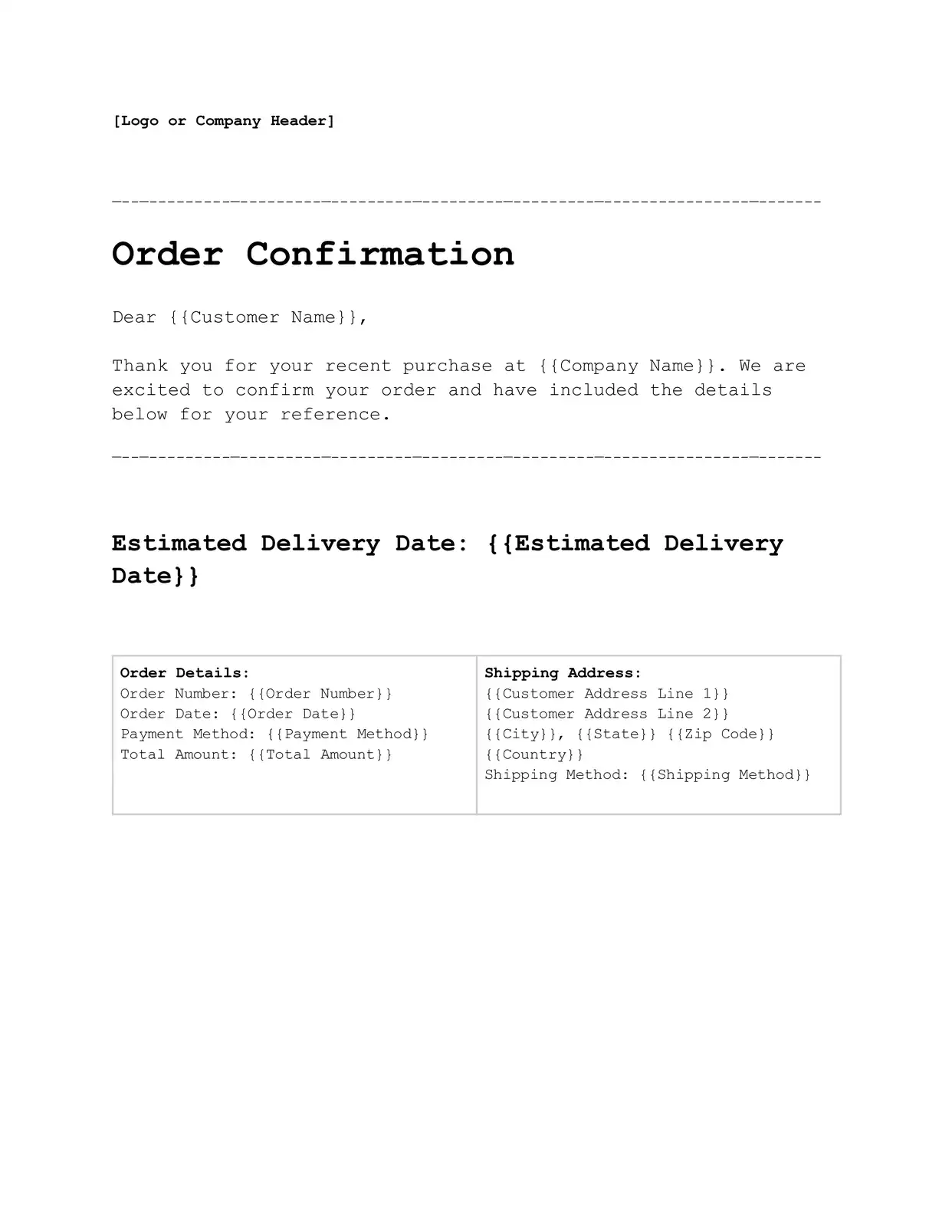
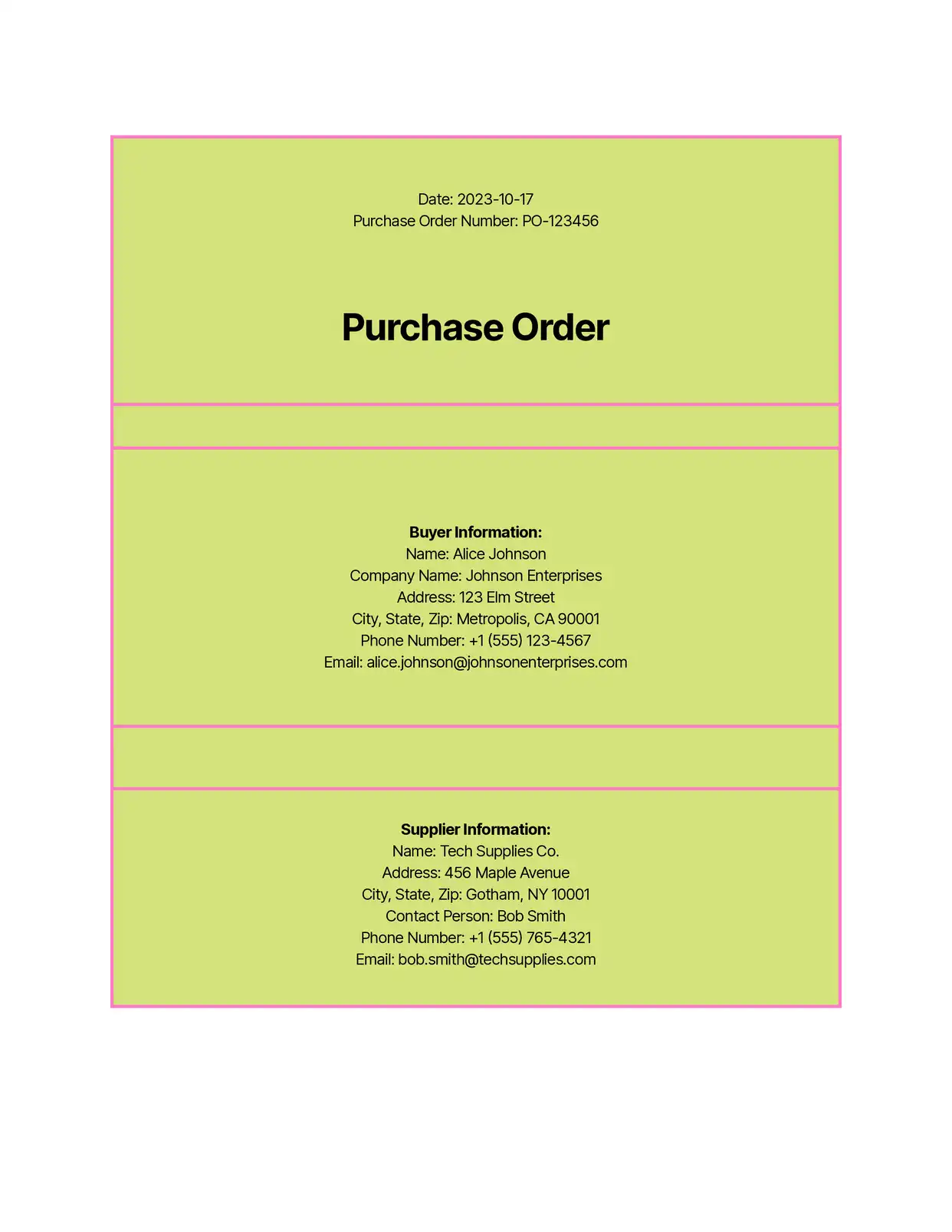
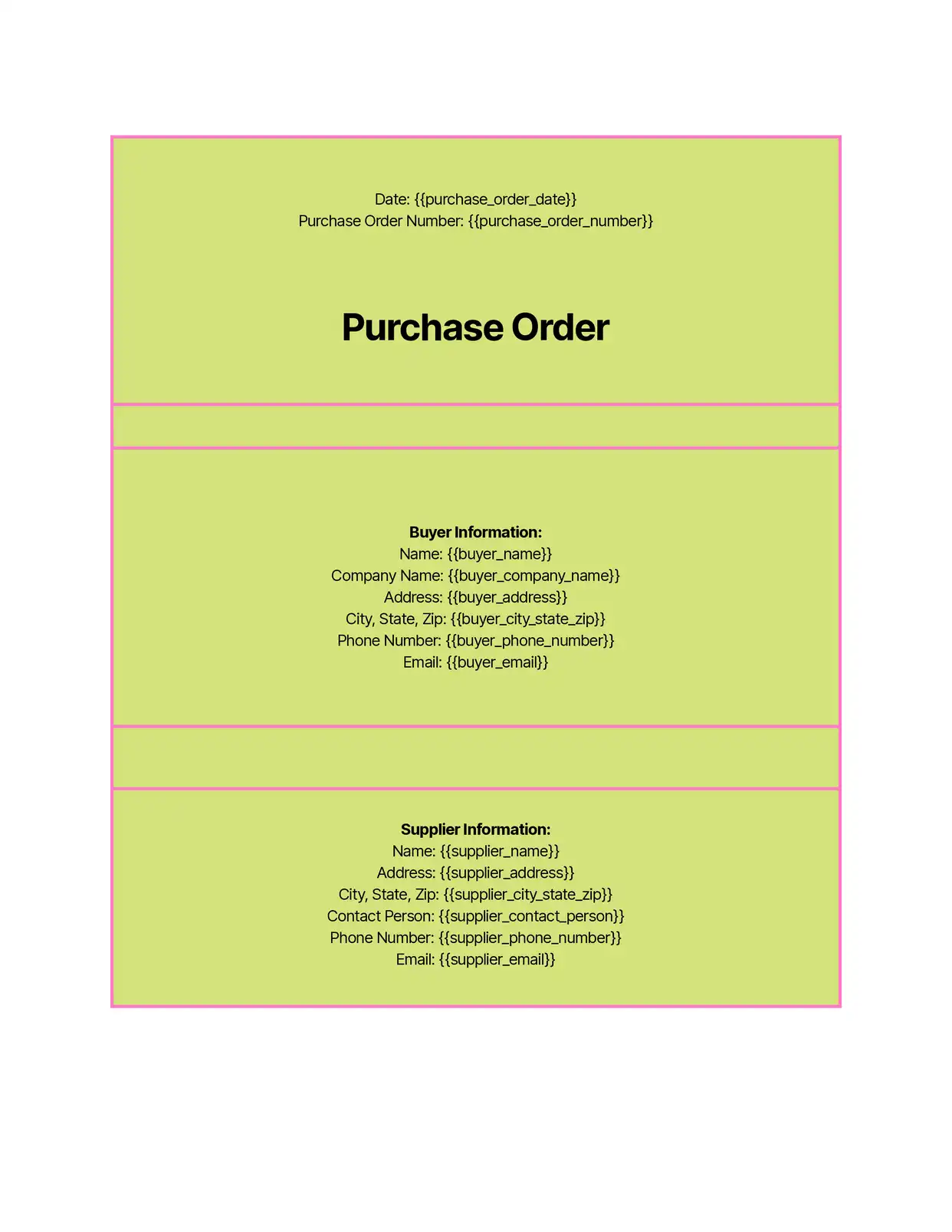
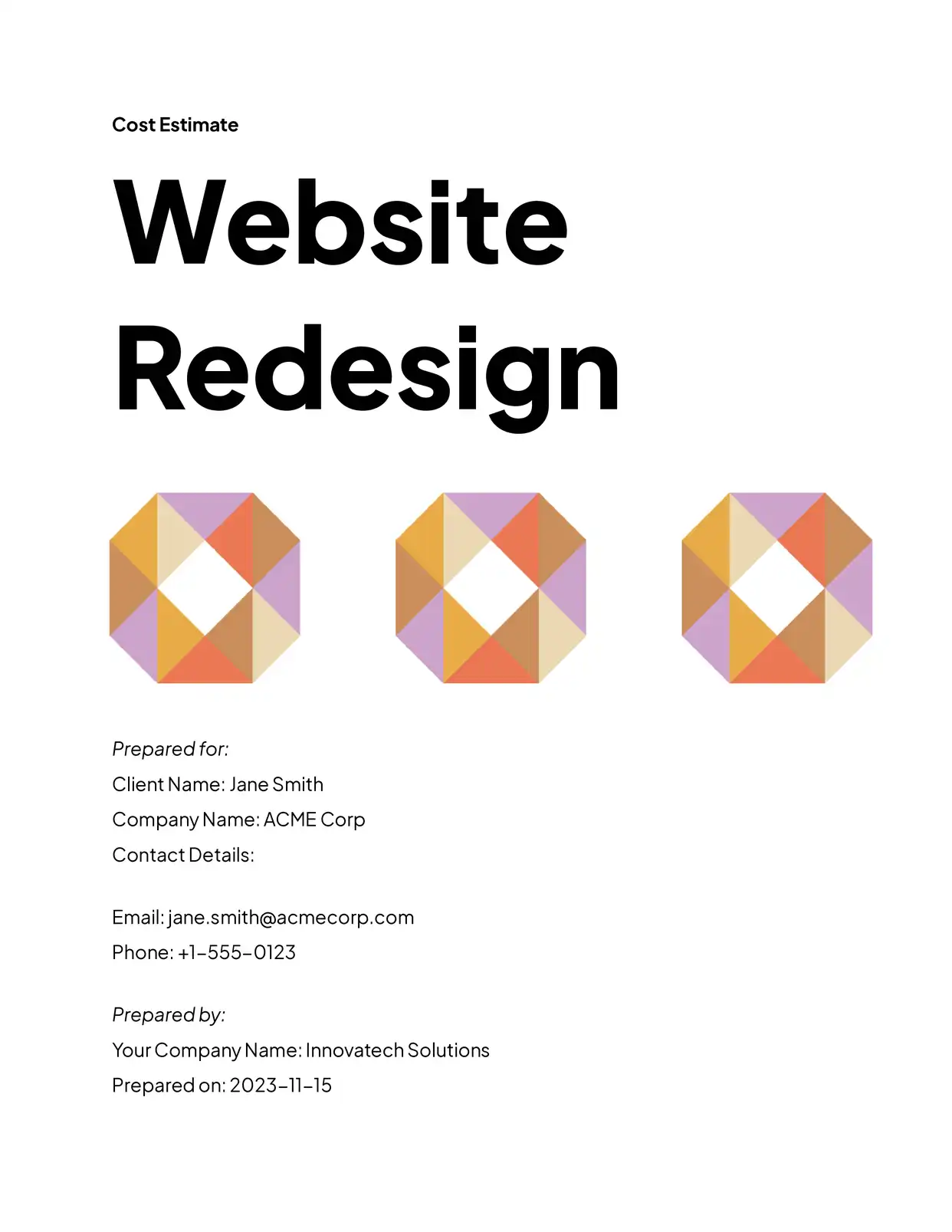
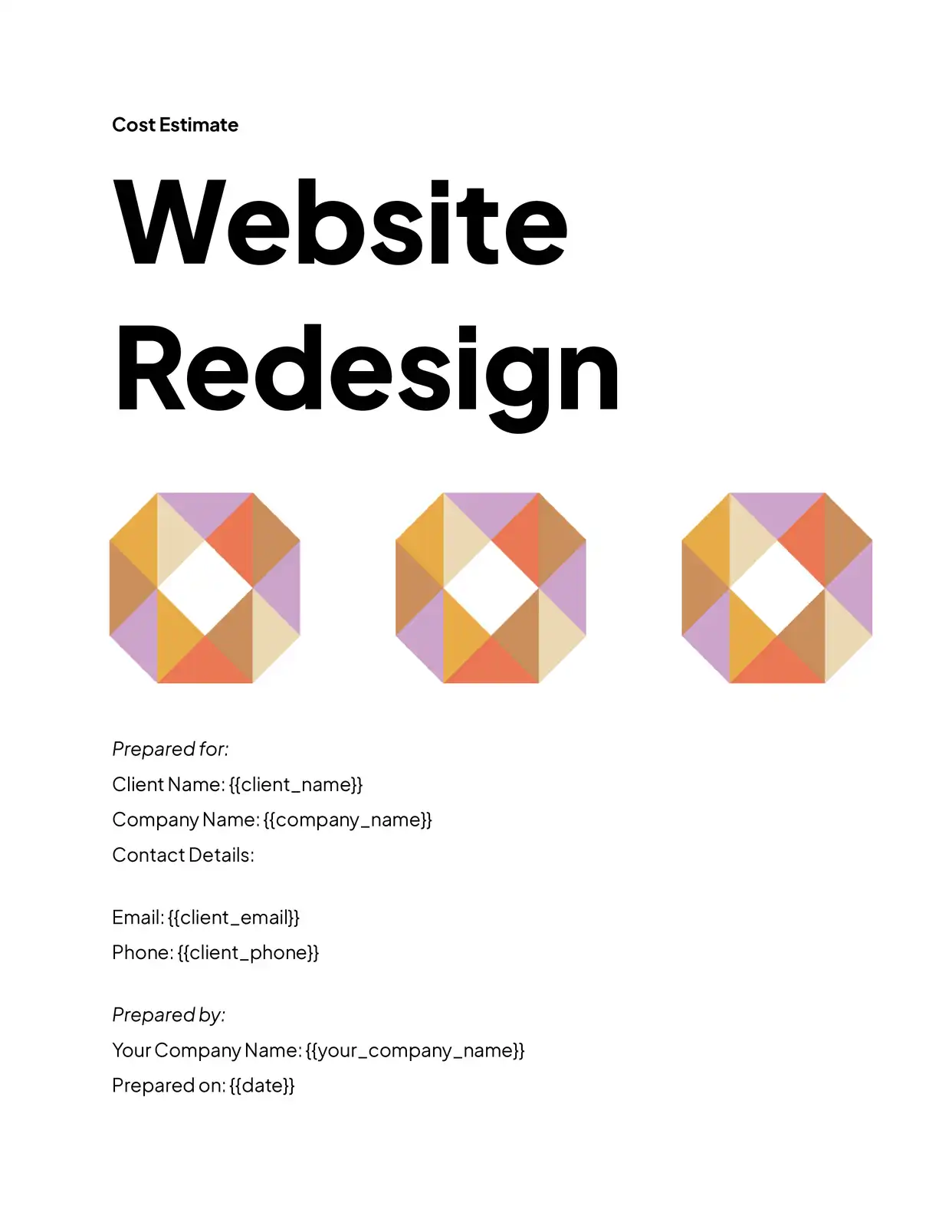


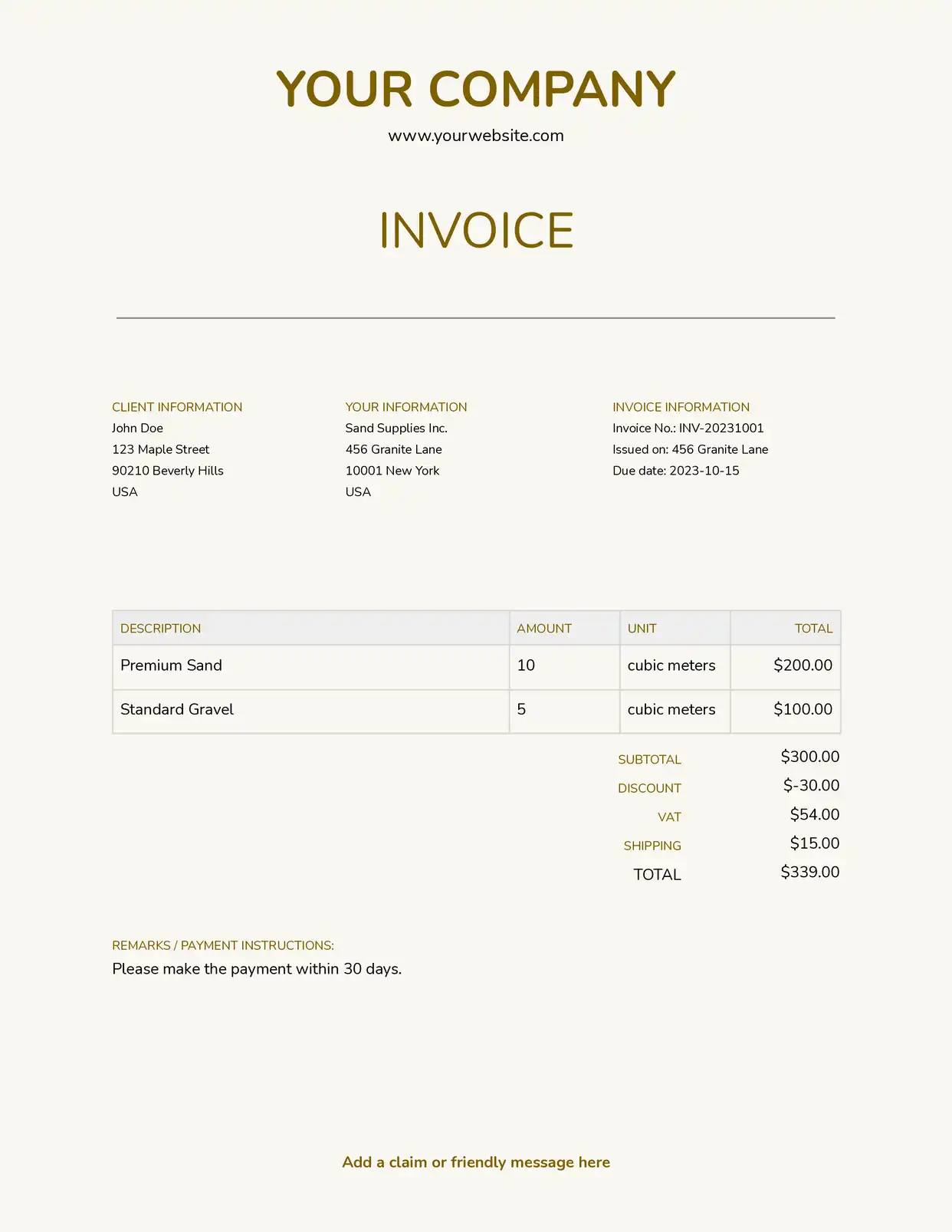
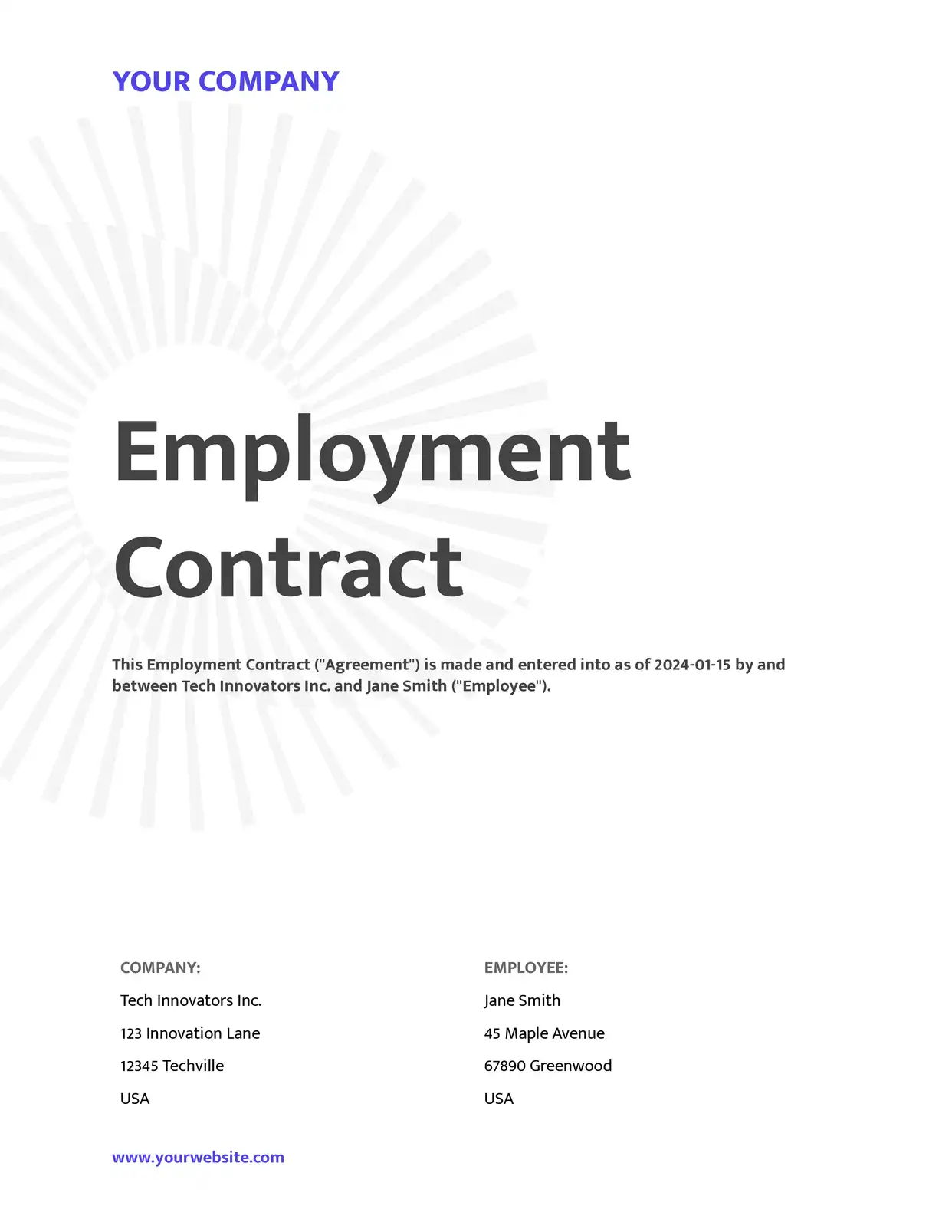
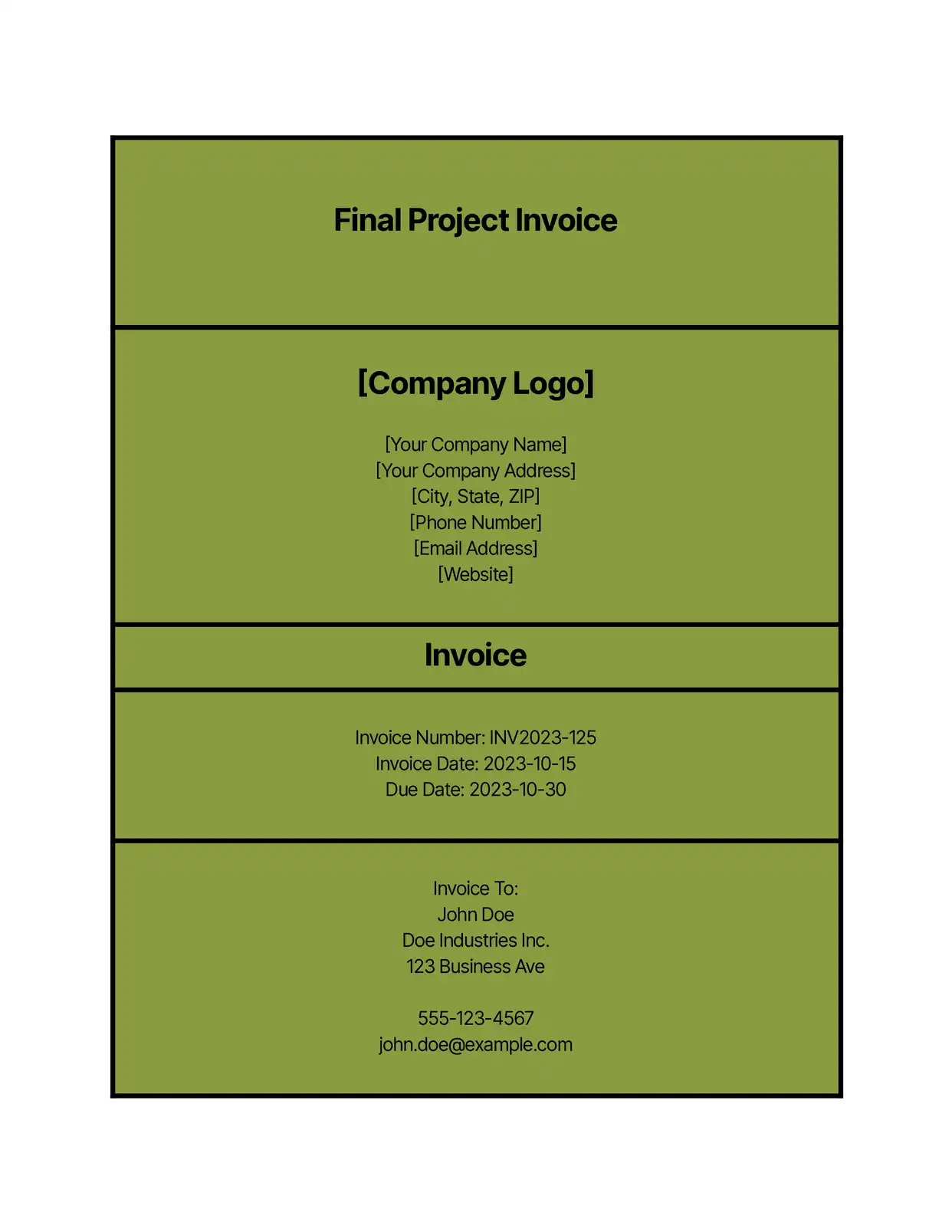
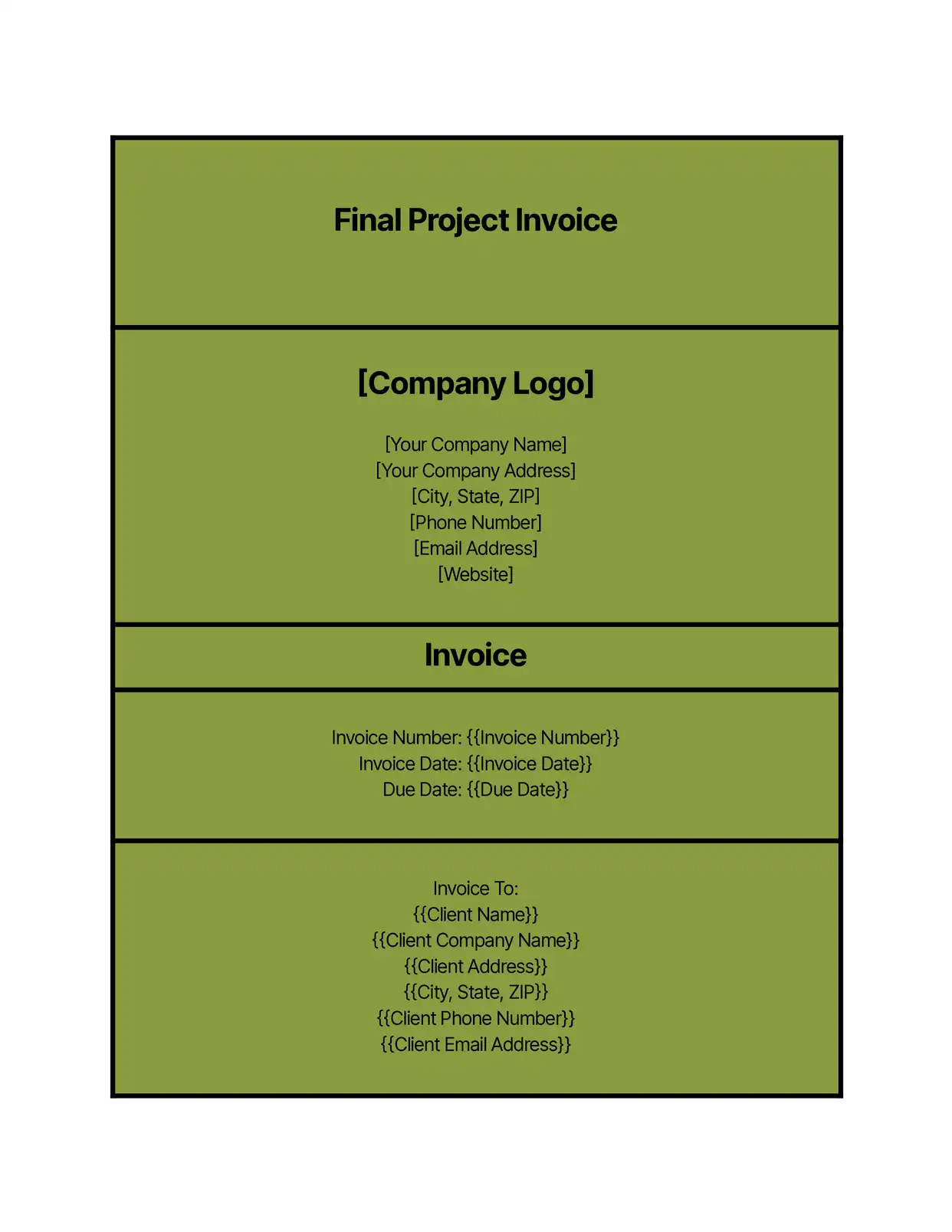
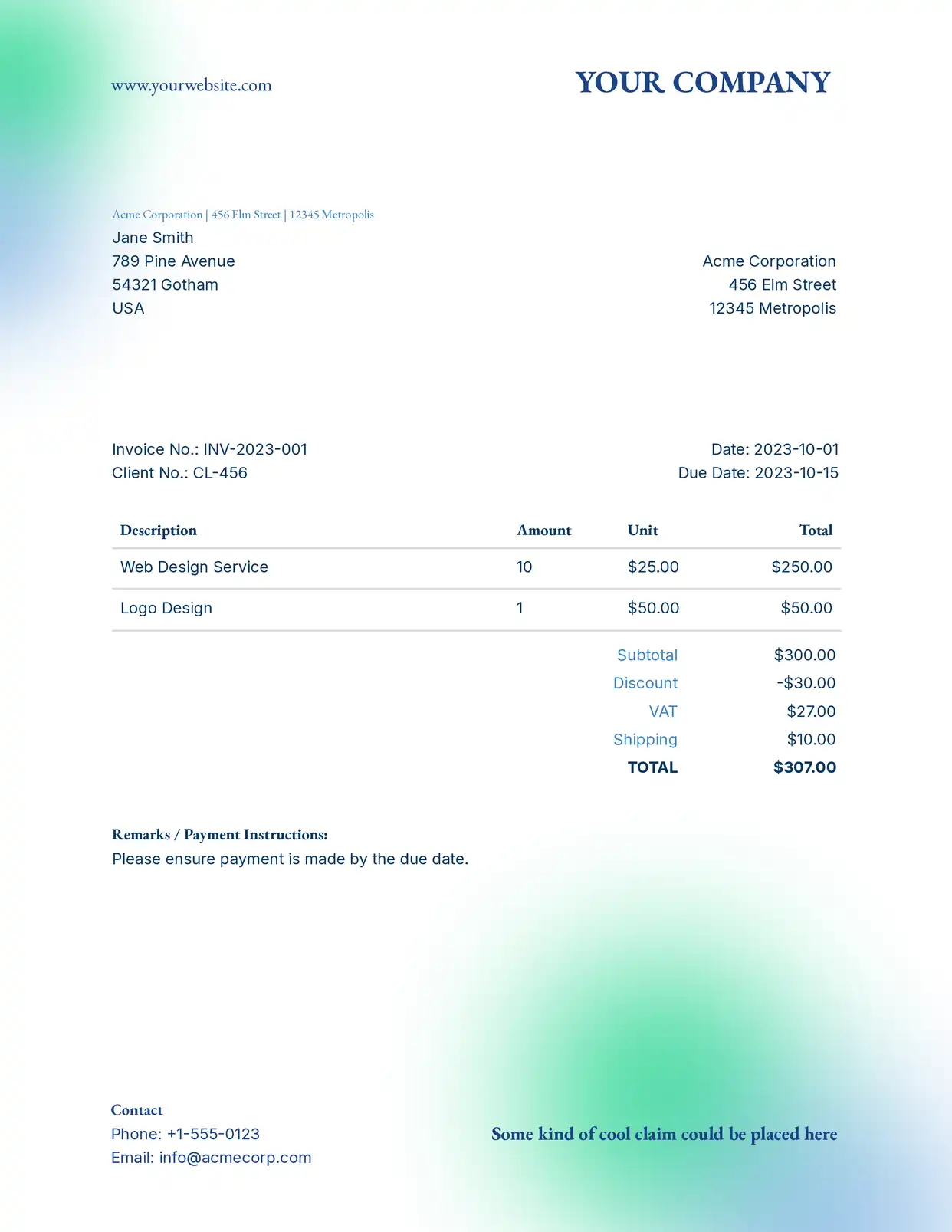


Why choose our free Microsoft Word templates?
- Professional Design - Polished, modern layouts that make every document look credible and on-brand.
- Ready to Automate - Each .docx template plugs straight into DocsAutomator so you can turn manual document work into an automated pipeline.
- Fully Customizable - Edit in Microsoft Word the way you already do — fonts, styles, sections, tables, everything stays editable.
- 100% Free - Download as a .docx with no signup, no paywall, and no premium tier hiding the good stuff.
- Wide Variety - Invoices, contracts, proposals, reports, agreements, certificates and more — one template for every business document you create.
Why use free Microsoft Word templates?
Microsoft Word templates remove the blank-page tax. Pick a layout, drop in your details, and ship a finished document in minutes instead of rebuilding the same structure each time. Pair them with DocsAutomator and you can generate hundreds of personalized .docx or PDF files automatically from Airtable, Google Sheets, Notion, or any source connected via API.
FAQ
Are these Microsoft Word templates really free?
Yes — every template in the gallery is free to download as a .docx file. No signup, no paywall, no usage limits.
Can I automate document creation from a Word template?
Yes. Drop placeholders into the .docx, connect a data source in DocsAutomator, and generate Word or PDF documents automatically — one at a time or in batches.
Which data sources can I automate Word documents from?
DocsAutomator supports Airtable, Notion, Google Sheets, Google Forms, ClickUp, SmartSuite, Zapier, Make, n8n, and a REST API — so you can automate from virtually any platform.