Google Forms to pdf
Every Google Forms response, filed as a finished PDF
Each submission becomes a document from your template, saved to Google Drive and emailed automatically. Reference checks, audit reports, applications, survey summaries.









This is for forms people fill in. If you want to print or download a blank form, Google Forms can do that from the form editor.
Some of the teams / institutions automating their documents with DocsAutomator:







Create Documents from your Google Forms data in a snap
Some examples of the documents our customers generate every day
Invoices
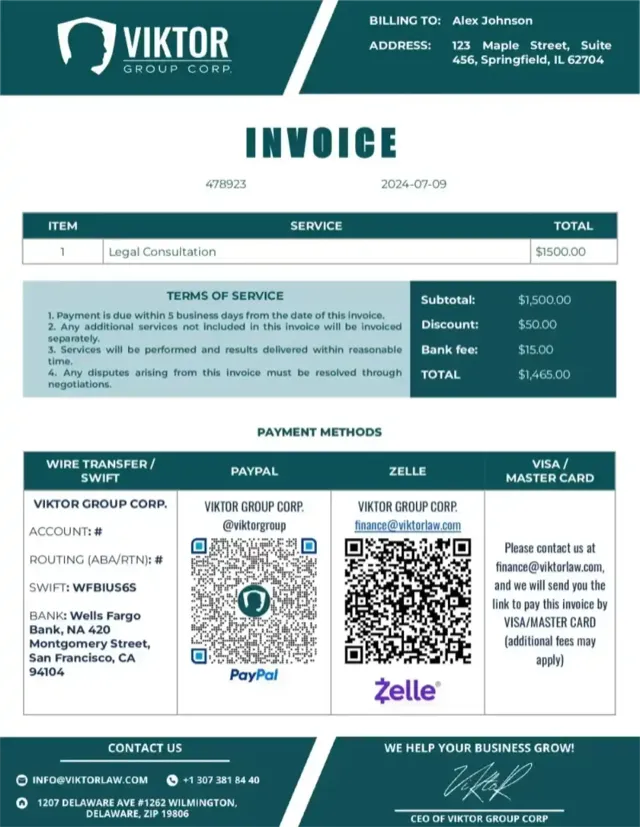
Reports
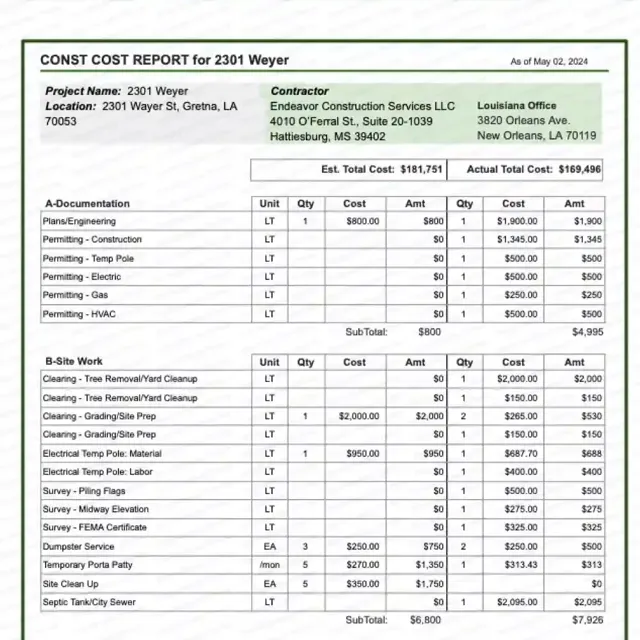
Certificates

Contracts
Legal
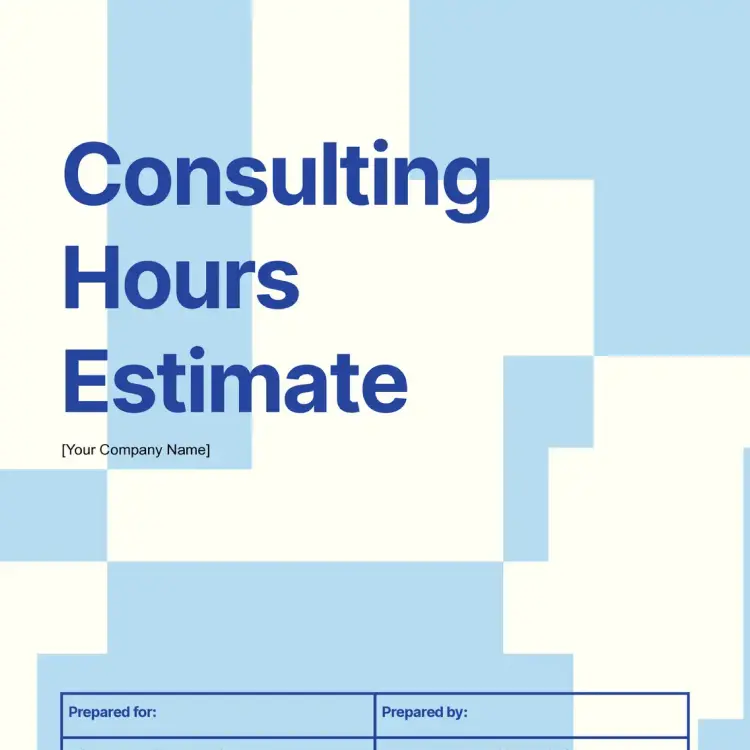
Estimates
Start automating & signing in minutes!
Strong reasons for choosing DocsAutomator to turn Google Forms responses into PDFs
All you need to file every response as a finished document
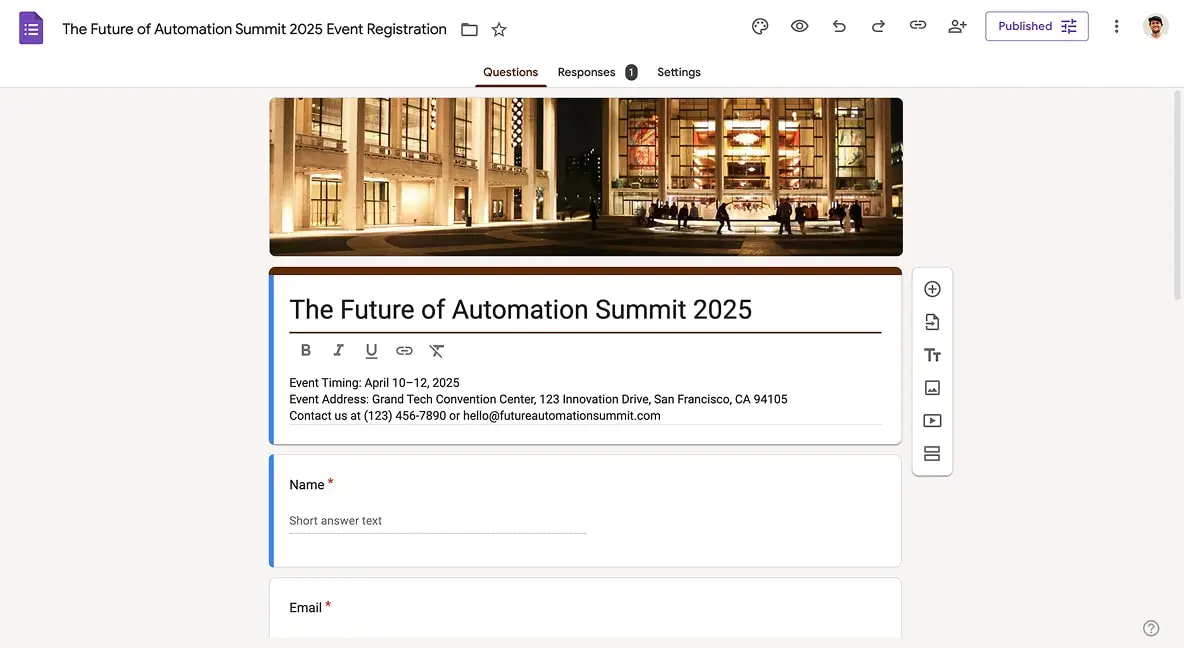

DocsAutomator reads your Google Form directly - a first-class integration, not a Sheets workaround
Fast document generation
Generate documents blazingly fast - independent of length and content.
Unlimited pages
Need to dynamically produce a 200-page report? DocsAutomator allows for documents of any length.
Dynamic Sections
Easily generate documents with fully customizable sections that adapt to different use cases.
Dynamic Line Items
Handle invoices, reports, and any kind of itemized lists effortlessly with dynamic line items including nested data.

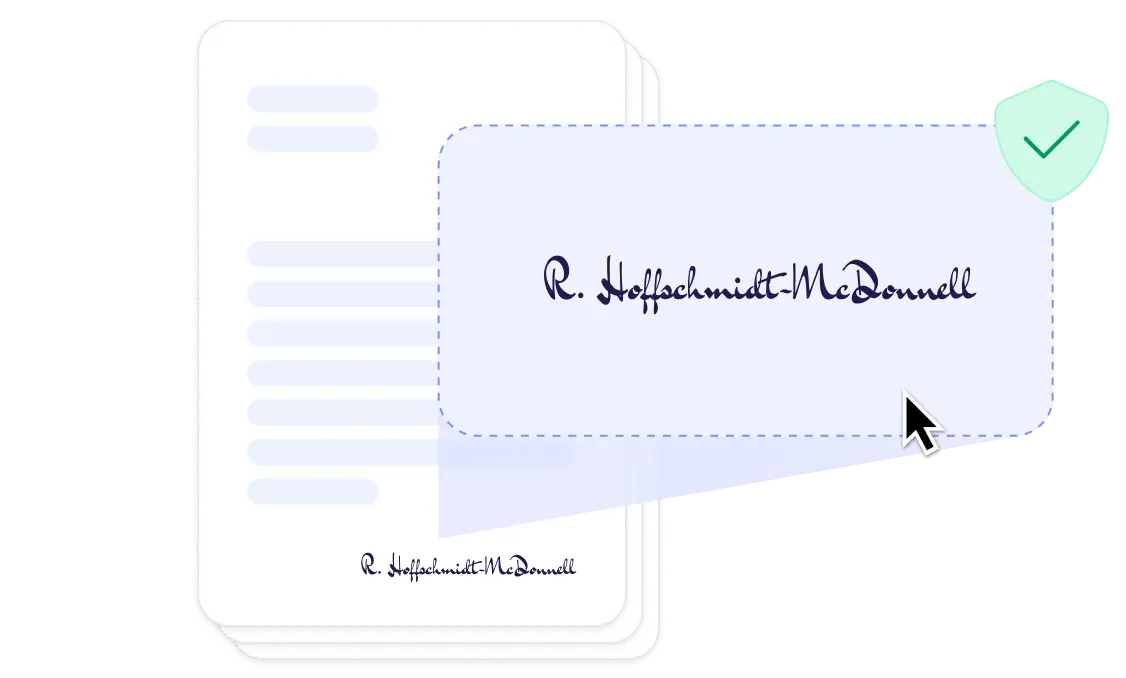
Preview mode
Unlimited previews until you're happy - no wasted credits on testing.
Hide & style values conditionally
Generate complex documents effortlessly by hiding or styling values conditionally.
Dynamic images
Add automatically pre-processed and converted images dynamically to your documents
Automated Emails
Send generated documents via email automatically to your recipients.
Save PDFs to Google Drive or OneDrive
Store and organize your generated PDFs directly in Google Drive or OneDrive.
Merge Existing PDFs
Combine multiple PDFs into one seamlessly within DocsAutomator.
Keep an editable Google Doc or Word file
Automation meets human touch. Continue editing your generated documents in Google Docs or Microsoft Word.
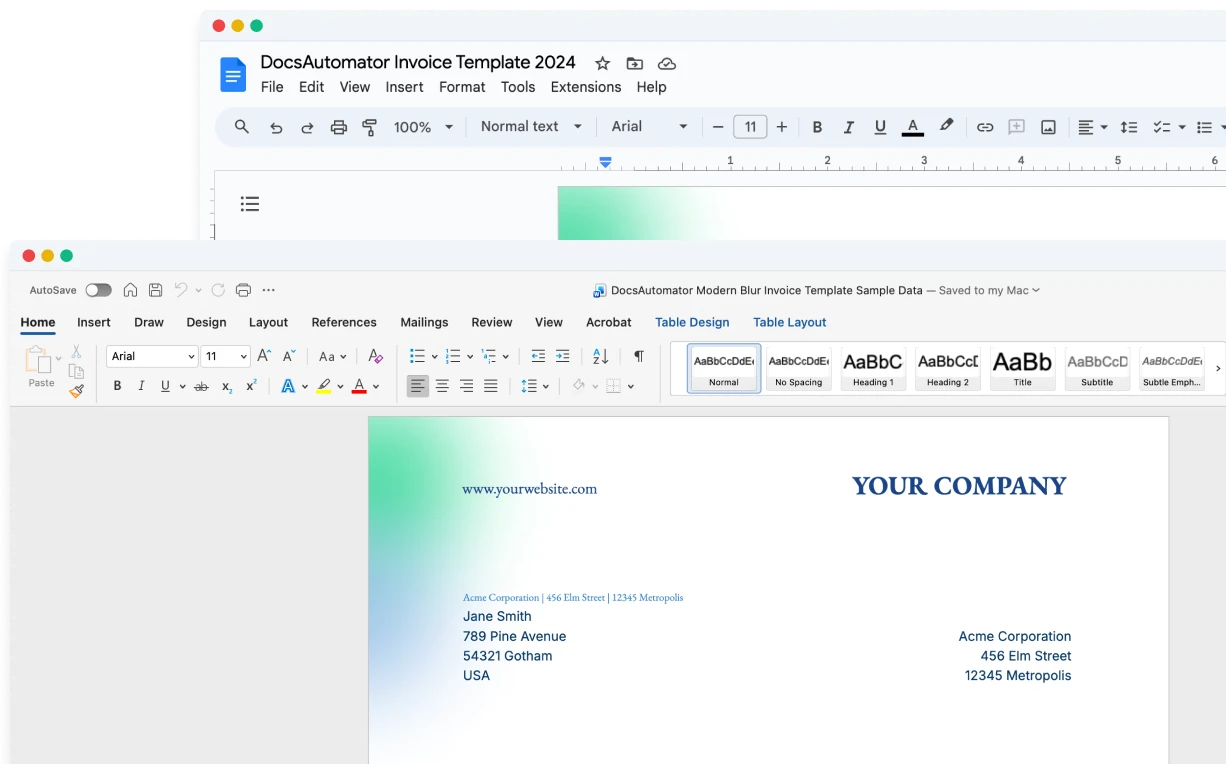
Build templates in the tools you already know

Start automating & signing in minutes!
Set up in minutes, save weeks of work
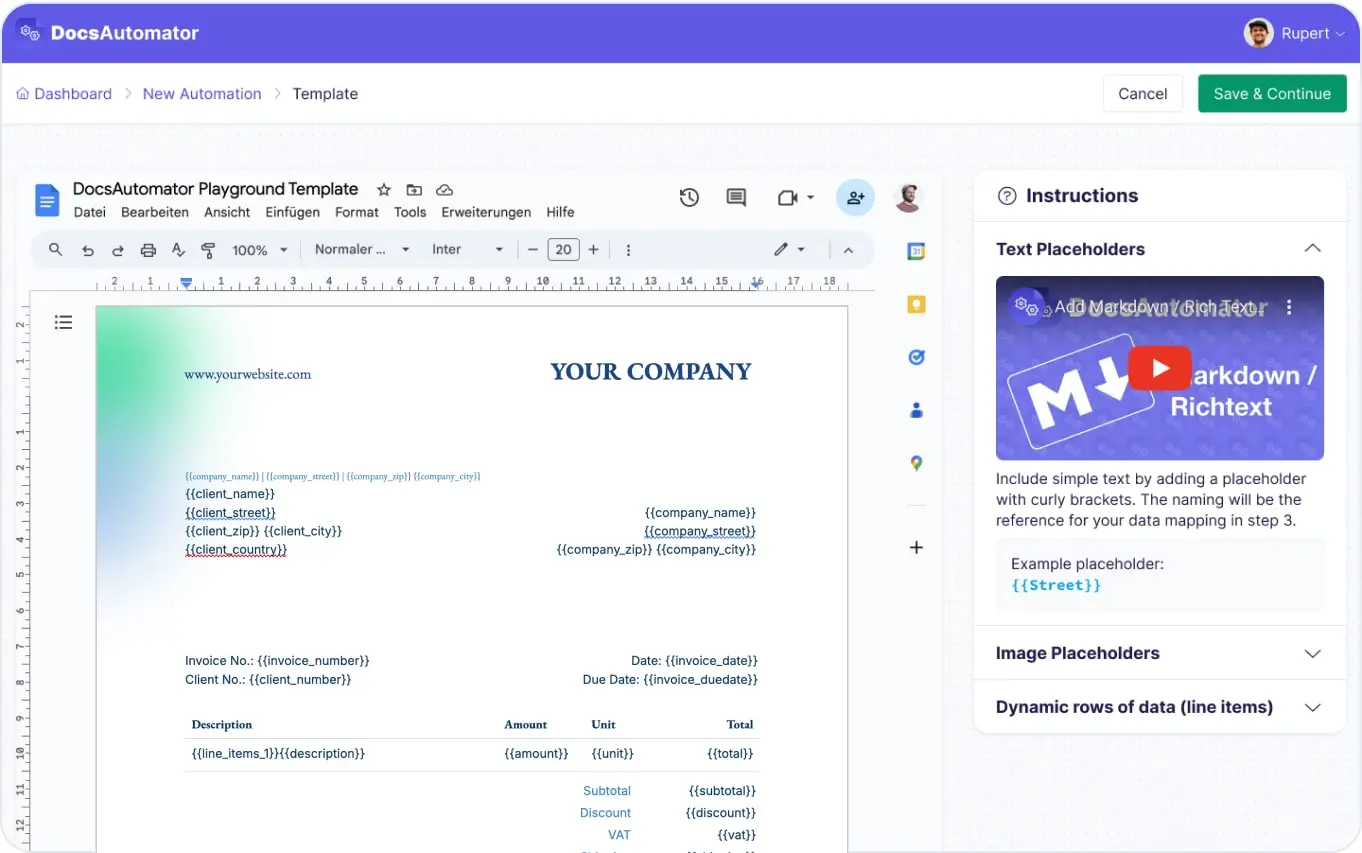
Three easy steps to automate your documents
Create a Google Docs or Word template
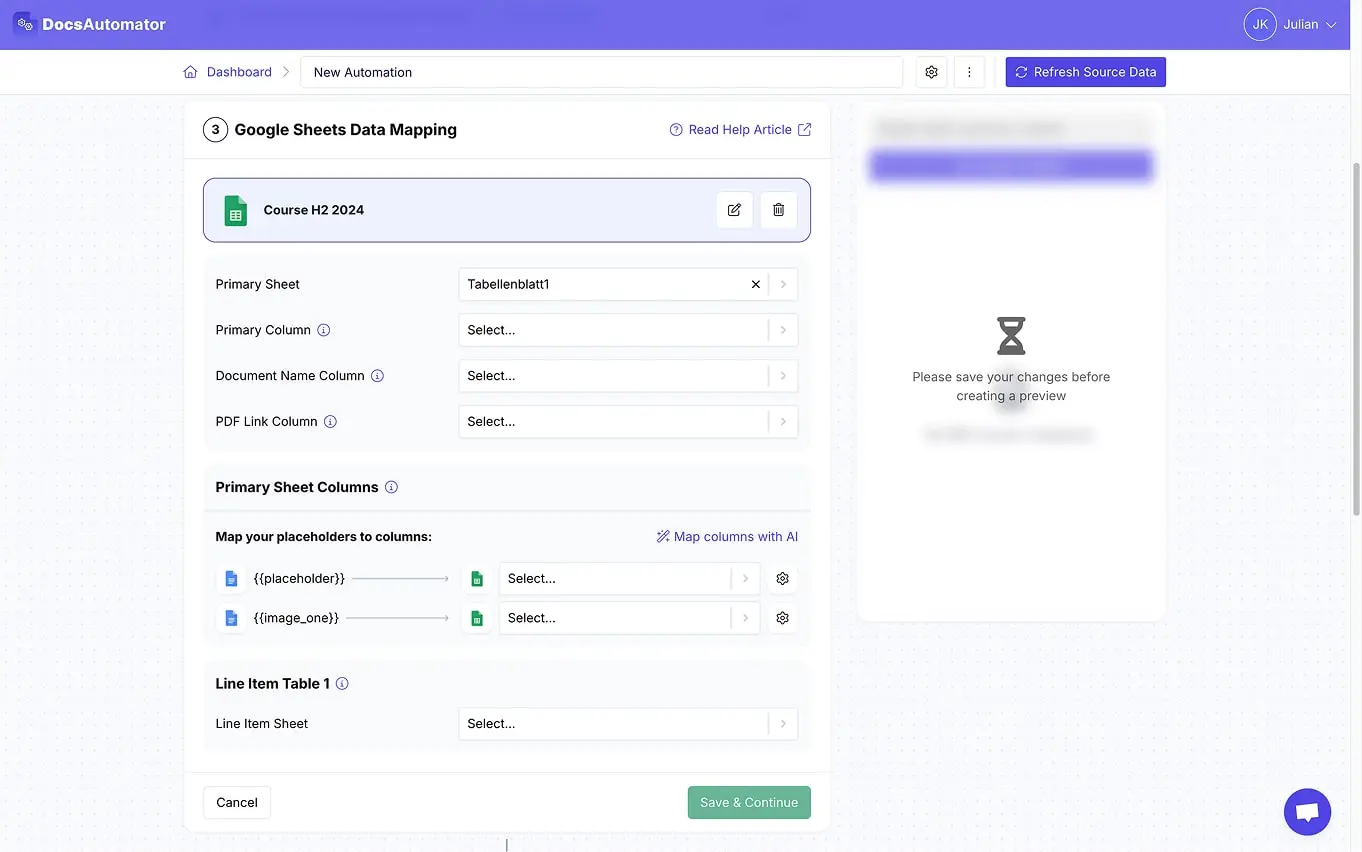
Map Data & Preview
Turn on auto-create and you are done
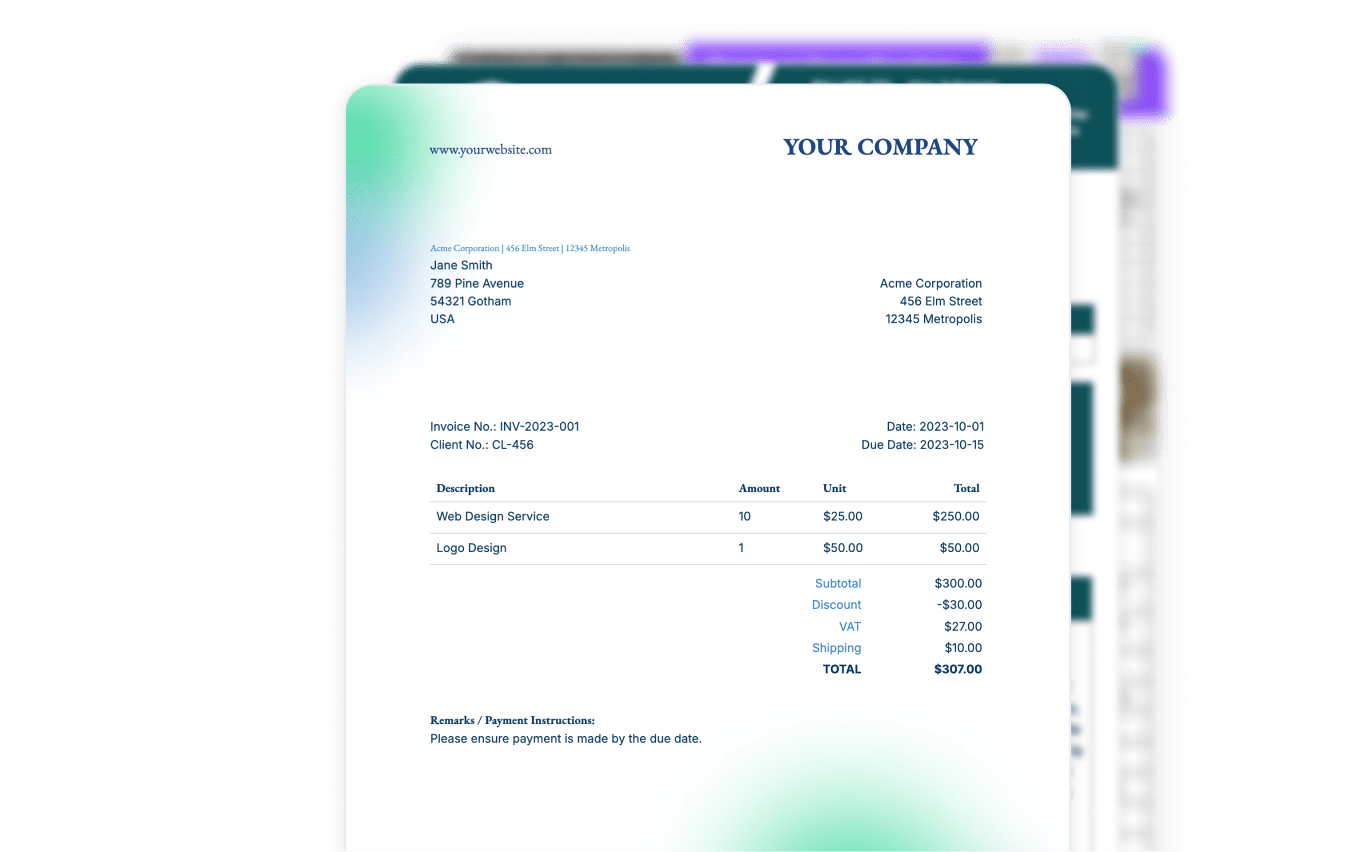
Step by Step Implementation Guide
Start automating & signing in minutes!
What teams file from Google Forms
A record of what each respondent said, as a document you can read, share, and keep.
Reference checks
Audit and inspection reports
Application summaries
Survey response reports
Exam admit cards
Google Form to PDF, without a linked sheet
DocsAutomator connects to the form itself. No response sheet, no add-on, no Apps Script.
Paste any form link
A document for every response
Email the respondent automatically
Map questions, not columns
Need a signature on the result? Signing is built in.
Start automating & signing in minutes!
Coming from Autocrat or Form Publisher?
Honest side-by-side comparisons, feature by feature
DocsAutomator vs. Autocrat
DocsAutomator vs. Form Publisher
Start automating & signing in minutes!
Frequently Asked Questions
- Create a template: Design your document in Google Docs or Microsoft Word, with placeholders for dynamic data.
- Paste your form link: DocsAutomator reads your form and shows your questions. Map them to your placeholders.
- Turn on auto-create: DocsAutomator generates a document for every new response, automatically.
- Grids: each grid row maps to its own placeholder
- File uploads: uploaded images can be placed in your documents
- Response details: the respondent's email address and the submission time
- Add dynamic tables for multiple-row data
- Insert images dynamically
- Apply custom styling
- Show or hide sections based on conditions
- Secure data transmission
- Temporary document storage
- GDPR compliance
- Regular security updates
- Protected API endpoints
Start automating & signing in minutes!
What customers are saying about us
Read what hundreds of happy customers are saying about DocsAutomator
We're a leading Glide Agency who use DocsAutomator to provide our clients with stunning PDFs straight from their data. The platform is fast, solid and intuitive to use. And the support from Rupert is second to none. Highly recommended.

DocsAutomator has helped our company tremendously with invoice issuing automation. We use Airtable and built-in extensions there have many limitations that prevented us from creating beautiful informative invoices.

We love the ease of being able to use a template from google docs. Other softwares' we reviewed were much more complicated. [...] We also love how easily it connects to Airtable.

Start automating & signing in minutes!
More integrations

Airtable
Airtable combines spreadsheet and database features for data organization and collaboration.

Notion
Notion is the connected workspace where better, faster work happens. Build wikis, manage projects, and run your business.

Google Sheets
Google Sheets is a cloud-based spreadsheet app for real-time collaboration.


Glide
Glide makes it easy to build custom business software powered by your data - without code.

Softr
Turn your siloed data and workflows into powerful custom software for your business, with AI built in.

SmartSuite
SmartSuite replaces disconnected point solutions with a modern platform that scales across functions.

Noloco
The fastest way to create custom internal tools, client portals, CRMs and other business tools.

ClickUp
Glide makes it easy to build custom business software powered by your data - without code.

Zapier
You can automate a simple task or build an entire automated system - all on Zapier.

n8n
Flexible AI workflow automation for technical teams.

Make
AI automation you can visually build and orchestrate in real time.

API
Use our API to build connect your custom app and use the power of DocsAutomator.
Start automating & signing in minutes!
Ready to file every Google Forms response as a PDF?
Join 7,500+ businesses saving hours on document creation
Unlimited testing, no credit card required