Your most important documents, on autopilot.
Made from your own template and data, sent to sign or accept when it needs a yes, and filed back to your records.
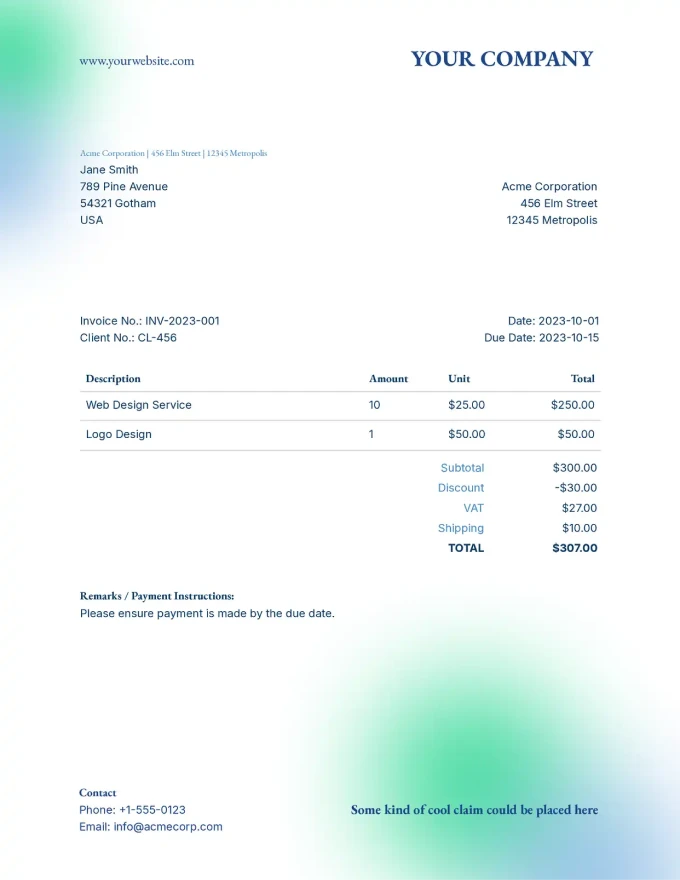
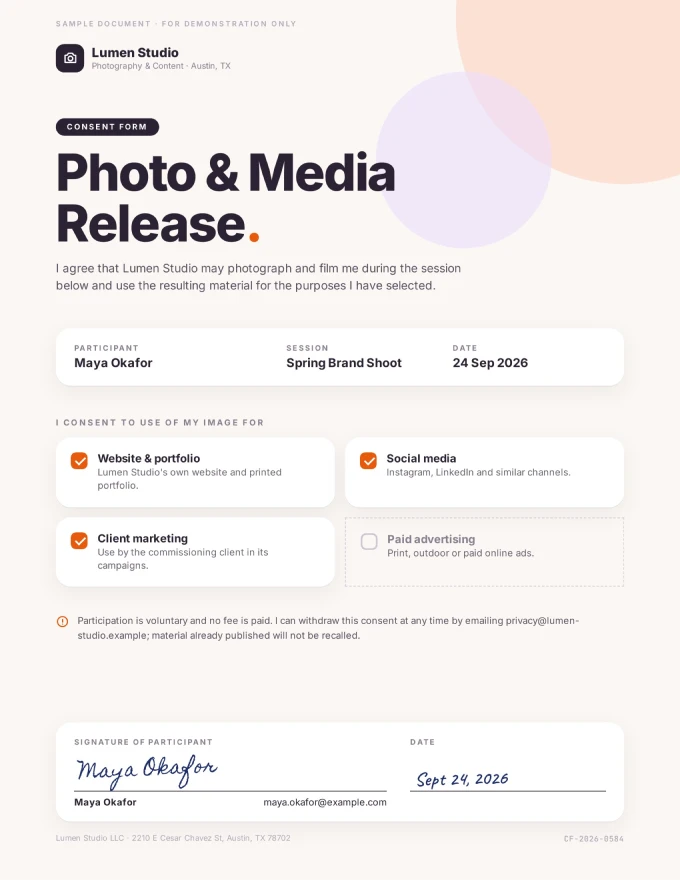

The documents your business needs
Made from your data, sent out, signed or accepted when needed, and filed back to the record.

 Sent
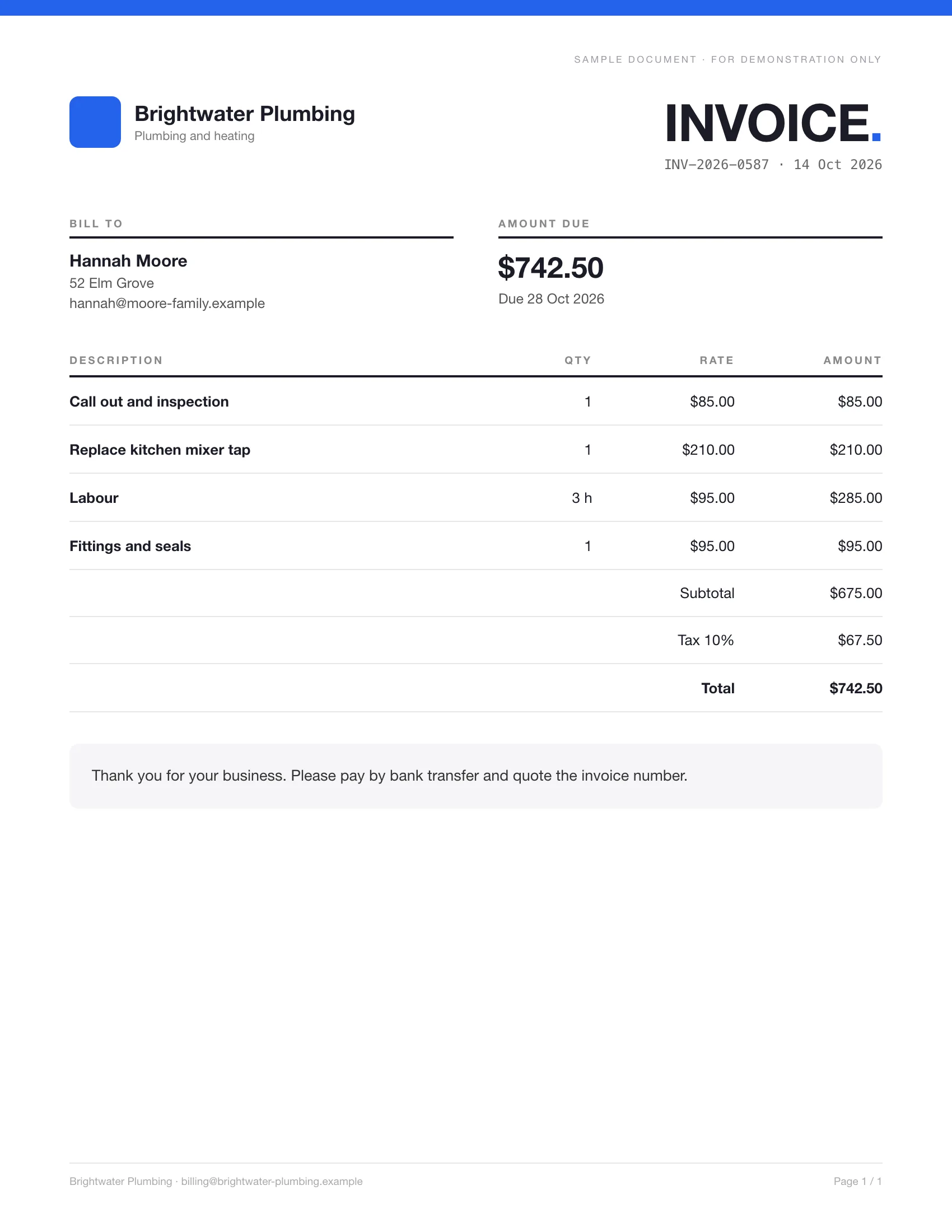
SentWhen a job is done, the invoice is made from the record and emailed to the customer.
Invoices · Receipts · Credit notes · Payment reminders

 Signed
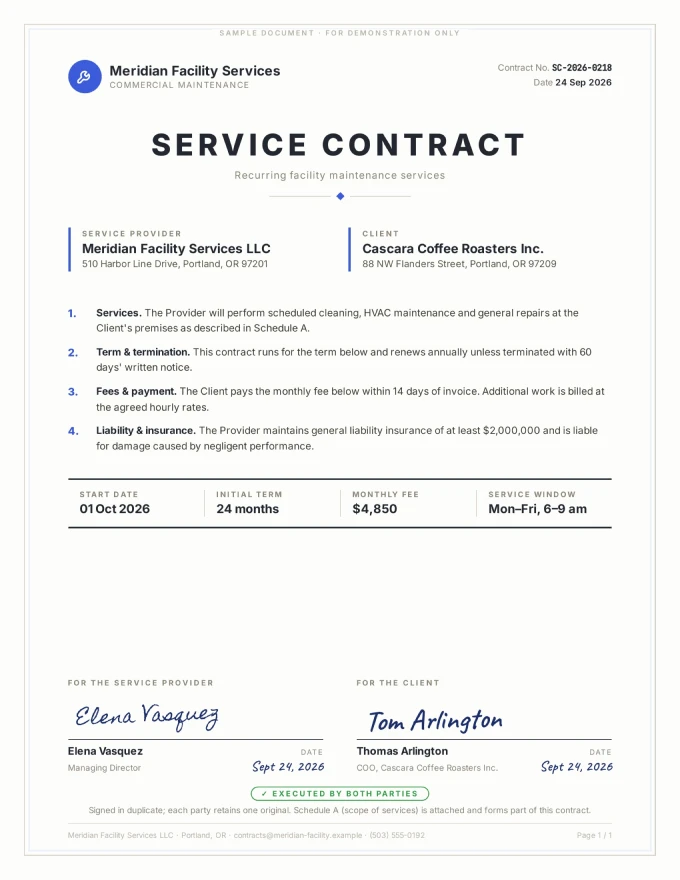
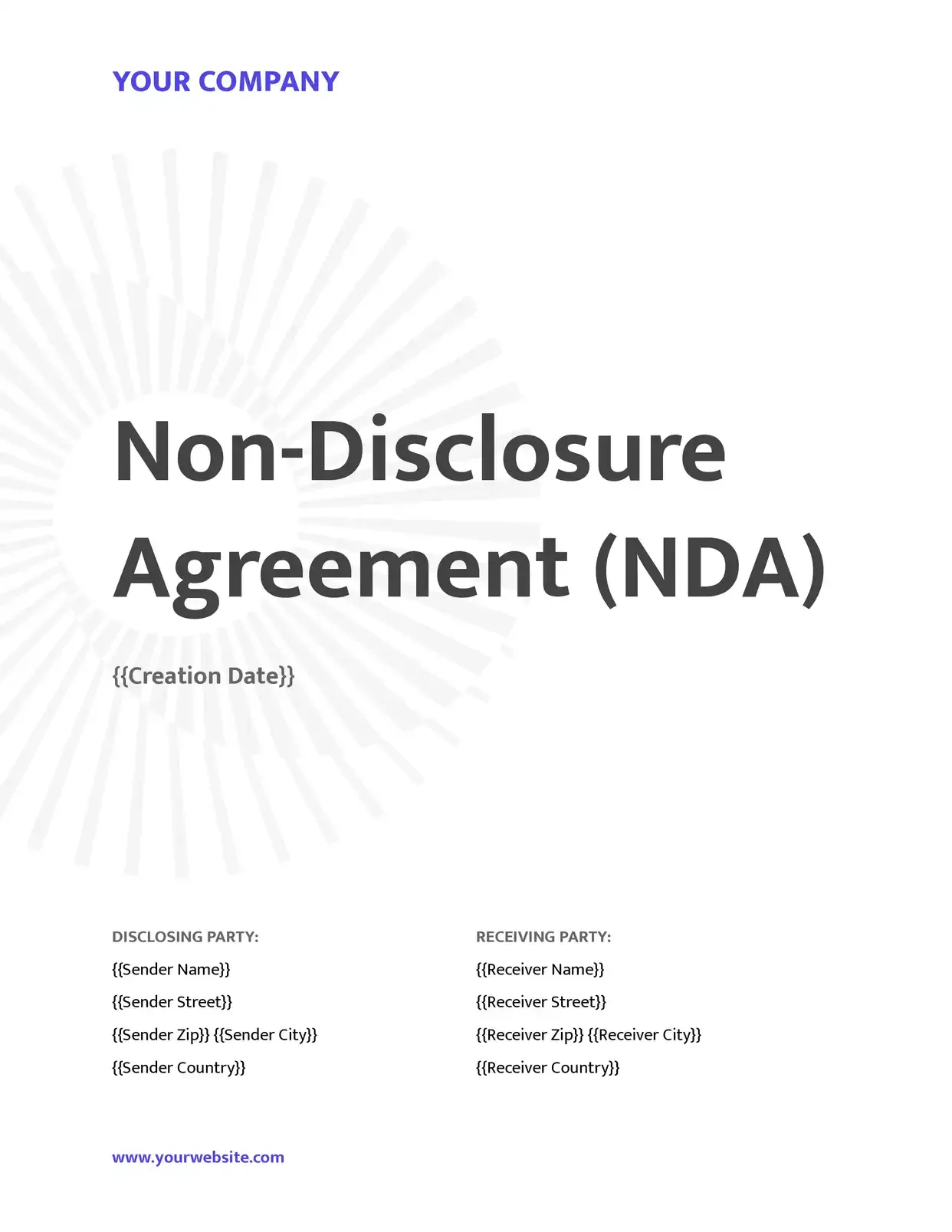
Contracts go out from your records, and clients sign them online.
Service agreements · Leases · NDAs · Engagement letters

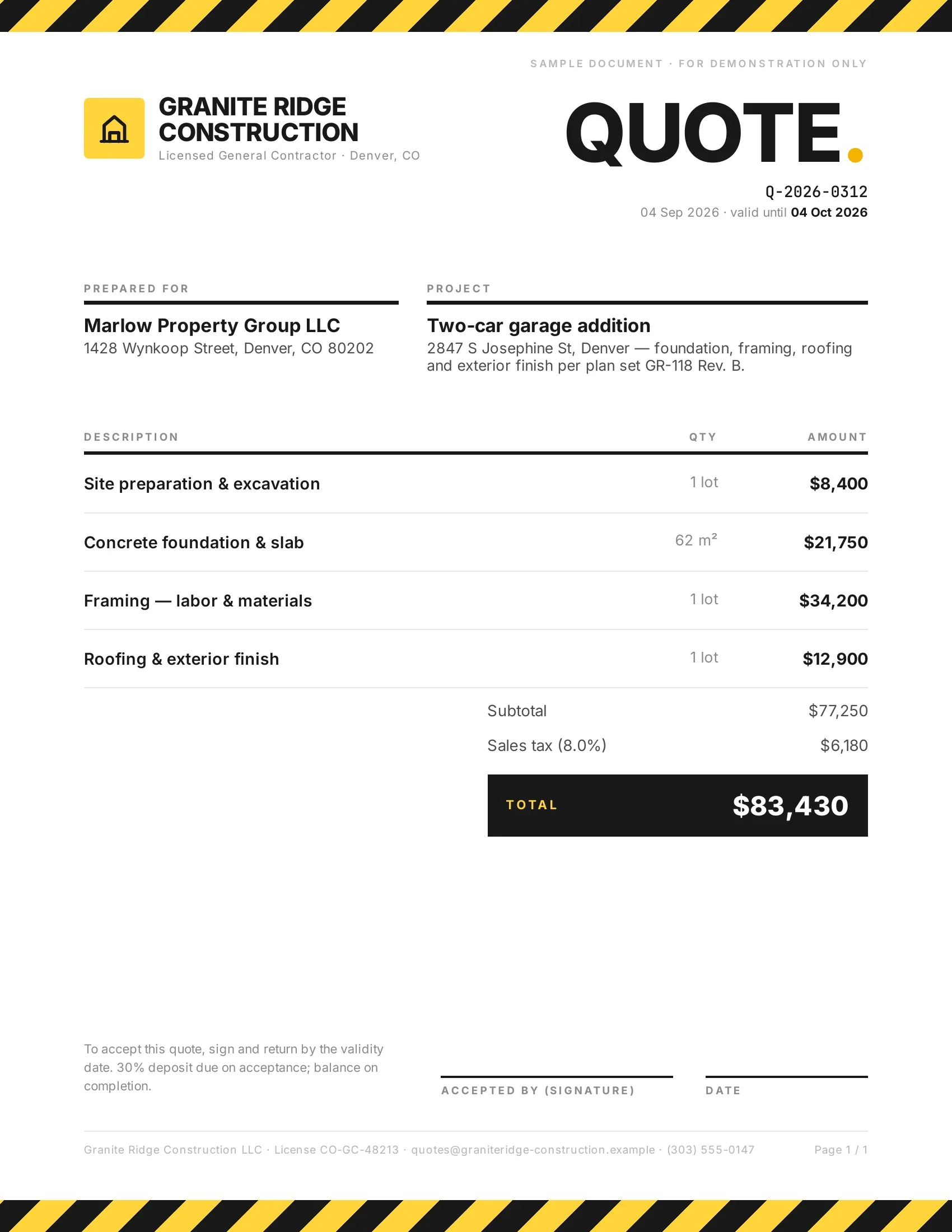 Accepted
Customers accept quotes and change orders in one tap, so work starts sooner.
Quotes · Estimates · Order confirmations · Change orders

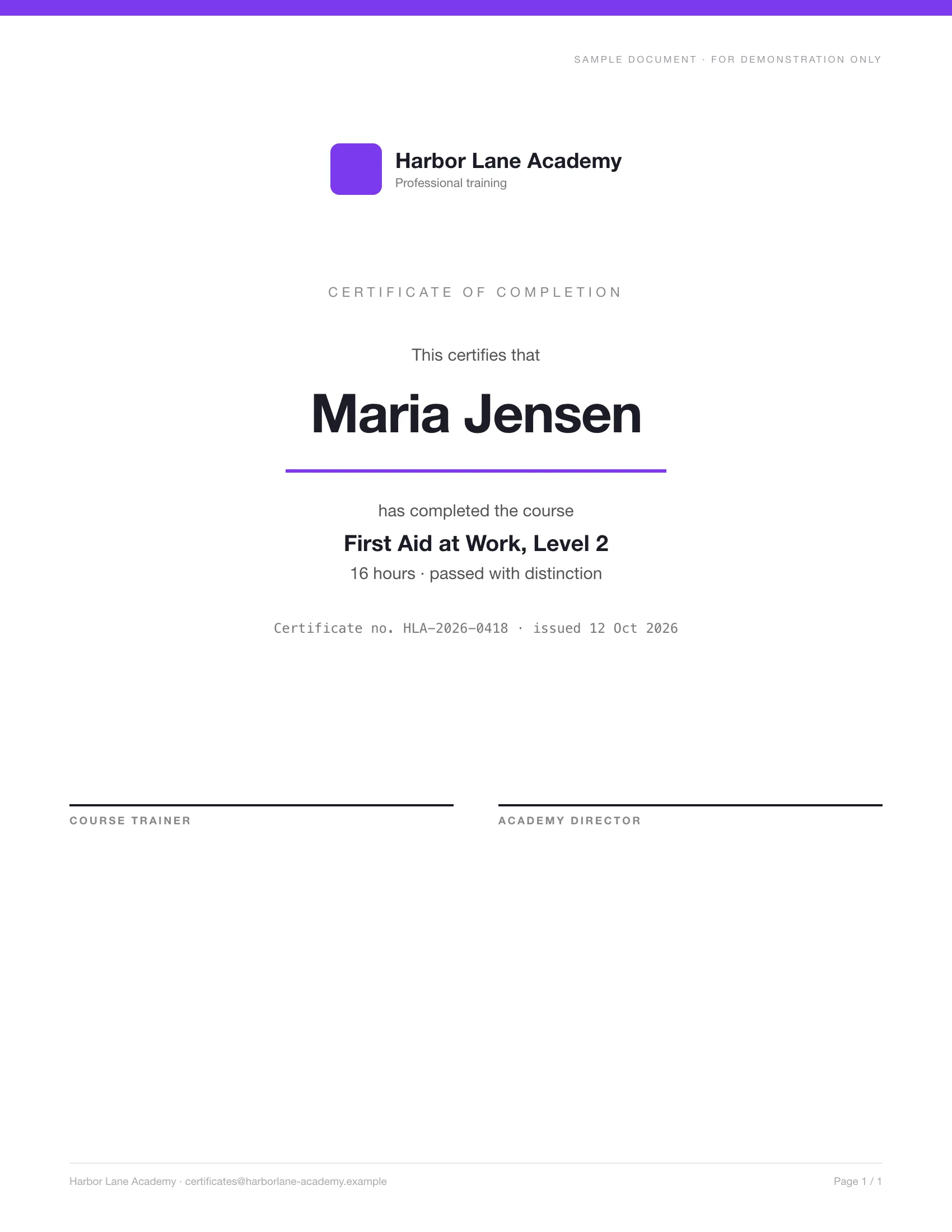 Issued
Everyone who passes gets a certificate with their name, made from your list.
Course certificates · Training records · Certificates of completion · Awards

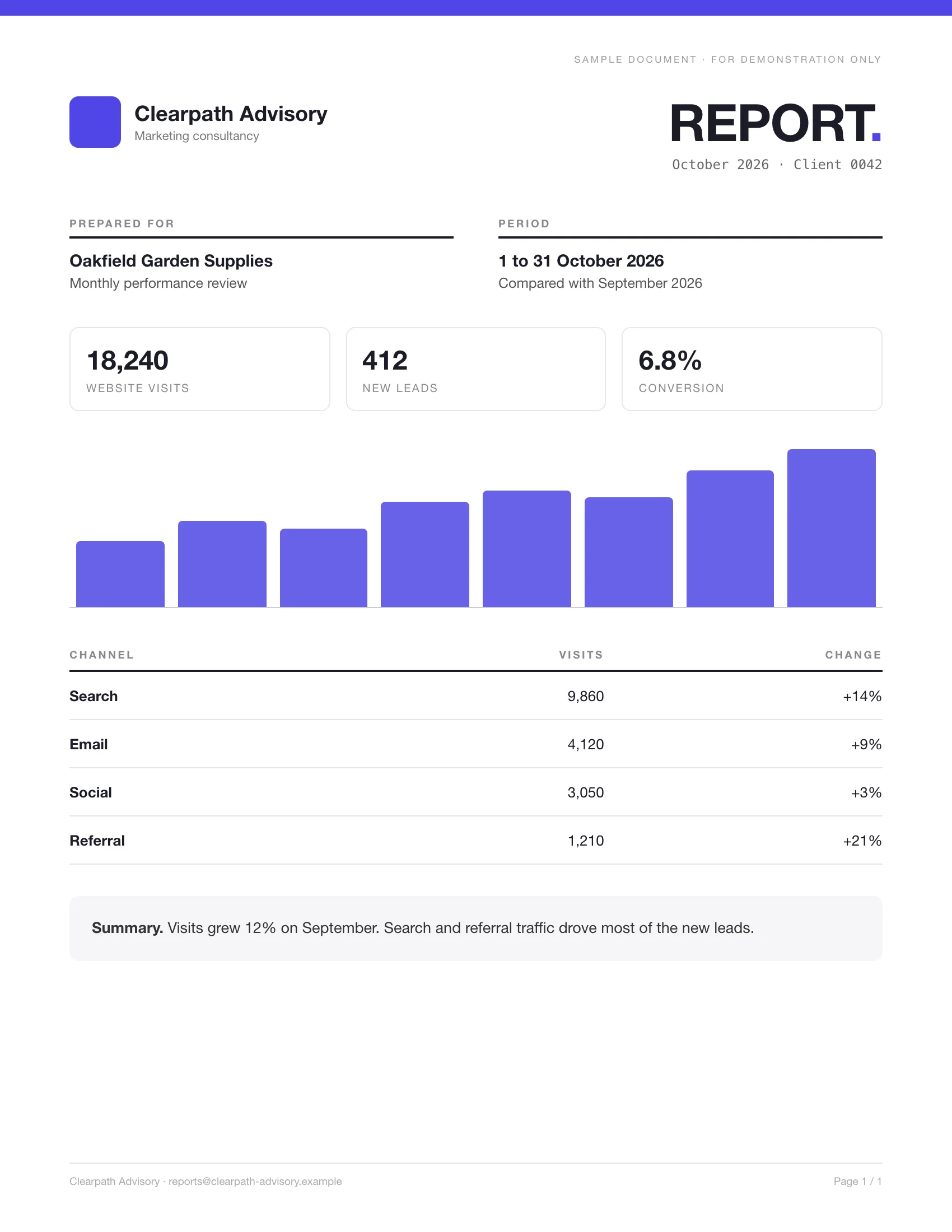 Filed back
Each client's monthly report is made from your data and saved on their record.
Monthly reports · Client reports · Progress reports · Audit reports

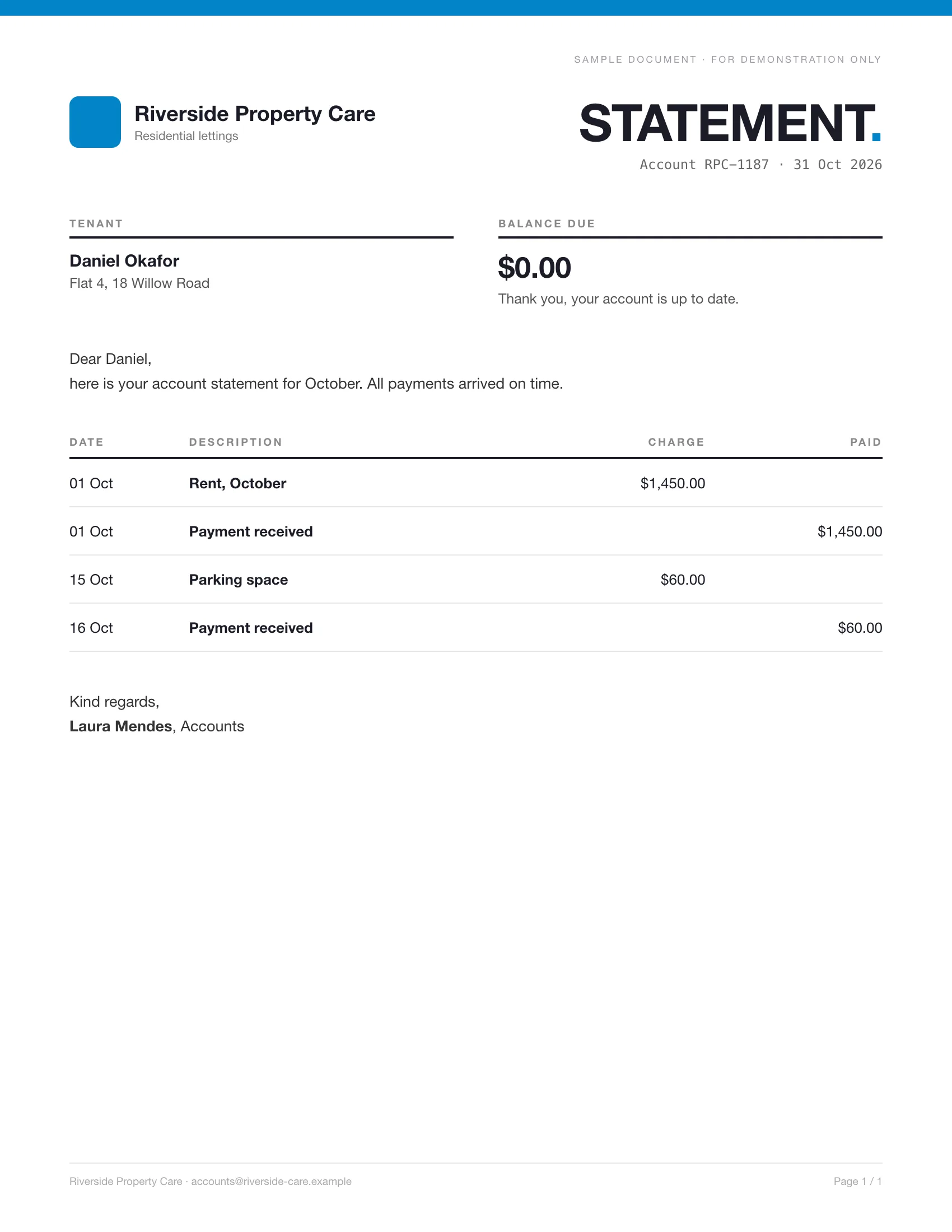 Sent
SentLetters and account statements go to every customer, each with their own figures.
Account statements · Cover letters · Notices · Confirmation letters

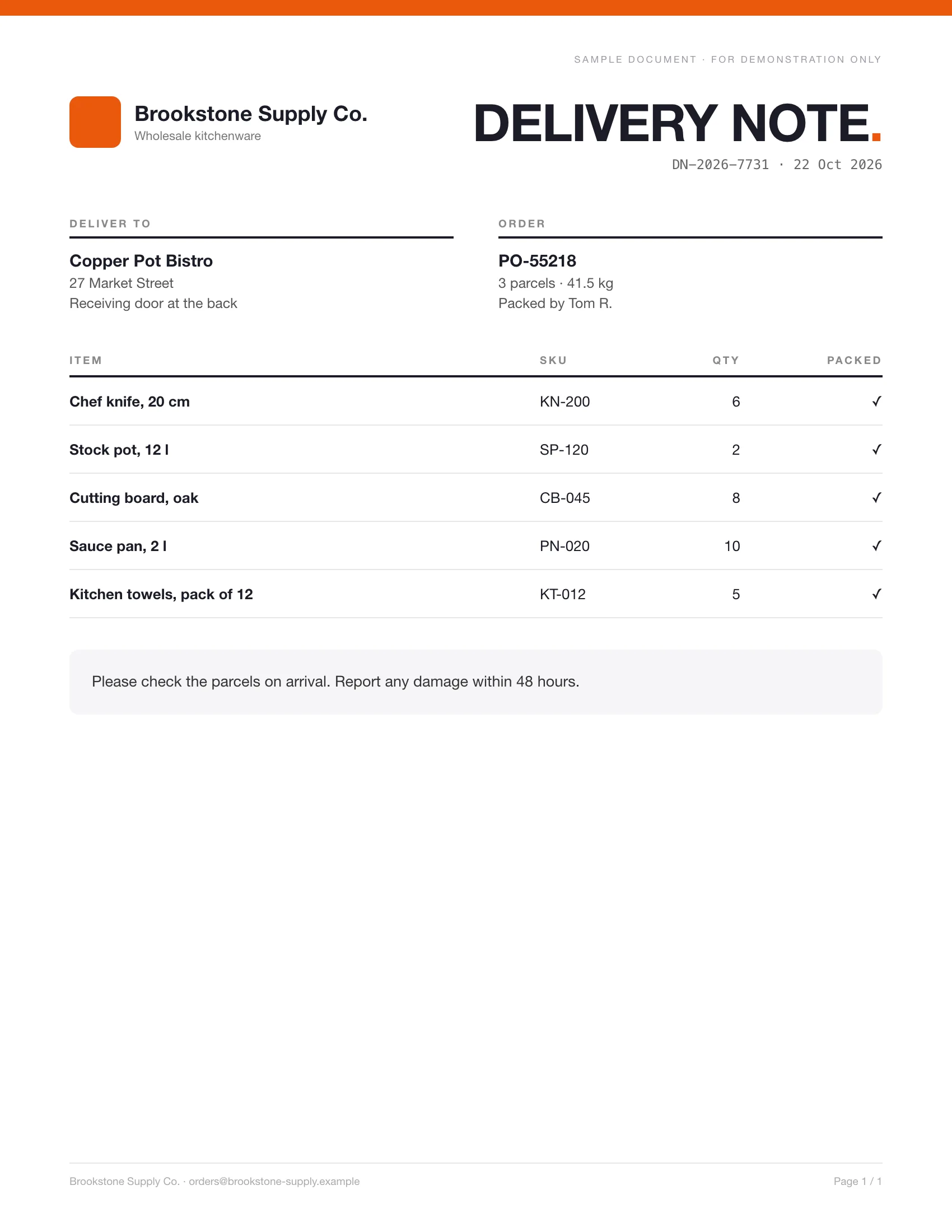 Filed back
Each order gets its delivery note and packing list, made from the order record.
Bills of lading · Packing lists · Pick lists · Shipping labels

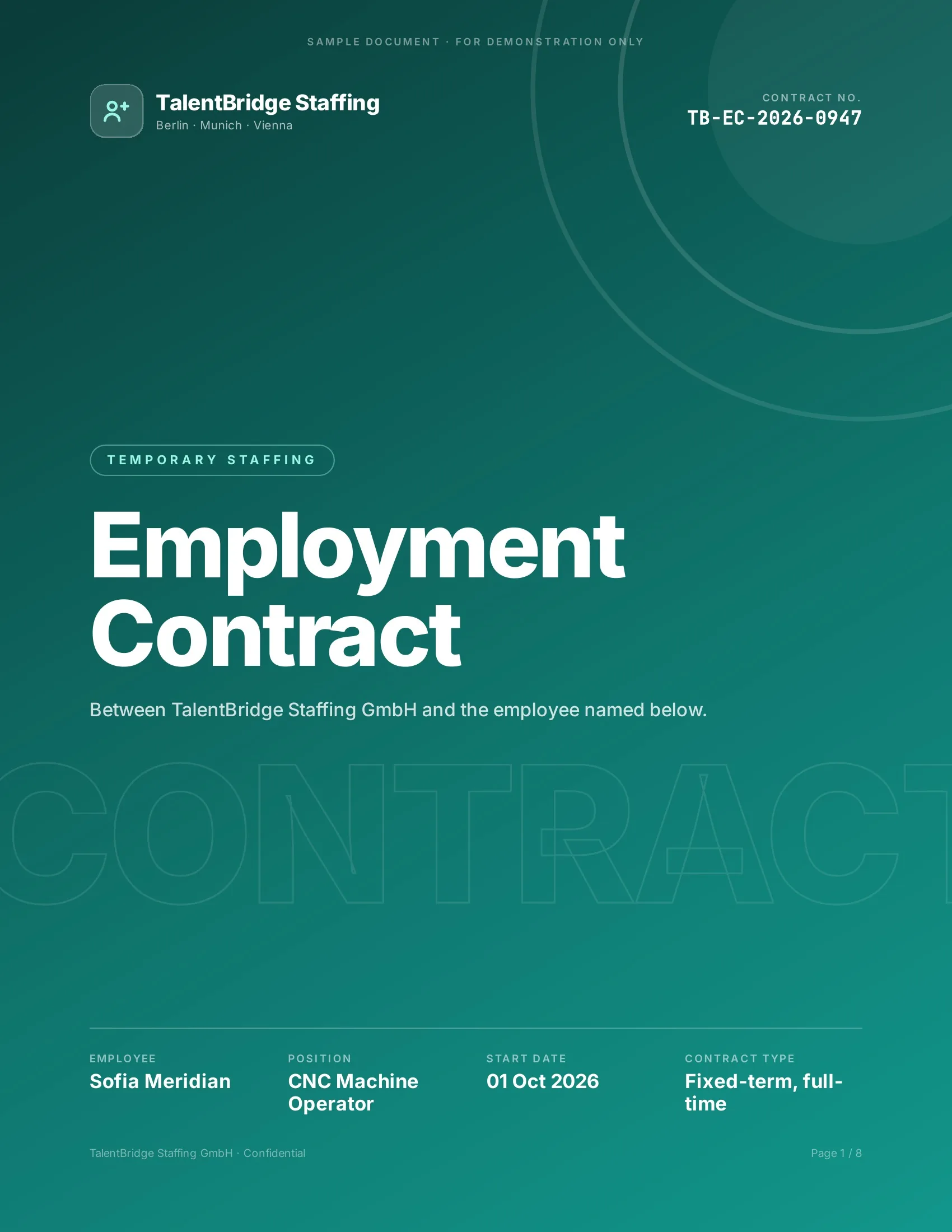 Signed
New hires, clients and students sign their paperwork before day one.
Employment contracts · Offer letters · Enrollment forms · Letters of authority

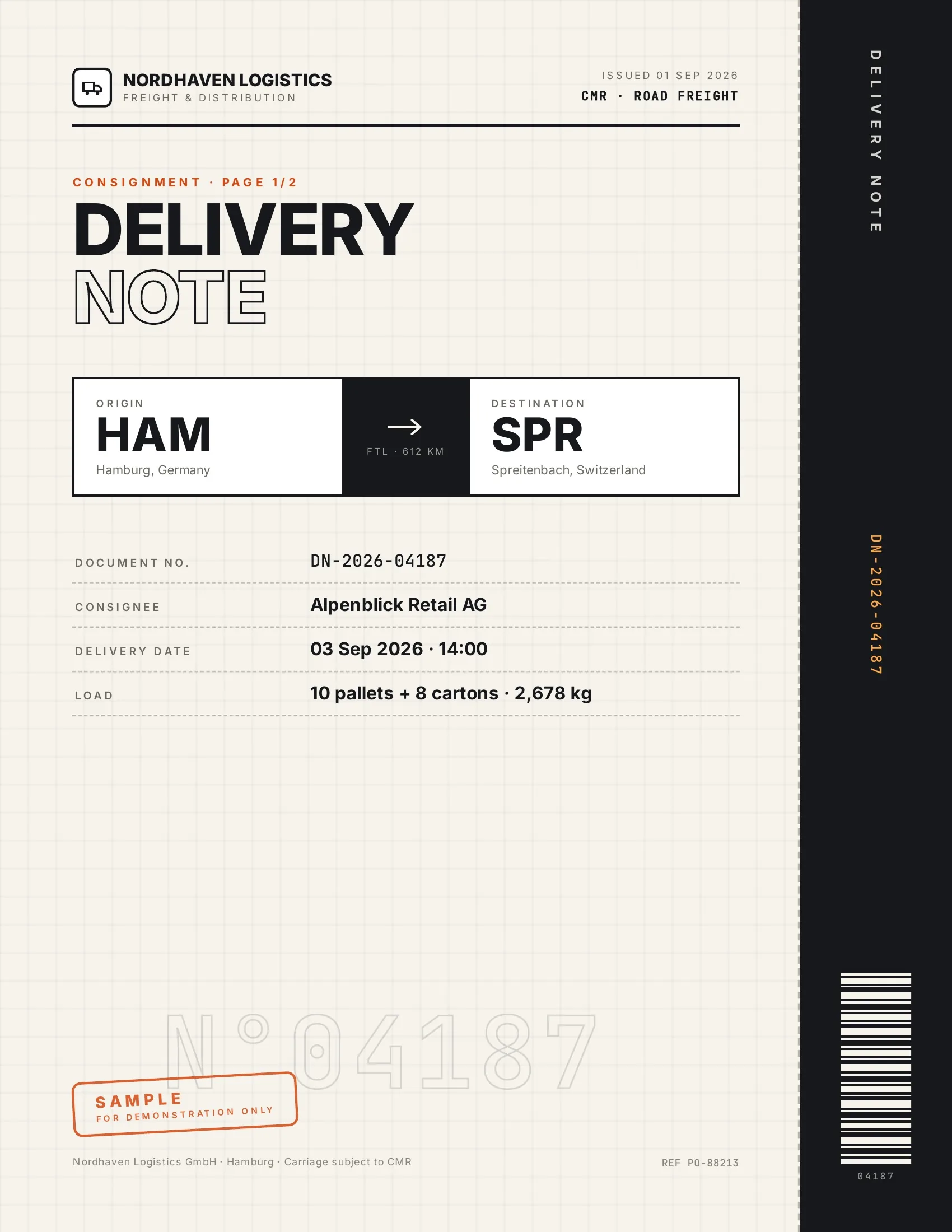 Accepted
Customers accept finished work and deliveries on their phone, on the spot.
Work orders · Handover reports · Inspection reports · Purchase orders

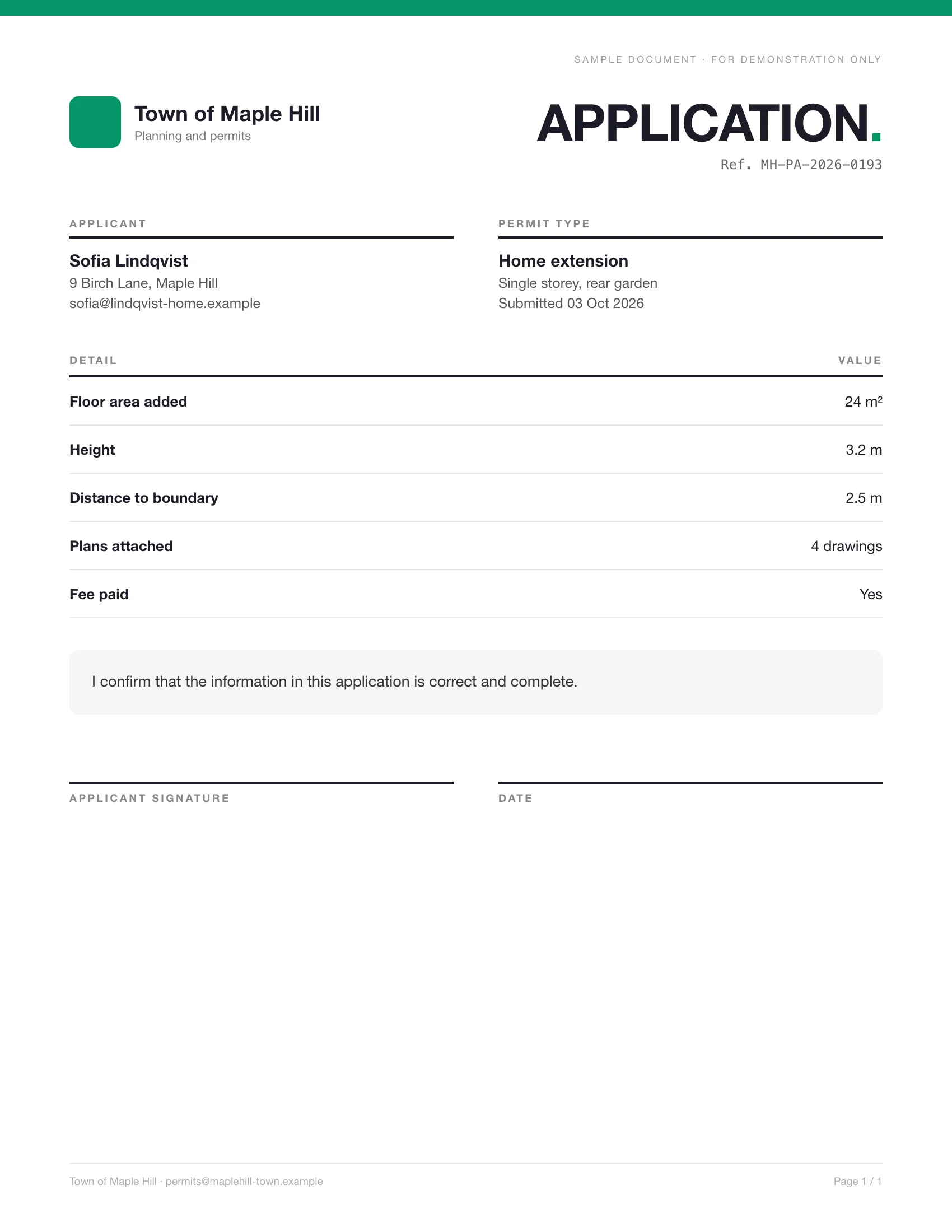 Signed
Applications are filled in from your records, and applicants sign them online.
Permit applications · Membership applications · Grant applications · Consent forms
One engine. Two ways to run it.
Your team runs it from the tools you already use.
Or ask ChatGPT or Claude, any MCP client or the API.
Set it up once. It runs on every record. No code, nothing to migrate, nothing new to learn.
- Templates in Google Docs, Microsoft Word or PDF
- Use your own template. The Agent connects your data and maps the fields.
- Batch runs, run history, and live status for every document


The assistant takes the request. DocsAutomator turns it into a real business document. It also works in any MCP client and through the API.
- Your template, formatted correctly. Your approved template, filled with exact values and printed in your country's format.
- Signed or accepted. Legally binding e-signatures or one-click acceptance, with the reminders sent for you.
- Filed wherever you work. The signed PDF goes back to your records, or anywhere else through ChatGPT, Claude, Zapier, Make, n8n or a webhook. A new record can also create the document on its own.
Meet the DocsAutomator App
Everything in one place. Plus an AI agent that does the setup for you.
Work with the tools you already use today:















What happens without you touching anything
A new record in your app becomes a finished document: sent, signed or accepted, and saved back to your app.
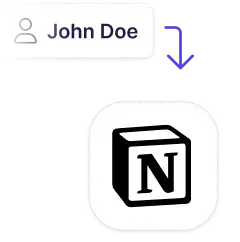 Added new client to Notion
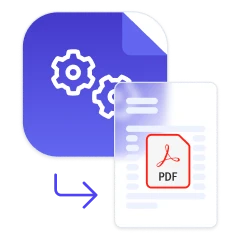 Created contract from data + send for signature
 Sent an email with the contract attached
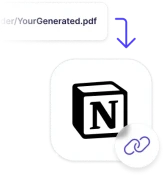 Saved the signed contract back to Notion
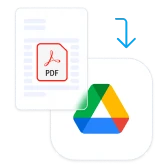 Saved the generated PDF in Google Drive
Signed or accepted, without chasing anyone
If the other side expects to sign, use e-signatures. Otherwise, let them accept with one click.
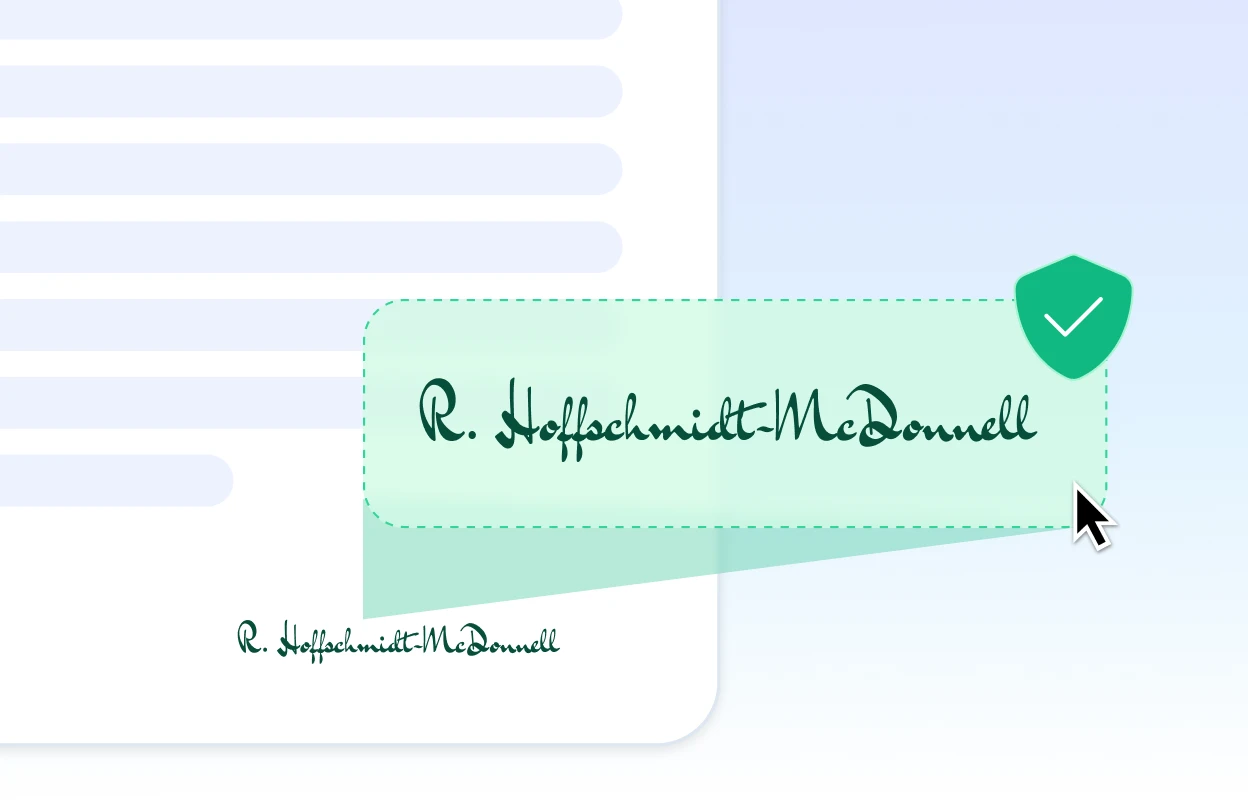
E-Signatures
DocsAutomator creates the document from your record, sends it, reminds the signer, and files the signed copy where it belongs.
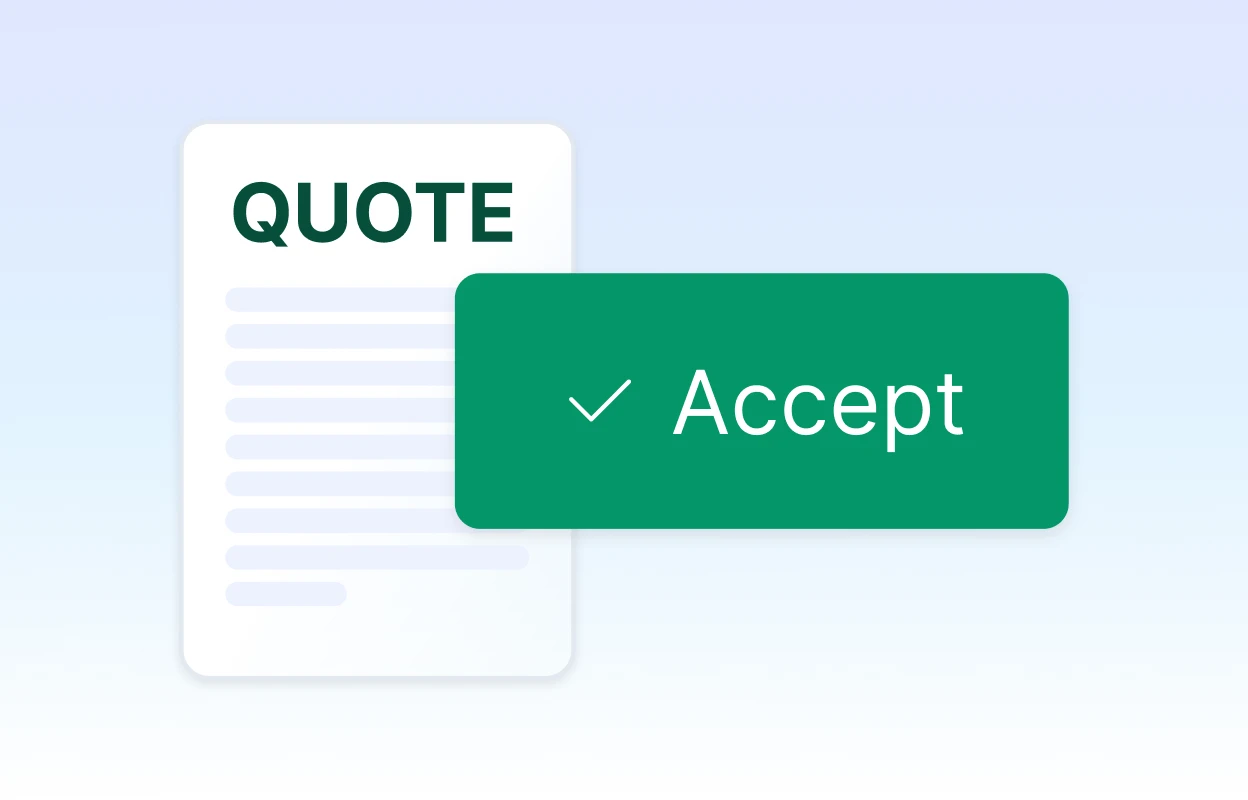
One-Click Acceptance
Close deals without the friction. Your client gets the quote and clicks accept. Done.
Set up. Generate. Close and file.
From your template to a signed or accepted copy, filed where it belongs.

Describe it, the AI agent builds it
Tell it what you need. It takes your template or drafts one, connects your data, sets up signing and runs a test. No setup screens.

Bring your own AI agent
Connect Claude, ChatGPT, or your own agent. It creates and sends documents within the limits and approvals you set.
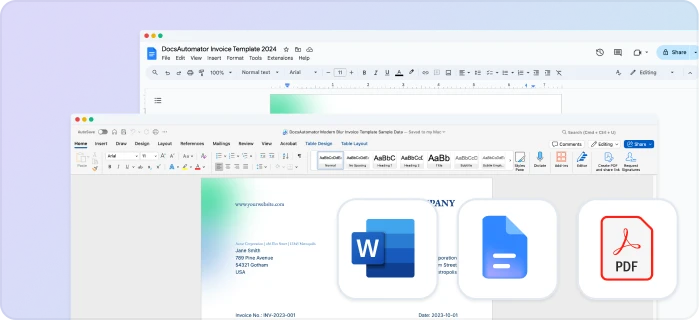
Your own Google Docs, Word or PDF templates
Keep writing your documents where you write them. DocsAutomator fills the placeholders.
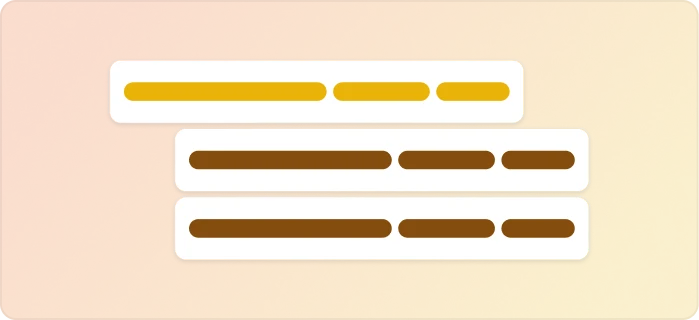
Line items and nested tables
Invoices, quotes and any itemized list, straight from your data.
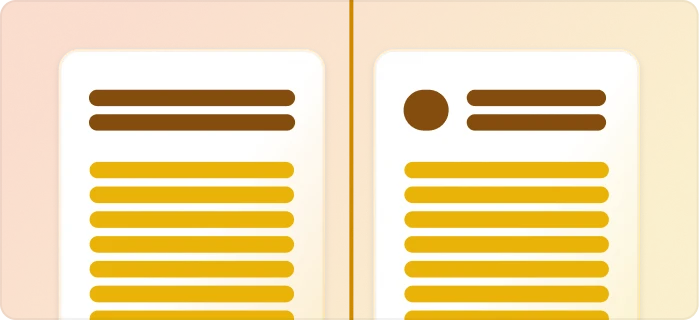
Conditional content
Sections, styling and images that show or hide based on the data.
Preview mode
Unlimited previews until you're happy, and no credits wasted on testing.
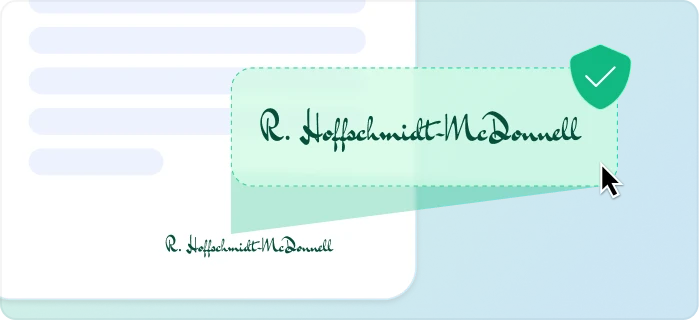
E-signatures, sent automatically
Legally binding, with a full audit trail. Nobody chases anyone.
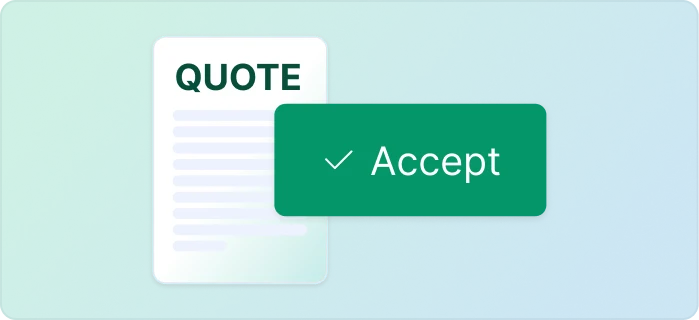
One-click acceptance for quotes
Your client accepts with one click. Recorded, no signature ceremony.
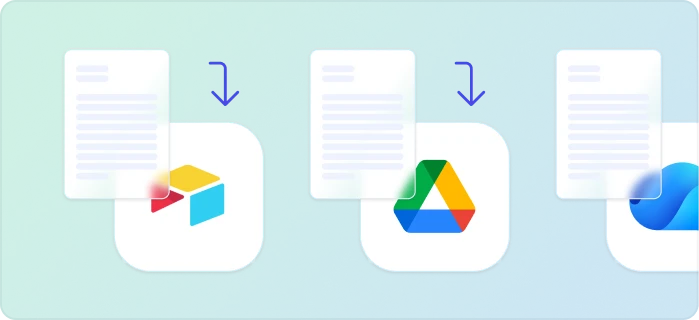
Signed or accepted copies delivered and filed automatically
Every finished document is emailed and saved back to your Airtable, Notion, sheet, or Drive folder.
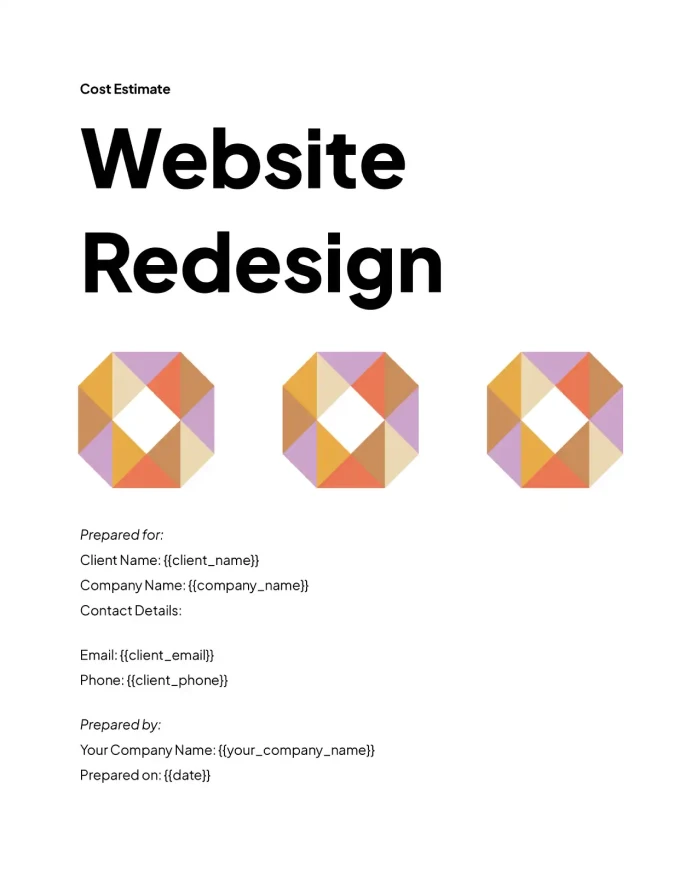
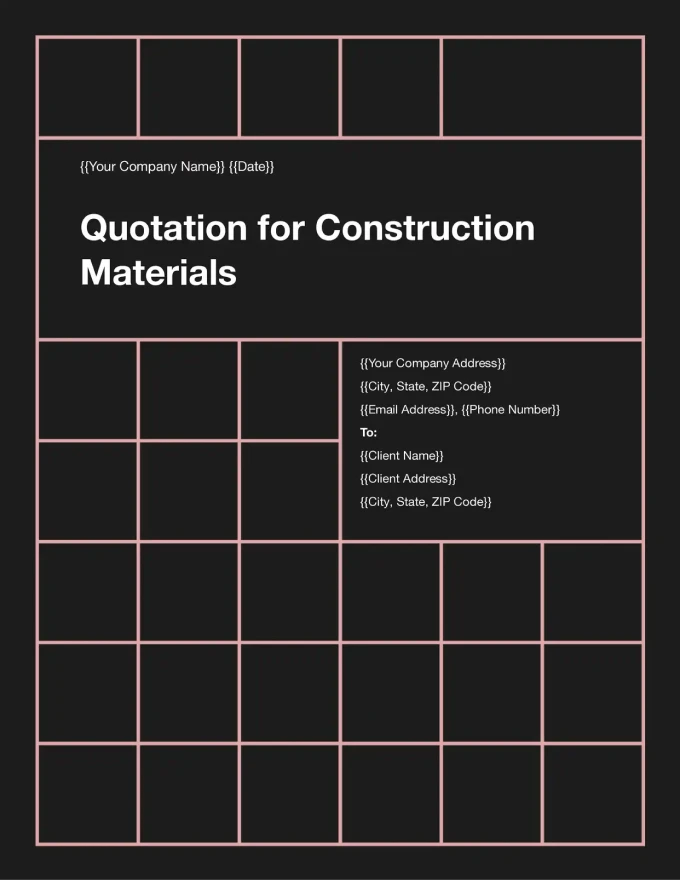
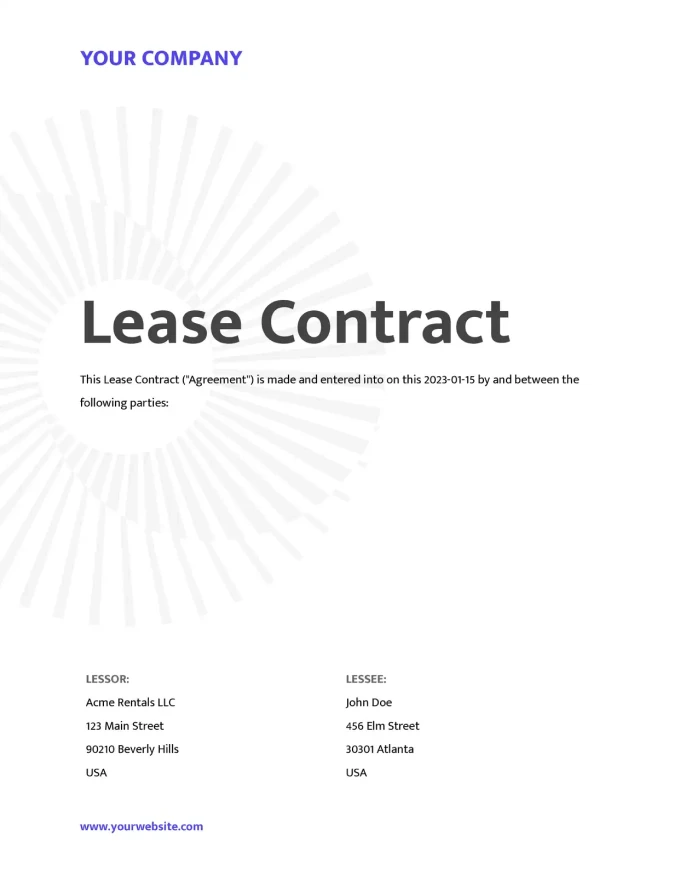
Start with our free pre-built templates
To make the start easy, we've created a variety of templates for the most common use cases.
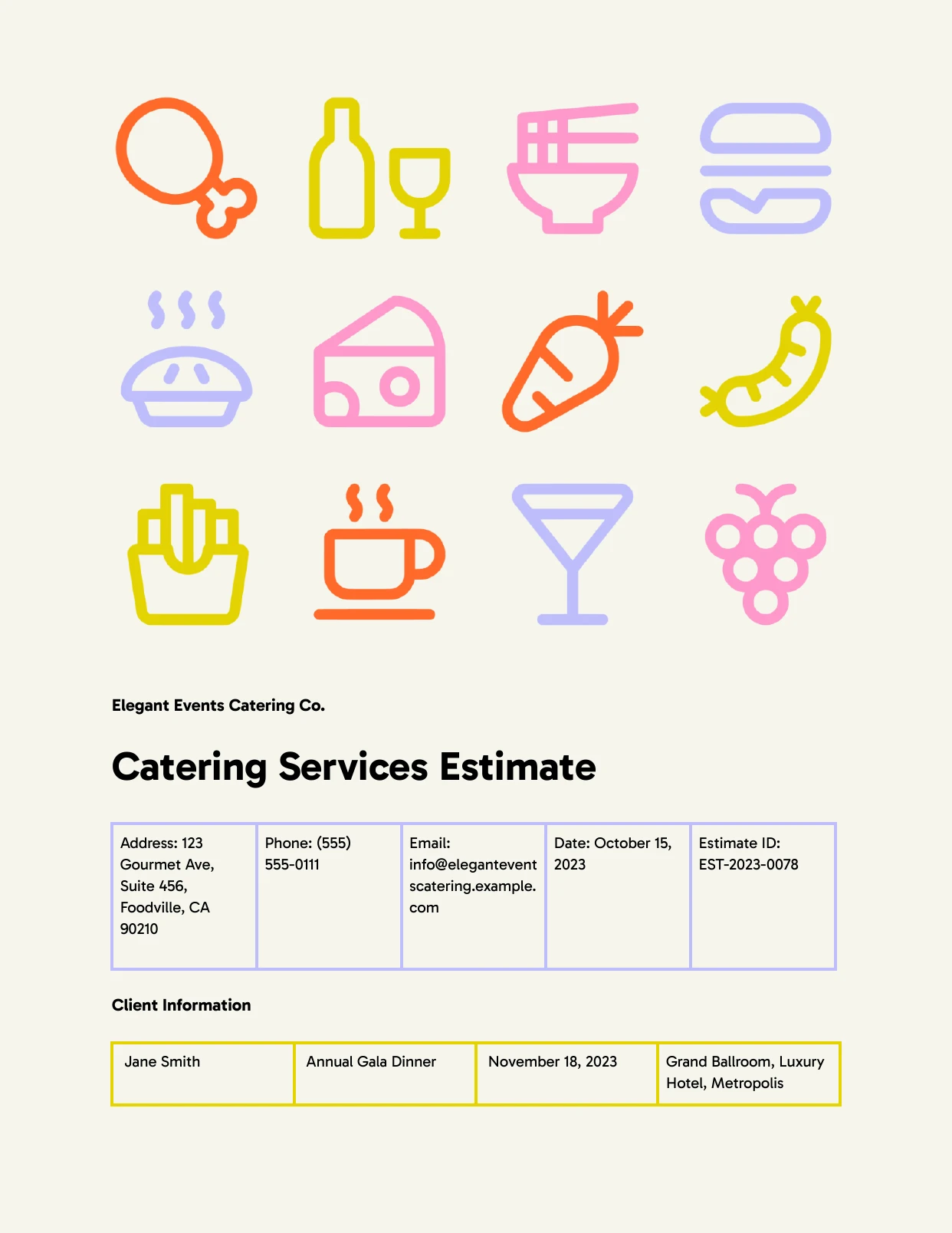
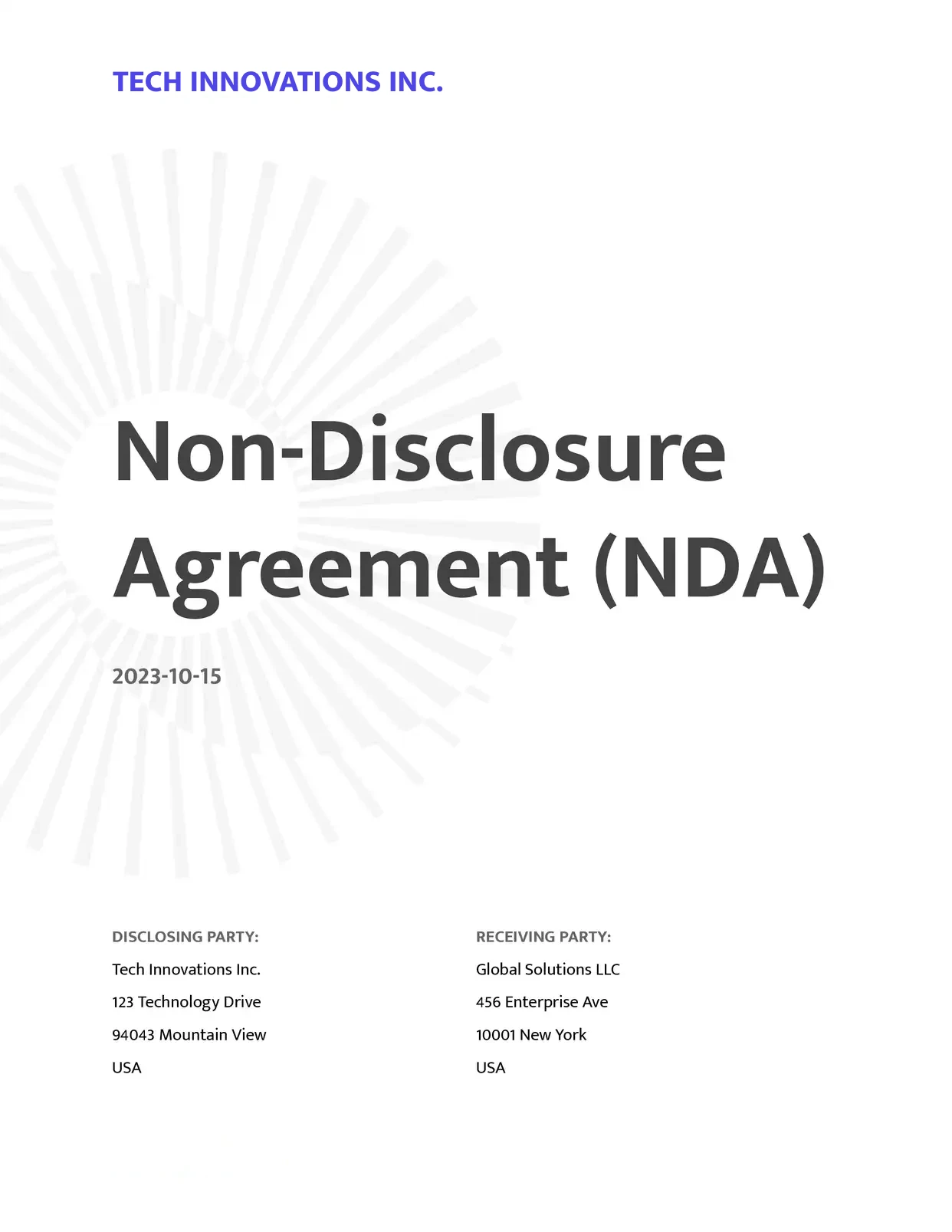
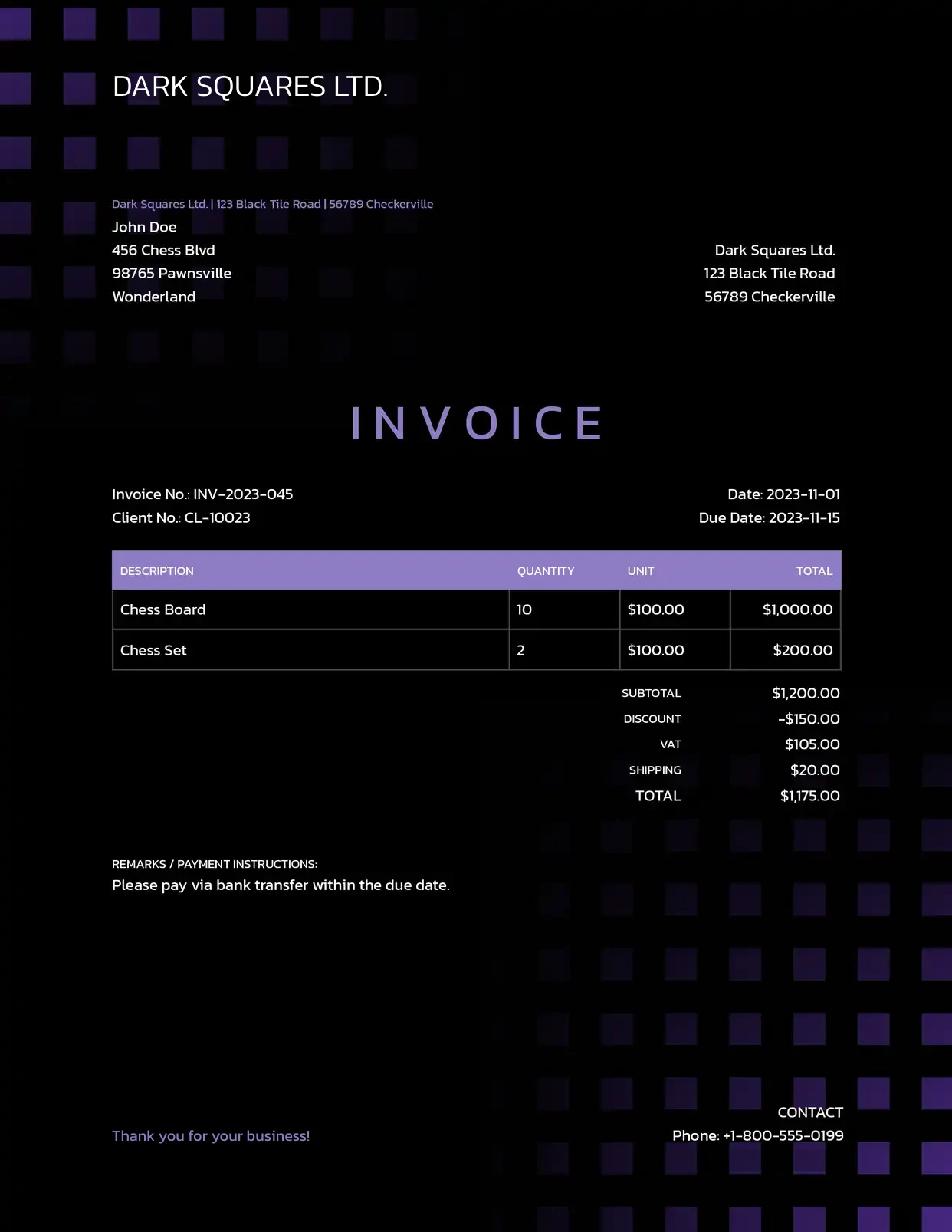

Discover all of our pre-built templates:
View all templatesCustomer Voices
Don't take our word for it. Here's what our customers say about us:
Very flexible and easy to use doc creation tool. Improvements and new features are getting added on a regular basis. The support is top notch 👍🏼 Thanks Rupert for making my life easier 🤩

Stefan
I had a complex process with Airtable and Fillout I was trying to work out and an Airtable consultant told me about DocsAutomator as a much better alternative to Airtable's Page Designer for external documents. She also said Rupert was very helpful.
Sabrina Allison
Found DocsAutomator at the perfect time. Excited to see the ways that it saves me, and our company, time. Super simple to set up and use. Customer service was PROMPT, thorough, and helpful when I ran into some issues.
Cody Nailor
DocsAutomator has proven to be an invaluable asset for our business, streamlining the automation of emails and documents in a seamless and efficient manner. It has significantly simplified tedious tasks, making our workflow more efficient.

Thembinkosi Malefo
DocsAutomator is great to generate on the fly PDF documents. We use it for several applications. it's easy to implement and great to use. I can highly recommend it.
Samuel
DocsAutomator has decreased the amount of time I spend making the repeatable and batch documents I need for my business. [...] It's easy to set up and a very user friendly no code tool. Plus they are always making improvements. Love it.
Patrick Beseda
Wanna read more customer voices?
View all testimonials