





📝 DocsAutomator eSign is now available!

Airtable Documents

Powerful Document Automation & Signing for Airtable

Turn data from Airtable into stunning PDFs and Google Docs - no coding required.

  • Jesus Gacza
Trusted by 10,000+ Business Owners

Some of the teams / institutions automating their Airtable documents with DocsAutomator:

Sandwich VideoBerkeley UniversityGlidetrawa LogoEthical Swag

Create Documents from your Airtable data in a snap

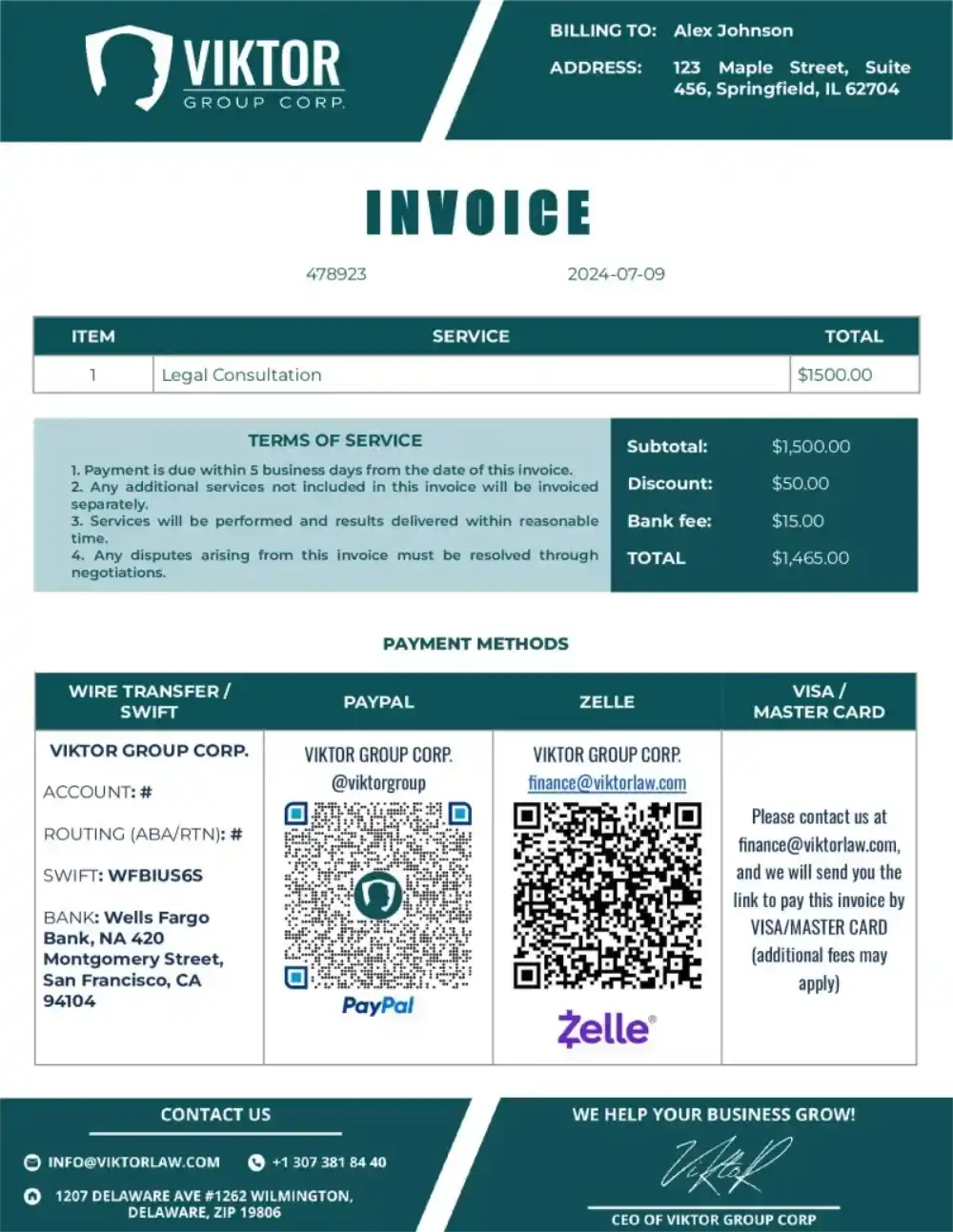
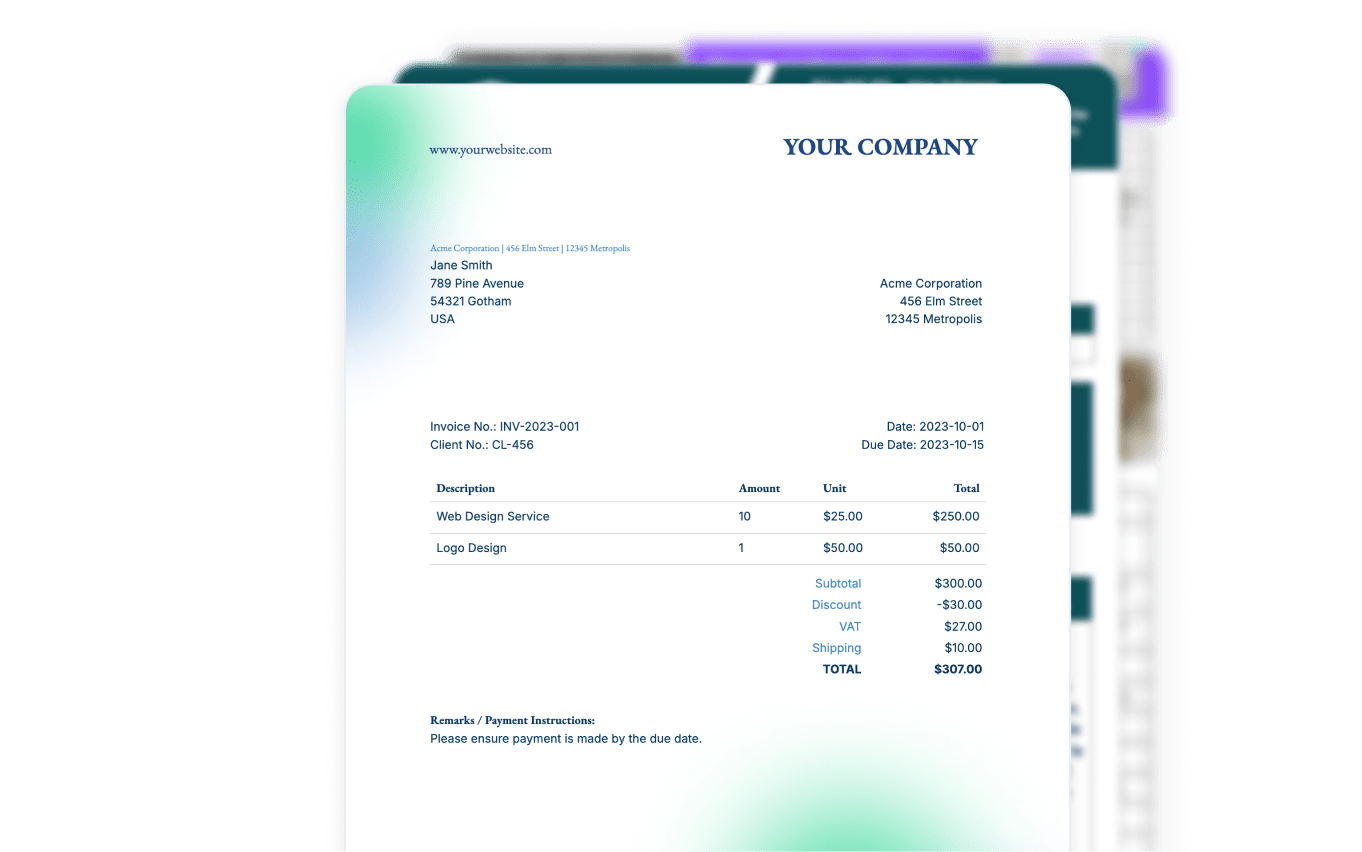
Invoices
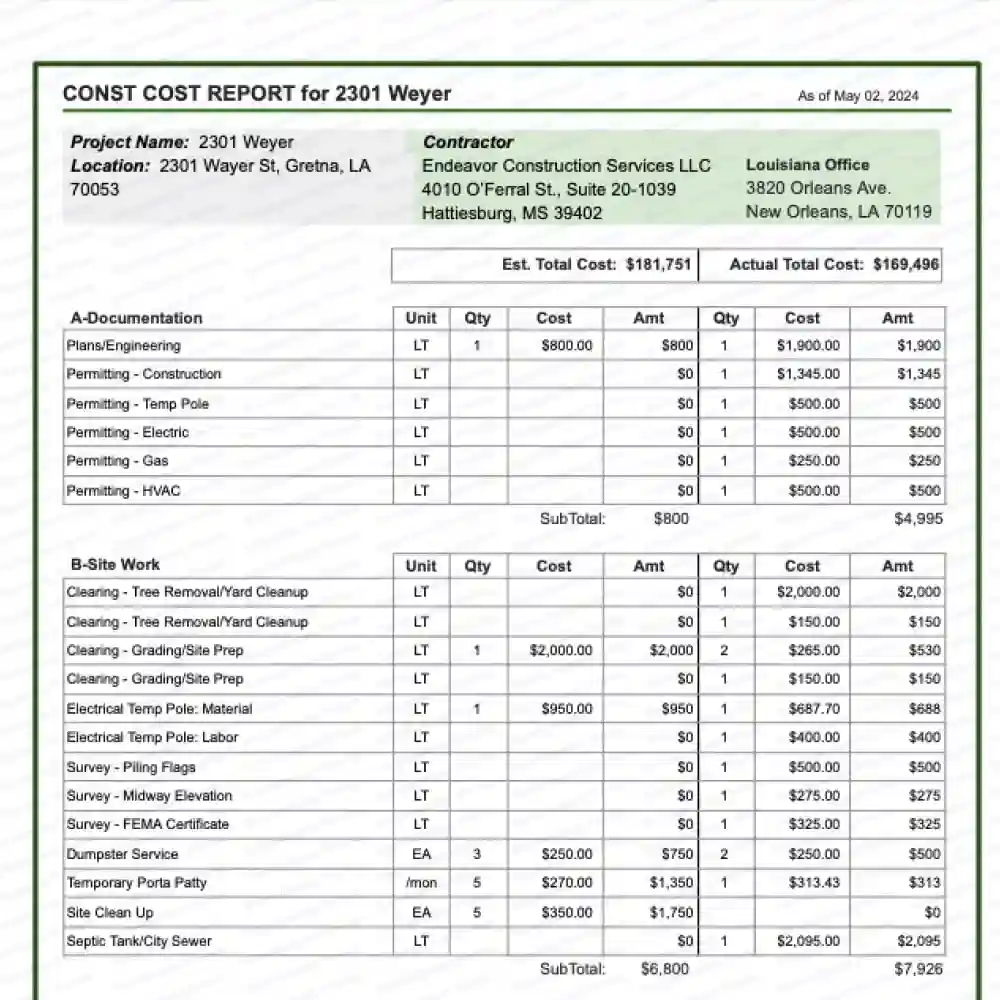
Reports

Certificates

Certificates

Contracts

Sales Contract Document

Legal

Legal Document

Estimates

Estimates Document

Start automating & signing in minutes - for free!

20 documents for free. See pricing for details.

Strong reasons for choosing DocsAutomator to automate & sign your Airtable Documents

Airtable Documents - Native Airtable Integration

DocsAutomator natively supports all Airtable field types

DocsAutomator ensures that Airtable field types are accurately processed, with formatting fully preserved in your documents. Whether handling text, attachments, dates, or select fields, your data seamlessly converts into structured PDFs without loss of detail.
Maintain the integrity of your Airtable records, including linked data and computed fields, for precise and automated document generation.

Fast document generation

Generate documents blazingly fast - independent of length and content.

Unlimited pages

Need to dynamically produce a 200-page report? DocsAutomator allows for documents of any length.

Dynamic Sections

Easily generate documents with fully customizable sections that adapt to different use cases.

Dynamic Line Items

Handle invoices, reports, and any kind of itemized lists effortlessly with dynamic line items including nested data.

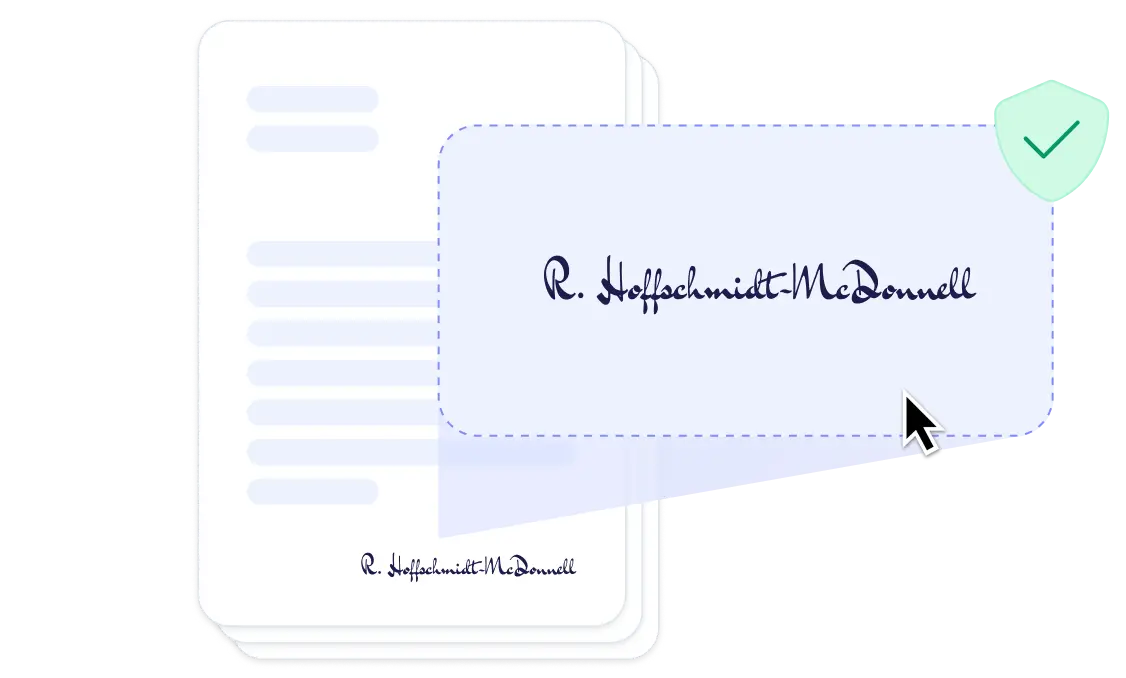
DocsAutomator eSign

Collect legally binding e-signatures on your generated documents.

Learn more about Compliance & Legal Validity
New

AI data mapping

Map or generate sample data in seconds with the help of AI.

Preview mode

Unlimited previews until you're happy - no wasted credits on testing.

Hide & style values conditionally

Generate complex documents effortlessly by hiding or styling values conditionally.

Dynamic images

Add automatically pre-processed and converted images dynamically to your documents

Automated Emails

Send generated documents via email automatically to your recipients.

Save PDFs to Google Drive

Store and organize your generated PDFs directly in Google Drive.

Merge Existing PDFs

Combine multiple PDFs into one seamlessly within DocsAutomator.

Save Google Doc to continue editing

Automation meets human touch - continue editing automatically generated documents in Google Docs.

DocsAutomator is built on top of:

Google Docs

Google Docs

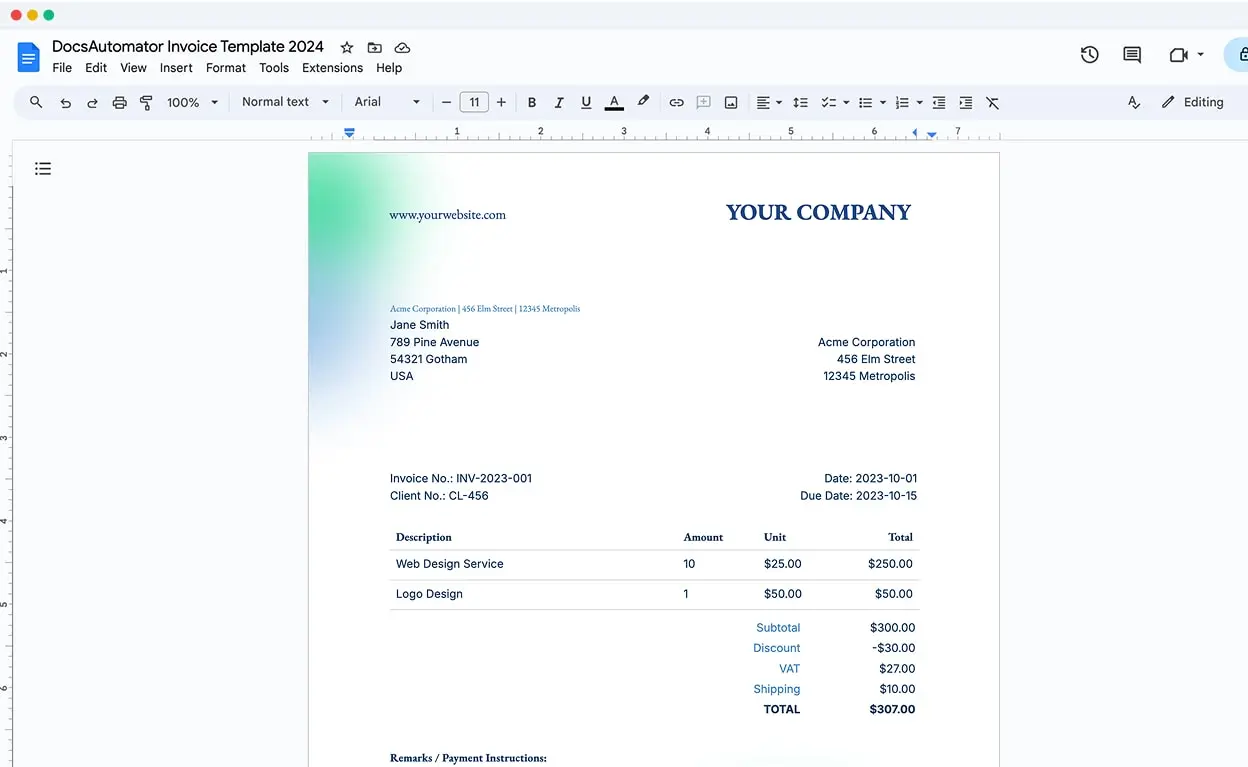
Build templates without the pain to get used to a new software. With DocsAutomator, there is no need to learn a new software. You build your templates in Google Docs, one of the most intuitive document tools on the web.
Google Docs Example in Browser

Start automating & signing in minutes - for free!

20 documents for free. See pricing for details.

Set up in minutes, save weeks of work

1

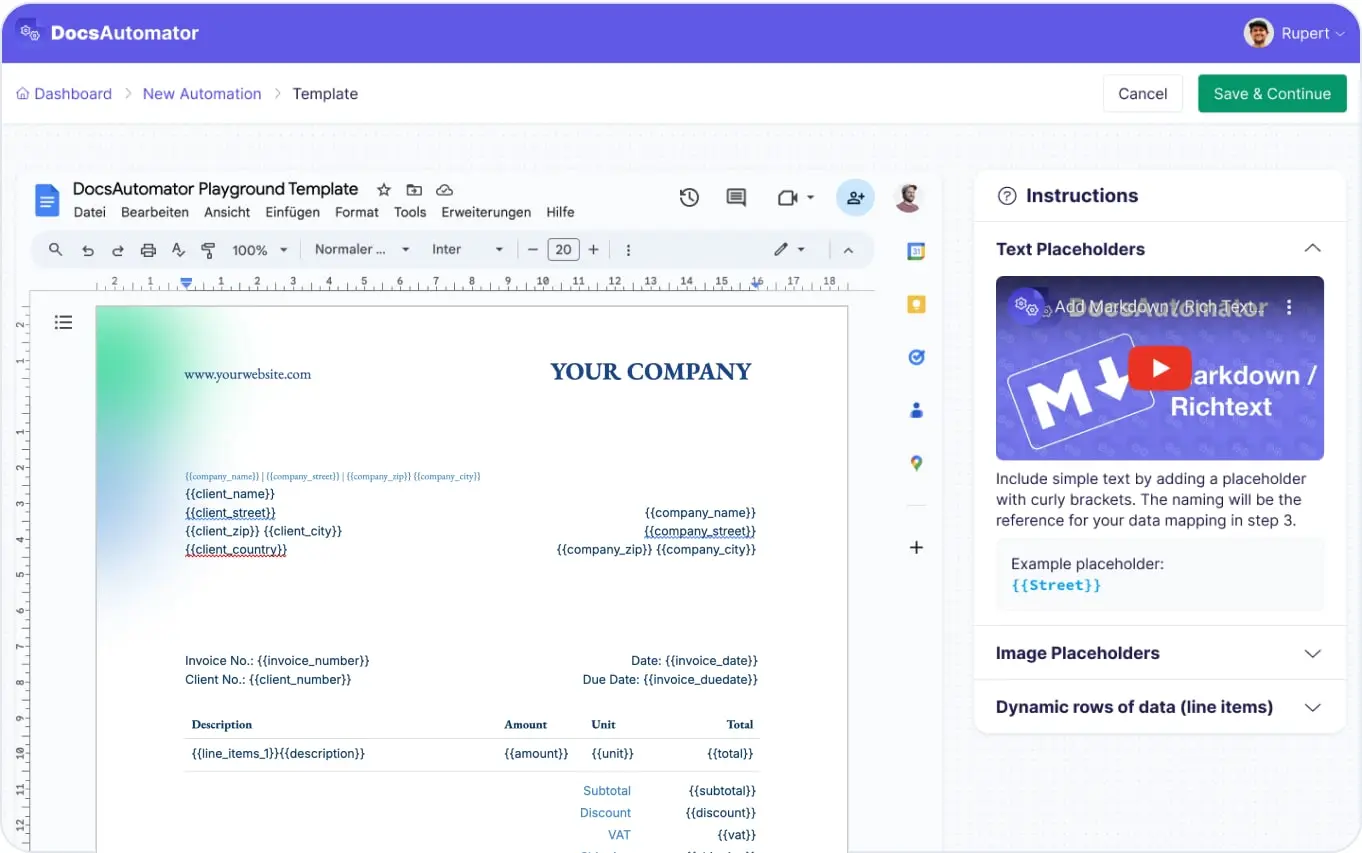
Create a Google Docs Template

Create templates using Google Docs. Start from scratch, use our pre-existing templates, or take advantage of our Template Creation Service.
Airtable Documents - Create a Google Docs Template
2

Map Data & Preview

Map data fields to your template placeholders and generate previews until your documents are perfect.
Airtable Documents - Select Data Source, Map Data & Preview
3

Start Automating & Signing Documents

Send requests from Airtable to DocsAutomator and receive PDFs and optionally keep the Google Doc to edit further.
Start Automating Documents

Step by Step Implementation Guide

Get a detailed step by step Guide as well as the field references and further information in our Knowledge-Base.
Open Knowledge Base

Start automating & signing in minutes - for free!

20 documents for free. See pricing for details.

Frequently Asked Questions

Start automating & signing in minutes - for free!

20 documents for free. See pricing for details.
What customers are saying about us

I was looking for a convenient solution to generate Google docs based on Airtable data, which supported features like Line Items and Dynamic Folder Creation. I was thrilled to find DocsAutomator, the experience and support has been excellent.

Doug H.
Doug H.
,

I've just been looking for this app for weeks. DocsAutomator simply outperforms any competitor out there. I've tried almost every possible way to generate PDF from Airtable, and none offer half of the capacities DocsAutomator does.

Foulques de Moncade
Foulques de Moncade
,

Before I discovered Docsautomator, generating reports from Airtable was a time-consuming task that drained both my time and energy. However, Docsautomator changed everything and made the process feel effortless.

Kuladej Lertkachonsuk
,

Start automating & signing in minutes - for free!

20 documents for free. See pricing for details.

Ready to automate & sign your Airtable Documents?

  • Jesus Gacza
Trusted by 10,000+ Business Owners

Start automating & signing in minutes - for free!

20 documents for free. See pricing for details.