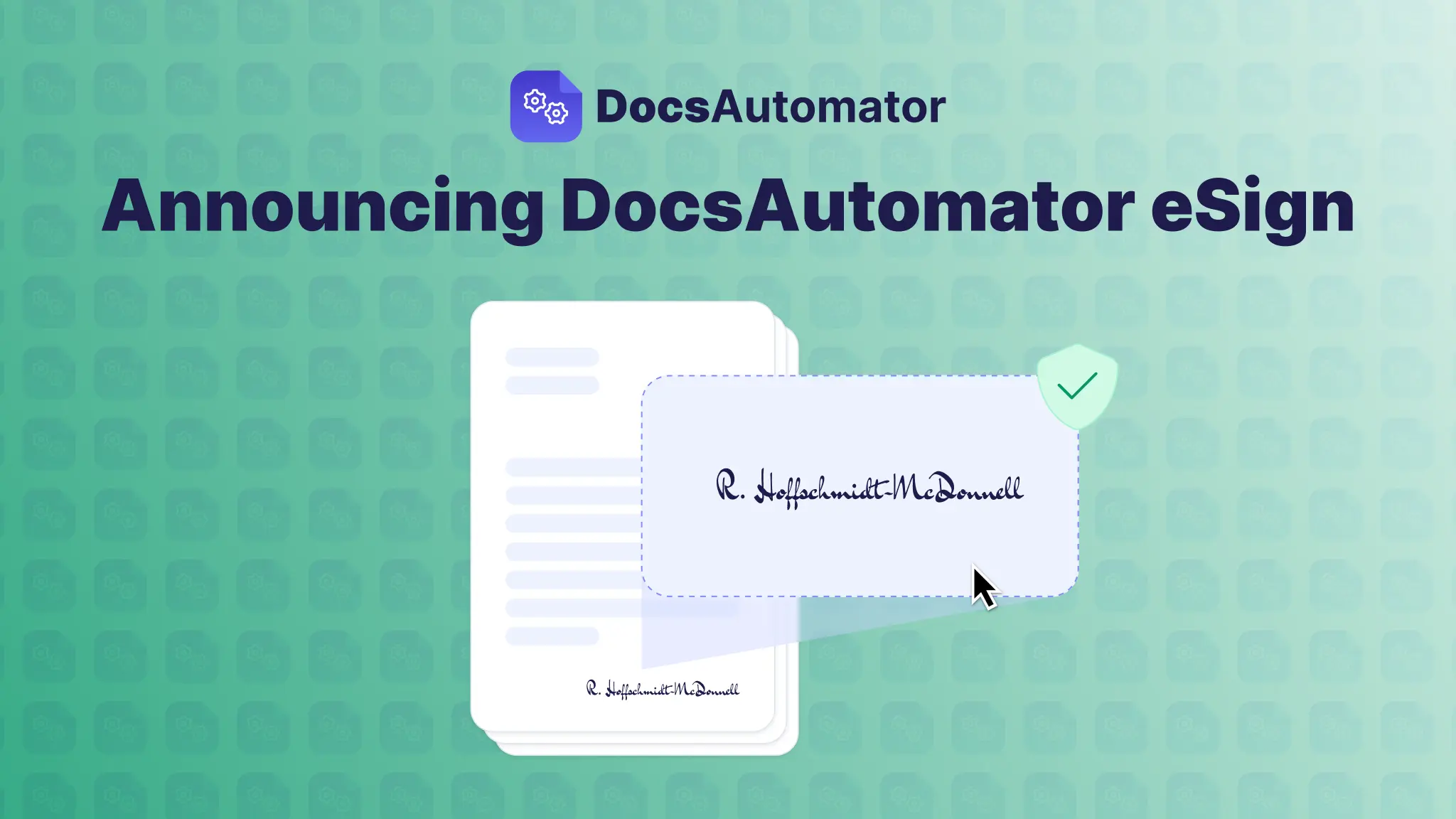
We're excited to introduce DocsAutomator eSign, a powerful new add-on that brings electronic signatures directly into your document automation workflow. Now you can generate contracts, agreements, and forms from your data sources and collect legally binding signatures—all in one seamless process.
No more switching between apps. No more manual follow-ups. Just automated documents that get signed.
Why We Built This
Our users have been asking for it: "I generate hundreds of contracts from Airtable. Can signers sign them directly?"
Until now, that meant exporting PDFs, uploading them to a separate e-signature tool, and manually tracking who signed what. It was tedious, error-prone, and broke the automation chain.
DocsAutomator eSign solves this by keeping everything connected. Your data flows into your template, generates a document, and automatically triggers a signing workflow—all without leaving DocsAutomator.
Key Features
1. Multiple Signers with Flexible Workflows
Add unlimited signers to any document. Choose parallel signing (everyone signs at once) or sequential signing (one after another in a specific order). Perfect for multi-party contracts, approvals, and compliance documents.
2. Smart Field Types
Go beyond just signatures. Capture:
- Signatures — Draw on any device
- Dates — Auto-fill or manually select
- Text fields — Collect names, titles, or custom information
- Checkboxes — Confirm terms and conditions
All fields are placed exactly where you put the tags in your Google Docs template.
3. Automated Email Workflows
Customize every email in the signing process:
- Invitation emails — Branded requests to sign
- Reminder emails — Automatic nudges for unsigned documents
- Completion emails — Confirmation with download link
Use your own Gmail account for better deliverability, or send from DocsAutomator.
4. Complete Audit Trail
Every signing session captures:
- Timestamps for each action
- IP addresses and device information
- Geolocation data
- Document integrity hashes (SHA-256)
Meet compliance requirements with a detailed Certificate of Completion automatically appended to every signed document.
5. Webhook Integration
Receive real-time notifications when documents are signed. Pass custom parameters through the entire workflow to connect signed documents back to your records, orders, or CRM entries.
{
 "signedPdfUrl": "https://...",
 "status": "completed",
 "signers": [...],
 "additionalParams": {
    "orderId": "ORD-12345"
  }
}
6. Data Source Integration
Signed PDFs and field values flow back to your data source automatically:
- Airtable — Save to attachment fields
- Google Sheets — Insert hyperlinks
- SmartSuite — Upload to file fields
- ClickUp — Attach to tasks
Close the loop without manual data entry.
How It Works
- Add eSign tags to your template

- Configure your signers Map signer emails from your data source or use placeholders like {{client_email}}.
- Generate and send When a document is created, signers automatically receive their signing links.
- Track and complete Monitor progress in your dashboard. When everyone signs, the final PDF is generated and delivered.
Who Can Benefit
Agencies & Consultants Generate client contracts from your CRM and get them signed without chasing emails. Sequential signing ensures the right approval order.
Sales Teams Create proposals and quotes that convert to signed agreements instantly. Webhooks notify your system the moment a deal is closed.
HR & Operations Automate offer letters, NDAs, and policy acknowledgments. Collect signatures from new hires before day one.
Legal & Compliance Maintain complete audit trails with timestamps, IP addresses, and document hashes. Meet e-signature regulations with built-in compliance features.
Simple, Transparent Pricing
DocsAutomator eSign is available as an add-on to any paid plan. Test your workflows in Preview Mode with watermarked documents before going live.
No per-signature fees. No hidden costs. Just predictable pricing that scales with your business.
Get Started Today
Ready to add signatures to your document automation?
- Enable eSign on your automation in the DocsAutomator app
- Add signature tags to your Google Docs template
- Configure your signers and email settings
- Generate a test document to see it in action
DocsAutomator eSign is available now for all paid plans. Upgrade your account or contact us to learn more.