You’ve built the perfect agency operating system in Airtable. Your CRM is busy, your service catalog is fully priced out with precise margins, and your case studies are meticulously tagged by industry and outcome. You have achieved what every operations manager in a growing agency dreams of: a single source of truth for your data.
But when it comes time to take that data and turn it into the most important document in your agency, the client proposal — you hit a wall.
For Airtable users, one searches and finds ‘Free Airtable Document Designer’ and explores Airtable Page Designer, the platform's built-in extension. It promises a simple, drag-and-drop solution. You spend hours tweaking layout boxes, trying to get your agency's custom font to load, and struggling to align your logo.
However, Airtable Page Designer has limitations. Your agency will hit the three deal-breakers that every brand-conscious agency encounters:
- The Font and Color Struggle: Page Designer offers a limited palette. Trying to match your client’s specific brand typography or your agency’s exact Adobe Fonts requires CSS workarounds or simply isn't possible. You are forced to compromise your brand guidelines.
- The Layout Rigidity: It is difficult to have a sophisticated, full-bleed cover image with white text overlaid. Or a two-column layout that gracefully adjusts depending on the length of the text. Airtable Page Designer is a fixed grid; if your text is too long, it gets cut off. If it's too short, you're left with awkward white space.
- The ‘Single Page’ Trap: As soon as your pricing table grows beyond three or four items, it runs off the bottom of the page. Page Designer does not support dynamic page breaks. You cannot generate a multi-page PDF where the content flows naturally.
You are left with a binary choice: send a generic-looking, glitchy PDF that undermines your premium pricing, or export your data to CSV and copy-paste it into a word processor, effectively killing your automation.
There is a third way. The best document designer for Airtable isn't in Airtable—it's Google Docs. And with DocsAutomator, you can turn that familiar, free editor into a high-powered, custom-branded proposal document creation engine.
Why is Google Docs the Ultimate Custom Proposal Document Creation Engine?
The Airtable to Google Docs workflow changes the game because it fundamentally decouples data from design.
Airtable is a database; it should handle numbers, logic, and relationships. It should not be responsible for margins or visual hierarchy. Google Docs, however, is built for exactly that.
By moving your proposal template to Google Docs, you unlock:
- Total Design Freedom: Want a specific hex code for your headers? Need a complex footer with your agency’s legal disclaimer and page numbers on every page? Want to wrap text around a circular headshot? You can do it all using standard Google Docs formatting tools.
- Zero Learning Curve: You don't need to train your team on a new, proprietary document builder software. If your sales team can edit a Google Doc, they can build or update an automated template.
- Real-Time Collaboration: Your creative director, copywriter, and legal team can collaborate on the template design in real-time—commenting, suggesting edits, and refining the language—before it’s ever connected to data.
How DocsAutomator Bridges the Gap to Create Custom Proposal Documents?
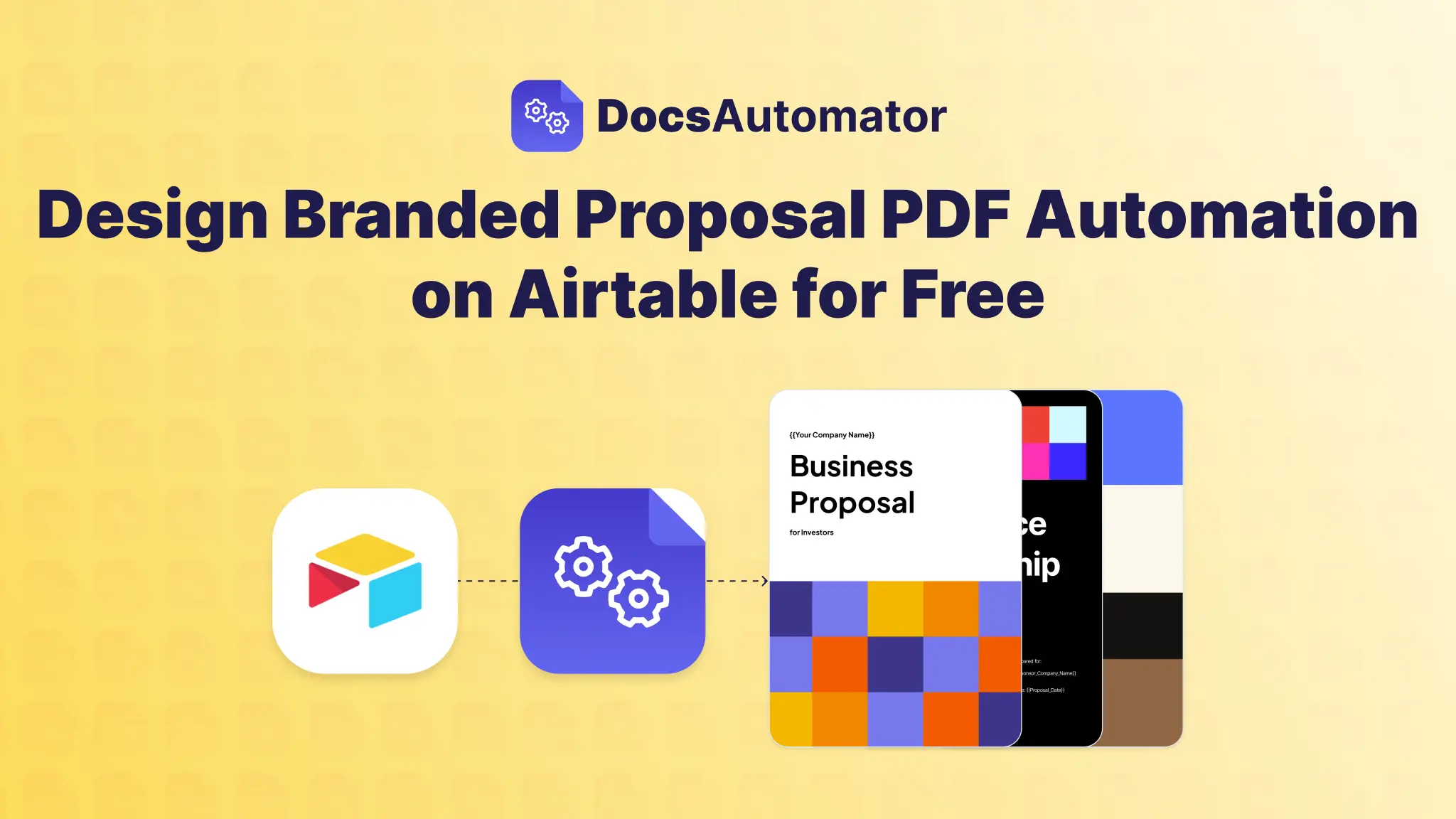
DocsAutomator sits as the intelligent bridge between your Airtable base and your Google Doc template. It acts as the translation layer, taking your raw, structured data and injecting it into your polished design to create a PDF or an editable Google Doc.
But for an agency, ‘injecting data’ isn't enough. You need customization.
Here is how DocsAutomator’s specific features solve the granular branding problems that native tools can't touch.
1. Dynamic Images for Hyper-Personalization
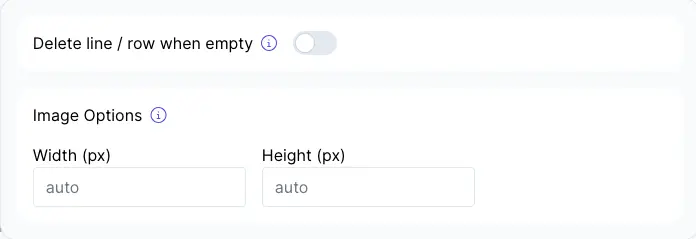
Generic proposals get ignored. A proposal that includes the client's logo on the cover and case studies relevant to their industry wins deals.
In Airtable Page Designer, swapping images dynamically is clunky. With DocsAutomator, it’s handled via a simple syntax: {{image_variable}}.
- The Client Logo: You map a placeholder like {{image_client_logo}} on your cover page to an attachment field in Airtable. DocsAutomator grabs the logo, resizes it to fit your design constraints (preserving aspect ratio), and places it perfectly every time.
- Relevant Case Studies: You can use conditional logic to pull specific imagery. If the prospect is in ‘Healthcare,’ the automation pulls the ‘Hospital App UI’ screenshot. If they are in ‘Retail,’ it pulls the ‘E-commerce Dashboard’ screenshot.
- Team Humanization: Automatically populate the ‘Meet Your Team’ section with headshots of the specific Account Executive and Project Manager assigned to the deal. You map {{image_ae_headshot}}, and the system pulls the correct photo from your "Employees" table.
Tech Note: DocsAutomator pre-processes these images, converting formats and optimizing file sizes (e.g., ‘Eco’ mode) to ensure your final PDF isn't a bloated 50MB file that gets blocked by email servers.
2. The ‘Accurate’ Pricing Table (Line Items)
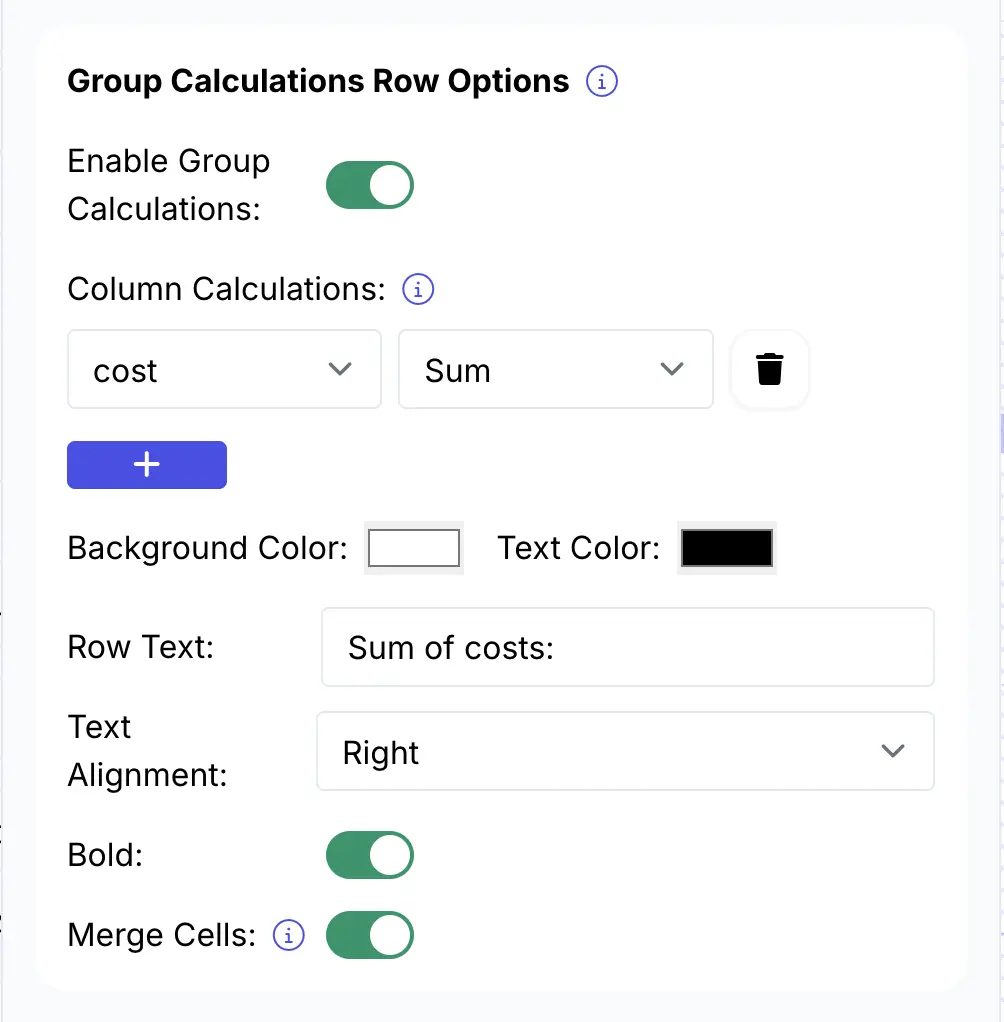
This is the most critical technical advantage. Creating a pricing table in a manual document is tedious; creating one in Page Designer is impossible if the list length varies.
DocsAutomator uses a ‘Line Item Loop’ to generate tables that expand dynamically. You simply set up a single row in your Google Doc table and label it {{line_items_1}}.
- Variable Scope: Whether you are selling a single ‘Strategy Audit’ or a comprehensive ‘12-Month Retainer’ with 30 different deliverables, the table adjusts. It generates one row for every item in your Airtable linked record.
- Calculated Accuracy: Because the data comes from Airtable, your pricing is mathematically perfect. You aren't relying on a sales rep to manually sum up rows in a Word doc (where calculation errors often hide).
- Flow Across Pages: Unlike native tools, if your pricing table is long, it flows perfectly onto the next page, automatically repeating header rows if you choose, maintaining a professional look.
Learn more about Grouping line items and performing calculations here:
3. Intelligent ‘Show/Hide’ Logic
Stop sending "Frankenstein" proposals—documents stitched together from old PDFs that contain irrelevant services or leftover text from previous clients.
DocsAutomator brings conditional logic into the document generation process.
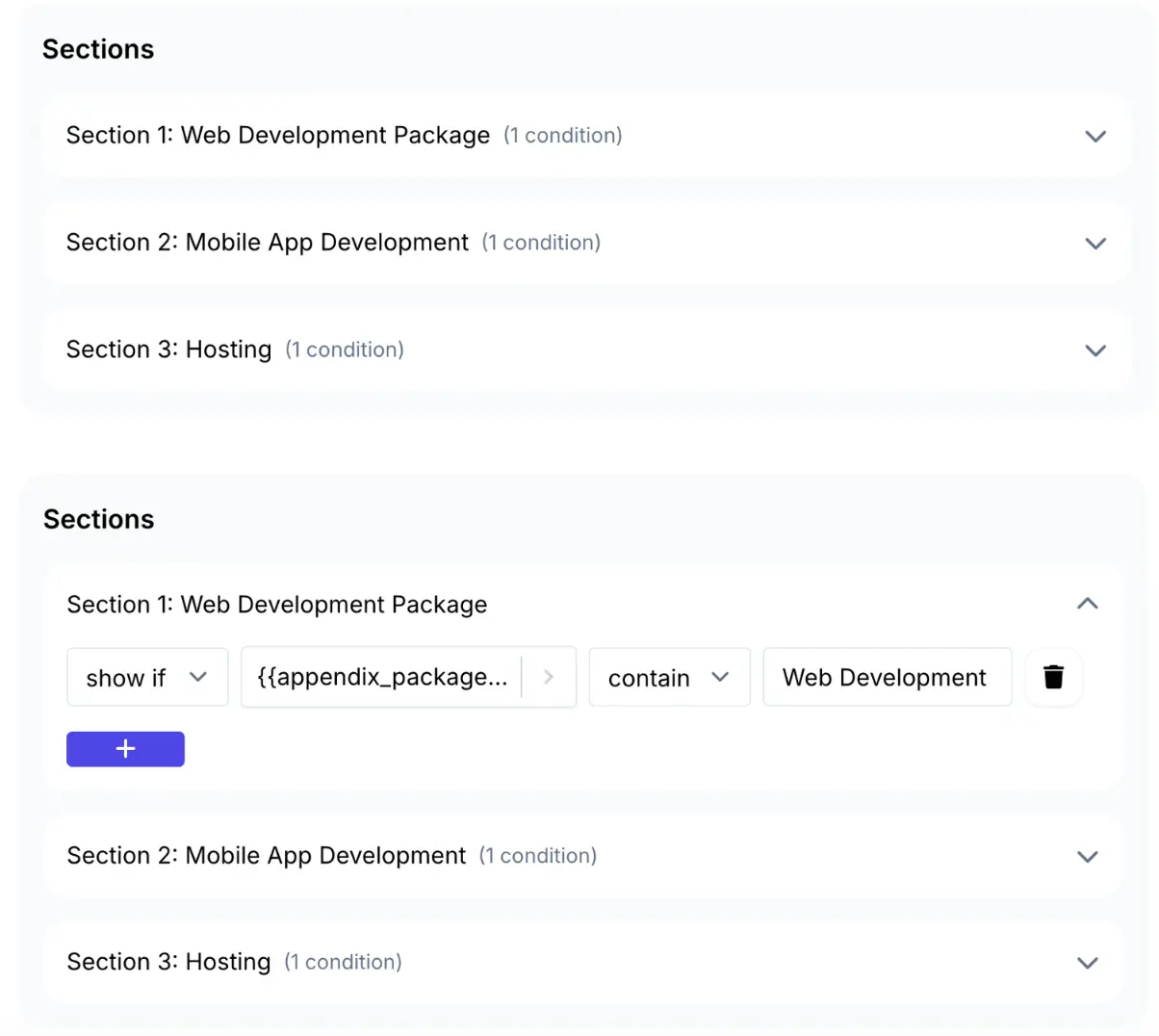
You can wrap sections of your Google Doc in logic that asks, “Should I show this?”
- Pitching a Web Design project? The automation sees the ‘Service Type’ is ‘Web,’ so it automatically hides the ‘Social Media Retainer’ scope of work and the ‘Ad Spend’ schedule.
- Pitching to a UK client? The automation detects the region and swaps your legal Terms & Conditions from the US version to the GDPR-compliant UK version.
- Is the deal value over $50k? The automation automatically inserts the ‘VIP Support SLA’ page.
This ensures every proposal feels 100% bespoke to the client, without your team needing to manually delete pages.
Learn more about dynamic sections and how to implement conditional logic here:
Customize this document automation workflow: The Free Marketing Services Proposal Template
You don't need to start from scratch. To prove how powerful this workflow is, we have built a dedicated free marketing services proposal template on Google Docs designed specifically for agencies.
This isn't a blank page. It is a fully structured, agency-grade framework pre-loaded with the placeholders you need.
What’s inside the template:
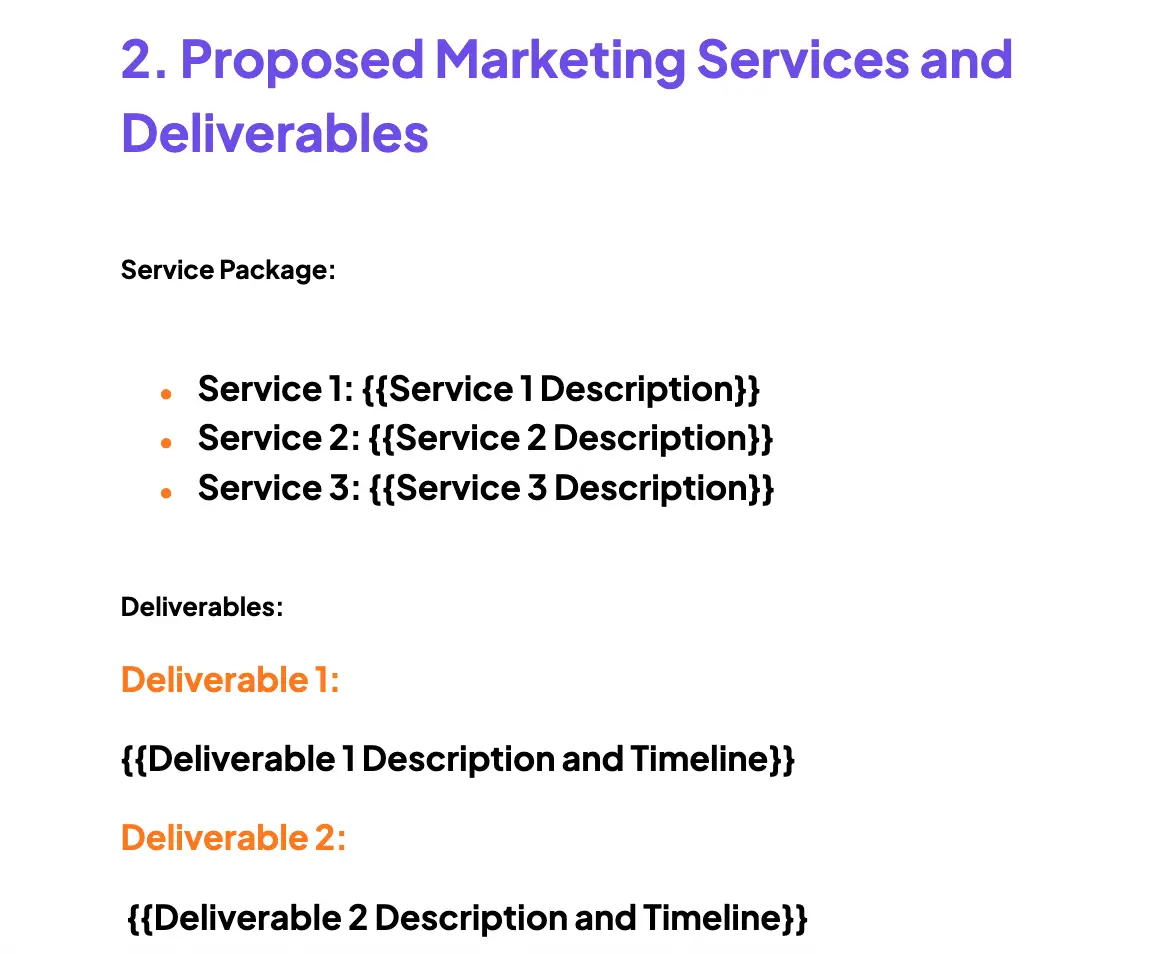
- The ‘Hook’ Cover Page: A visually striking layout ready for your agency's background imagery, with dynamic placeholders for {{Client Name}} and {{Project Name}}.
- Executive Summary and Goals: A dedicated section for narrative text. In Airtable, you might have a ‘Strategy Notes’ long-text field. This template pulls that text in, formatting it with professional line heights and paragraph spacing that spreadsheets can't match.
- Dynamic Scope of Work: A pre-built table structure ready for your {{line_items_1}}. It includes columns for ‘Deliverable,’ ‘Description,’ ‘Timeline,’ and ‘Investment,’ ready to map to your Airtable ‘Line Items’ table.
- ‘Our Process’ Visuals: A section designed to showcase your methodology using images or diagrams that you can store in Airtable and swap out based on the service type.
- Investment Summary and Sign-off: A clear, bold pricing section that pulls the final {{Total_Cost}} from your base, followed by a placeholder for digital signature links (like DocuSign or simple e-signature blocks).
The ‘Free’ Advantage
One of the biggest friction points with document automation software is the cost. Tools like PandaDoc or specialized CPQ software can cost hundreds of dollars a month per seat.
If you are searching for a free Airtable document designer, DocsAutomator offers the most generous entry point in the market. You can generate up to 20 documents per month for free — forever.
Check out the — DocsAutomator Pricing Page and yearly discount, NPO and educational institution offers.
For many boutique agencies, freelancers, or consultants, 20 proposals a month covers your entire pipeline. You get the power of an enterprise-grade document automation solution. This is complete with conditional logic, line items, and dynamic images, without adding a cent to your overhead.
How to Set Up Marketing Services Proposal Template (In 5 Minutes)
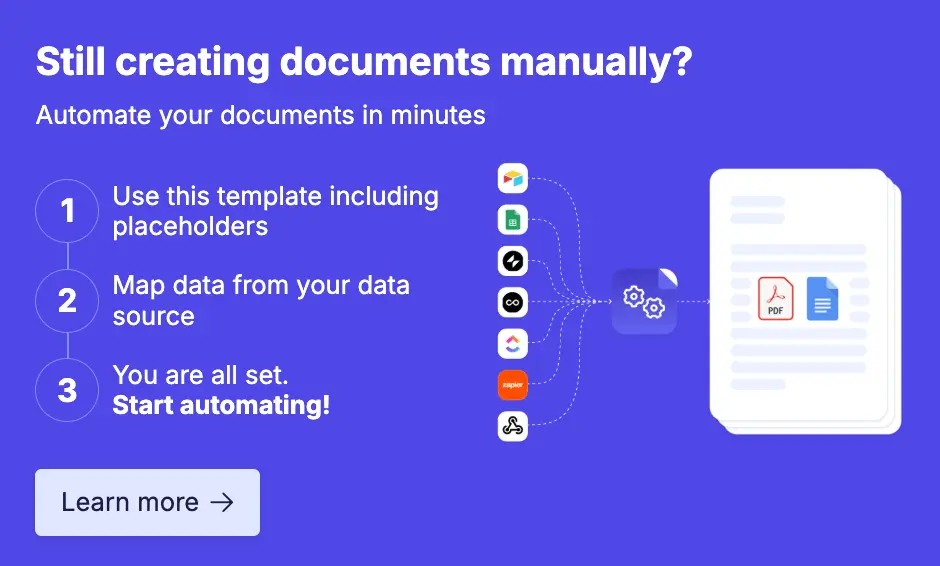
Ready to ditch the manual work? Here is your deployment plan:
- Get the Template: Make a copy of the marketing services proposal template. It saves directly to your Google Drive.
- Prepare Your Data: Ensure your Airtable base has a table for ‘Proposals’ (the parent record) and a table for ‘Line Items’ (the child records, linked to the proposal).
- Map Your Data: Log in to DocsAutomator, select your Airtable base, and choose your new Google Doc template. The system will auto-detect the placeholders (like {{Client Name}}). simply click to map them to your Airtable fields.
- Test and Generate: Click the ‘Generate’ button in Airtable. Watch as DocsAutomator grabs your data, injects it into the Google Doc, applies all your conditional logic, converts it to a pristine PDF, and saves it back to your Airtable attachment field.
Your proposals are the physical embodiment of your agency's brand. They shouldn't be limited by the technical constraints of a database's ‘Page Designer’ extension.
Move your design to the tool built for design: Google Docs. Keep your data in the tool built for data: Airtable. And use DocsAutomator to seamlessly connect the two.
You will save hours on every proposal, eliminate copy-paste errors, and deliver a client experience that looks as premium as the services you sell.