For a service business, time is inventory.
Every hour your Account Manager spends manually formatting a Google Doc proposal as per daily pitching schedule. Or copy-pasting data from Airtable into a monthly report.
That’s an hour of inventory burned — forever.
It is easy to dismiss document automation as a ‘nice to have’ efficiency tweak.
But when you run the numbers, the reality is stark: manual documentation is likely costing your agency tens of thousands of dollars in lost billable capacity annually.
This isn’t just about ‘saving time.’ It’s indeed about Return on Investment (ROI) → thanks to time saved leading to scaling time spent on revenue-generating work.
In this guide, we will understand the value of document creation automation by:
- Breaking down the exact math of document automation ROI for agencies
- Exploring specific high-value use cases using free templates
- Looking at real-world examples of how tools like DocsAutomator pay for themselves in days, not months.
The ‘Napkin Math’ of Manual Documentation
Before we dive into the tool, let's look at the problem.
The average agency employee, whether an Account Manager or Operations Specialist, costs the business significantly more than their hourly wage when you factor in overhead and, more importantly, opportunity cost.
If your Account Manager’s billable rate is $150/hour, every hour they spend on non-billable admin is $150 of revenue you didn't earn.
The ‘Cost of a Proposal’ Calculation
Let's assume your agency sends 20 proposals a month.
The Manual Method:
Your team hunts for an old doc, clicks ‘Make a Copy,’ finds and replaces ‘Client A’ with ‘Client B,’ manually updates the pricing table from a spreadsheet, fixes the formatting that broke when they pasted the logo, and exports to PDF.
- Time per doc: 45 minutes (0.75 hours).
- Total Time: 15 hours/month.
- Cost: 15 hours * $150 (Billable Rate) = $2,250/month in lost revenue capacity.
The Automated Method (DocsAutomator):
Your team changes a status in Airtable to ‘Generate Proposal.’
- Time per doc: 0 minutes (fully automated), only initial set up time of up to 4-5 hours to understand DocsAutomator documentation and configure Google Doc template.
- Cost to Create DocsAutomator Template: 0 when you do it yourself or use our free ready-to-use templates.
- DocsAutomator Subscription: $10/month or $120/year for Starter plan. You can test for free with 20 documents.
- Total Cost: $0 (Time) + $0 (DocsAutomator Free Plan) = $0 for first 20 documents
The Verdict: Even at this small scale, manual work costs you $27,000/year in lost billable opportunity. For 200 documents, DocsAutomator's paid plans cost just $19/month or $228 billed annually.
That’s insane ROI for growth focused agencies wanting juicy margins.
Use Case 1: The Marketing Proposal (ROI = Higher Win Rates)
Speed kills deals. Industry data suggests that 35-50% of sales go to the vendor that responds first. If your team takes 24 hours to turn around a proposal because they are swamped, you are losing revenue.
The Automation Play:
Using DocsAutomator, you can connect your CRM (Airtable, HubSpot, or SmartSuite) to a Google Doc template. When a deal moves to ‘Proposal Requested,’ the document is generated instantly with the correct scope, pricing, and client details.
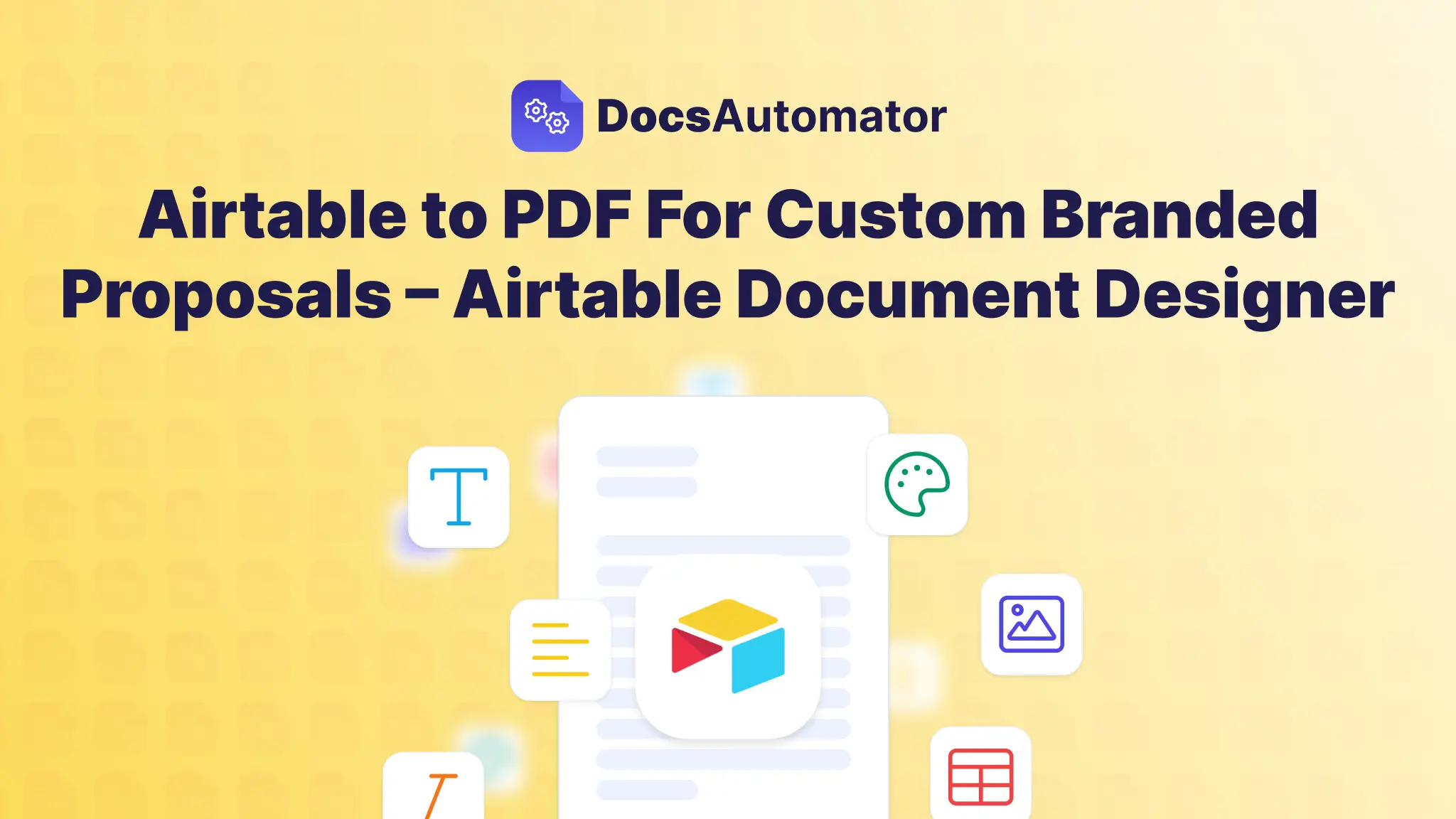
Learn more about setting up document automation for generating proposals:
Airtable to PDF For Custom Branded Proposals – Airtable Document Designer
The ROI Boosters:
- Eliminate Pricing Errors: Manual pricing tables are prone to human error (average error rates in manual data entry hover around 1%). DocsAutomator’s Line Item feature loops through your priced services in Airtable and prints a mathematically perfect table every time.
- Hyper-Personalization: Use Conditional Logic to show specific case studies. If the prospect is ‘eCommerce,’ the automation automatically inserts your eCommerce case study images. Personalized content builds trust and increases conversion.
Don't build from scratch. Start Here with our free Google Doc template:
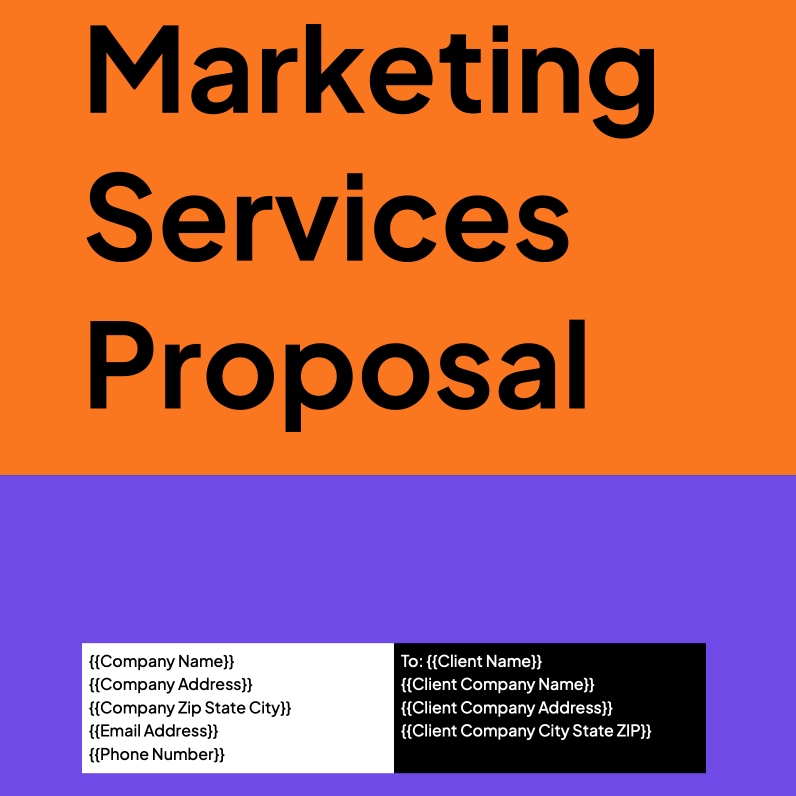
Free Marketing Services Proposal Proposals Template
It includes pre-built sections for Scope of Work, Timelines, and Pricing, ready to be mapped to your data.
Use Case 2: Client Reporting (ROI = Client Retention)
Client retention is the lifeblood of an agency. A 5% increase in retention can boost profits by 25-95%. Yet, agencies often skimp on reporting because it is tedious.
The ‘Reporting Week’ Nightmare:
Agencies often report spending 3-4 hours per client, per month manually pulling data into spreadsheets or slide decks. For an agency with 20 clients, that is 60-80 hours of senior-level time burned every month.
The Automation Play:
Get your reporting data into Google Sheets, Airtable, ClickUp, or any of our 10 data source integrations. Use DocsAutomator to generate a polished, branded PDF report at the end of the month automatically.
- Dynamic Charts: Link directly to your performance metrics.
- Visual Proof: Use the {{image_...}} syntax to pull in screenshots of ad creatives or social posts directly from your database.
Here’s a detailed tutorial on client reporting to help get started:
Airtable to PDF: Automate Client Deliverables With DocsAutomator For Free
Real-World Case Study:
Christoph Bernhard, a DocsAutomator user, creates complex analysis reports for startups. Before automation, a single report took up to one week to compile.
“I have to write 20 analysis reports about start-ups per year. It took me up to one week for the 40 pages. With the new airtable AI fields, combined with DocsAutomator, I'm down at around 6 hours of work per report and saved me almost 700h per year.”
- The Shift: By combining Airtable AI fields with DocsAutomator, he reduced report creation time from one week to just 6 hours.
- The ROI: This saves him almost 700 hours per year. At a consultancy rate, that is six figures in saved time.
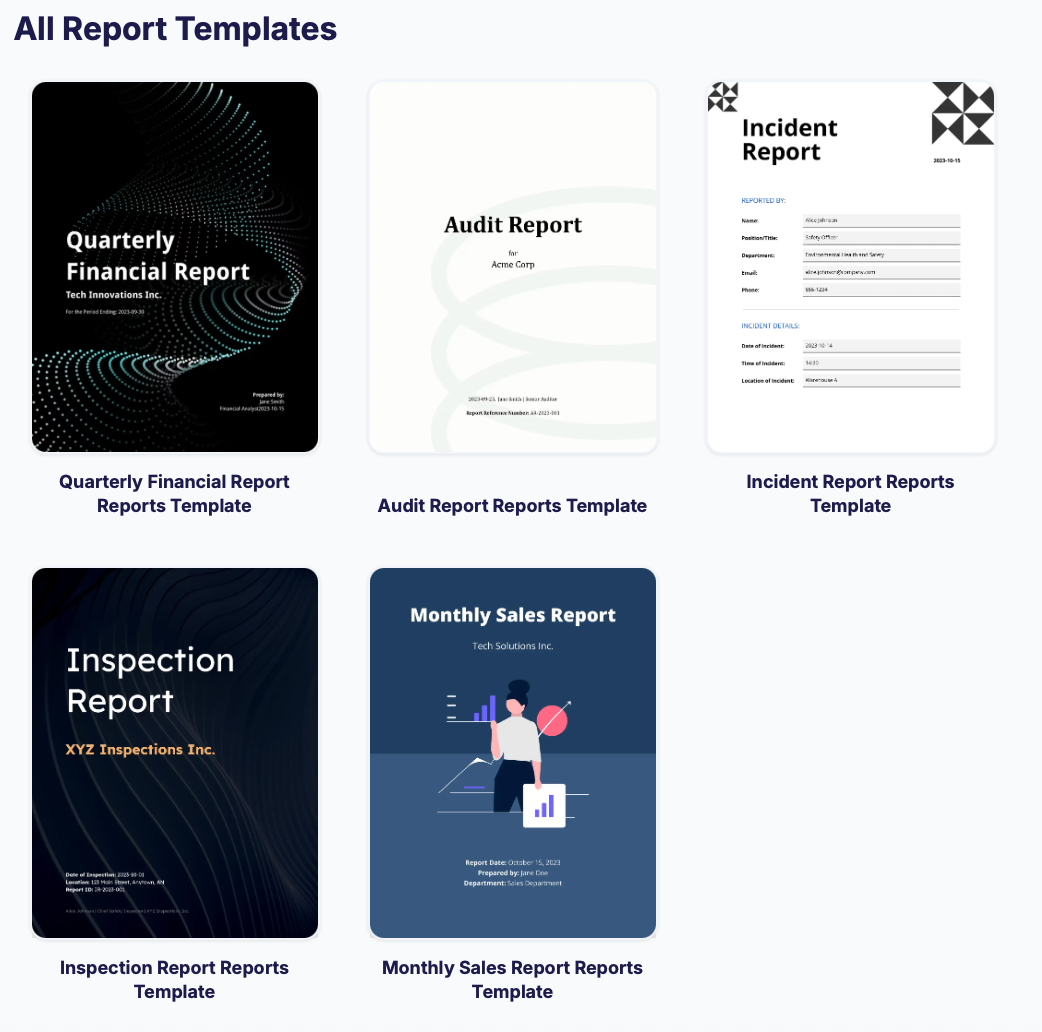
Start Here with our free Google Doc template for multiple report categories:
Explore DocsAutomator Reporting Templates
Use Case 3: Contracts and Agreements (ROI = Risk Mitigation)
The hidden cost of manual contracts isn't just time; it's risk. A copy-paste error that leaves an old client's name or the wrong jurisdiction's governing law in a contract can lead to legal disputes or voided agreements.
The Automation Play:
Centralize your legal clauses in your database. Use DocsAutomator to assemble the contract based on the deal terms.
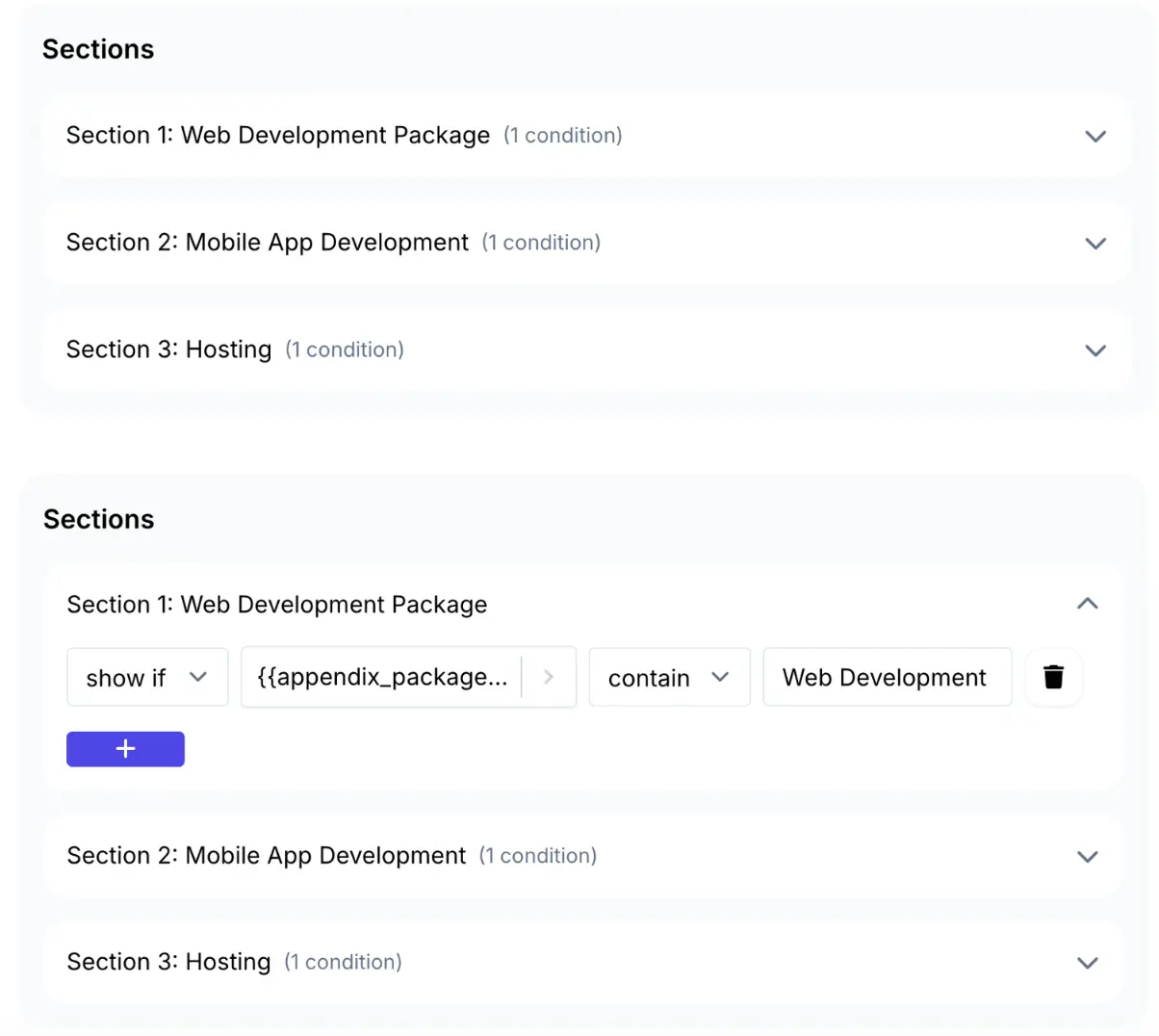
- Conditional Clauses: If State = "California", automatically insert the ‘CCPA Compliance’ page. If not, hide it.
- Zero ‘Find and Replace’ Risk: The automation pulls data directly from the source of truth. It is impossible to "miss" a placeholder.
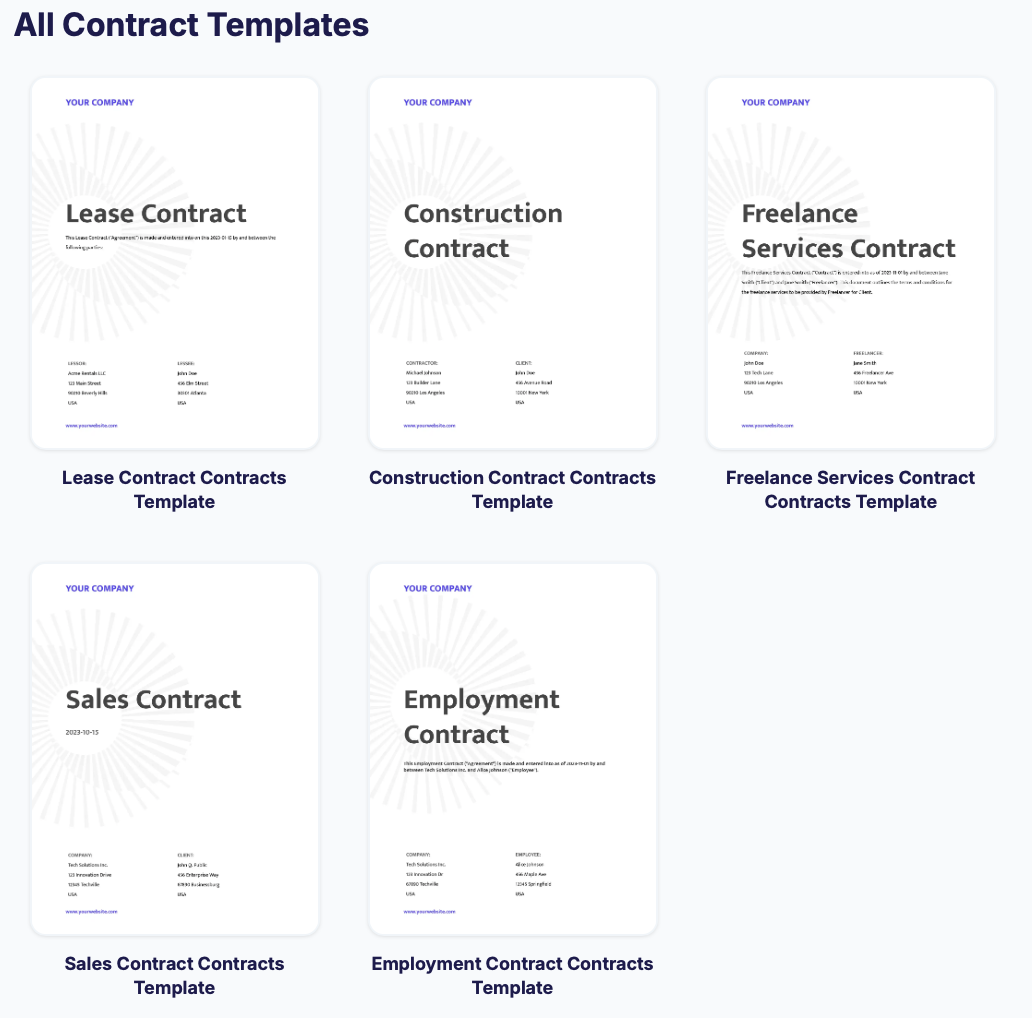
Start Here with our free Google Doc template for multiple contract generation categories:
Explore DocsAutomator Contract Templates
You can find ready-to-use templates for NDAs, Service Agreements, and Employment Contracts.
Why DocsAutomator Delivers the Best ROI
There are other document generation tools out there (PandaDoc, DocuSign, etc.), but for agencies running on modern stacks like Airtable, Glide, or ClickUp, DocsAutomator is the superior ROI choice.
1. No ‘Seat’ Costs
Most legacy software charges $50+ per user, per month. If you have a team of 10, you're paying $6,000/year just for the software. DocsAutomator charges based on document volume. You can have your entire 50-person team generating documents on a single $10/month plan for 50 docs or $19/month for 200 docs.
2. Built on Google Docs
You don't need to pay a designer to build templates in a proprietary drag-and-drop editor. You build in Google Docs — a tool you already know and pay for. This reduces the learning curve cost to zero.
3. Advanced Features Included
Features that are usually gated behind ‘Enterprise’ plans in other tools are standard here:
- Line Items and Loops: Essential for invoices and detailed SOWs.
- Image Processing: Automatically resizing and formatting client logos and portfolio images.
- Post-Creation Actions: Automatically emailing the PDF to the client and saving it back to Airtable in one step.
The Cost of Doing Nothing
Let’s go back to math.
If your agency generates just 50 documents a month (proposals, contracts, invoices, reports), doing it manually is likely costing you $2,500+ per month in labor and lost opportunity.
You can automate that entire volume for $10 using DocsAutomator’s Starter plan (up to 50 docs). You can also explore for free to test for 20 documents.
The ROI isn't 2x or 3x. It is 100x.
Ready to stop wasting billable hours?
- Sign up for free: Get 20 documents at no cost to explore the platform.
- Grab a template: Start with our free to use Google Doc Templates.
- Connect your data: Map your Airtable, Google Sheets, ClickUp or other chosen data source fields in minutes.
Automate the busy work. Focus on the creative work. That is how you scale an agency.
Get started with a demo by the founder — Book a demo today