HubSpot Invoice Template in Your Own Design
Your own invoice design, filled from HubSpot
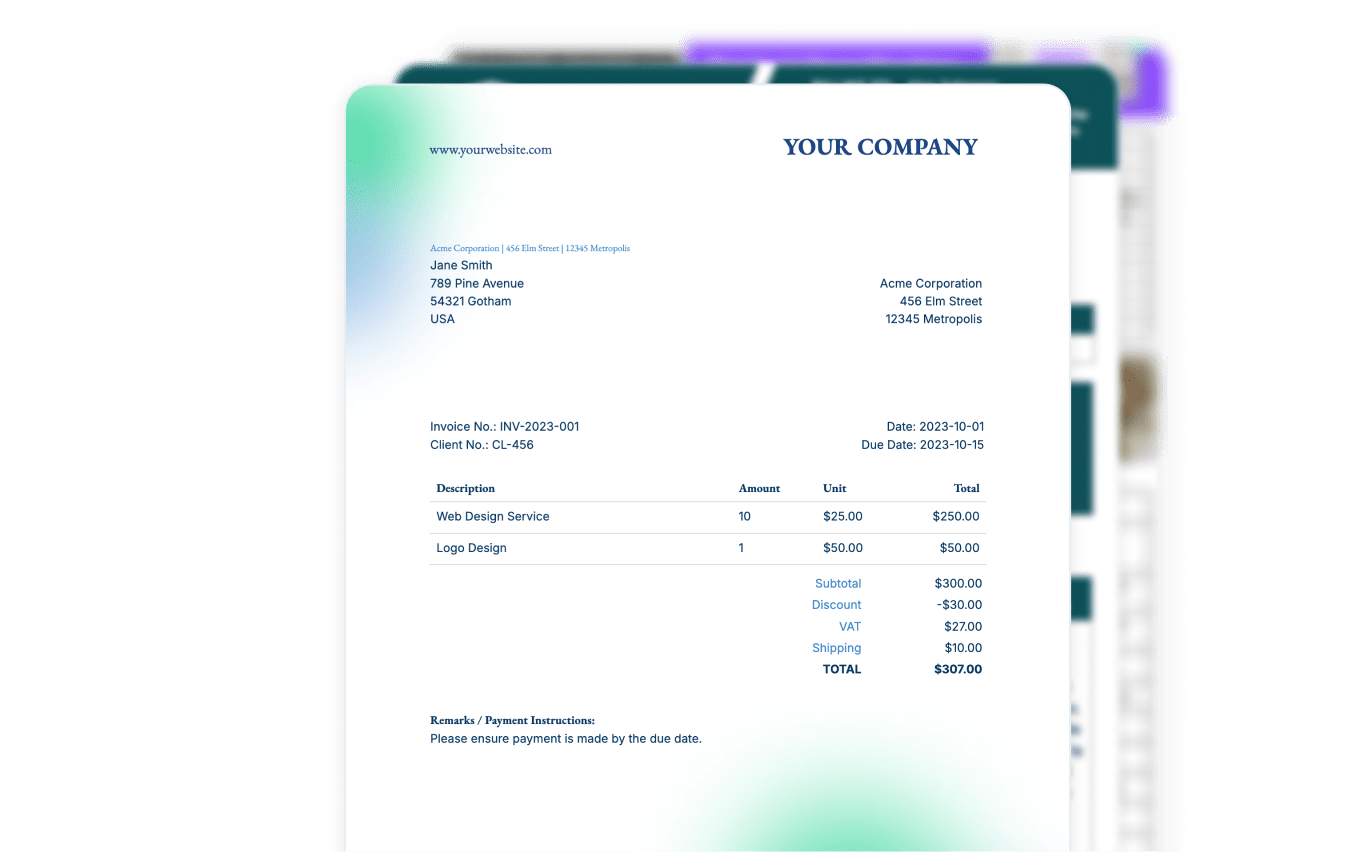
HubSpot's own invoices only take your logo and brand colors. With the DocsAutomator app for HubSpot, you bring your own Word or Google Docs template, the deal and its line items fill it, and the PDF lands back on the deal.






Works with the DocsAutomator app for HubSpot.
Some of the teams / institutions automating their documents with DocsAutomator:






What teams create from their HubSpot data
Each one comes from a template you approved, so the hundredth looks exactly like the first.

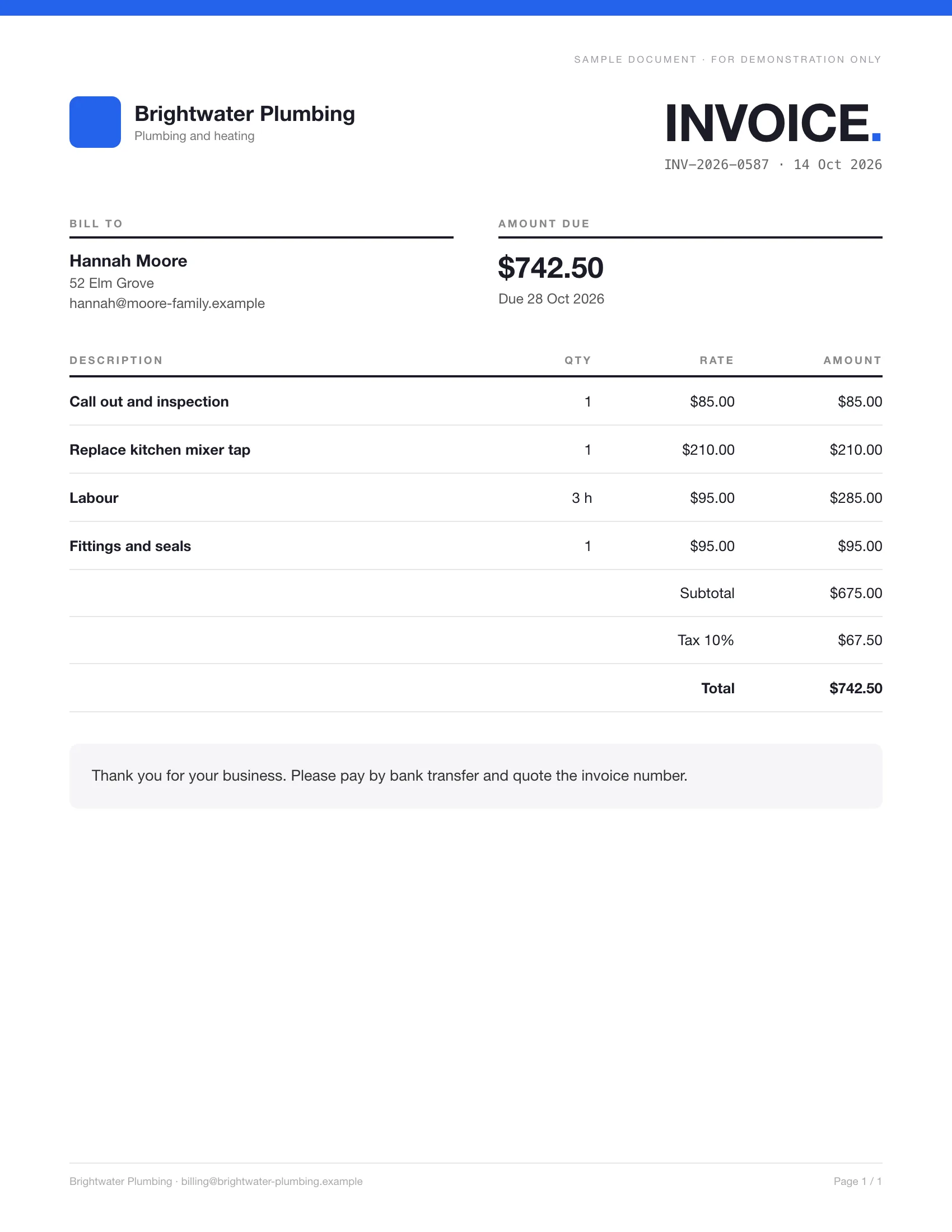 Sent
When a job is done, the invoice is made from the record and emailed to the customer.
Invoices · Receipts · Credit notes · Payment reminders

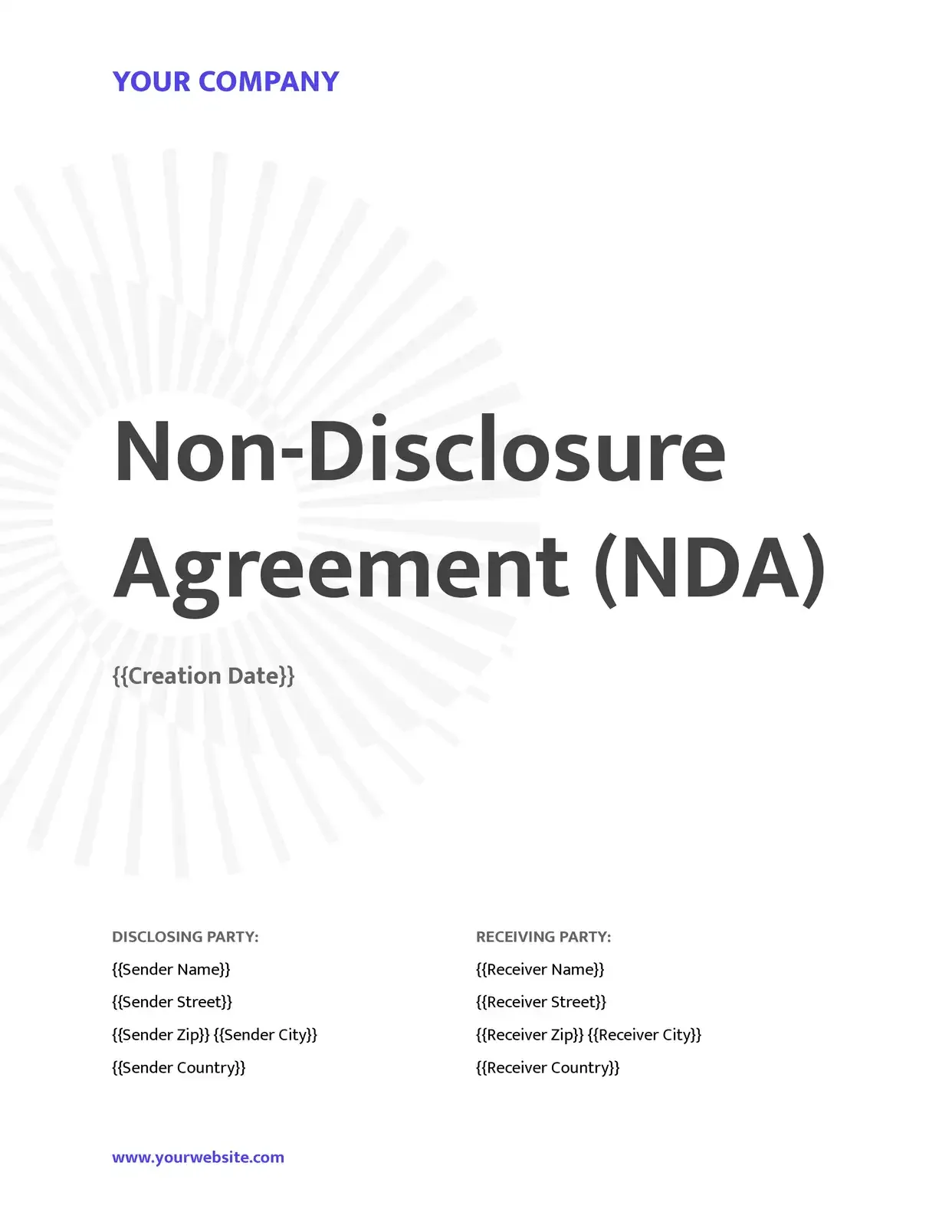 Signed
Contracts go out from your records, and clients sign them online.
Service agreements · Leases · NDAs · Engagement letters

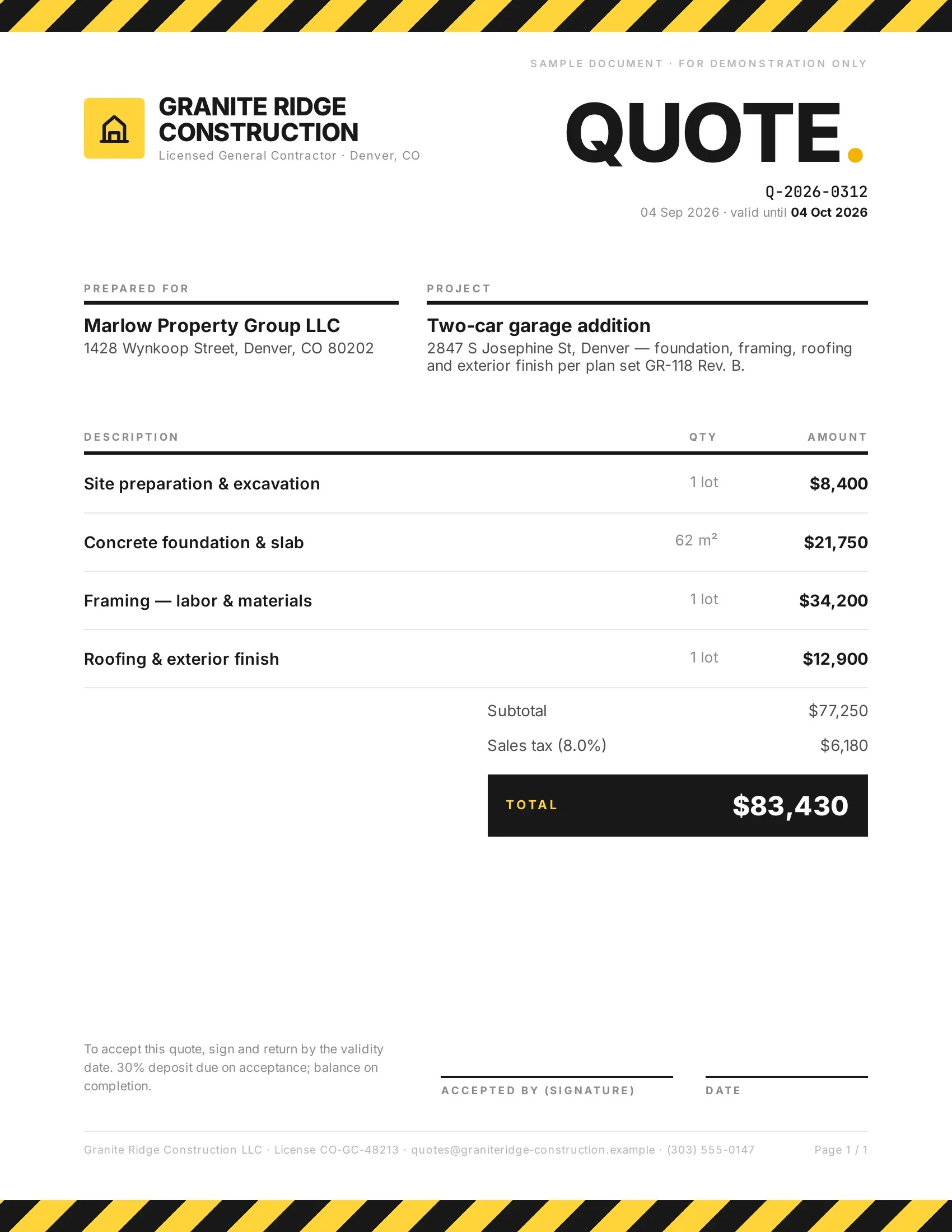 Accepted
Customers accept quotes and change orders in one tap, so work starts sooner.
Quotes · Estimates · Order confirmations · Change orders

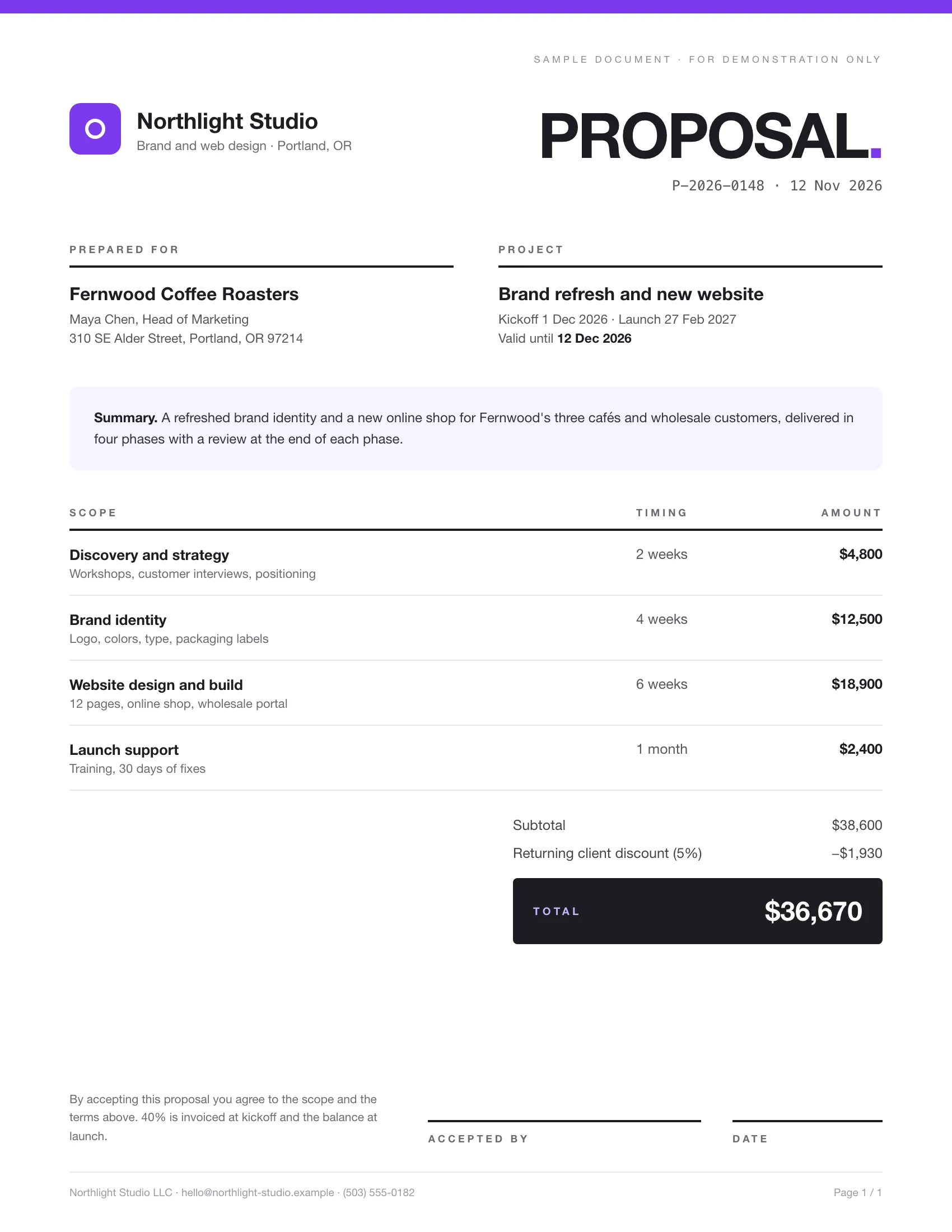 Accepted
Proposals with scope, timeline and price go out from your records, and clients accept them in one step.
Project proposals · Service proposals · Statements of work · Retainer proposals

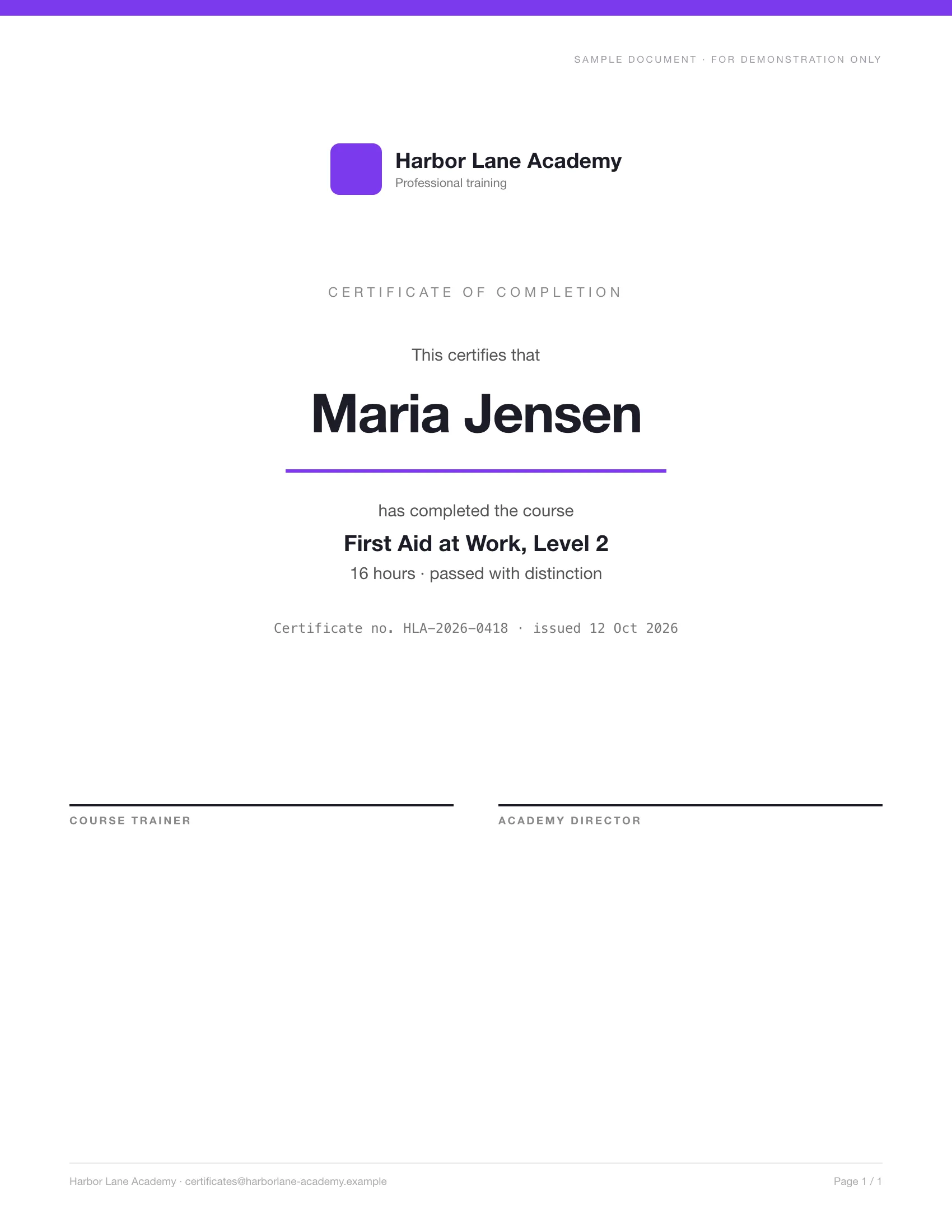 Issued
Everyone who passes gets a certificate with their name, made from your list.
Course certificates · Training records · Certificates of completion · Awards

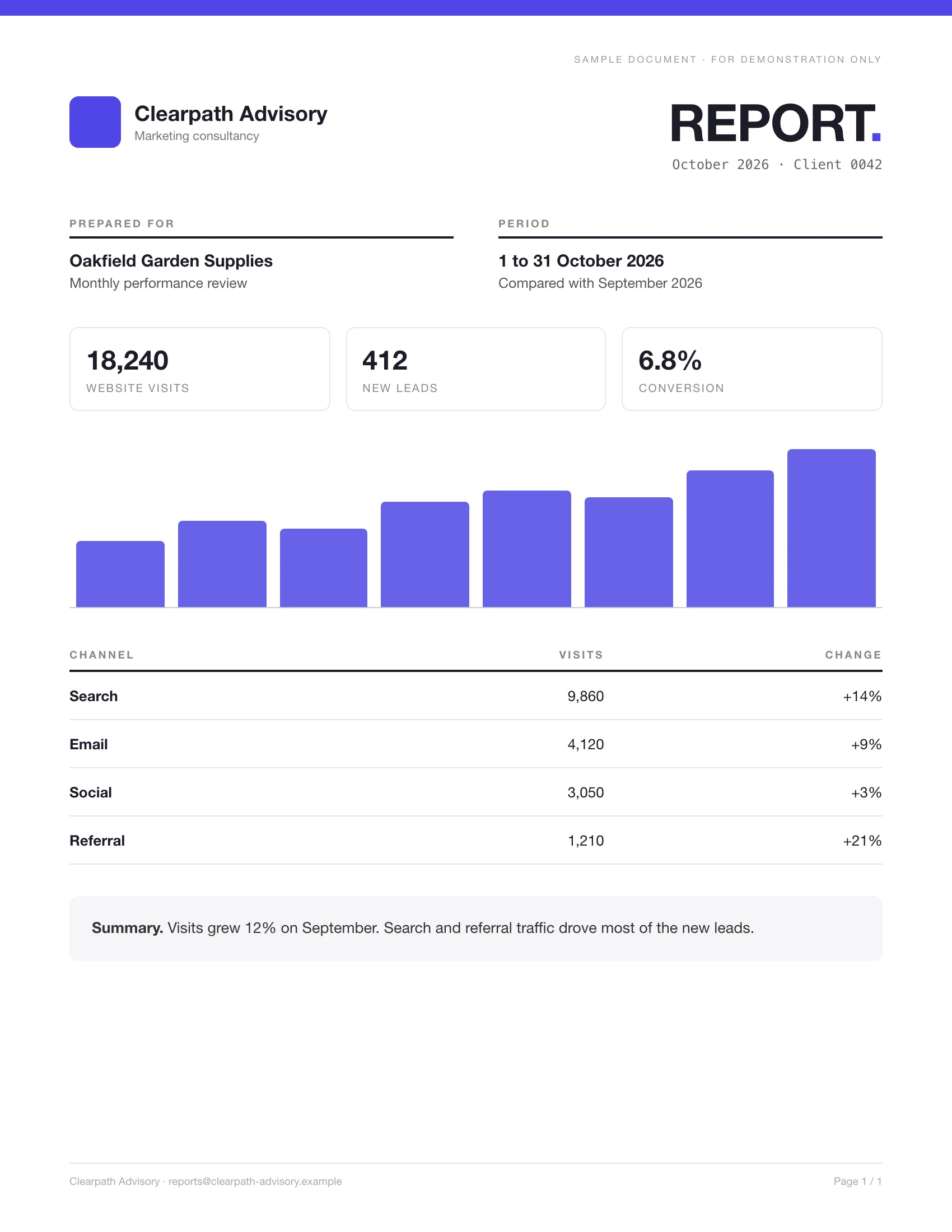 Filed back
Each client's monthly report is made from your data and saved on their record.
Monthly reports · Client reports · Progress reports · Audit reports

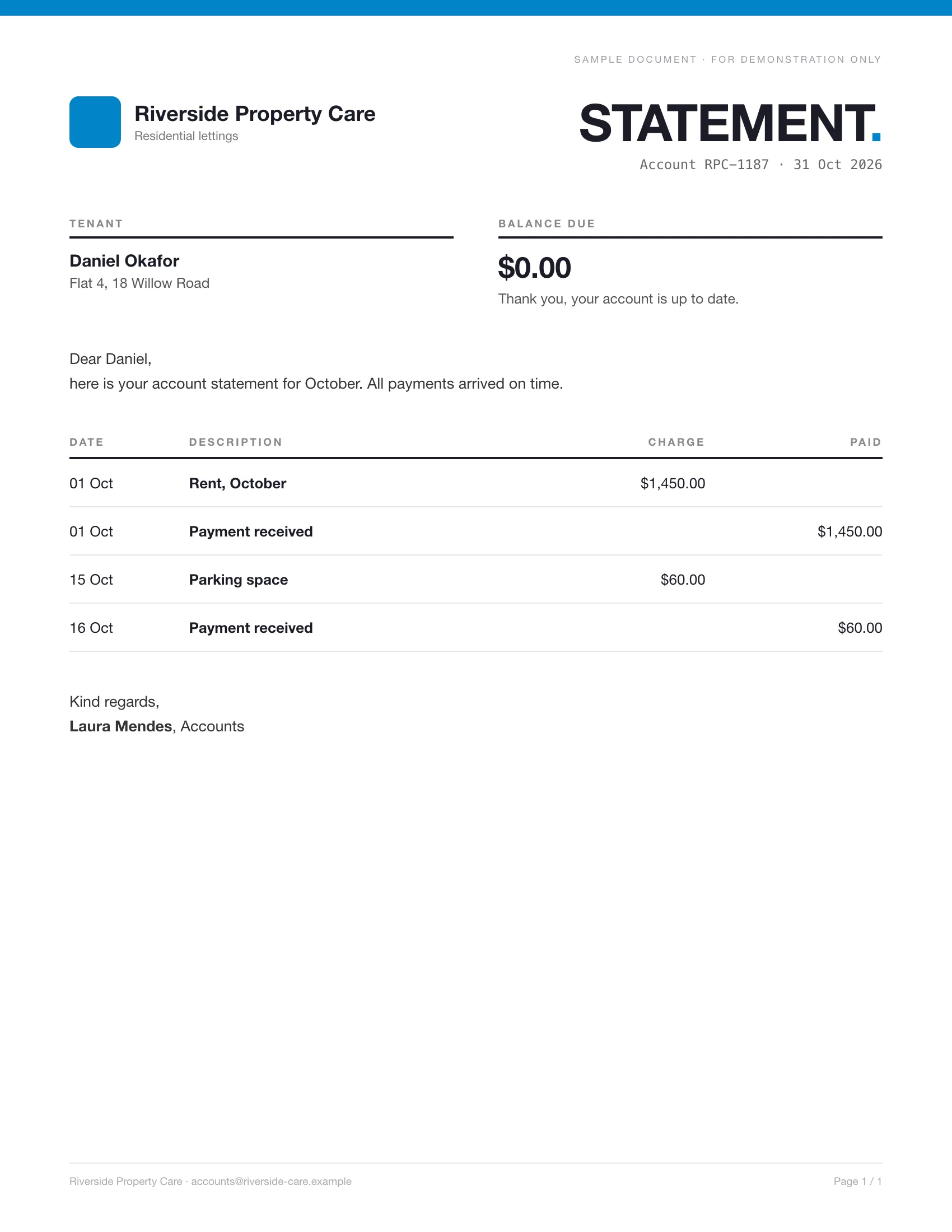 Sent
Letters and account statements go to every customer, each with their own figures.
Account statements · Cover letters · Notices · Confirmation letters

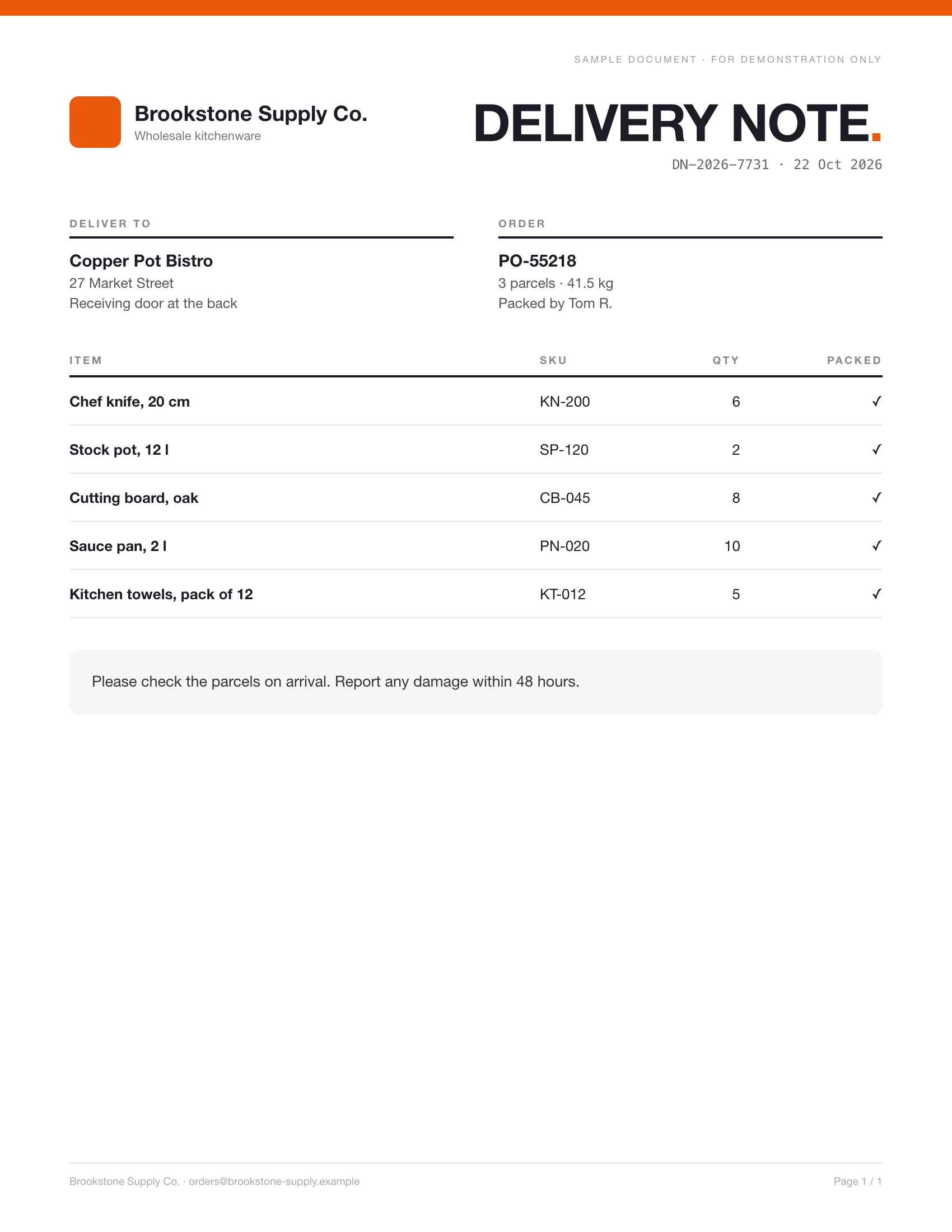 Filed back
Each order gets its delivery note and packing list, made from the order record.
Bills of lading · Packing lists · Pick lists · Shipping labels

 Signed
New hires, clients and students sign their paperwork before day one.
Employment contracts · Offer letters · Enrollment forms · Letters of authority

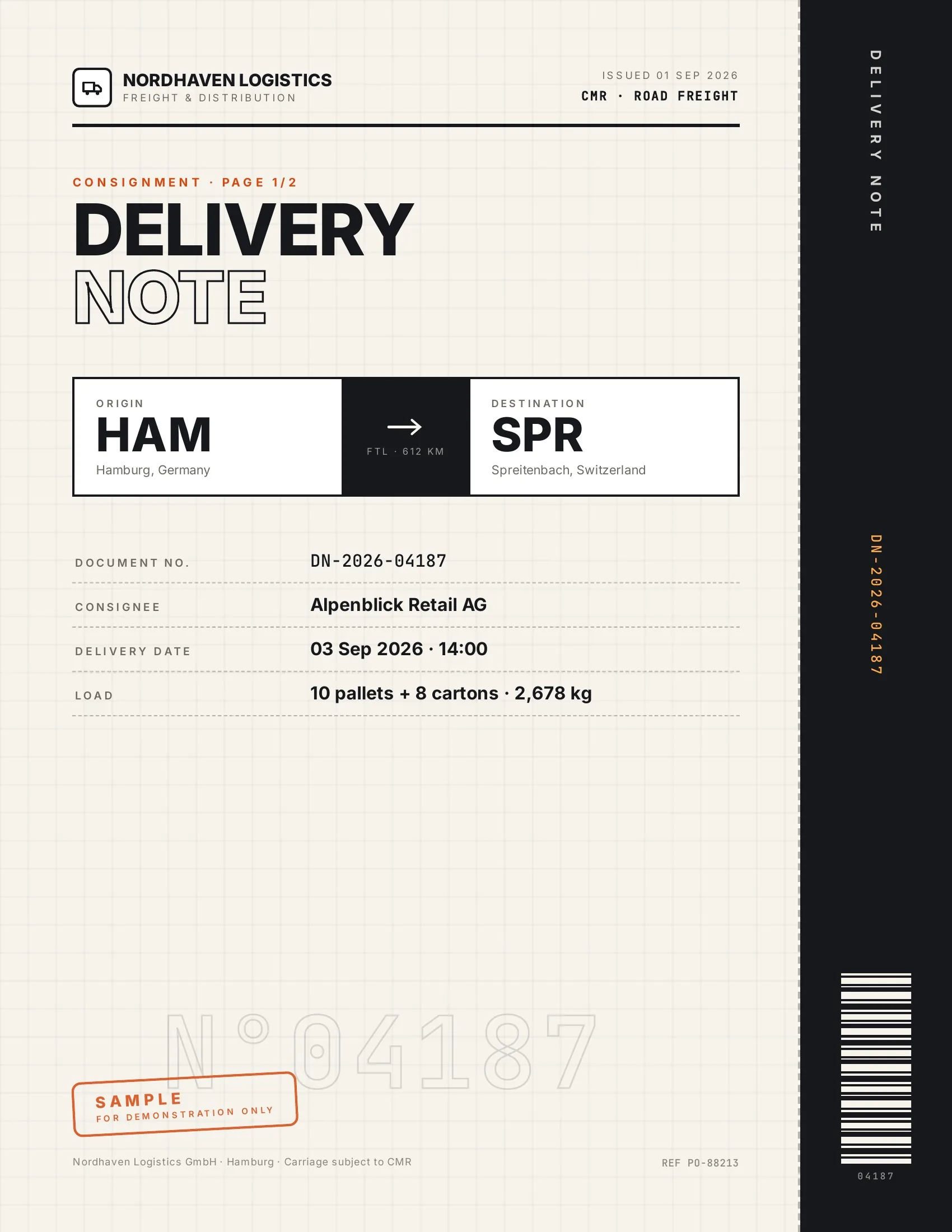 Accepted
Customers accept finished work and deliveries on their phone, on the spot.
Work orders · Handover reports · Inspection reports · Purchase orders

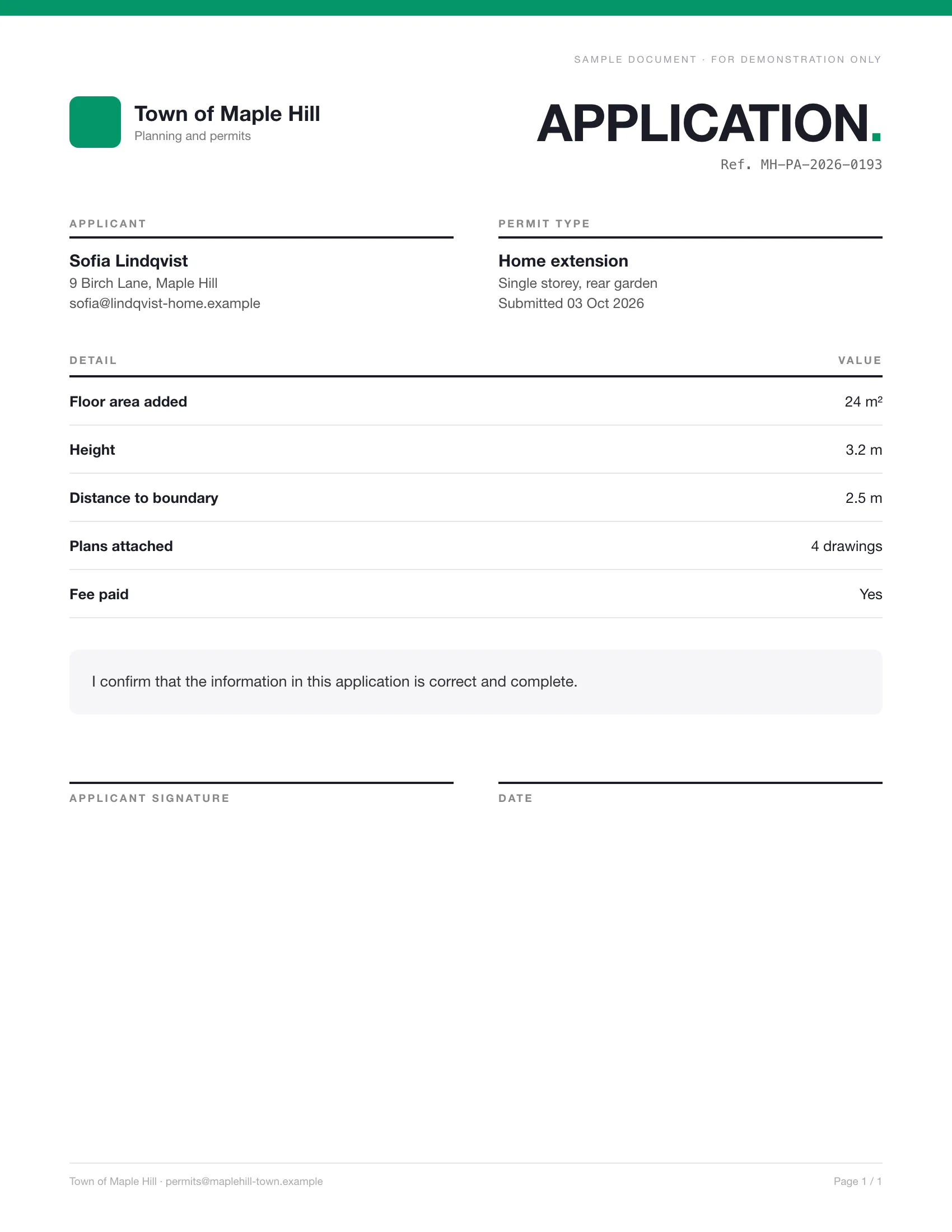 Signed
Applications are filled in from your records, and applicants sign them online.
Permit applications · Membership applications · Grant applications · Consent forms
Strong reasons for choosing DocsAutomator to automate your HubSpot documents
All you need to automate your documents
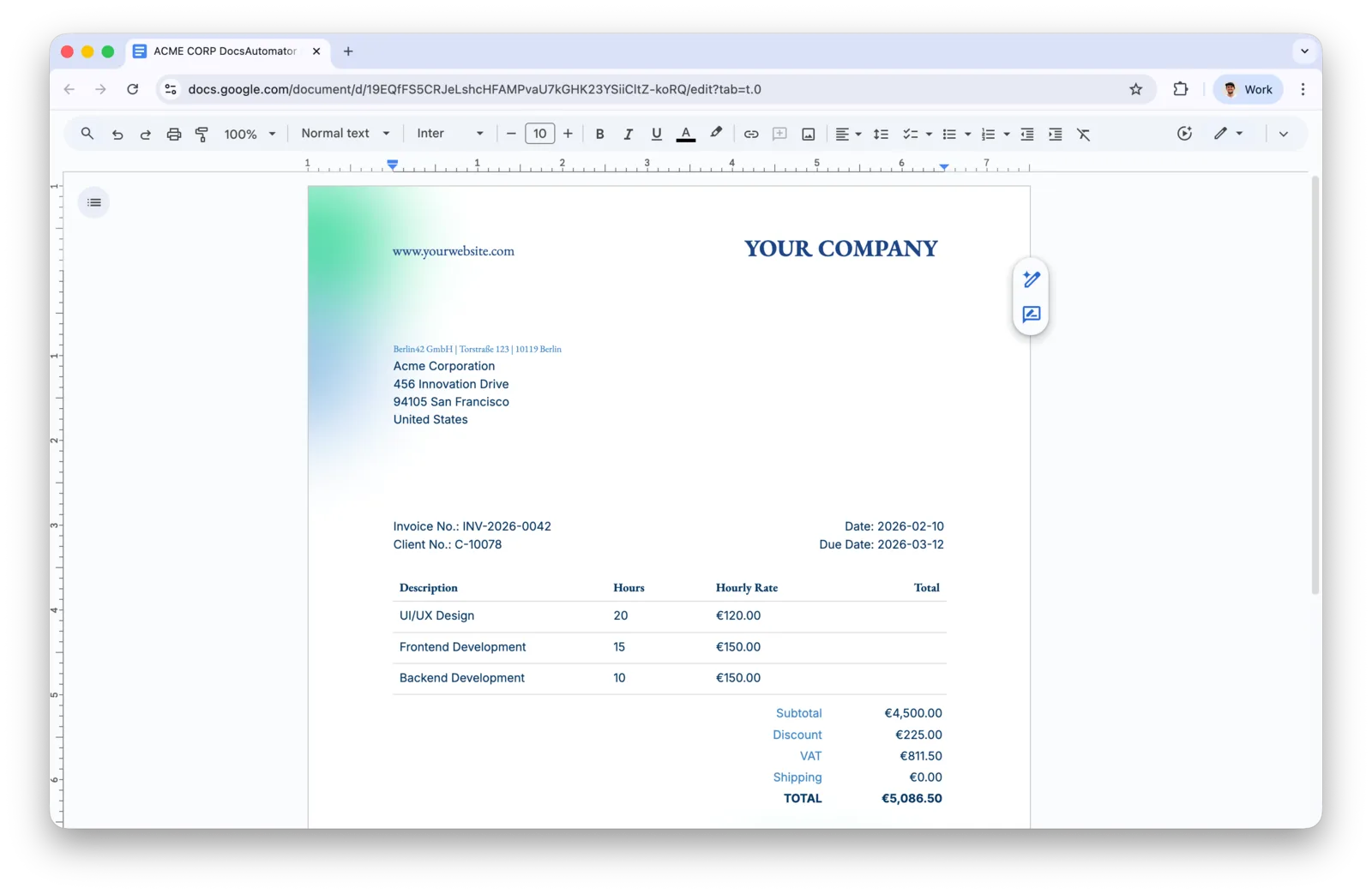

Can you customize HubSpot's invoice template?
HubSpot users have asked for custom invoice templates since February 2024, and more than 150 of them clicked “Me too” on that request in HubSpot's community. In December 2025, an associate product manager on HubSpot's billing team answered that it's not currently slated on the roadmap. If your invoice has to look like the rest of your paperwork, don't wait for it.
With DocsAutomator, you skip the wait. You design the invoice in your own template, address block and all, and one click on the deal fills it. Need a German e-invoice? DocsAutomator also creates XRechnung and ZUGFeRD invoices from your own template, in every paid plan.

Describe it, the AI agent builds it
Tell it what you need. It takes your template or drafts one, connects your data, sets up signing and runs a test. No setup screens.

Bring your own AI agent
Connect Claude, ChatGPT, or your own agent. It creates and sends documents within the limits and approvals you set.
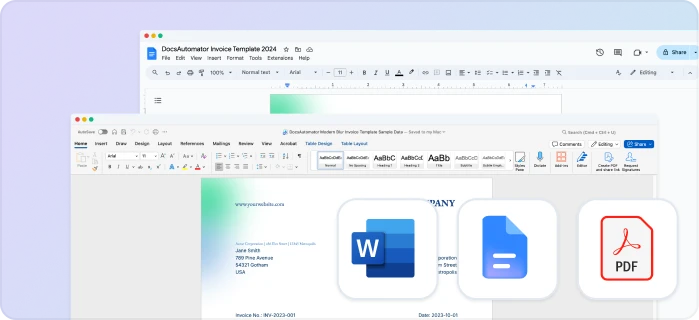
Your own Google Docs, Word, PDF, Excel or Google Sheets templates
Keep writing your documents where you write them. DocsAutomator fills the placeholders.
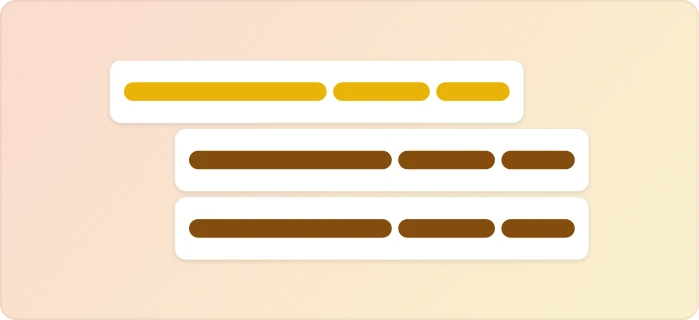
Line items and nested tables
Invoices, quotes and any itemized list, straight from your data.

Conditional content
Sections, styling and images that show or hide based on the data.
Preview mode
Unlimited previews until you're happy, and no credits wasted on testing.
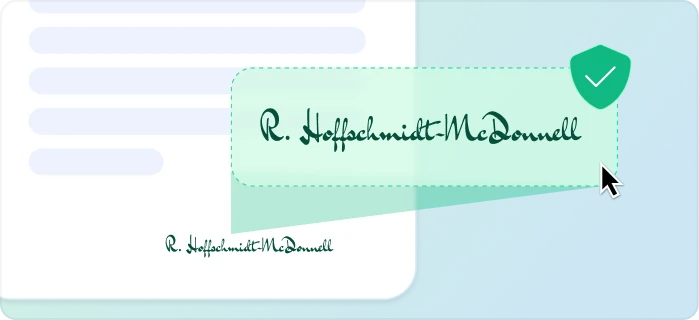
E-signatures, sent automatically
Legally binding, with a full audit trail. Nobody chases anyone.
One-click acceptance for quotes
Your client accepts with one click. Recorded, no signature ceremony.
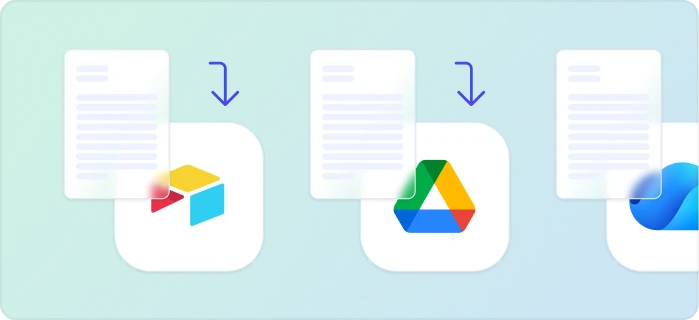
Signed or accepted copies delivered and filed automatically
Every finished document is emailed and saved back to your Airtable, Notion, sheet, or Drive folder.
Start automating in minutes!
Set up in minutes, save weeks of work
Three steps from your deal to a finished document
Create a Google Docs or Word template
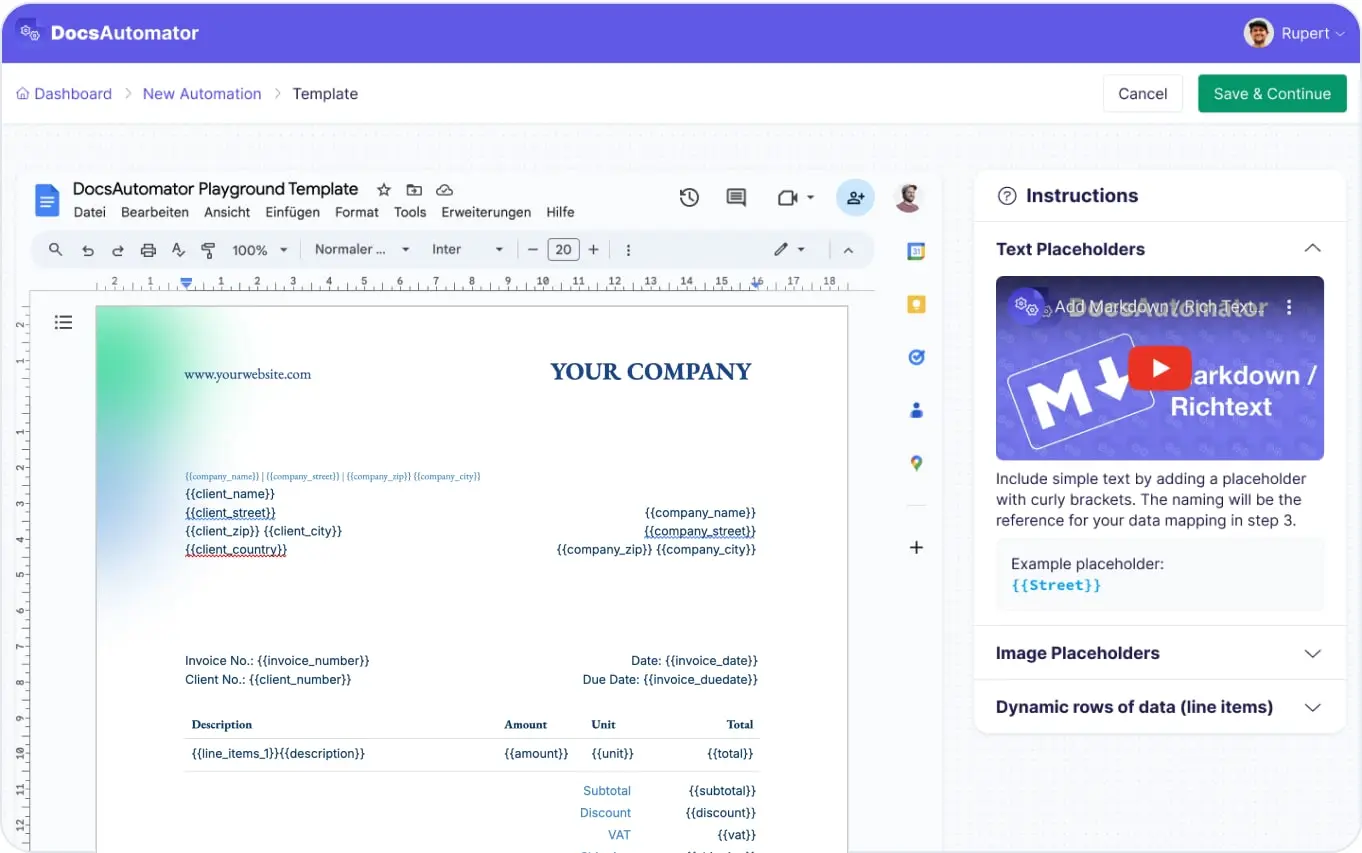
Map Data & Preview
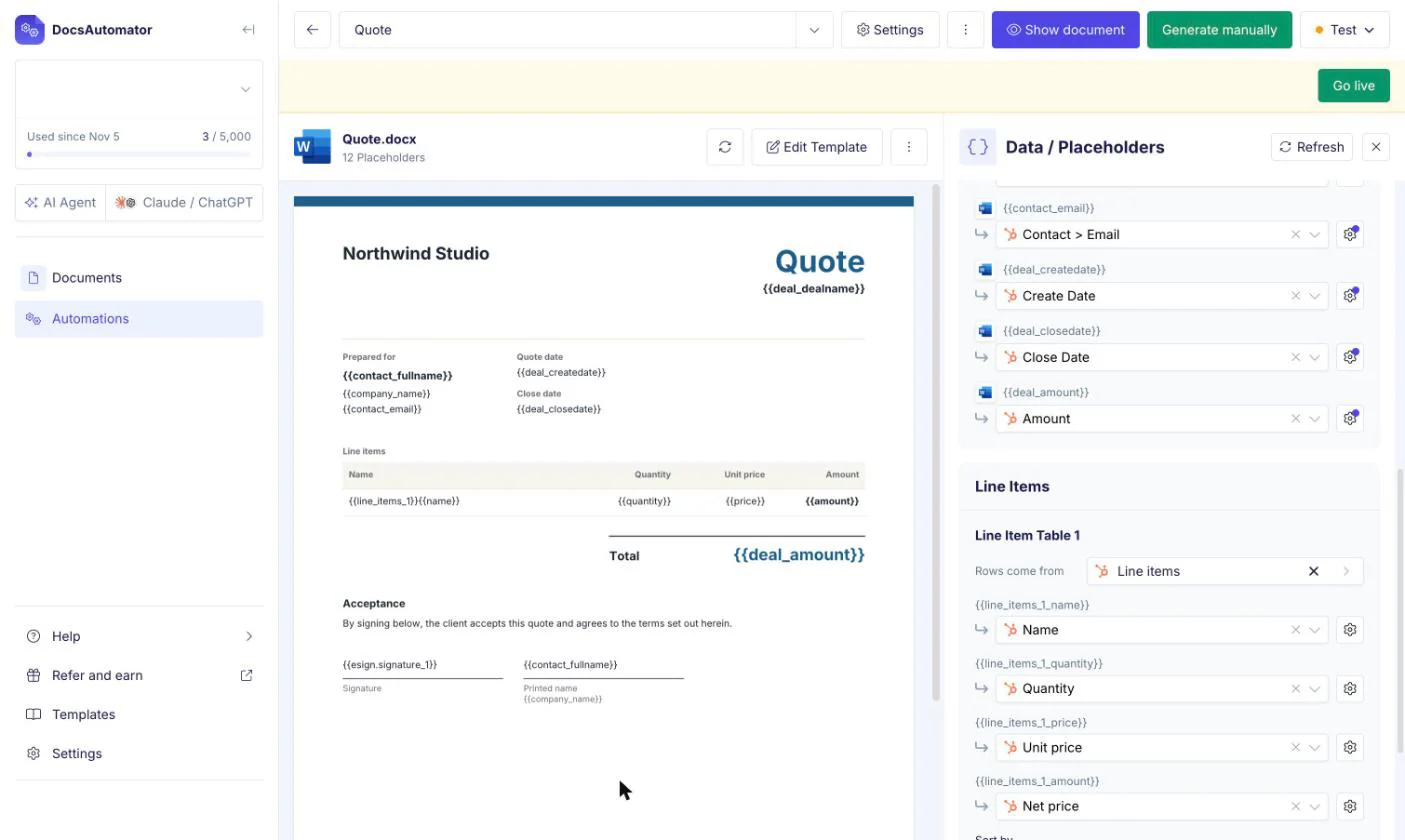
Connect HubSpot
Step by Step Implementation Guide
Start automating in minutes!
What goes from the deal into the invoice?
The fields of the deal fill the placeholders in your template. All names and amounts are fictional.
The deal in HubSpot
- Appointment scheduled
- Qualified to buy
- Presentation scheduled
- Decision maker bought-in
- Contract sent
- Closed won
- Amount
- $9,750.00
- Close date
- 11/12/2026
- Invoice number
- INV-2026-0187
- Company
- Northfield Studio LLC
- Contact
- Priya Raman, Operations Lead
- Payment terms
- Net 30
| Name | Quantity | Unit price | Net price |
|---|---|---|---|
| Website design | 1 | $4,800.00 | $4,800.00 |
| Development | 1 | $3,900.00 | $3,900.00 |
| Hosting setup | 1 | $1,050.00 | $1,050.00 |
| Amount | $9,750.00 | ||
How do you set it up?
Works with the DocsAutomator app for HubSpot

HubSpot app
DocsAutomator connects to HubSpot directly.
- In DocsAutomator, create an automation with HubSpot as the data source, deals as the record type and your invoice template. Connect your HubSpot account when DocsAutomator asks for it.
- Put {{line_items_1}} in the invoice table, and the deal's line items fill it by themselves. A placeholder named after a property, such as {{deal_dealname}}, needs no mapping. For other fields, such as payment terms, pick the matching placeholder.
- Add the DocsAutomator card to your deals: in HubSpot, open Settings, Integrations, Connected apps, DocsAutomator, App cards, then Manage locations. Then open a deal and click "Create document".
- To create the invoice without a click, add the action "Create document with DocsAutomator" to a HubSpot workflow, for example when the deal reaches Closed won.
The card works on every HubSpot plan, the free CRM included. Workflows need HubSpot Professional or Enterprise. One HubSpot user with Super Admin rights connects HubSpot for the whole team.
Where does the finished invoice go?
DocsAutomator files the PDF on the deal as a note, and the card on the deal links to it.
It can also write the PDF's link into a deal property you choose. In a workflow, later steps can use the link as documentUrl.
Where does the invoice number come from?
From the deal. Keep the number in a deal property, such as Invoice number, and map it to its placeholder in the template.
Try it on a test deal before a real invoice goes out. Test documents are free and unlimited.
What it costs
Start automating in minutes!
Customer Voices
Don't take our word for it. Here's what our customers say about us:
It's incredible how easily we can connect it to other systems. [...] No similar software was found. It should be made mandatory. Docautomator has been our best choice so far! Always reliable! Thank you very much for making my day and work easier.

Ágota dr. Czirják-Nagy
We absolutely love using DocsAutomator! The service has been a game changer for our company. We're in the process of moving all our document workflows to DocsAutomator. The functionality is spot-on, and it saves us countless hours.

Xaver
This is the best value for money app for creating template. Easy to use, easy to set up, and we like to support small businesses. Keep going!
Aris Zagklis
DocsAutomator is great to generate on the fly PDF documents. We use it for several applications. it's easy to implement and great to use. I can highly recommend it.
Samuel
I wonder why I lost so much time using page designer on Airtable. This is the best solution for regarding functionality, ease of use and price. I definitely recommend is. It s a no brainer - really! He also offers precise and super fast support!

Florence Bouchat
DocsAutomator has proven to be an invaluable asset for our business, streamlining the automation of emails and documents in a seamless and efficient manner. It has significantly simplified tedious tasks, making our workflow more efficient.

Thembinkosi Malefo
More integrations

Claude
Create documents, send them for signing and create e-invoices from a chat with Claude.

ChatGPT
Create documents, send them for signing and create e-invoices from a chat with ChatGPT.

Airtable
Airtable combines spreadsheet and database features for data organization and collaboration.
Notion
Notion is the connected workspace where better, faster work happens. Build wikis, manage projects, and run your business.
Google Sheets
Google Sheets is a cloud-based spreadsheet app for real-time collaboration.
Google Forms
Google Forms is a free online tool to create forms to collect and organize data efficiently.

Glide
Glide makes it easy to build custom business software powered by your data, without code.

Softr
Turn your siloed data and workflows into powerful custom software for your business, with AI built in.

SmartSuite
SmartSuite replaces disconnected point solutions with a modern platform that scales across functions.

Noloco
The fastest way to create custom internal tools, client portals, CRMs and other business tools.

ClickUp
ClickUp brings teams closer together with connected workflows, docs, real-time dashboards and more.

Zapier
You can automate a simple task or build an entire automated system, all on Zapier.

n8n
Flexible AI workflow automation for technical teams.

Make
AI automation you can visually build and orchestrate in real time.
API
Use our API to build connect your custom app and use the power of DocsAutomator.
Start automating in minutes!
Ready to automate your HubSpot documents?
Join 1,200+ businesses saving hours on document creation
Unlimited testing, no credit card required