Notion has become the central hub for how teams organize their work, from project databases and client CRMs to knowledge bases and content calendars. But when it comes time to turn that data into polished, professional documents, most teams still copy-paste into Google Docs or wrestle with clunky export tools.
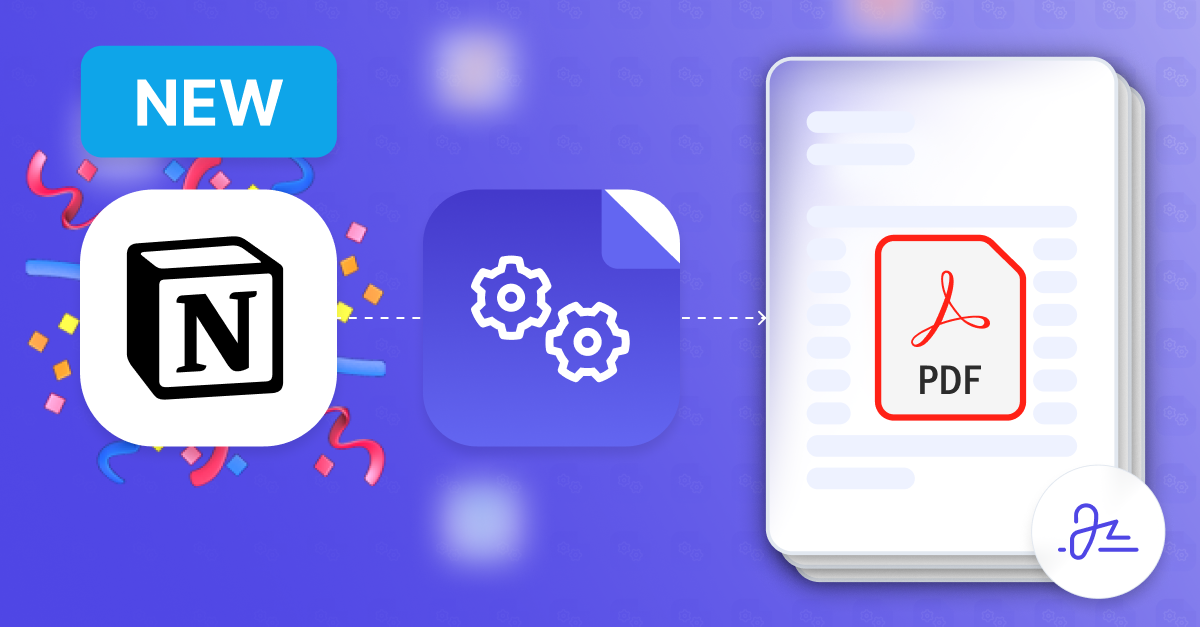
Today we're launching native Notion support in DocsAutomator. Connect your Notion workspace, map database properties to a Google Docs template, and generate pixel-perfect PDFs and documents, automatically.
See It in Action
Here's a quick walkthrough of the full setup, from connecting Notion to generating your first document:
Why Notion?
Notion databases are flexible enough to model almost anything: client records, inventory, HR onboarding checklists, invoicing line items. The problem has always been the last mile. You have structured data sitting in Notion, but no clean way to push it into a formatted document without manual effort.
Notion was one of our most-requested data sources. Whether you run your entire operation in Notion or use it alongside Airtable and Google Sheets, you can now generate documents from any of them.
What You Can Do
Every Property Type, Handled
DocsAutomator natively supports all Notion property types:
- Title, rich text, and number properties
- Date and date range properties
- Select and multi-select
- Checkbox, URL, email, and phone
- Relation and rollup properties
- Formula properties
- Files and media (including image attachments)
Relations and rollups work out of the box. Pull values from linked databases, include computed rollup data, or build line item tables from related records, all mapped using AI-assisted field mapping without writing code.
Page Body as Markdown
Beyond database properties, DocsAutomator can also pull the full body content of a Notion page and render it as Markdown in your document. If you write meeting notes, project briefs, or any long-form content directly on the Notion page, that content flows into your template alongside the structured property data.
Flexible Triggering
There are several ways to fire off document generation from Notion:
- Notion automations with a webhook action (Plus plans and above)
- Button blocks in your Notion database that call the DocsAutomator webhook
- Zapier, Make, or n8n for more complex workflows
- The DocsAutomator REST API for custom integrations
Full Output Options
Once a document is generated from your Notion data, DocsAutomator can:
- Save the PDF to Google Drive
- Email the document as an attachment (with conditional logic)
- Write the document URL back to a property in Notion
- Trigger a webhook for downstream processing
- Collect e-signatures from one or more signers
How It Works
- Create a Google Docs template. Add placeholders like
{{Client Name}},{{Invoice Date}}, or{{line_items_1}}{{Description}}wherever you want Notion data to appear. - Connect Notion and map your data. Authorize your Notion workspace, pick a database, and map each property to a template placeholder. Preview the result with real data before going live.
- Generate documents. Trigger generation from Notion using any of the methods above. DocsAutomator handles the rest: fetching data, filling the template, exporting to PDF, and delivering the output.
Use Cases
Proposals and contracts. Map client details and project scope from a Notion CRM database into a branded proposal template. Add e-signatures to close the loop.
Invoices. Pull line items from a Notion project tracker, calculate totals with formula properties, and generate a PDF invoice ready to send.
Certificates and reports. Generate personalized certificates or status reports from a Notion database. Trigger generation per record from a button column or automate it when a status property changes.
HR documents. Generate offer letters, onboarding packets, or policy documents from employee records in Notion.
Get Started
The Notion integration is available now on all DocsAutomator plans. Connect your Notion workspace, create a template, and generate your first document in minutes.
Already have a DocsAutomator account? Head to any automation, select Notion as your data source, and follow the setup flow.
Questions? Check out the Notion integration docs or the integration page for a full feature breakdown. You can also read about how teams already use document automation in our Quivvy Solutions case study.