If your prices and customers already sit in Airtable, Google Sheets, Notion or a CRM deal, start the quote from that record and let your business customer accept it with one click. You don't need CPQ (configure, price, quote) software. That's for a big catalog with discount rules and approval chains.
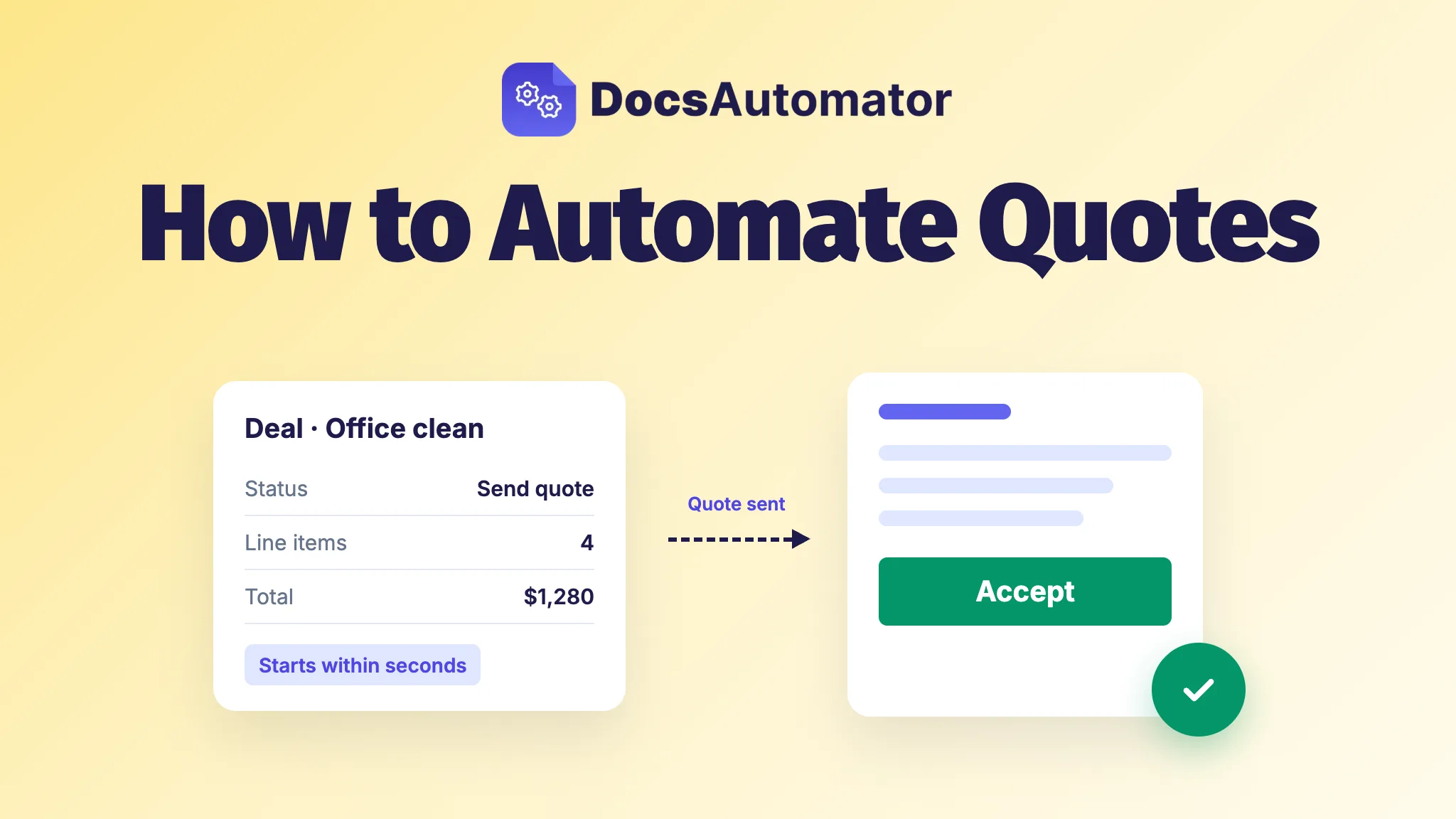
The choice that matters most is what starts the quote. Pick a trigger that fires the moment something changes, and the quote is made seconds after you mark a deal ready. Pick one that only checks on a timer, and the quote can sit for up to 15 minutes on Zapier's Free plan before anything happens.
Do you need CPQ to automate quotes?
No, not if you're a small team. Salesforce describes CPQ as software that helps sales teams configure products, apply pricing rules, manage discounts and approvals, and generate accurate quotes, with each quote routed to an approver by discount level, deal size or risk. That's built for a sales team with a big catalog and rules about who may give which discount.
A team with a price list of a few dozen items, prices that rarely change and one person who decides on discounts has a simpler job: get the right numbers from the record into a quote that looks like yours, and get a yes back. If the only rule you need is that someone checks big quotes before they go out, Approvals on the Business plan hold each document until the person you choose approves it.
What should start a quote, and how fast does it go out?
DocsAutomator fills your quote template from one record and sends it. Something has to tell it which record, and when.
| Where the deal lives | What starts the quote | When it fires | Watch out for |
|---|---|---|---|
| Airtable | A field changes (Status set to "Send quote", for example), or a button or formula field | Usually within seconds | Works on free Airtable plans. Automation scripts and Interface buttons need a paid Airtable plan. |
| Google Sheets | A new row, or a click on a formula link in the row | New rows are checked every 5 minutes, up to 50 per check | A paste of 80 rows takes two checks. For one quote right now, click the formula link. |
| Notion | A Status, Select, Multi-select or Checkbox property changes, or a Notion button | Typically 1 to 2 minutes; a button is instant | Set the property when the quote is ready, not when the page is created. |
| HubSpot, through Zapier | "New Deal" or "Deal Property Change" | Instant | "Updated Deal Stage" looks like the obvious pick, but it polls: every 15 minutes on Zapier's Free plan. Watch a property your team sets when the quote is ready. |
| HubSpot, through Make | Watch Notifications: a deal is created or a property changes | Instant | Needs the read scope for deals and a webhook set up in Make. |
| HubSpot, through n8n | HubSpot Trigger: a deal is created or a property changes | When HubSpot calls the workflow's webhook | HubSpot allows one webhook at a time, so turning on a second HubSpot trigger stops the first. |
| Your own app | A call to POST /createDocument with the automation ID and the data | When you call it | Async mode returns a job ID to check later. |
| An AI assistant (Claude, ChatGPT) | You ask it to send the quote, through DocsAutomator's MCP server | When you ask | The first document of a new automation goes out in test mode. |
One Airtable trap: a date can't send a quote on its own. Time alone never triggers a document, so a rule like "valid until is before today" only fires when someone edits the record.
Pipedrive, Salesforce and Zoho CRM work the way HubSpot does: a Zap, a Make scenario or an n8n workflow watches the deal and calls DocsAutomator. There's no direct connection to them, and you don't need one. Developers can skip the middle step and call the REST API.
How do you build a quote template once?
Write the quote in Google Docs or Word the way you'd send it by hand, and put a placeholder wherever a value from the record goes. For the price list, make one table row that starts with {{line_items_1}}. It repeats once for each item, pulled from linked records in Airtable, a Notion relation, a linked sheet in Google Sheets or ClickUp subtasks. From Airtable, Notion or the API, line items can nest up to three levels, such as a room, the work in it and the materials for that work.
A conditional section shows or hides a block by a rule (equals, contains, greater than, is empty), so one template can carry an optional warranty clause or a rush fee that appears only when the record says so. You don't have to start from a blank page, either. We have quotation templates, estimates and proposals to copy, five of each in Google Docs and in Word. For a full walk-through in Airtable, see how to build branded proposal PDFs from Airtable.
How does the customer accept the quote, and how does the yes get back to the deal?
A customer doesn't sign a quote. They read the price and say yes. So send quotes for acceptance rather than a signature: the customer opens the quote from the email, reads it and clicks Accept. There's no account to create and nothing to draw, and it works on a phone. By default they type their name first. Keep signing for contracts, or for customers whose own policy asks for a signature.
Acceptance is for quotes to businesses. It doesn't yet support documents that oblige a consumer to pay, because EU and UK law asks for extra steps before the button. If you quote private customers, ask your lawyer which flow fits.
When every recipient has accepted, the accepted PDF goes back onto the record: an Airtable attachment field, a Notion Files property, a link in a Google Sheets cell, or a Google Drive folder. Its last page is a Certificate of Acceptance with the names, the typed name, the times, the IP address and the device, and the PDF is sealed, so any later change to it shows. To move the deal itself, use the webhook DocsAutomator sends on acceptance: a Zap or a script can set the deal to won in your CRM.
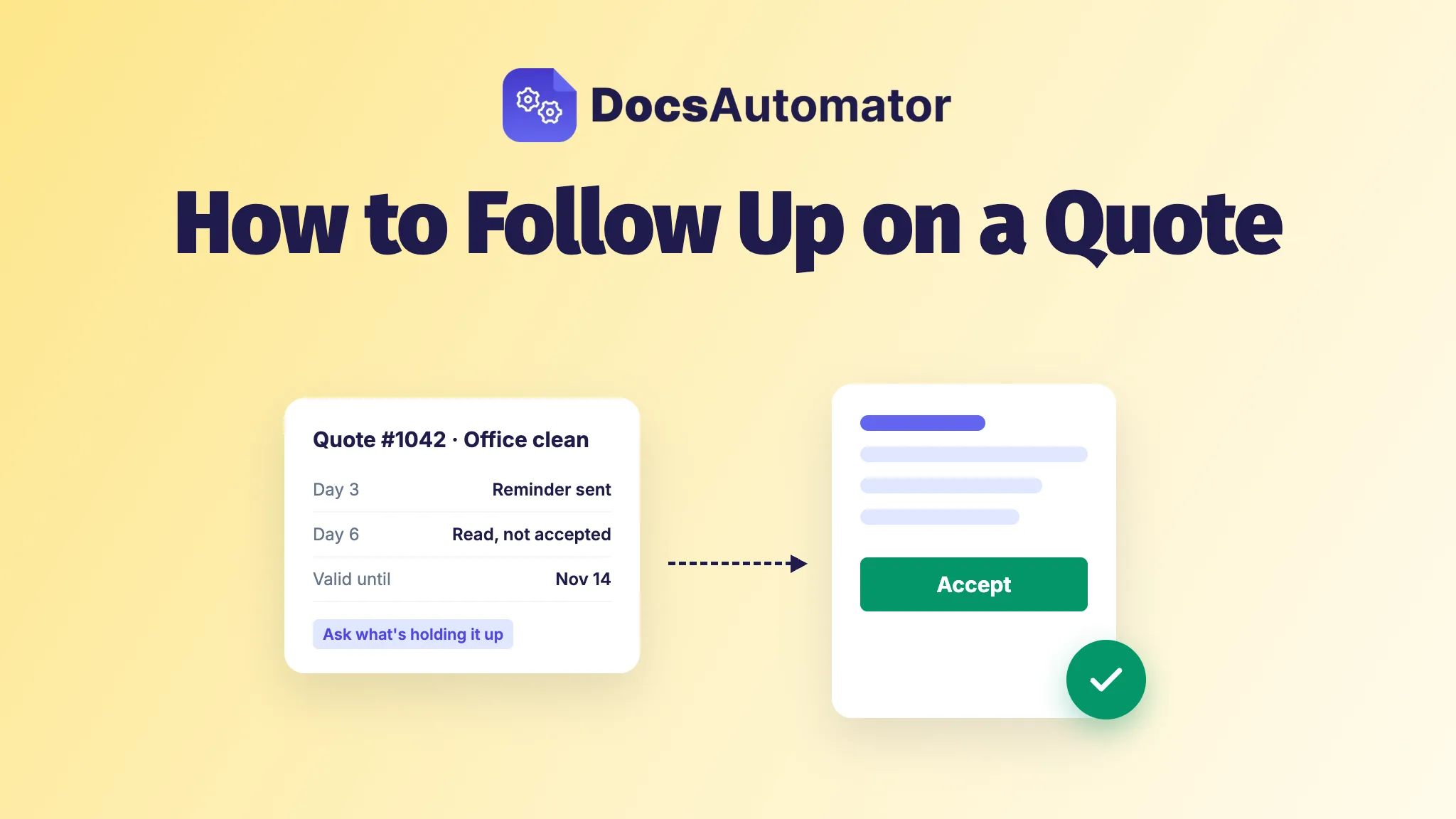
Reminders go out on their own, and each quote shows whether it's been opened. When a quote still sits unanswered, here's how to follow up on a quote.
What does it cost to automate quotes?
DocsAutomator plans start at $19 a month billed yearly for 100 documents, and signing and acceptance are included in every plan with no fee per signature. Testing is free, with unlimited previews and no credit card. The other plans are on the pricing page.
Frequently asked questions
Does Salesforce have a quoting tool?
Yes, Salesforce CPQ. A Salesforce team that doesn't need its pricing rules and approval routing can start a DocsAutomator quote from an opportunity through Zapier, Make or n8n instead.
Can HubSpot generate quotes?
Yes, on Revenue Hub Professional or Enterprise, and each user who creates quotes needs a Revenue Hub seat. A workflow can create one with the Create quote action, but only in a deal-based workflow. On other plans, a Zap, Make scenario or n8n workflow can send a DocsAutomator quote when a deal changes.
Does Pipedrive have quotes?
Pipedrive's Smart Docs makes quotes, proposals and contracts from a deal or contact. Pipedrive says it's on the Premium and Ultimate plans, and Lite and Growth users can buy it as an add-on. Its help article describes making each document by hand from the deal.
What is the best free quote generator?
For a one-off quote filled in by hand, a free template is enough, and you can copy the quotation, estimate and proposal templates above. To fill quotes from your records automatically, you can test DocsAutomator for free with unlimited previews and no credit card.
What happens when the quote's valid-until date passes?
Nothing happens to the quote: the valid-until date is just a field in your template. The acceptance request has its own expiry: 30 days by default, adjustable from 1 to 365, and your team gets an email two days before it runs out.