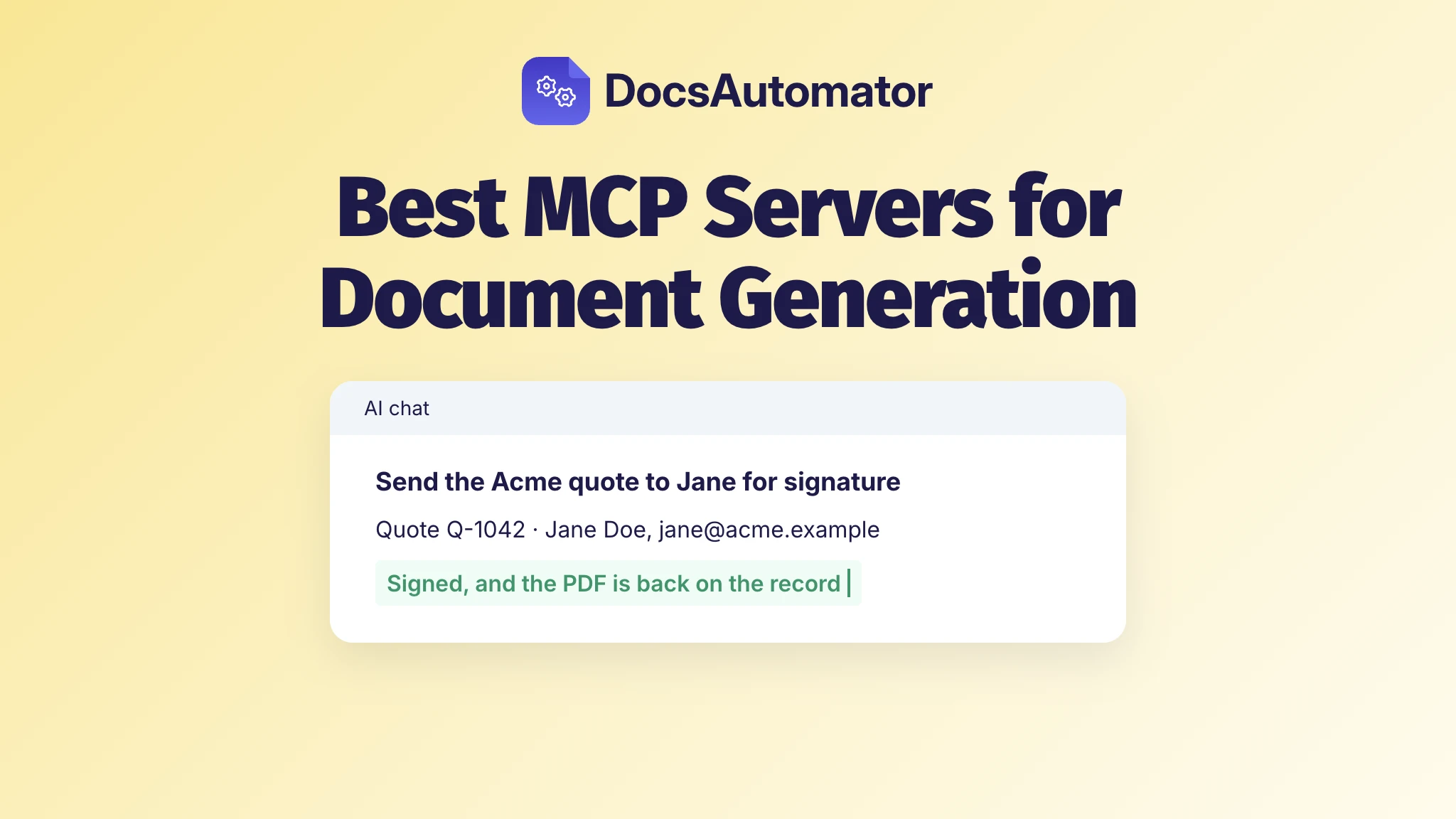
Most MCP servers that "generate documents" give your AI agent a file and stop there. For quotes and contracts, the file is the easy part. The hard part is what happens next: who sends it, how the client signs or accepts it, and where the signed copy ends up. DocsAutomator does all three, from your own Google Docs or Word template.
Here are 14 MCP servers that make documents. Servers that read or parse PDFs (Docling, LlamaParse and the like) aren't on the list, and neither are browser tools such as Puppeteer and Playwright, which can print a web page to PDF but aren't document servers. Typst has no official MCP server, and Stripe's makes Stripe invoices, not documents from your template.
Best MCP servers for document generation, compared
Even an invoice still has to reach your customer. A quote or a contract isn't done until someone says yes. Read the "After the file" column first.
| MCP server | Runs | Template | After the file | Entry price |
|---|---|---|---|---|
| DocsAutomator | Hosted | Your Google Doc, Word or PDF file | Sends it, gets it signed or accepted, files it back | Professional, $19 a month billed yearly, signing included |
| PandaDoc | Hosted | PandaDoc's editor (Word files converted) | Sends it and tracks signing | Starter, $25 a seat a month billed yearly |
| Anvil | Hosted | PDF form, HTML or Markdown | Sends signature packets | $0.10 a PDF, $1.50 a signed packet |
| Docusign | Hosted | A document you already have | Sends it for signature | Your Docusign plan |
| DocMake | Hosted or local | DocMake's editor (Word files converted) | Stops at the file | Free for 1,000 a month |
| Carbone | Hosted or local | Word, Excel, PowerPoint, HTML or Markdown file | Stops at the file | Free for 100 a month |
| PDF Noodle | Hosted or local | HTML, designed with AI | Stops at the file | Starter, $35 a month |
| PDF Generator API | Hosted or local | Its editor, or one the agent builds | Stops at the file | Creator, €80 a year |
| DocuQueue | Hosted or local | HTML or an uploaded Word file | Stops at the file | Free for 25 a month |
| Box Doc Gen | Hosted | Word file with Doc Gen tags | Stops at the file, saved in Box | Box Enterprise Advanced |
| GroupDocs.Assembly | Local | Word, Excel, PowerPoint or HTML file | Stops at the file, in a local folder | $1,199 license |
| PDF.co | Local | None: the agent writes HTML or Markdown | Stops at the file | Basic, $8.99 a month billed yearly |
| Foxit PDF API | Local | None: HTML, a Word file or a web page | Stops at the file | Free for 500 credits a year |
| mcp-pandoc | Local | None: the agent writes Markdown or HTML | Stops at the file | Free, open source |
Prices and features from each vendor's own docs and pricing pages, November 26 and 27, 2026.
MCP servers for contract generation and e-signatures
Four servers go past the file. Only one of them starts from the template your team already edits.
DocsAutomator
Our MCP server is hosted at mcp.docsautomator.co, and more than 1,200 businesses make their documents with DocsAutomator. Your agent fills your own template: a Word or PDF file you upload, or a Google Doc you already have. It sends the raw values, and DocsAutomator formats every one, so a date or a total comes out the way the template sets it, not the way the agent felt like writing it that day. The agent can design or edit a Word template when you ask. It never creates or edits a Google Doc, and every document comes from a saved template.
Nothing is sent until you confirm, and DocsAutomator names the document and every recipient first. That dialog appears in clients signed in with a DocsAutomator account, such as Claude, ChatGPT and Codex. Clients without the dialog confirm the recipients with you in the chat instead. Your agent makes test documents first. They carry a watermark, cost nothing and don't count against your plan.
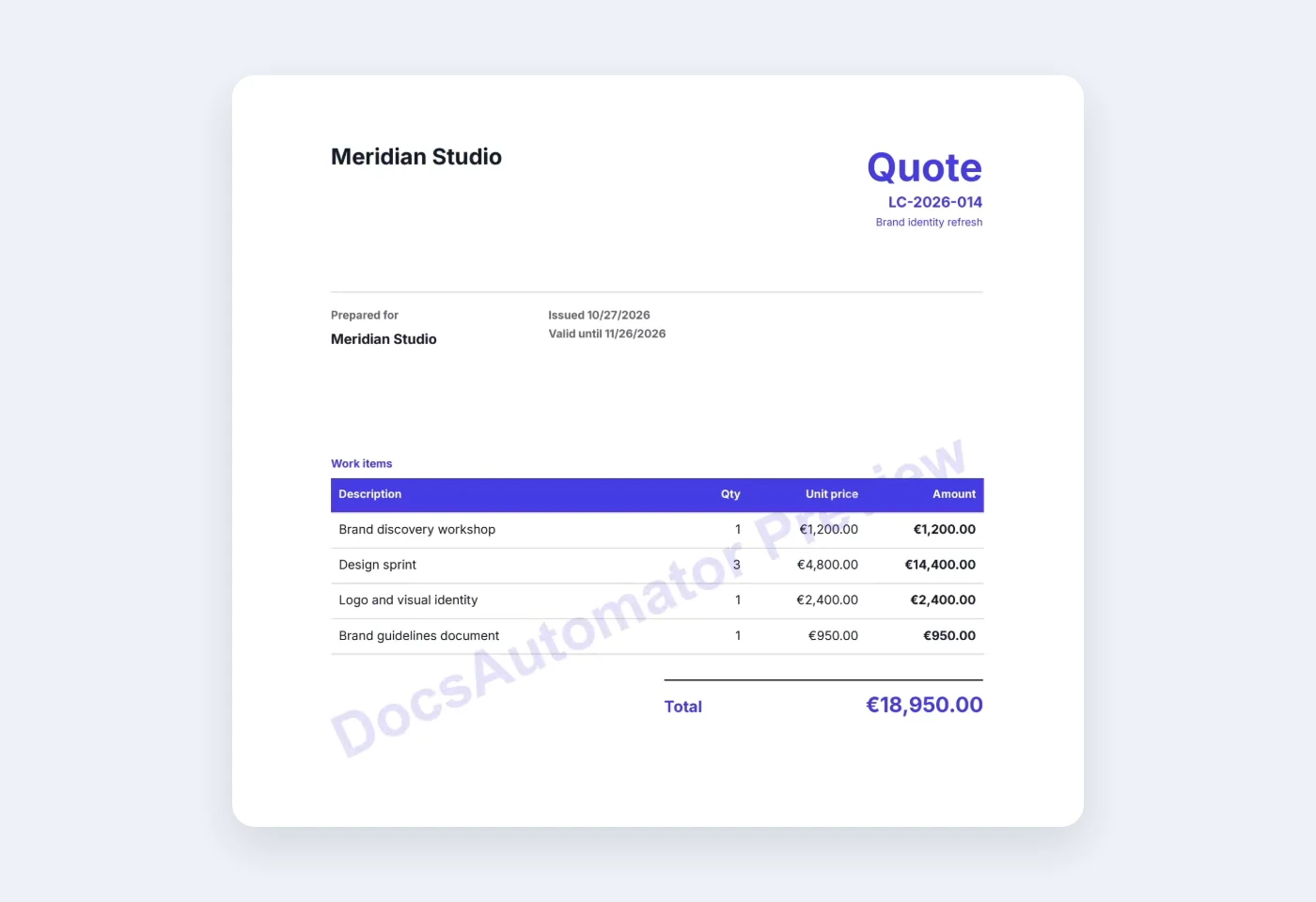
Then the document goes out for an e-signature or a one-click acceptance. We can email the finished PDF, save it to Google Drive or OneDrive, send it to a webhook, and write it back to fields on the record it came from. Signing and acceptance are in every plan with no per-document fee, and every plan has unlimited team members. Professional is $29 a month, or $19 billed yearly, for 100 documents.
PandaDoc
PandaDoc's hosted MCP server (OAuth, with an EU address too) creates documents from PandaDoc templates, pricing tables included, sends them, checks who has signed and sends reminders. The template lives in PandaDoc's editor. A Word file uploads as a fixed document. "Make editable" turns it into a PandaDoc template, but only with simple tables and five fonts. A confirmation before sending comes from optional plugin skills, if your AI client supports them. For now the MCP server costs nothing extra on any plan. Starter is $25 a month for each seat, billed yearly.
Anvil
Anvil's server is hosted at mcp.useanvil.com and signs in with OAuth. It fills PDF form templates, makes PDFs from HTML or Markdown, turns an uploaded PDF into a template, and sends signature packets, with status checks and reminders. It suits paperwork that already exists as a PDF form. Every call is a production call, so you need a card on file: $0.10 for each PDF and $1.50 for each packet once everyone has signed. Test packets are free and watermarked.
Docusign
Docusign's MCP server starts after the document exists. It creates envelopes from documents, recipients and signing fields, works with Docusign templates, and checks an envelope's status. It works with Claude Desktop, ChatGPT, GitHub Copilot and Microsoft Copilot Studio over OAuth, and its production connectors cover seven parts of Docusign's API. What it costs depends on your Docusign plan. Making the contract in the first place is a separate step.
MCP servers for PDF and DOCX generation from templates
These fill a template with your agent's data and return a PDF or Word file. Sending it, and getting it signed, is a job for another tool.
DocMake
DocMake makes Word and PDF files from templates. It runs hosted at app.docmake.io or on your computer with npx, and takes an API key or an OAuth sign-in from a Claude.ai or ChatGPT custom connector. Templates come from DocMake's visual editor or gallery, or from a Word file its import tool converts, and the agent can also build one from a document schema. Renders are strict: when a field is missing, the agent gets the list of missing fields instead of a half-empty document. None of its six tools sends or signs. The free plan covers 1,000 documents a month, and Pro is $29 a month.
Carbone
Carbone's official server fills Word, Excel, PowerPoint, HTML or Markdown templates with JSON. It's hosted at mcp.carbone.io, so there's nothing to install, or it runs locally with npx. Carbone's own advice is to let the AI handle the data and let Carbone fill your template. To send a result for signature, you chain another tool. The free plan has 100 documents a month, and Essential costs €29 a month (€26 billed yearly), with the MCP server on every plan.
PDF Noodle
PDF Noodle runs hosted, with your API key in the address, or locally with npx. The agent can fill a template, turn HTML into a PDF, or ask PDF Noodle's AI to design a new HTML template. There's no send or sign tool. Starter is $35 a month for 3,000 PDFs and 5 templates, after a 7-day free trial.
PDF Generator API
Here the agent builds the template for you: it designs it, checks it, saves it to your workspace and makes the PDF from your data, and you polish it in the visual editor. The server is hosted, or runs locally, and costs nothing extra. The Creator plan is €80 a year for 50 credits a month, after a 14-day sandbox.
DocuQueue
DocuQueue renders HTML templates to PDF and takes Word uploads, and the agent can design a new layout. It runs hosted or locally. You get a download link or a webhook, and there's no e-signature tool. The free plan has 25 documents a month, and Starter is $9 a month for 250.
Box Doc Gen
Box's hosted MCP server (OAuth) can mark a Word or PowerPoint file as a template and fill its Doc Gen tags with data. An admin has to turn on MCP and then the generate tool, and Box Doc Gen is only for Enterprise Advanced accounts. The file lands in Box, and Box's MCP tools don't include one that sends it for signature.
GroupDocs.Assembly
GroupDocs.Assembly fills Word, Excel, PowerPoint, HTML, Markdown, text or email templates with JSON, and puts it this way: the agent supplies the data, the template controls the document. It runs only on your computer, with the .NET 10 SDK or Docker, and writes DOCX, XLSX, PPTX, PDF, HTML or email files to a local folder. It stays in evaluation mode until you buy a license; the Developer Small Business license is $1,199.
MCP servers that convert Markdown or HTML to PDF and DOCX
Here your agent writes the whole document, words and layout, and the server turns it into a file. That works for a report or a one-off letter. For a contract, the wording is whatever the agent wrote that time. All three run on your computer.
PDF.co
PDF.co's open-source server turns HTML or Markdown into a PDF, and also edits, searches and runs OCR on PDFs you already have. You run it with uvx and a PDF.co API key. Basic is $8.99 a month billed yearly for 16,500 credits, and download links expire after 60 minutes.
Foxit PDF API
Foxit's server converts HTML, Word files and web pages to PDF, and merges, splits, compresses, watermarks, compares, protects and fills PDFs. It runs locally with Python or Node, in Claude Desktop, VS Code or Cursor. Foxit's document generation and eSign APIs are separate, so they aren't tools the agent can call. The free Developer plan has 500 credits a year, and Startup is $1,750 a year.
mcp-pandoc
mcp-pandoc converts between formats with pandoc, so the agent can turn Markdown into a Word file styled from a reference document. It's free and MIT-licensed, runs with uvx, and needs pandoc installed, plus TeX Live for PDF. Its authors say it's in early development.
Which document generation MCP servers work in Claude and ChatGPT?
Claude on the web and ChatGPT reach only hosted servers. A local server needs a desktop client such as Claude Desktop, Cursor or VS Code, and a bridge such as mcp-remote connects a client to a server it can't reach directly.
- DocsAutomator: in Claude you add it from the Claude directory, and in ChatGPT from ChatGPT Plugins, with no server address or API key to type. Cursor, VS Code and other clients connect with the URL and an OAuth sign-in or an API key.
- PDF Generator API: Claude Desktop needs mcp-remote to reach the hosted server.
- PandaDoc: its MCP server is in beta, and so are its Claude connector and ChatGPT app.
Frequently asked questions
Is there a free MCP server for PDF generation?
mcp-pandoc is free and open source, and runs on your computer. Among hosted servers, DocMake's free plan covers 1,000 documents a month, Carbone's 100 and DocuQueue's 25. DocsAutomator has no free plan, but test documents are free and unlimited, so you can try your own template before you pay.
Which document MCP servers are open source on GitHub?
DocMake (docmake-io/mcp), Carbone (carboneio/carbone-mcp), DocuQueue (docuqueue/docuqueue-mcp), PDF Generator API (pdfgeneratorapi/mcp-server), PDF.co (pdfdotco/pdfco-mcp) and mcp-pandoc (vivekVells/mcp-pandoc) publish their servers on GitHub. Most still need an account and an API key with the vendor to make documents.
Do I need an MCP server, or can my agent call the API?
In a chat client like Claude or ChatGPT, an MCP server is what lets the agent find and use the tools, with no code. If you build the agent yourself, it can call a REST API directly. DocsAutomator has both, so you can start in a chat and move the same template into your own code later.
Can an agent send a contract without anyone checking it?
Not with DocsAutomator in a client signed in with a DocsAutomator account: the confirmation names the document and every recipient first. On the Business and Scale plans, approvals add a second check, where the document waits until the people you choose approve it, and nothing is sent, saved or signed before that.
If your agent makes quotes and contracts, start with the template your team already uses and make a free test document from it.