Still creating your documents manually?
Automate Property and Asset Management Documents for Real Estate Teams
Transform property and asset data into formatted documents automatically. Generate lease agreements, maintenance reports, and portfolio analyses from your property management system without manual document creation.
Understanding Property and Asset Management Documentation for Real Estate Organizations
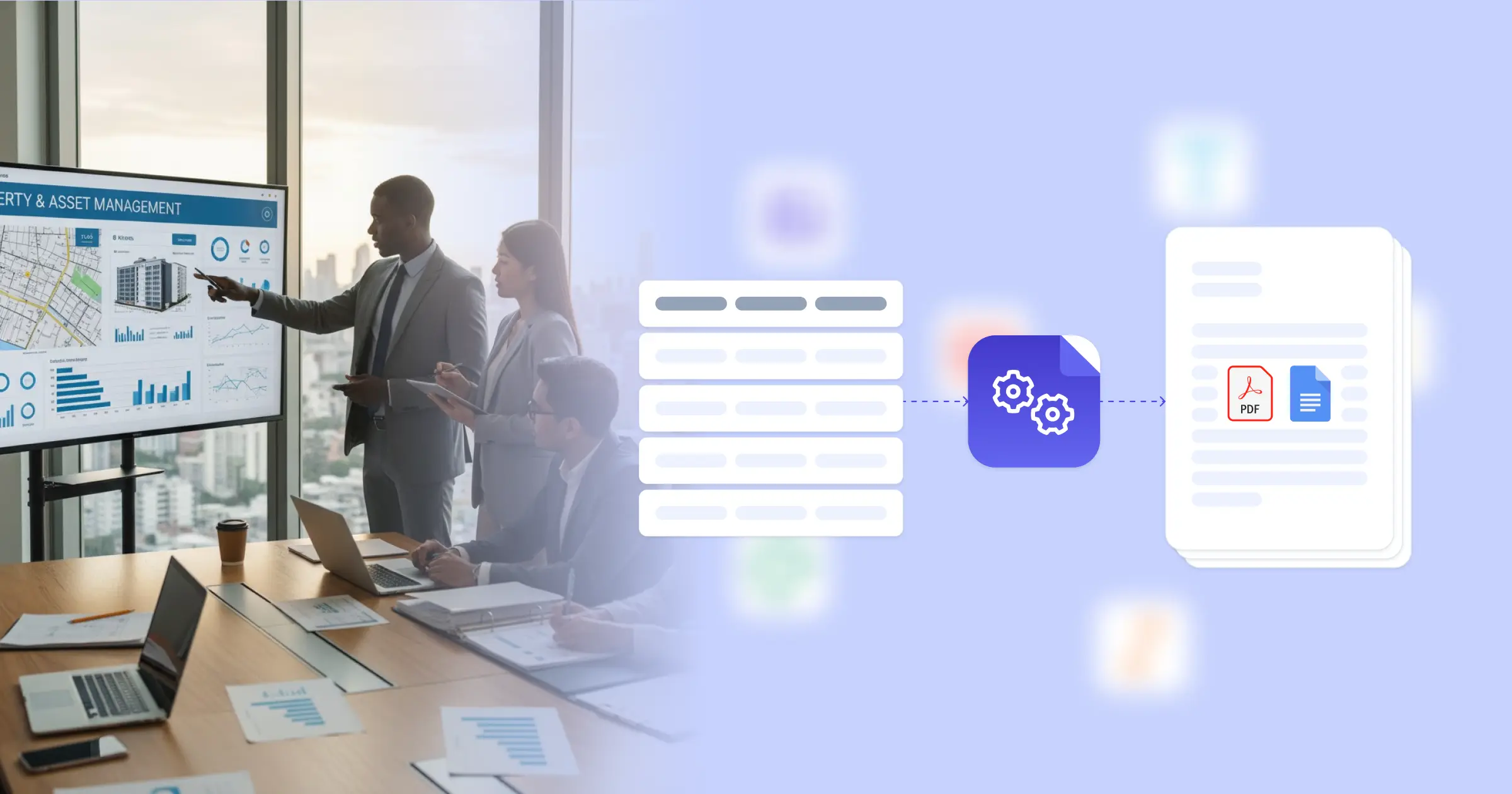
Property and asset management combines the operational demands of managing tenant relationships, maintenance, and compliance with the financial responsibility of tracking asset performance, budgets, and investment returns. Real estate teams manage residential complexes, commercial buildings, or mixed-use portfolios, creating lease documents, inspection reports, financial summaries, and owner communications throughout the property lifecycle. According to Gartner research on real estate technology, document creation remains a significant operational task for property managers. You can eliminate this manual friction by connecting your Google Docs templates with your existing property management systems, whether that's dedicated software like AppFolio or Buildium via APIs, Airtable tracking your properties and tenants, or custom databases. This automation pulls property details, tenant information, maintenance records, and financial data directly into professionally formatted documents, letting your team focus on tenant satisfaction and asset optimization rather than document assembly.
Start automating documents in minutes!
Why Real Estate Teams Need Document Automation
Property management generates substantial documentation requirements across leasing, operations, and financial reporting, but creating these documents manually creates bottlenecks that affect tenant service and owner communication.
- Lease Document Complexity: Each new tenant requires a lease agreement customized with property address, unit specifications, rental terms, pet policies, and property-specific rules. Manually creating these leases from templates means copying tenant information from your management system, adjusting terms based on negotiated conditions, and formatting everything correctly, which delays move-ins and risks errors in lease terms.
- Inspection Report Overhead: Regular property inspections generate reports documenting condition, maintenance needs, safety compliance, and tenant-caused damage. Creating these reports manually means taking inspection notes, organizing them by property and unit, adding photos, and formatting everything for owner review or compliance filing, which creates backlogs during busy inspection seasons.
- Owner Reporting Burden: Property owners expect regular reports showing occupancy, rent collection, maintenance expenses, and property performance. Building these reports manually means extracting data from your management system, calculating metrics, and formatting everything into presentation documents, which consumes time that could be spent on property operations or tenant issues.
- Portfolio Visibility Gaps: Real estate firms managing multiple properties need consolidated views of asset performance, upcoming lease expirations, maintenance budgets, and occupancy trends. Creating these portfolio analyses manually means pulling data from individual property records and reformatting it into executive summaries repeatedly.
These challenges drive property management companies toward automation solutions that connect operational data directly to document generation, similar to property inspection reporting workflows.


Optimizing Property Management Documentation with DocsAutomator
We generate your property management documents automatically from operational and financial data, eliminating the need to manually assemble leases, reports, and summaries. Our platform connects to property management systems through flexible API integration, or pulls from Airtable, Google Sheets, or custom databases where you track properties, tenants, and maintenance. When you need a lease agreement, inspection report, or owner summary, the document generates with accurate property information, tenant details, and financial data already formatted and ready for review.
We handle the specific requirements that property management demands. Conditional logic automatically includes appropriate lease clauses based on property type, jurisdiction, or tenant category, ensuring compliance with local regulations and property-specific rules. Dynamic tables format rent rolls, maintenance schedules, or expense breakdowns without manual spreadsheet work. You can incorporate property branding, management company information, and required disclosures directly into templates. The output is a PDF suitable for tenant signatures, owner distribution, or regulatory filing, with optional Google Doc generation if staff need to adjust specific sections before finalizing.
This approach reduces the document workload that surrounds property operations. Property managers using our automated document generation create lease agreements, inspection reports, and owner summaries in minutes instead of spending time reformatting data from management systems. You can adapt templates like our lease contract template to property-specific requirements, or use Airtable document generation to turn property databases directly into formatted reports. Teams also leverage inspection report templates that pull findings from property management systems automatically, maintaining consistent documentation across portfolios.
DocsAutomator natively integrates with your favorite apps













Start with our free pre-built templates
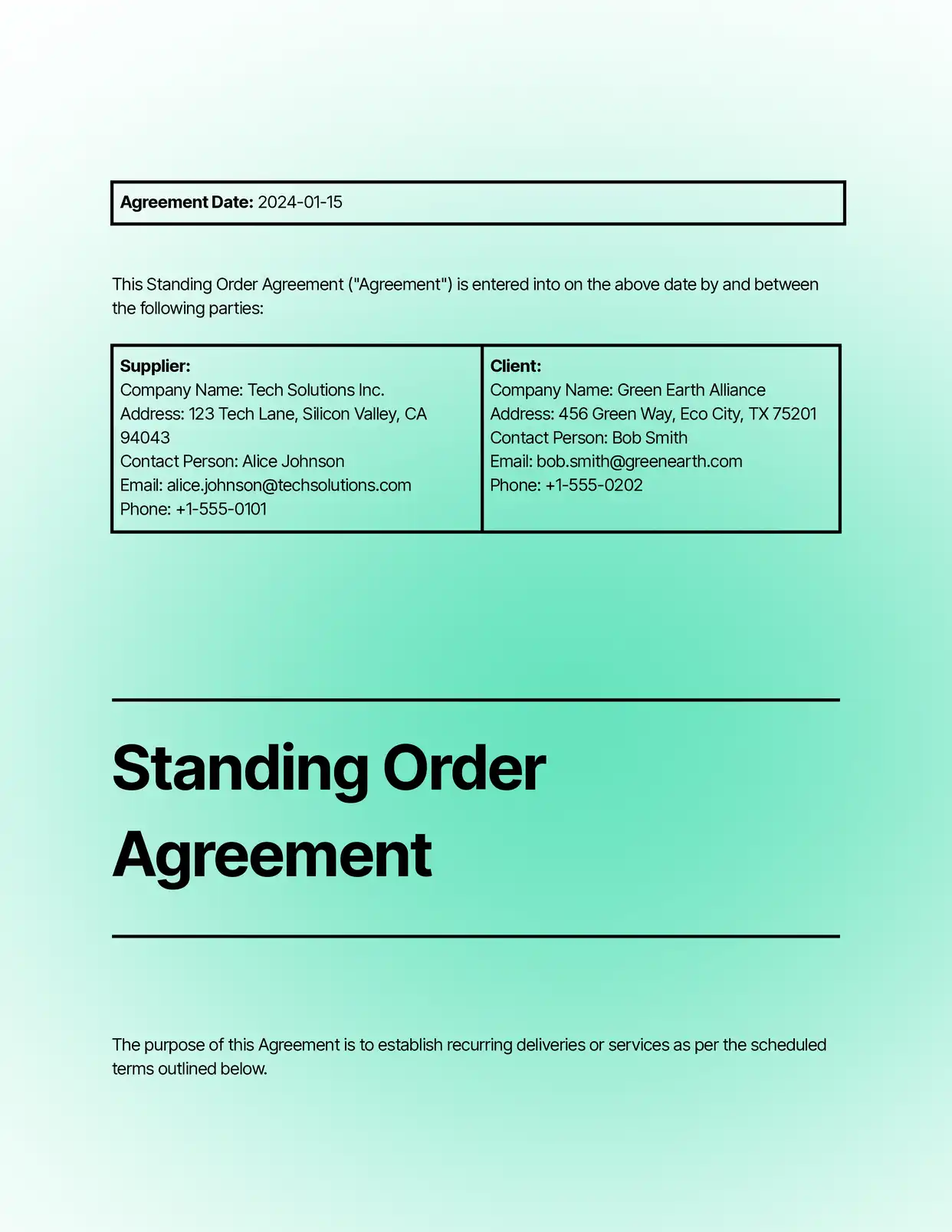
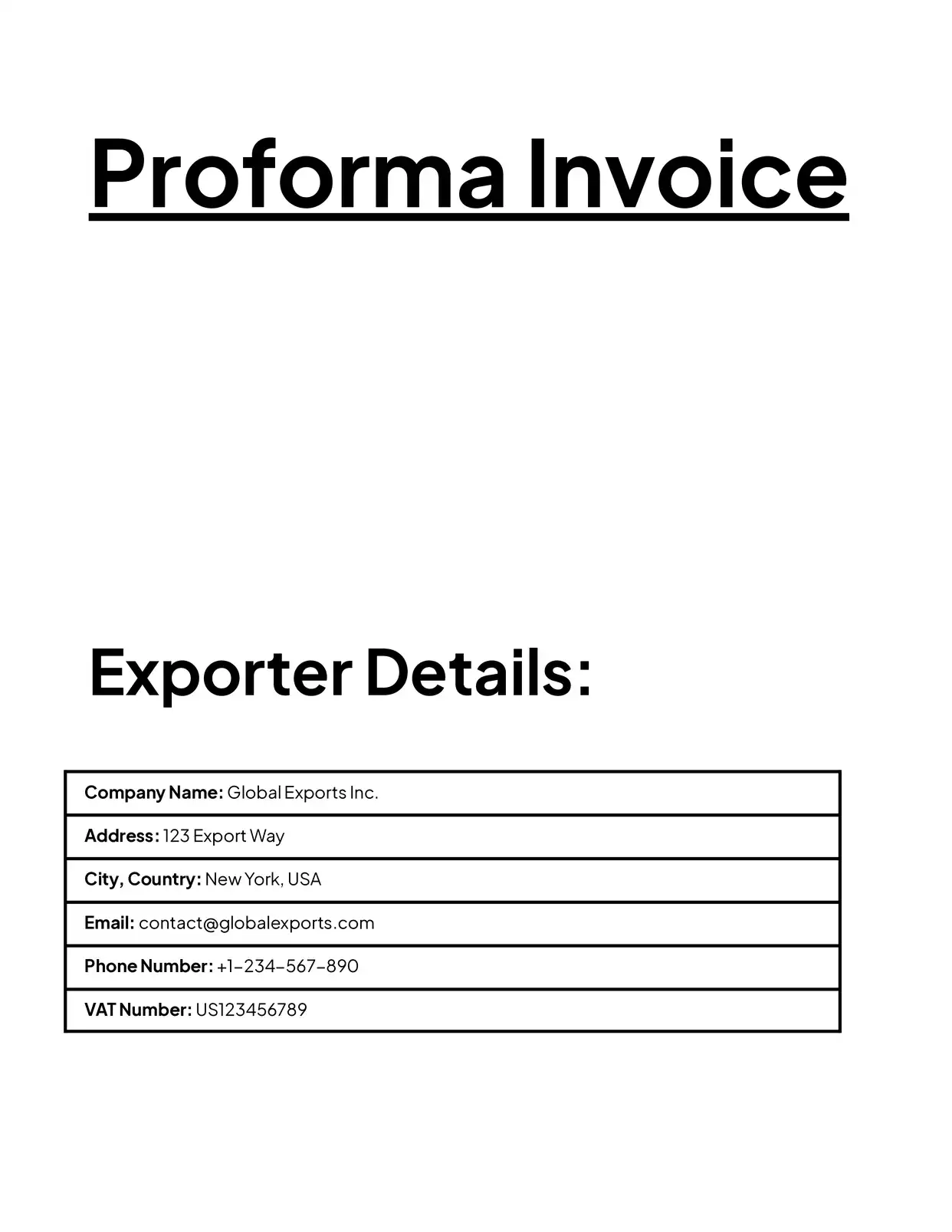
To make the start easy, we've created a variety of templates for the most common use cases.






Discover all of our pre-built templates:
View all templatesReady to automate your documents?
Join the 1,215 businesses that trust DocsAutomator with their most critical documents









Unlimited testing, no credit card required