Still creating your documents manually?
Automate Applicable Law Clauses in Your Contracts
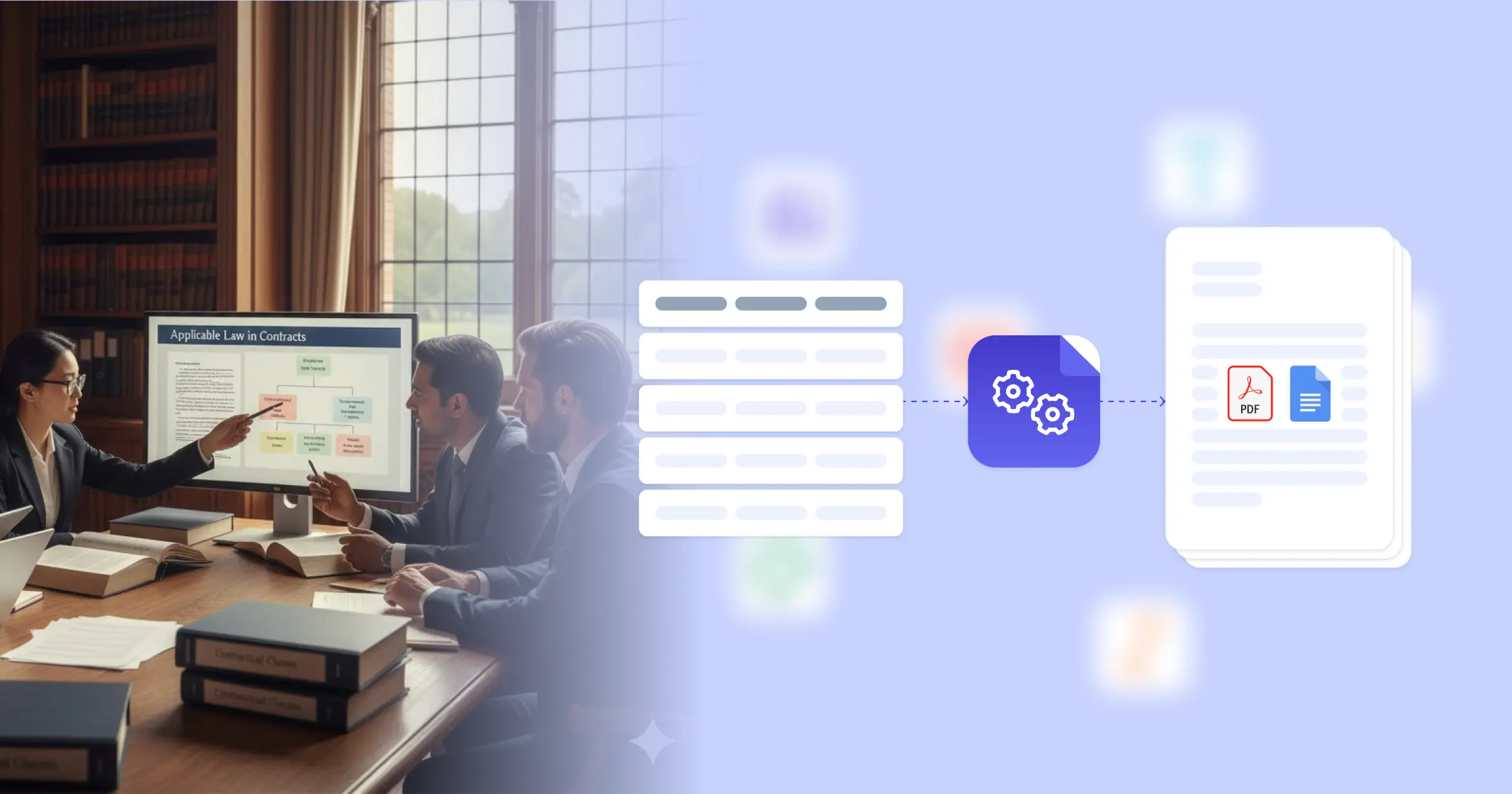
Generate contracts with jurisdiction-appropriate applicable law clauses from party and transaction data to ensure legal enforceability and proper dispute resolution frameworks.
Understanding Applicable Law Clauses for Legal Organizations
Applicable law in contracts determines which jurisdiction's legal framework governs agreement interpretation, enforcement, and dispute resolution. Research from Harvard Business Review on business law shows that properly drafted governing law provisions reduce litigation uncertainty and improve contract enforceability. Legal teams traditionally select governing law based on party locations and transaction characteristics, then manually insert appropriate jurisdiction-specific language throughout contracts. This efficiency is achieved through seamless integration: when you connect Google Docs templates with your matter management system, Airtable deal database, or contract management platform, agreements generate with appropriate governing law clauses, dispute resolution provisions, and jurisdiction-specific language already formatted. Your legal team produces consistent, jurisdiction-appropriate contracts without manual clause selection.
Start automating documents in minutes!
Why Legal Teams Need Applicable Law Automation
Law firms and legal departments face jurisdictional complexity challenges that affect contract quality and preparation efficiency.
- Jurisdiction Selection Complexity: Determining appropriate governing law requires analyzing party locations, transaction characteristics, and enforcement considerations. Manual analysis for each contract consumes attorney time and risks inconsistent selections.
- Clause Consistency: Governing law choices affect multiple contract provisions, including dispute resolution, statute of limitations references, and regulatory compliance language. Ensuring all related clauses align with the chosen jurisdiction requires careful coordination.
- Multi-Jurisdiction Operations: Organizations operating across states or countries need contracts adapted to local legal requirements. Maintaining separate templates for each jurisdiction creates version control challenges.
- Regulatory Compliance Variations: Different jurisdictions require specific disclosures, licensing acknowledgments, and compliance representations. Missing required language can affect contract enforceability.
These legal drafting demands explain why legal teams implement automated contract creation with jurisdiction-aware logic.


How DocsAutomator Delivers Applicable Law Automation for Legal Organizations
We connect your deal and party data directly to Google Docs templates, generating contracts with appropriate jurisdictional provisions automatically. Party locations, transaction types, and jurisdiction selections flow from your matter management system or Airtable deal database into contracts with matching governing law clauses, dispute resolution provisions, and compliance language.
The system handles jurisdictional complexity naturally. Conditional logic includes appropriate governing law language based on jurisdiction selection, so California contracts show different provisions than New York or Delaware agreements. Dispute resolution clauses, forum selection language, and regulatory disclosures align with the chosen jurisdiction automatically. Cross-border transactions include appropriate choice of law analysis and enforcement provisions.
This works through native integrations with Airtable, ClickUp, Glide, and similar platforms, plus our flexible API for connecting to matter management systems and contract platforms. Output is PDF for execution, with optional Google Docs format during negotiation phases. See our legal template collection for professional starting points. Teams also benefit from our NDA template for confidentiality agreements.
DocsAutomator natively integrates with your favorite apps













Start with our free pre-built templates
To make the start easy, we've created a variety of templates for the most common use cases.












Discover all of our pre-built templates:
View full Template GalleryReady to automate your documents?
Join the 1,215 businesses that trust DocsAutomator with their most critical documents









Unlimited testing, no credit card required