Still creating your documents manually?
Legal Contract Automation for Law Firms and In-House Teams
Generate legal contracts from matter and client data to accelerate document preparation, maintain consistency, and enable lawyers to focus on substantive legal work.
Understanding Legal Contract Automation for Legal Organizations
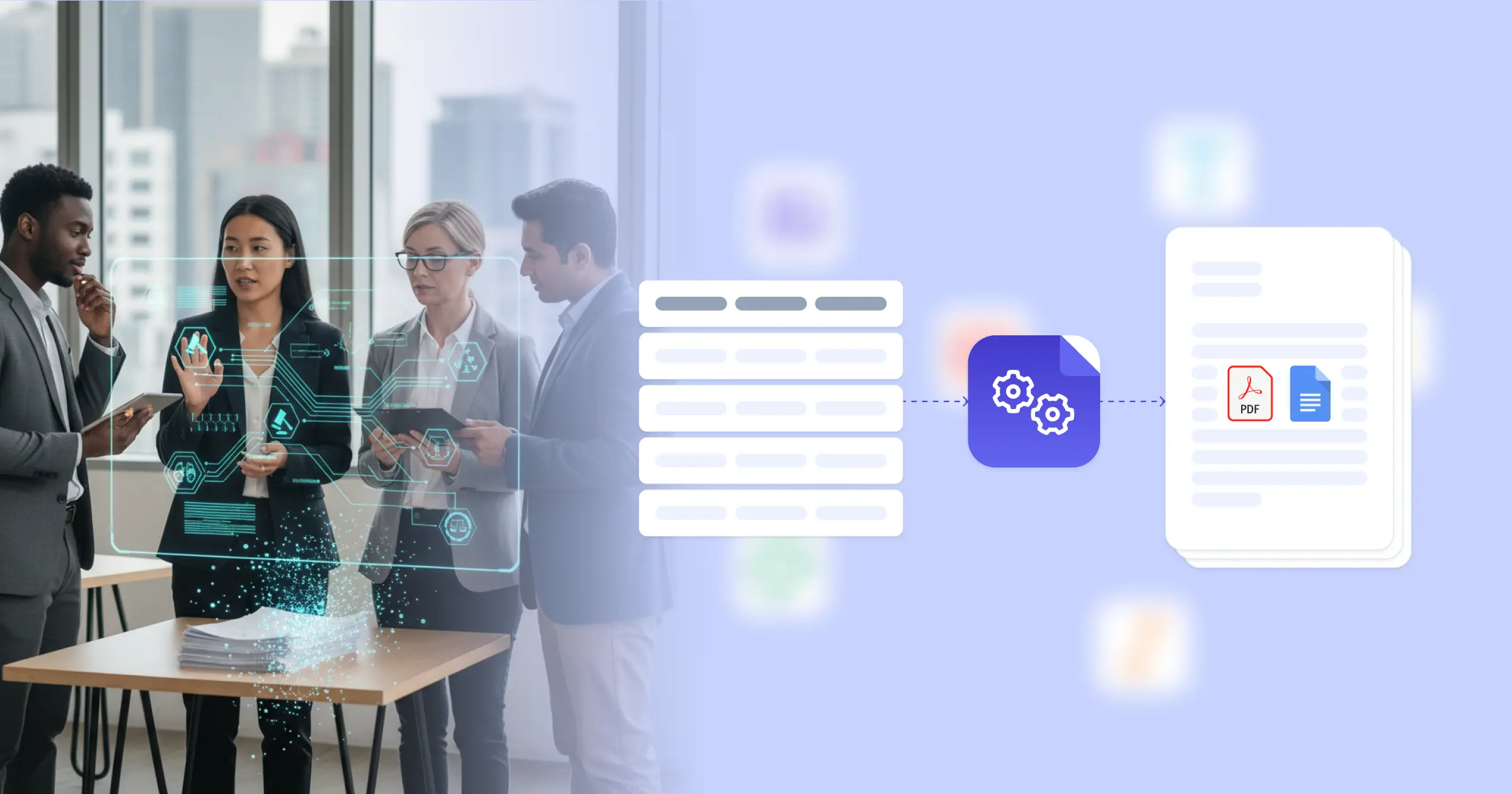
Legal contract automation enables law firms and in-house legal teams to generate standard contracts, agreements, and legal documents from structured data, reducing time spent on routine document preparation. Research from American Bar Association on legal technology shows that document automation improves efficiency and allows lawyers to focus on higher-value work requiring legal judgment. Legal professionals traditionally draft contracts by starting from precedent documents, manually inserting client information, and customizing terms for each matter. This effectiveness comes from connecting your Google Docs templates with your practice management system, Airtable matter database, or client intake forms, so contracts generate with accurate party details, negotiated terms, and appropriate provisions already formatted. Your legal team produces first drafts without repetitive manual preparation.
Start automating documents in minutes!
Why Legal Teams Need Contract Automation
Law firms and legal departments face document preparation challenges that affect efficiency and client service.
- Repetitive Drafting Work: Standard contracts require the same basic structure with client-specific details inserted throughout. Manual preparation of routine documents diverts lawyer time from substantive legal analysis.
- Consistency Concerns: Different lawyers may use different precedents or make inconsistent modifications to standard forms. Maintaining firm-approved language across all contracts requires systematic approaches.
- Client Response Time: Clients expect prompt delivery of engagement letters, NDAs, and standard contracts. Delays in routine document delivery affect client experience and relationship perception.
- Error Risk: Manual insertion of party names, dates, and deal terms creates transcription error risks. Errors in legal documents can have significant consequences and require correction cycles.
These legal operations demands explain why firms implement automated contract creation for their routine document workflows.


How DocsAutomator Delivers Contract Automation for Legal Organizations
We connect your matter and client data directly to Google Docs templates, generating legal documents automatically from intake information. Party names, addresses, deal terms, and matter-specific provisions flow from your practice management system or Airtable matter database into formatted contracts ready for review.
The system handles legal document complexity naturally. Conditional logic includes appropriate provisions based on matter type, client category, or jurisdiction. NDAs for employment matters include different terms than NDAs for M&A transactions, all from the same template system. Dynamic tables can present schedule exhibits, fee arrangements, or defined term lists from your matter data.
This works through native integrations with Airtable, Google Sheets, ClickUp, and similar platforms, plus our flexible API for connecting to practice management software. Output is Google Docs for lawyer review and editing, converting to PDF for final execution. See our NDA template for a starting structure. Teams also benefit from understanding document workflow automation for legal operations.
DocsAutomator natively integrates with your favorite apps













Start with our free pre-built templates
To make the start easy, we've created a variety of templates for the most common use cases.












Discover all of our pre-built templates:
View full Template GalleryReady to automate your documents?
Join the 1,215 businesses that trust DocsAutomator with their most critical documents









Unlimited testing, no credit card required