Xero Contracts from Quotes
Powerful Document Automation & Signing for Xero
Xero contracts, created from an accepted quote







Works through Zapier or Make. DocsAutomator has no native Xero connection; this page shows only the routes that run today.
Some of the teams / institutions automating and signing their documents with DocsAutomator:







Contracts and agreements, created and signed with DocsAutomator
Some examples of our customers and the documents they automate and sign daily

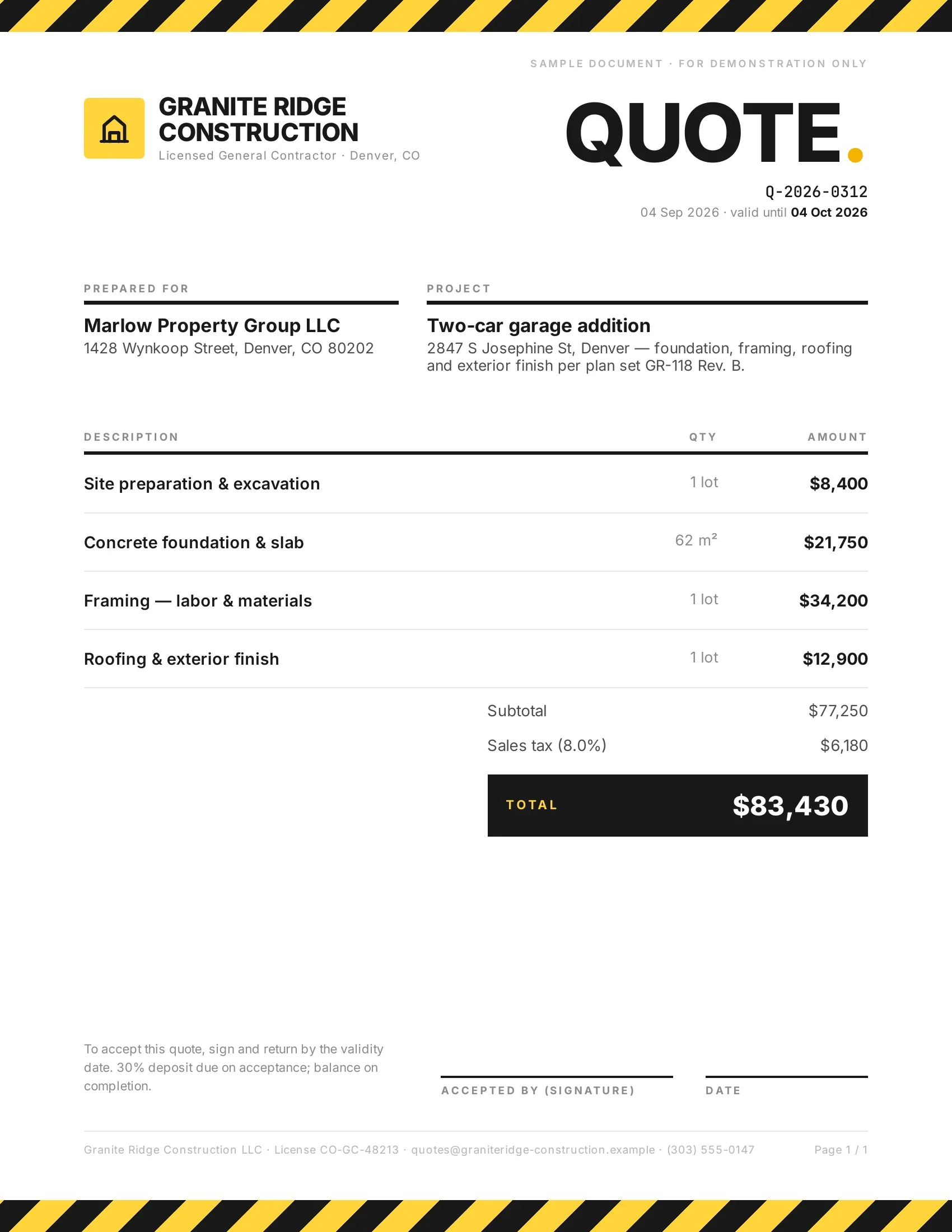 Accepted
Customers accept quotes and change orders in one tap, so work starts sooner.
Quotes · Estimates · Order confirmations · Change orders

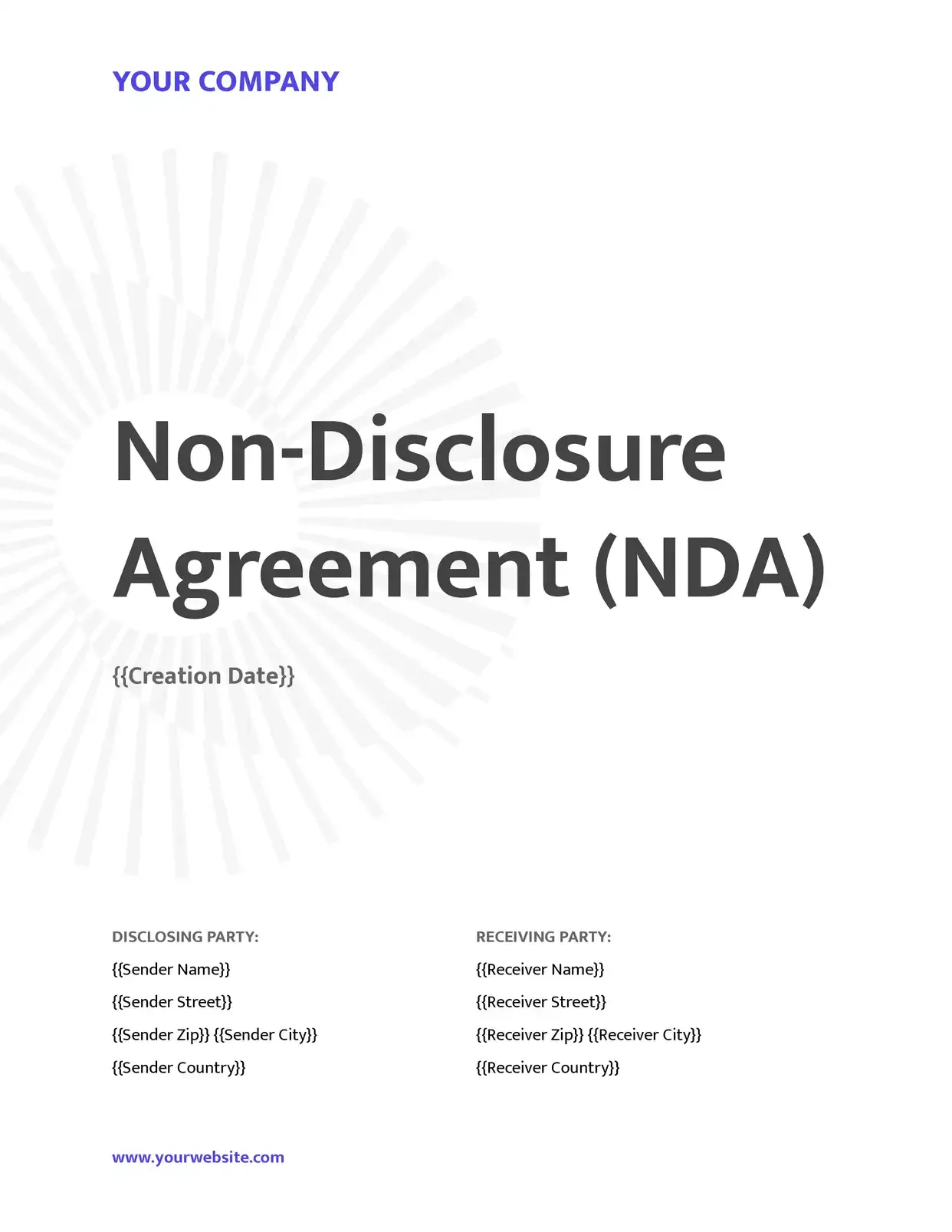 Signed
Agreements go out from your records and come back signed.
Service agreements · Leases · NDAs · Engagement letters

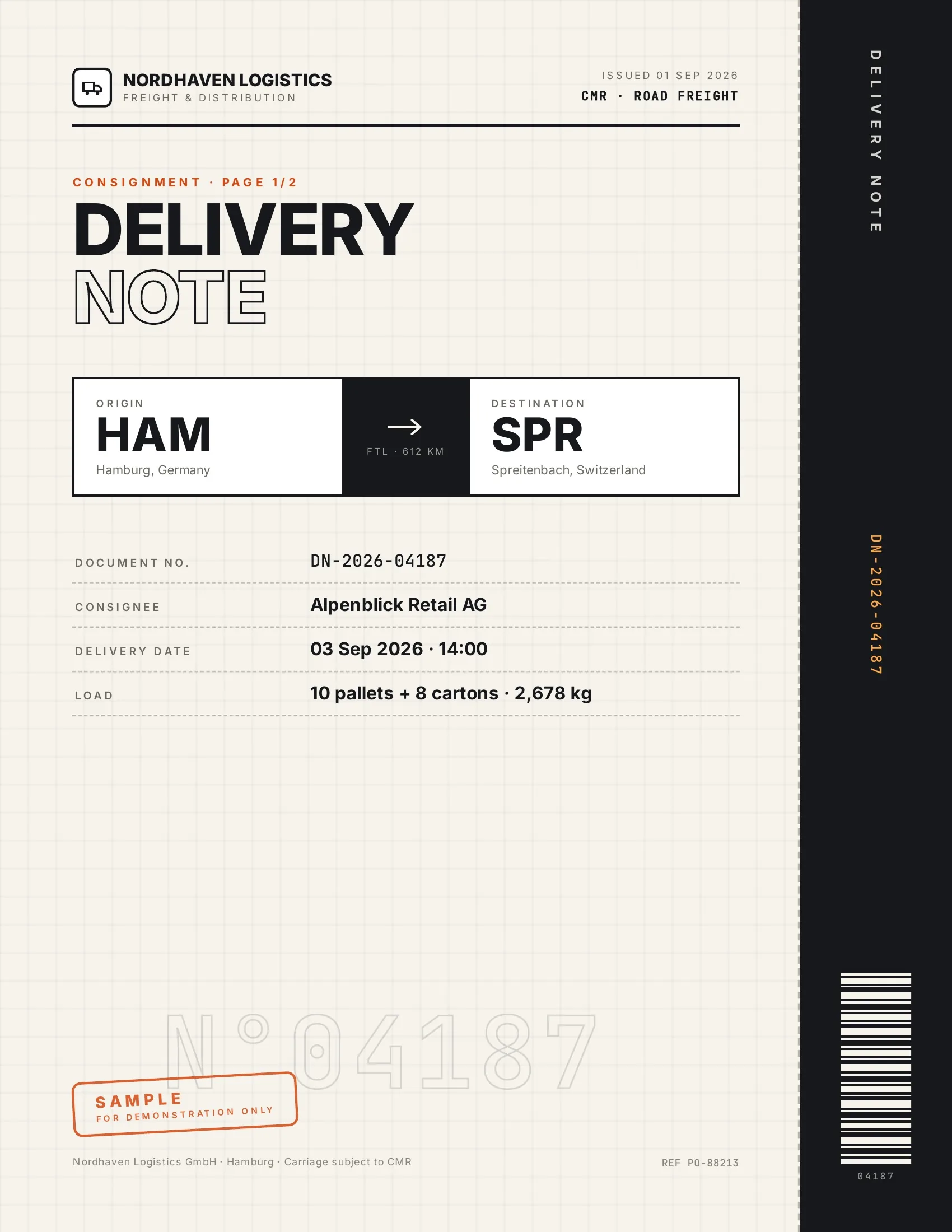 Accepted
Customers accept finished work and deliveries on their phone, on the spot.
Work orders · Delivery notes · Inspection reports · Purchase orders

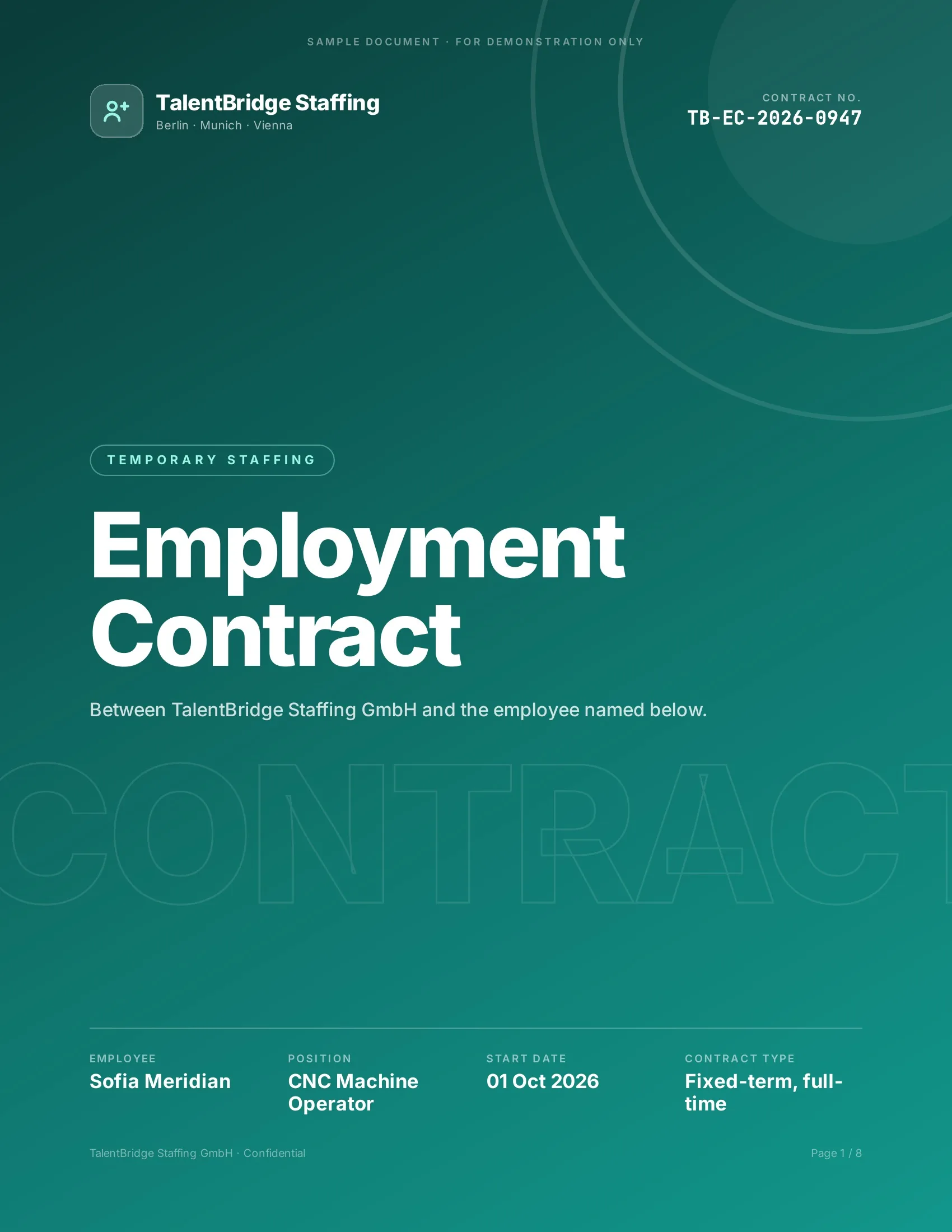 Signed
New hires, clients and students sign their paperwork before day one.
Employment contracts · Offer letters · Enrollment forms · Letters of authority
Strong reasons for choosing DocsAutomator to automate & sign your Xero documents
All you need to effortlessly automate and sign your documents
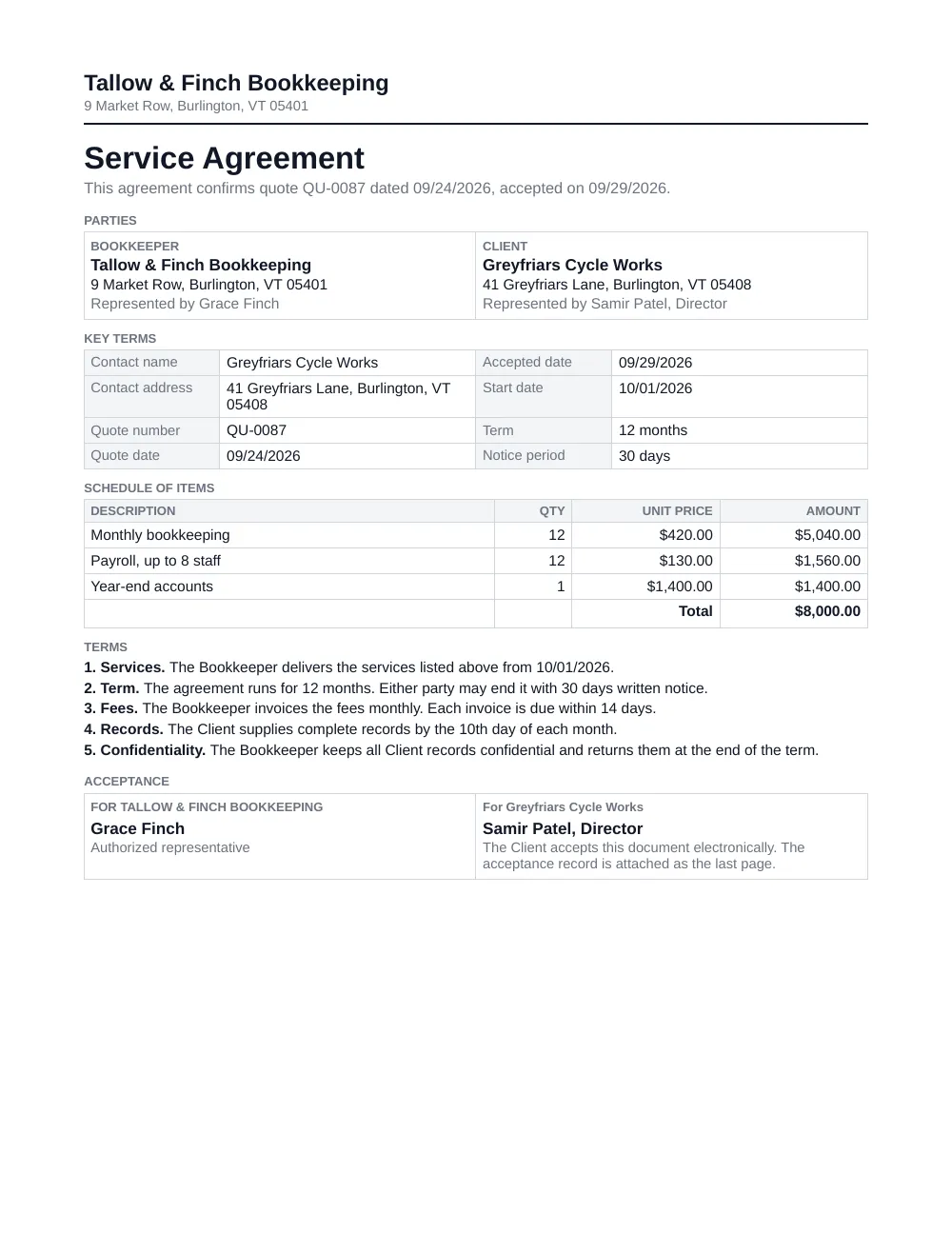

The agreement after the quote is accepted
This page covers that one job. The accepted quote starts the document, the contact and the line items of the quote fill your own template, and the customer accepts the agreement on a phone or a computer.
Xero has no contract templates. Your agreement stays a Word or Google Docs file that you edit like any other document.

Describe it, the AI agent builds it
Tell it what you need. It drafts the template, connects your data, sets up signing and runs a test. No setup screens.

Bring your own AI agent
Connect Claude, ChatGPT, or your own agent. It creates and sends documents within the limits and approvals you set.
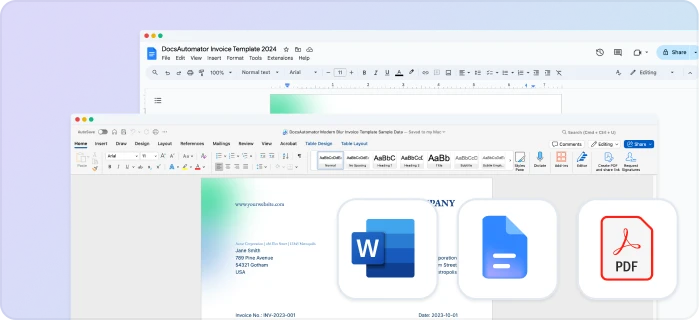
Your own Google Docs, Word or PDF templates
Keep writing your documents where you write them. DocsAutomator fills the placeholders.
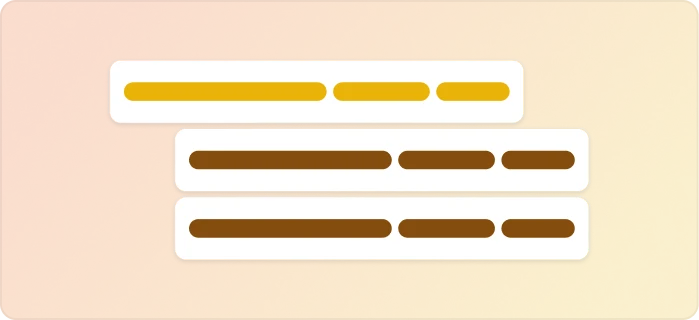
Line items and nested tables
Invoices, quotes and any itemized list, straight from your data.
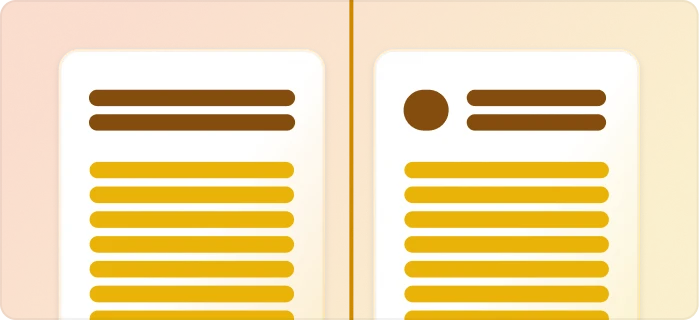
Conditional content
Sections, styling and images that show or hide based on the data.
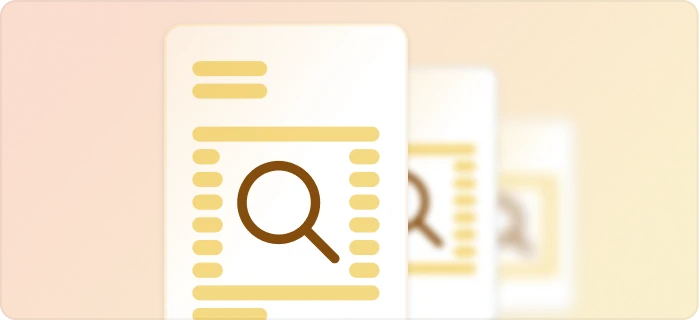
Preview mode
Unlimited previews until you're happy – no wasted credits on testing.
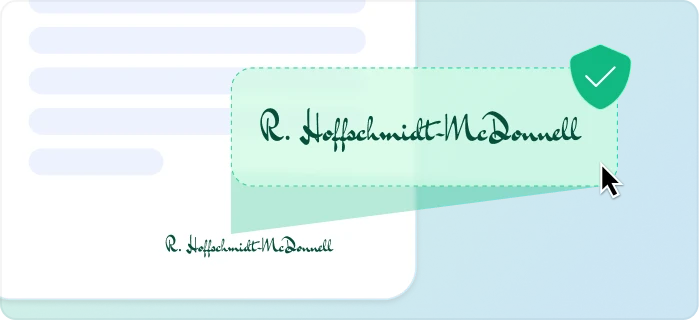
E-signatures, sent automatically
Legally binding, with a full audit trail. Nobody chases anyone.
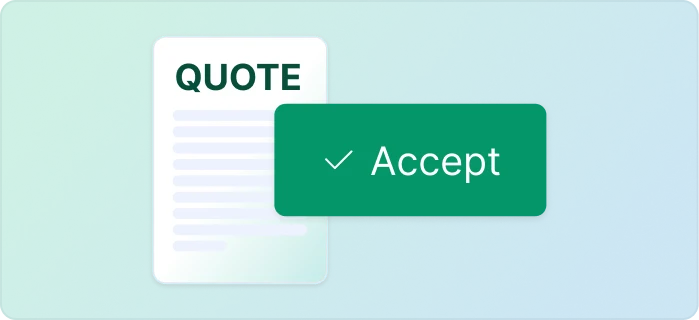
One-click acceptance for quotes
Your client accepts with one click. Recorded, no signature ceremony.
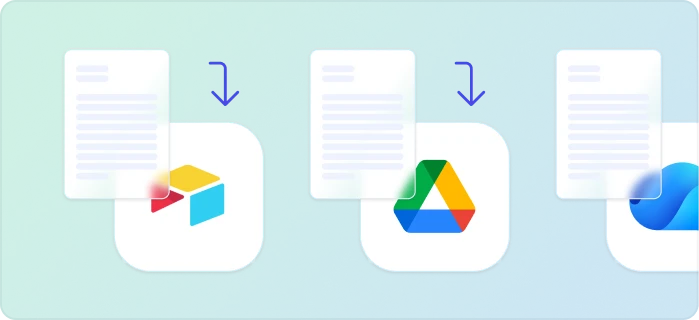
Signed or accepted copies delivered and filed automatically
Every finished document is emailed and saved back to your Airtable, Notion, sheet, or Drive folder.
Start automating & signing in minutes!
Set up in minutes, save weeks of work
Three steps from your quote to a accepted document
Create a Google Docs or Word template
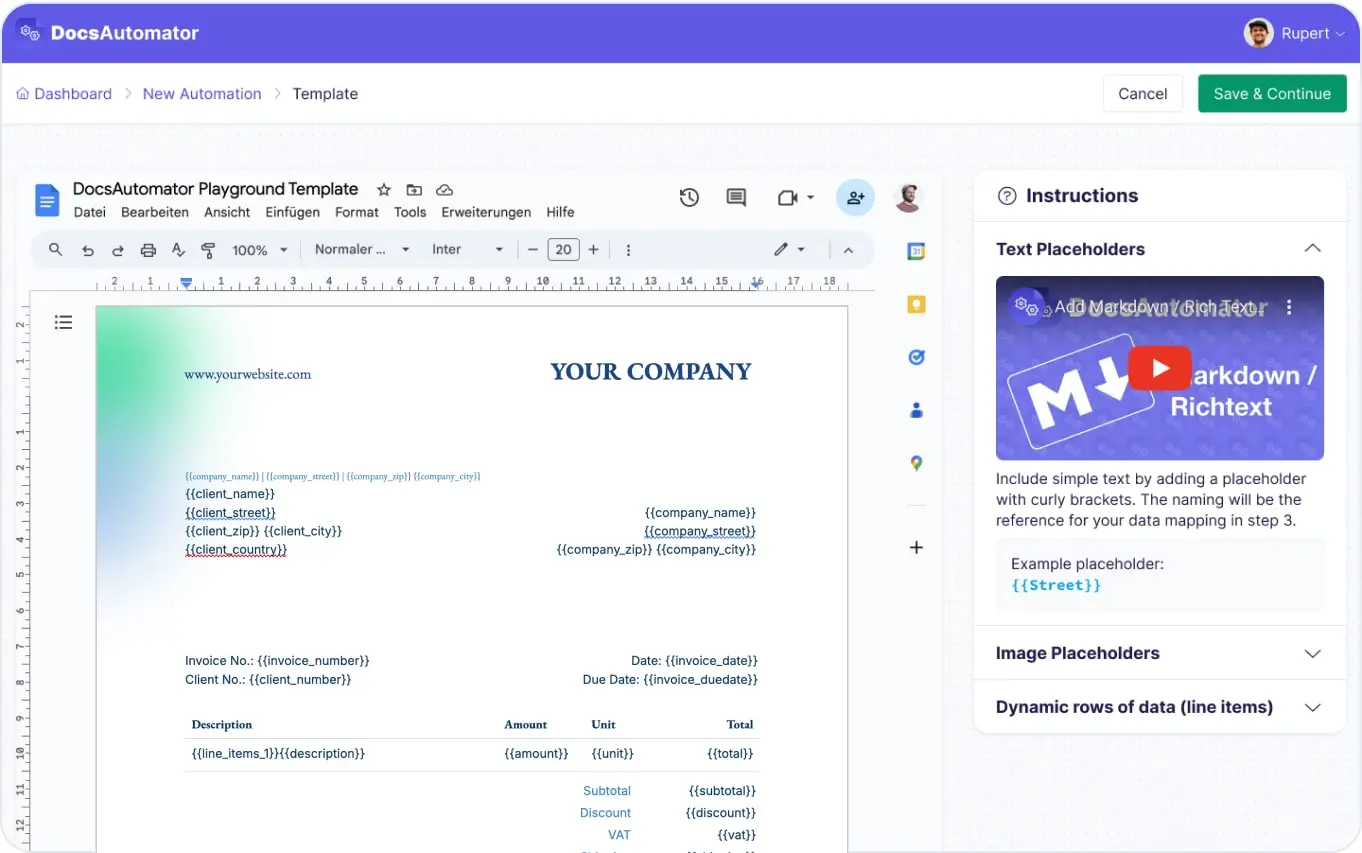
Map Data & Preview
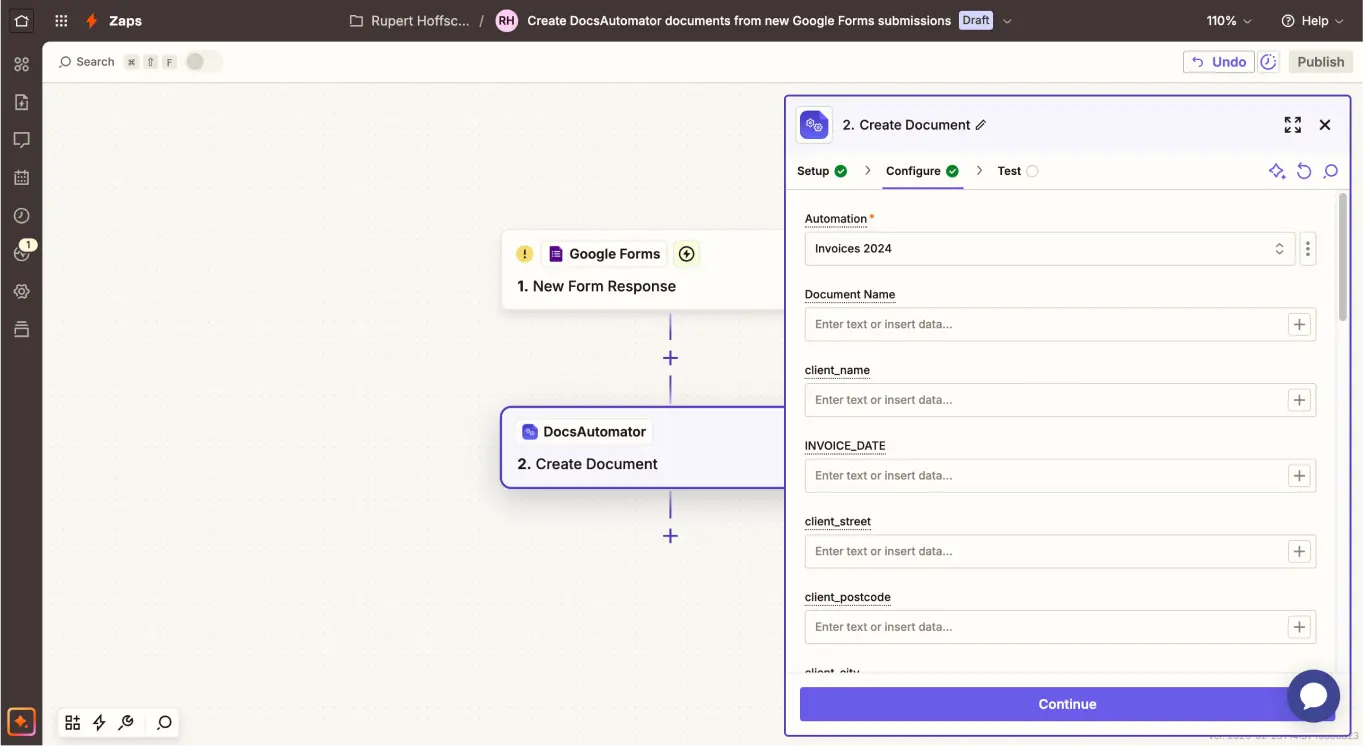
Connect Xero
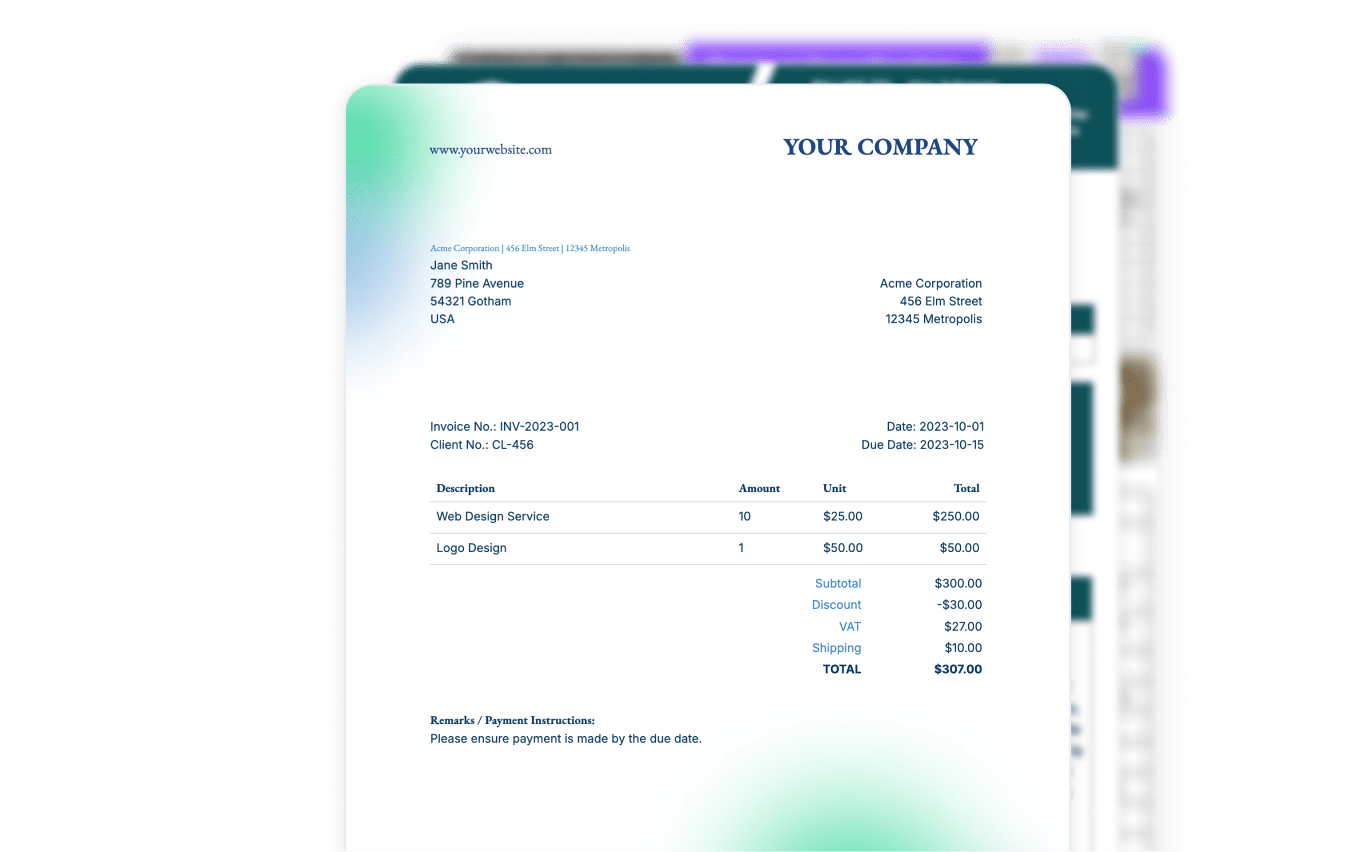
Step by Step Implementation Guide
Start automating & signing in minutes!
One accepted quote, one template, one accepted agreement
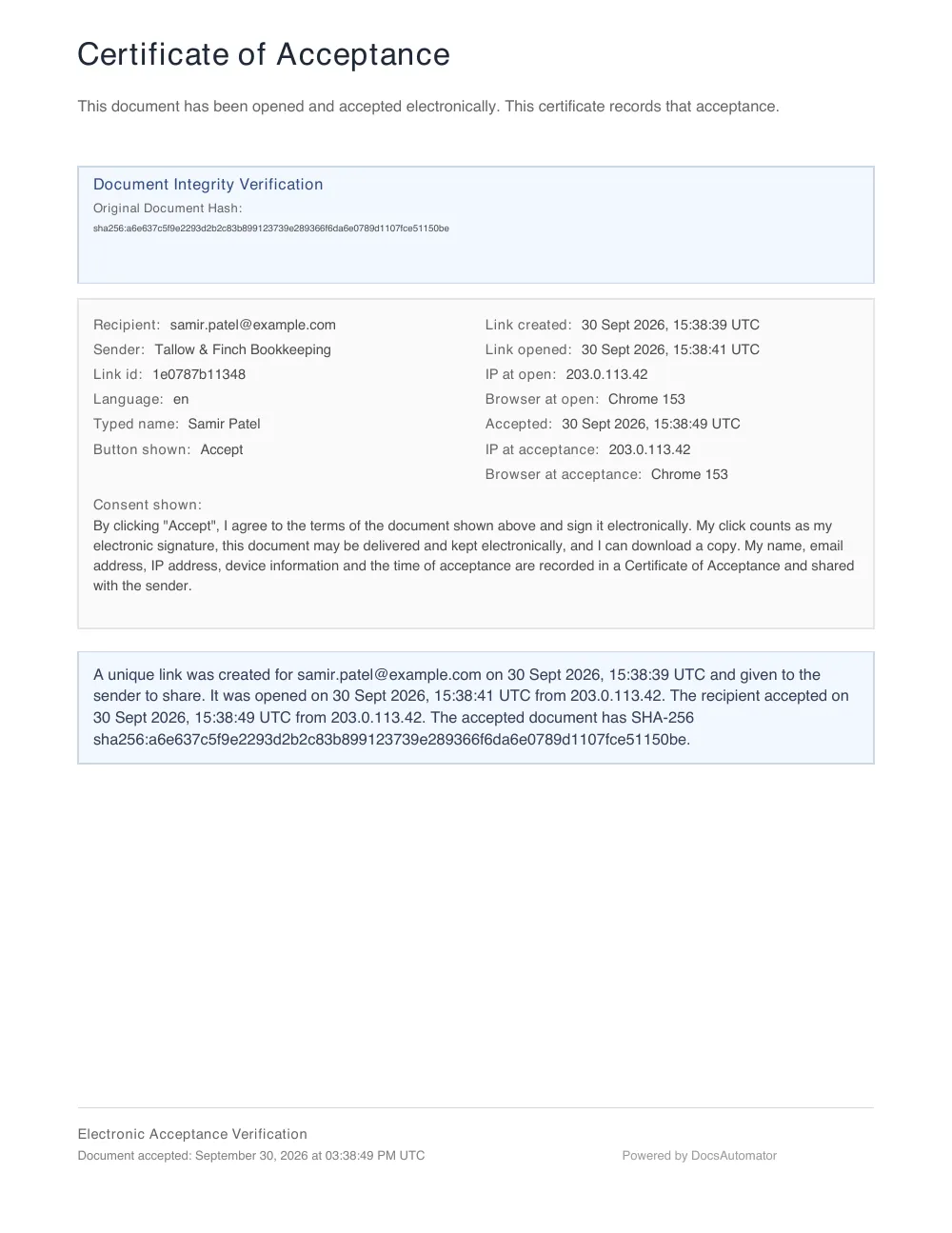
The service agreement below was created by DocsAutomator from the example quote and accepted on a test page. All names and amounts are fictional.
1. The quote in Xero
- Draft
- Sent
- Accepted
- Invoiced
- Contact
- Greyfriars Cycle Works
- Date
- 09/24/2026
- Accepted
- 09/29/2026
- Reference
- Bookkeeping and payroll, 12 months
| Description | Quantity | Unit Price | Amount |
|---|---|---|---|
| Monthly bookkeeping | 12 | $420.00 | $5,040.00 |
| Payroll, up to 8 staff | 12 | $130.00 | $1,560.00 |
| Year-end accounts | 1 | $1,400.00 | $1,400.00 |
| Total | $8,000.00 | ||
2. Your template
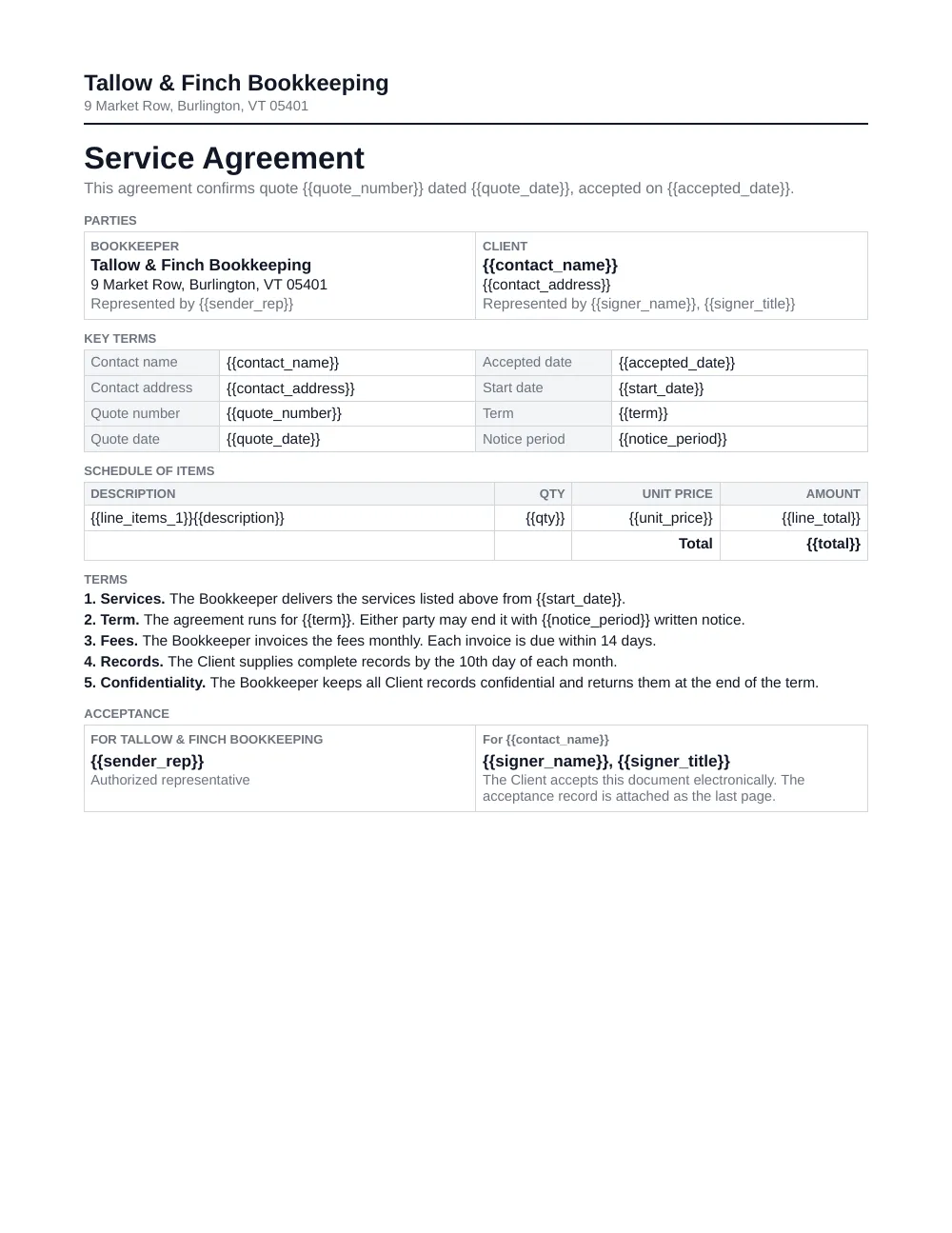
3. The accepted document
Two ways to connect Xero today
Works through Zapier or Make

Zapier
The accepted quote starts the agreement without a click.
- In DocsAutomator, create an automation with your agreement template and turn on acceptance. Set the recipient's email to a placeholder such as {{contact_email}}.
- In Zapier, use the Xero trigger "Updated Quote" and choose the organization.
- Add a filter so that only quotes with the status Accepted continue.
- Add the DocsAutomator action "Create Document" and map the contact and quote fields to the placeholders.
Xero is a premium app on Zapier, so the Zap needs a paid Zapier plan. The trigger checks Xero at intervals, so the agreement starts some minutes after the quote is accepted.

Make
The same flow as a Make scenario.
- Start the scenario with the Xero module "Watch Quotes".
- Let only quotes with the status Accepted continue.
- Add the DocsAutomator module that creates the document and map the fields.
- Turn the scenario on. The customer gets the link by email.
Make's Xero app has no module that updates a quote.
Where the accepted agreement goes
When the customer has accepted, DocsAutomator seals the PDF, adds a certificate page with the audit trail, and sends a completion email with a link to the PDF. It can also save the PDF to a Google Drive folder.
Zapier has the Xero action "Upload Attachment" for Xero records. We have not confirmed that a quote is one of the records it accepts, so plan for the PDF in your email and in Google Drive until you have tested it in your own Zap.
What to know before you start
There is no AI assistant route for Xero quotes today. The Xero connector for Claude is read-only and has no tools for quotes.
No tool has a trigger that means quote accepted. Zapier and Make watch all quotes, and the flow filters for the status Accepted.
A quote that a customer accepts in Xero is already an agreement on the price. DocsAutomator is for the cases where you need the terms of the service in writing as well.
What it costs
Questions about Xero and DocsAutomator
Start automating & signing in minutes!
Customer Voices
Don't take our word for it. Here's what our customers say about us:
I've been a Glide developer for a few years now and have a handful of clients that are going to benefit so much with regards to saving a huge amount of time with invoicing and quoting. A big thanks to you and your team mate!

Mitch Francis
I have to write 20 analysis reports about start-ups per year. It took me up to one week for the 40 pages. With the new airtable AI fields, combined with DocsAutomator, I'm down at around 6 hours of work per report and saved me almost 700h per year.

Christoph Bernhard
I haven't used a ton of them document generators. The built-in one in SmartSuite is painful to use. I've tried to integrate Adobe but sheesh... Then you showed up in Glide and I thought I'd give it a try.

Randall Nichols
If you use automated document creation, this is an amazing app. We've used several others, and this blows the others away in: ease of creation of the automations, speed of execution, and responsiveness of the staff. Couldn't be happier.

Aaron Waldrip
DocsAutomator integrates very nicely with Airtable, letting my team create highly customized itineraries that handle dozens of variables. We've used the software for several years now and have no reason to shop around for other solutions.
Heather Wilson
We love the ease of being able to use a template from google docs. Other softwares' we reviewed were much more complicated. [...] We also love how easily it connects to Airtable.
Haiyan Khan
More integrations

Airtable
Airtable combines spreadsheet and database features for data organization and collaboration.

Notion
Notion is the connected workspace where better, faster work happens. Build wikis, manage projects, and run your business.

Google Sheets
Google Sheets is a cloud-based spreadsheet app for real-time collaboration.

Google Forms
Google Forms is a free online tool to create forms to collect and organize data efficiently.

Glide
Glide makes it easy to build custom business software powered by your data - without code.

Softr
Turn your siloed data and workflows into powerful custom software for your business, with AI built in.

SmartSuite
SmartSuite replaces disconnected point solutions with a modern platform that scales across functions.

Noloco
The fastest way to create custom internal tools, client portals, CRMs and other business tools.

ClickUp
Glide makes it easy to build custom business software powered by your data - without code.
Zapier
You can automate a simple task or build an entire automated system - all on Zapier.

n8n
Flexible AI workflow automation for technical teams.
Make
AI automation you can visually build and orchestrate in real time.

API
Use our API to build connect your custom app and use the power of DocsAutomator.
Start automating & signing in minutes!
Ready to automate & sign your Xero documents?
Join 7,500+ businesses saving hours on document creation
Unlimited testing, no credit card required