Jobber Service Agreements
Powerful Document Automation & Signing for Jobber
Jobber service agreements, sent the moment a quote is approved







Works through Zapier or your AI assistant. DocsAutomator has no native Jobber connection; this page shows only the routes that run today.
Some of the teams / institutions automating and signing their documents with DocsAutomator:







Contracts and agreements, created and signed with DocsAutomator
Some examples of our customers and the documents they automate and sign daily

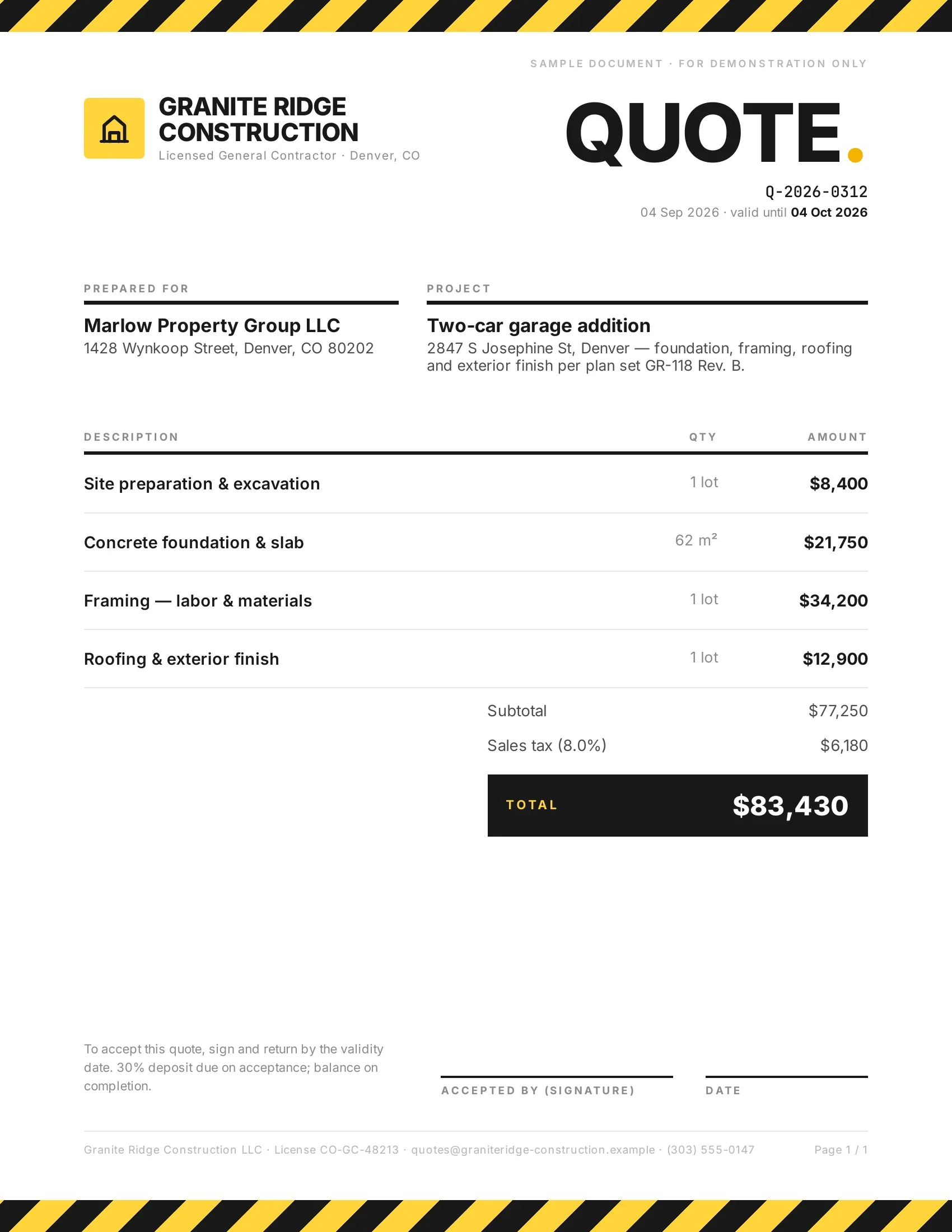 Accepted
Customers accept quotes and change orders in one tap, so work starts sooner.
Quotes · Estimates · Order confirmations · Change orders

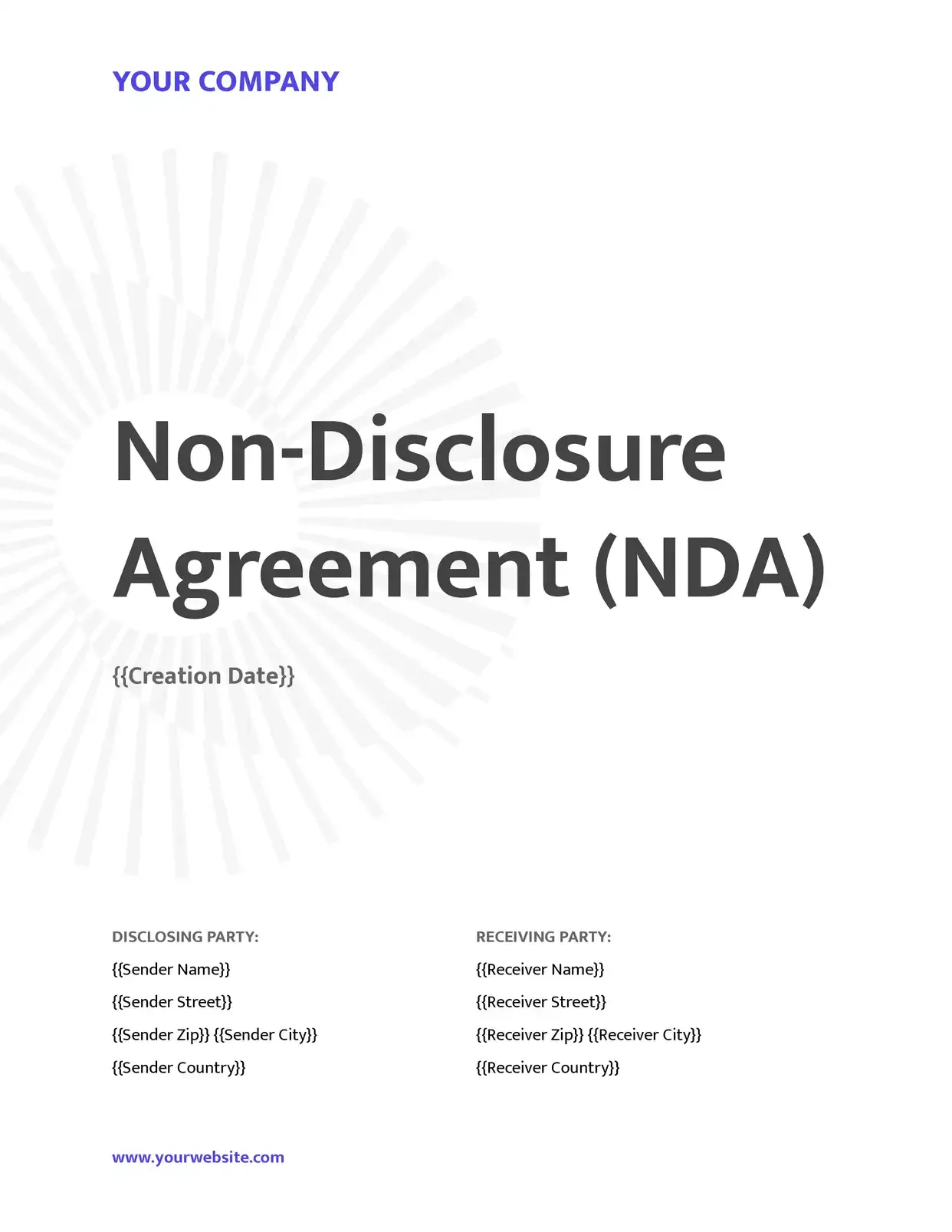 Signed
Agreements go out from your records and come back signed.
Service agreements · Leases · NDAs · Engagement letters

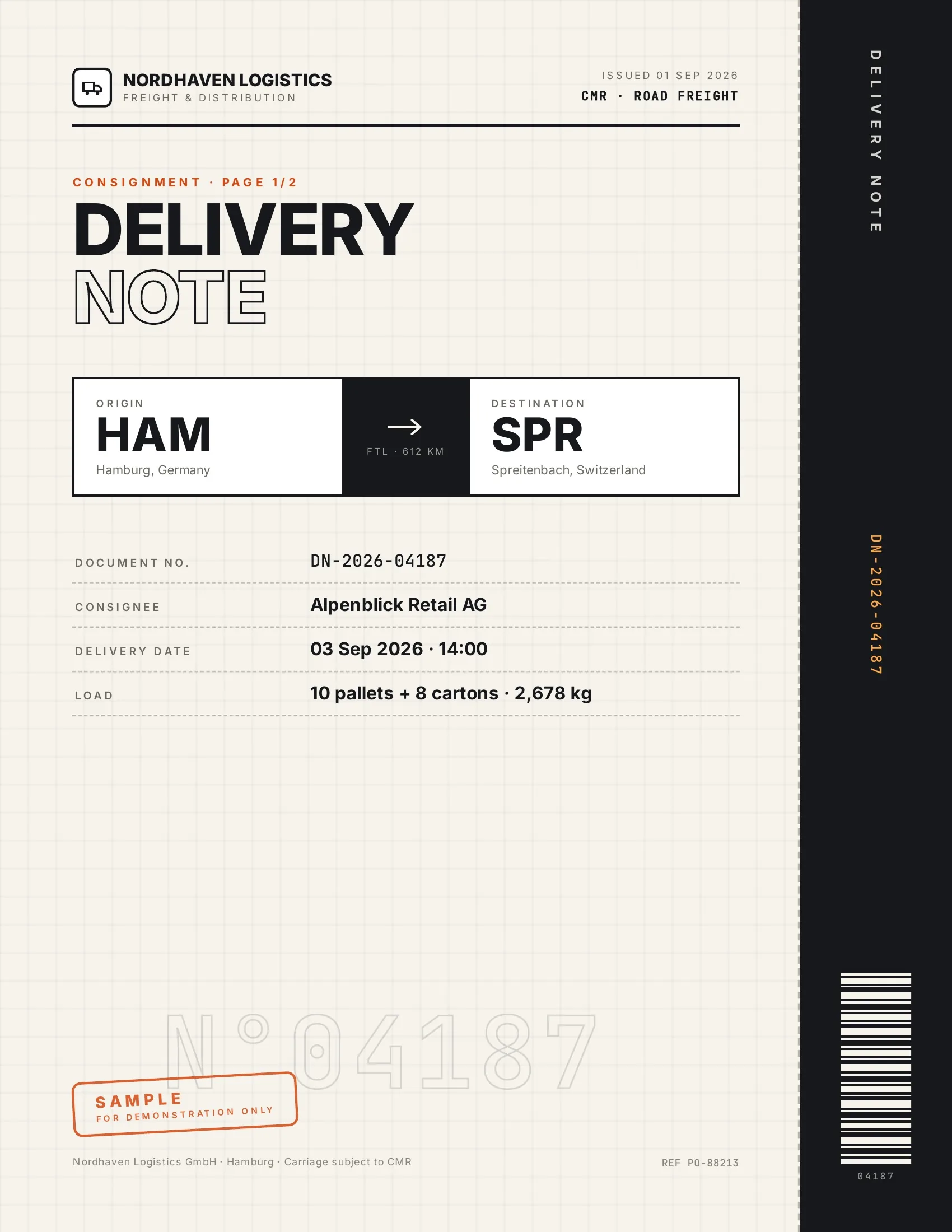 Accepted
Customers accept finished work and deliveries on their phone, on the spot.
Work orders · Delivery notes · Inspection reports · Purchase orders

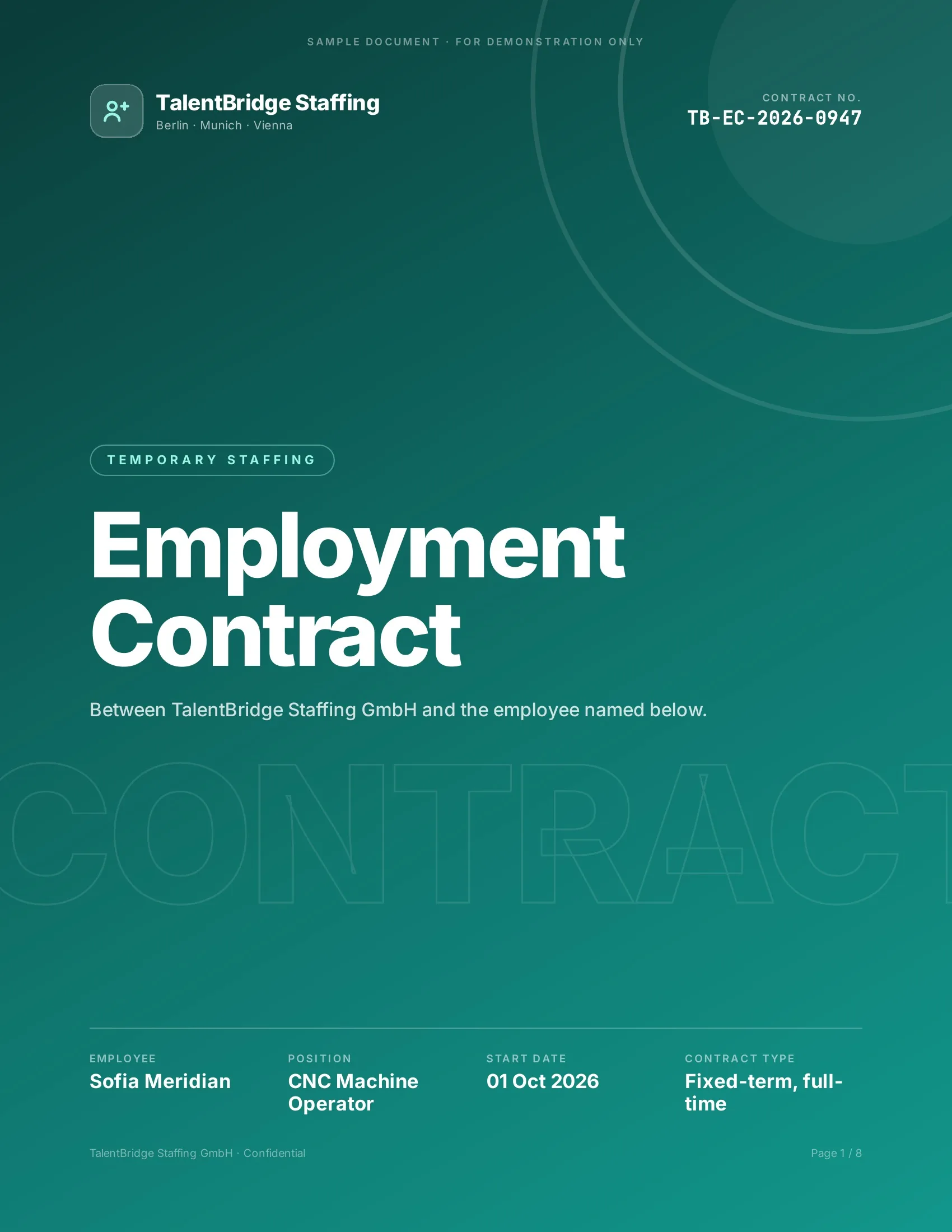 Signed
New hires, clients and students sign their paperwork before day one.
Employment contracts · Offer letters · Enrollment forms · Letters of authority
Strong reasons for choosing DocsAutomator to automate & sign your Jobber documents
All you need to effortlessly automate and sign your documents
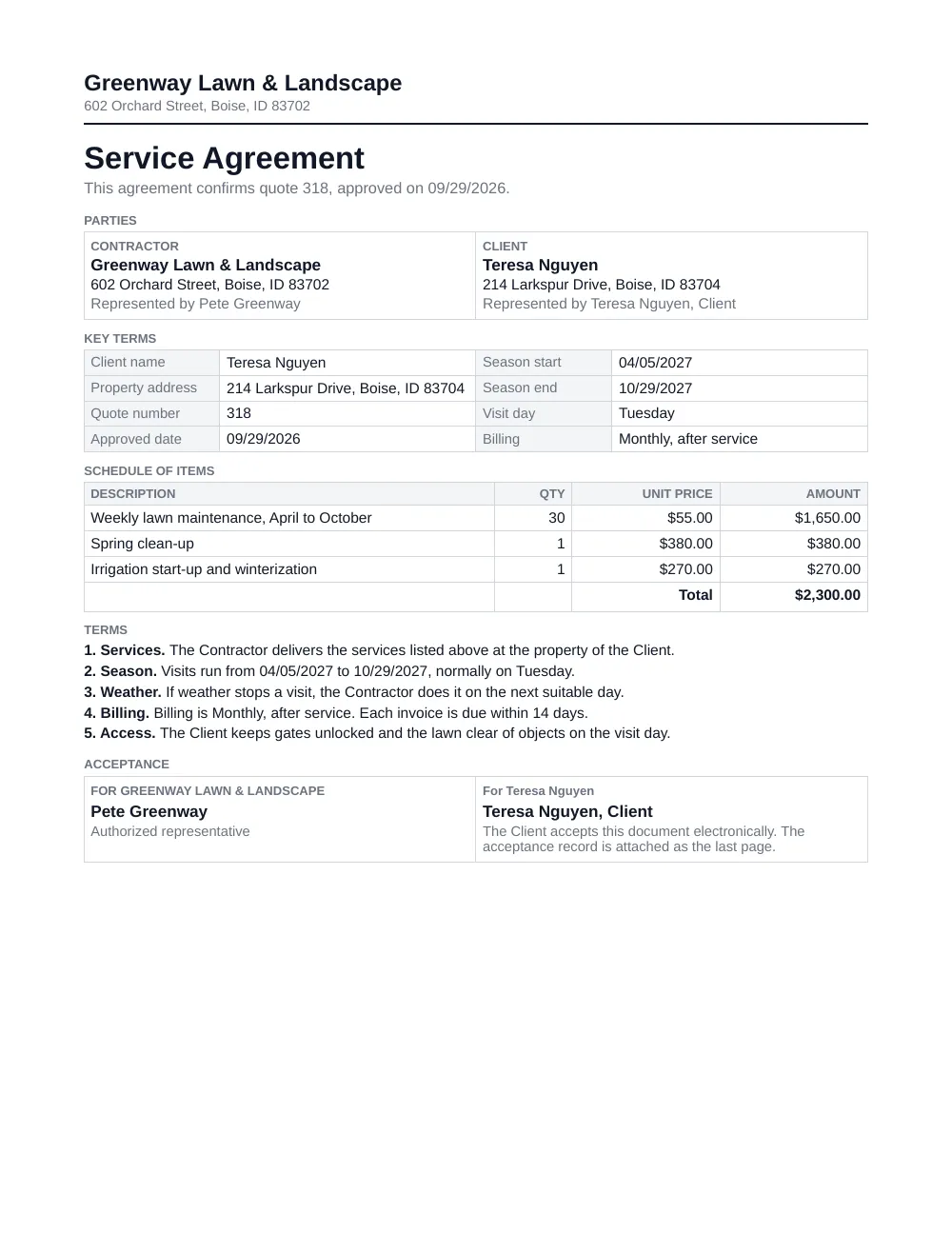

The agreement after the quote is approved
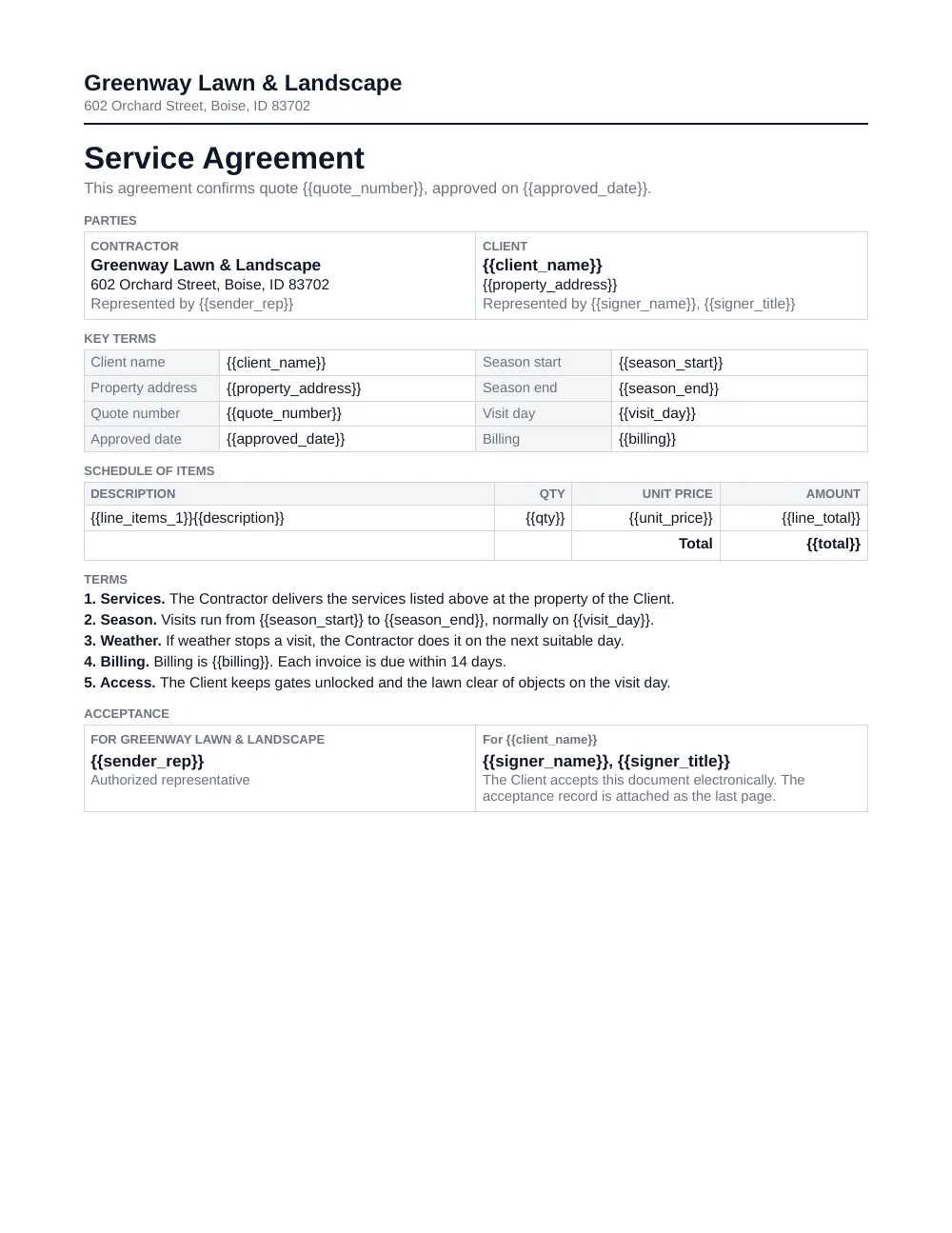
This page covers that one job. The approved quote starts the document, the client, the property and the line items of the quote fill your own template, and the client accepts it on a phone or a computer.
Jobber's quote approval can already collect a signature on the quote itself. DocsAutomator adds the separate, longer agreement that you keep in your own Word or Google Docs file.
Describe it, the AI agent builds it
Tell it what you need. It drafts the template, connects your data, sets up signing and runs a test. No setup screens.

Bring your own AI agent
Connect Claude, ChatGPT, or your own agent. It creates and sends documents within the limits and approvals you set.
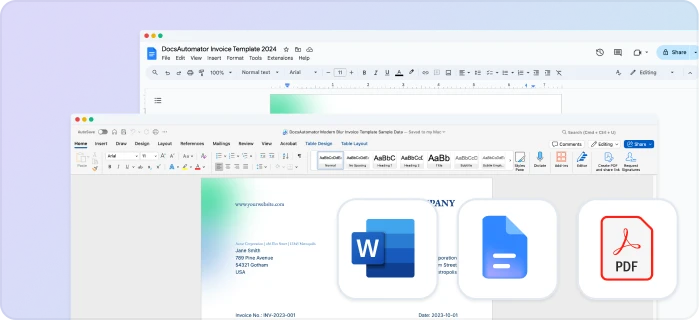
Your own Google Docs, Word or PDF templates
Keep writing your documents where you write them. DocsAutomator fills the placeholders.
Line items and nested tables
Invoices, quotes and any itemized list, straight from your data.
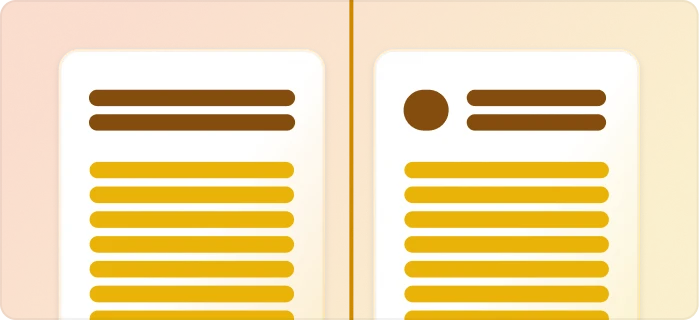
Conditional content
Sections, styling and images that show or hide based on the data.
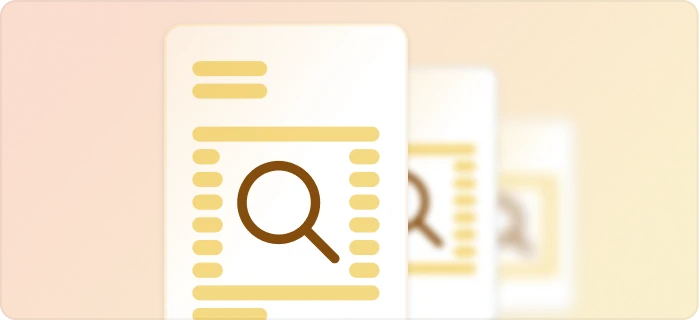
Preview mode
Unlimited previews until you're happy – no wasted credits on testing.
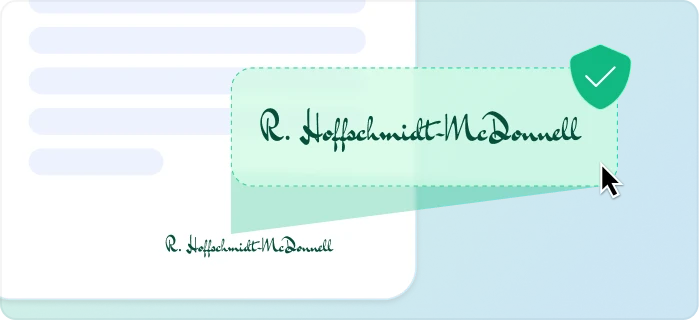
E-signatures, sent automatically
Legally binding, with a full audit trail. Nobody chases anyone.
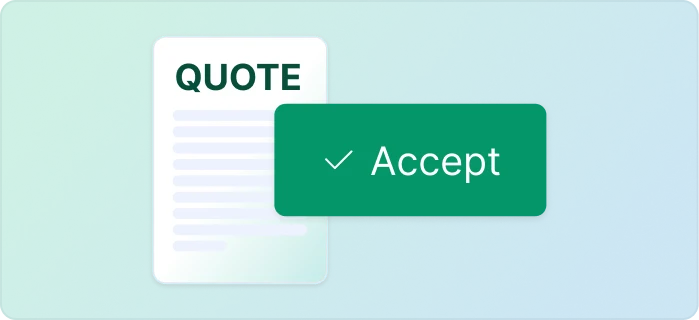
One-click acceptance for quotes
Your client accepts with one click. Recorded, no signature ceremony.
Signed or accepted copies delivered and filed automatically
Every finished document is emailed and saved back to your Airtable, Notion, sheet, or Drive folder.
Start automating & signing in minutes!
Set up in minutes, save weeks of work
Three steps from your quote to a accepted document
Create a Google Docs or Word template
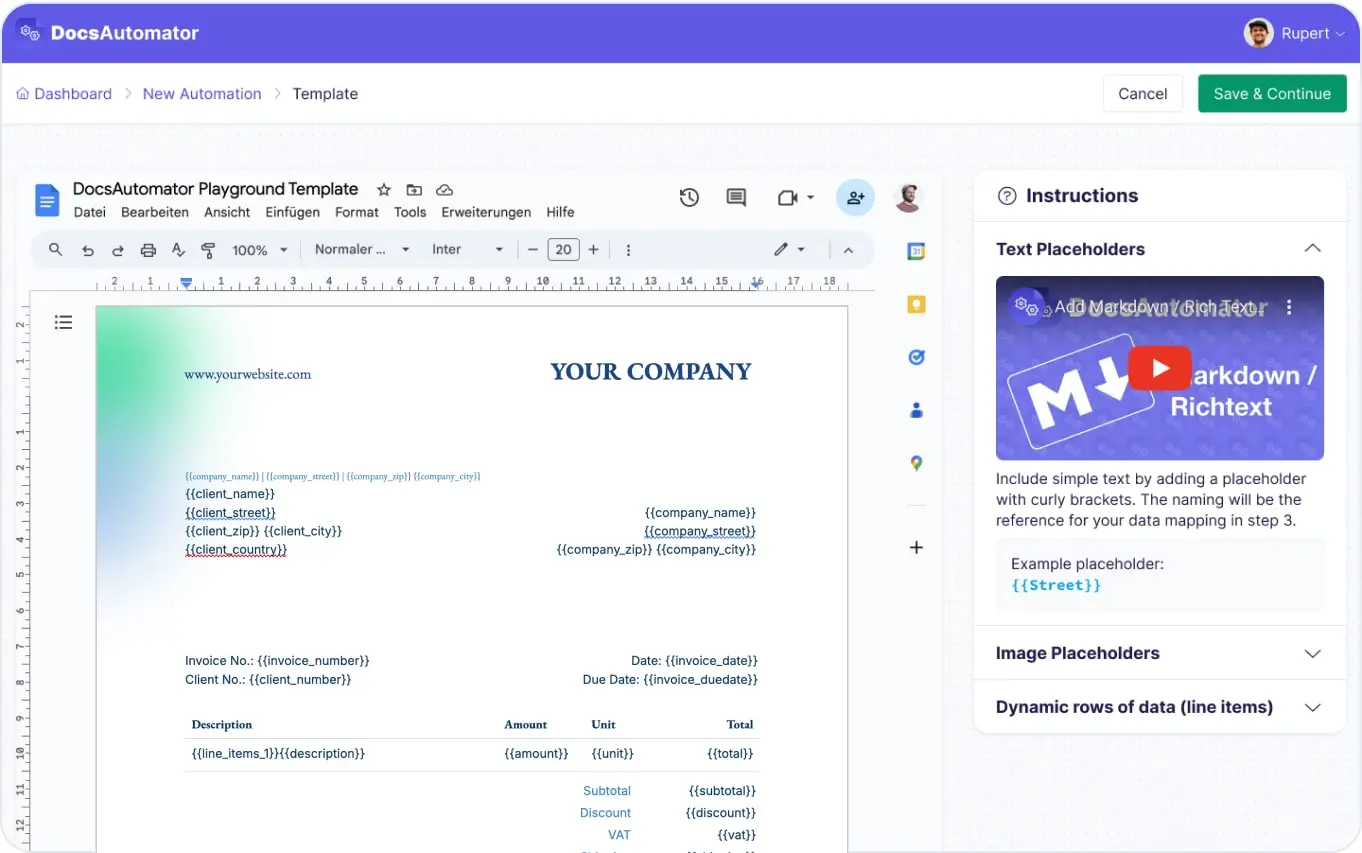
Map Data & Preview
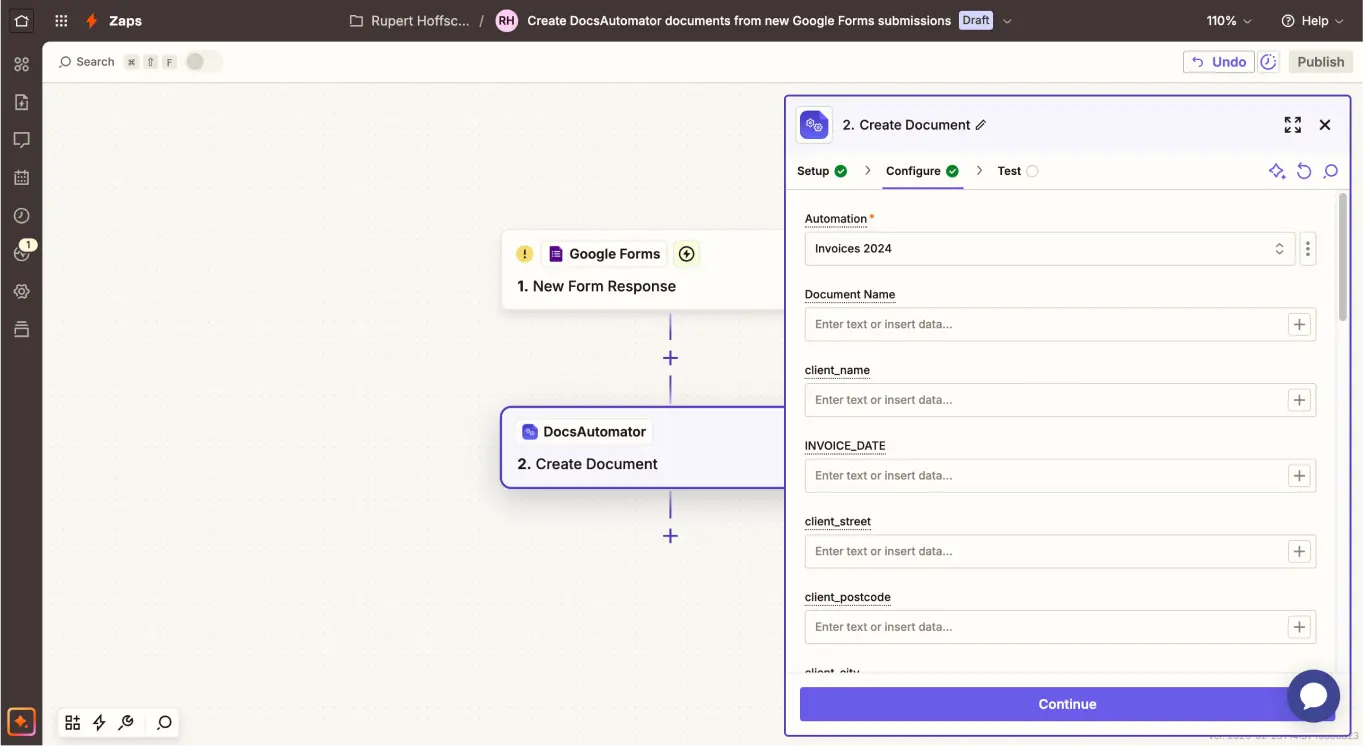
Connect Jobber
Step by Step Implementation Guide
Start automating & signing in minutes!
One approved quote, one template, one accepted agreement
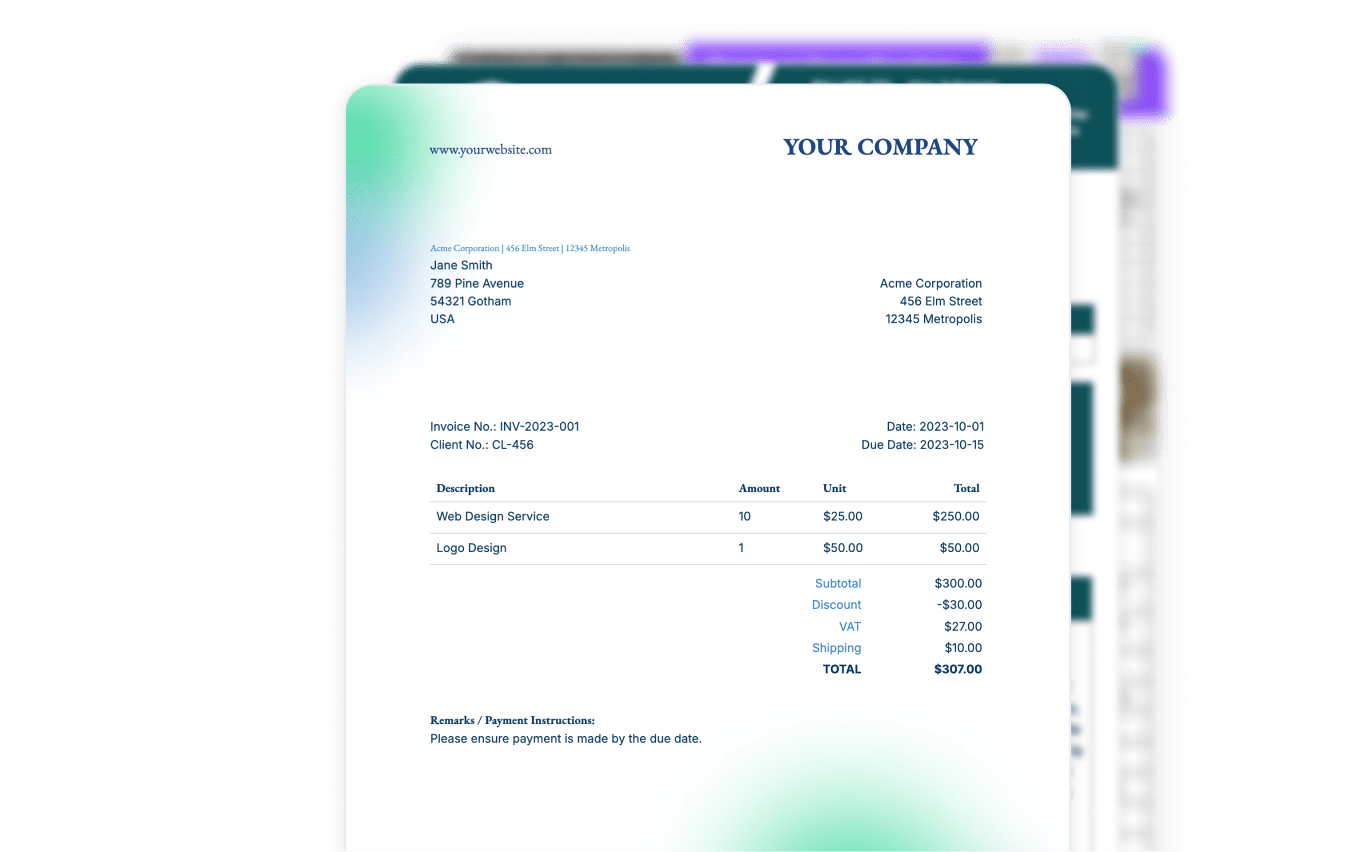
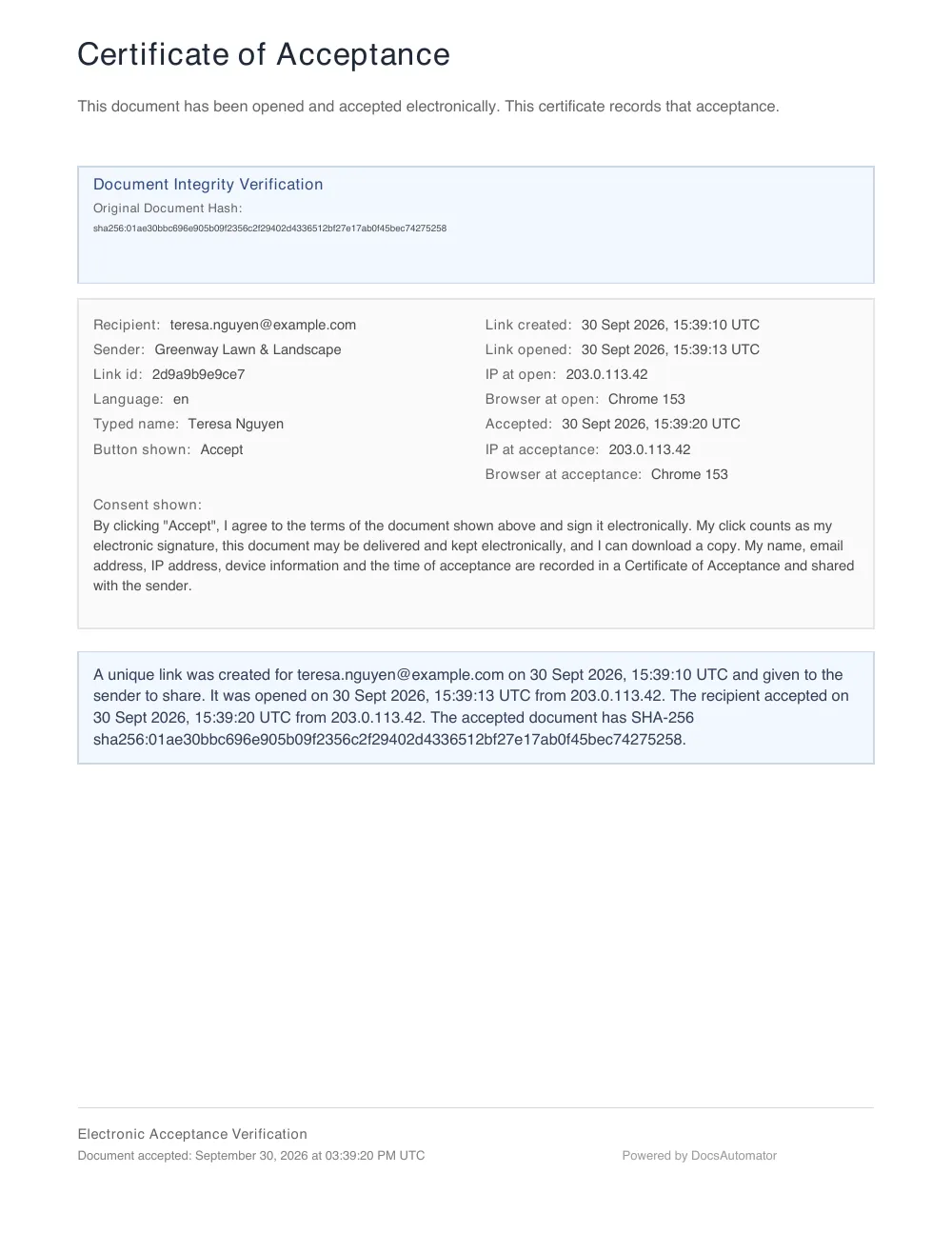
The service agreement below was created by DocsAutomator from the example quote and accepted on a test page. All names and amounts are fictional.
1. The quote in Jobber
- Draft
- Awaiting Response
- Changes Requested
- Approved
- Converted
- Client
- Teresa Nguyen
- Property
- 214 Larkspur Drive, Boise, ID 83704
- Approved
- 09/29/2026
- Total
- $2,300.00
| Product / Service | Qty. | Unit price | Total |
|---|---|---|---|
| Weekly lawn maintenance, April to October | 30 | $55.00 | $1,650.00 |
| Spring clean-up | 1 | $380.00 | $380.00 |
| Irrigation start-up and winterization | 1 | $270.00 | $270.00 |
| Total | $2,300.00 | ||
2. Your template
3. The accepted document
Two ways to connect Jobber today
Works through Zapier or your AI assistant

Zapier
The approved quote starts the agreement without a click.
- In DocsAutomator, create an automation with your agreement template and turn on acceptance. Set the recipient's email to a placeholder such as {{client_email}}.
- In Zapier, use the Jobber trigger "Quote Approved". It is instant.
- Add the DocsAutomator action "Create Document" and map the client, property and quote fields to the placeholders.
- Turn the Zap on. The client gets the link by email, reads the agreement and clicks Accept.
This Zap has two steps, so it runs on a free Zapier account. Zapier lists the Jobber integration for the Connect, Grow and Plus plans of Jobber. It is not available on Core.


Claude or ChatGPT
You ask for the agreement in a chat, and the assistant reads the quote and sends the document.
- Install the Jobber connector for Claude or ChatGPT from the Jobber App Marketplace. Jobber offers it on Core, Connect, Grow and Plus.
- Connect DocsAutomator to the same assistant. The address is https://mcp.docsautomator.co/mcp.
- Ask: "Create the service agreement for Teresa Nguyen's approved quote and send it to her for acceptance."
- The assistant reads the quote, the client and the property, fills the template and sends the agreement.
This route starts when you ask, not when the quote is approved. It is the route for the Core plan.
Where the accepted agreement goes
When the client has accepted, DocsAutomator seals the PDF, adds a certificate page with the audit trail, and sends a completion email with a link to the PDF. It can also save the PDF to a Google Drive folder.
The PDF does not go back onto the quote or the job in Jobber. Zapier has no Jobber action that attaches a file or updates a quote, and the Jobber connector for Claude and ChatGPT writes only requests, clients and properties.
What to know before you start
The way in is good and the way back is missing. The accepted agreement reaches you by email and in Google Drive, not in Jobber. If you need the PDF on the job, you upload it there by hand.
There is no Jobber app for Make and no Jobber node for n8n, so Zapier is the only automatic route.
What it costs
Questions about Jobber and DocsAutomator
Start automating & signing in minutes!
Customer Voices
Don't take our word for it. Here's what our customers say about us:
After struggling with the limits and bugs of AirTable's Page Designer extension for years, I stumbled on the DocsAutomator tool – and I have to say – it's incredible.

Trashcaneron
DocsAutomator has proven to be an invaluable asset for our business, streamlining the automation of emails and documents in a seamless and efficient manner. It has significantly simplified tedious tasks, making our workflow more efficient.

Thembinkosi Malefo
We've created 160 Techpacks in the last couple days, and it has saved at least 640 mindless pain in the rump minutes for us to focus elsewhere.
Jeremy Castro
I wonder why I lost so much time using page designer on Airtable. This is the best solution for regarding functionality, ease of use and price. I definitely recommend is. It s a no brainer - really! He also offers precise and super fast support!

Florence Bouchat
This is the best value for money app for creating template. Easy to use, easy to set up, and we like to support small businesses. Keep going!
Aris Zagklis
Docsautomator is a gamechanger in No Code PDF creation with Airtable, Glide or through API (which through Zapier or Make opens it up for any application).

Nathan Noëth
Founder, House Raccoon
More integrations

Airtable
Airtable combines spreadsheet and database features for data organization and collaboration.

Notion
Notion is the connected workspace where better, faster work happens. Build wikis, manage projects, and run your business.

Google Sheets
Google Sheets is a cloud-based spreadsheet app for real-time collaboration.

Google Forms
Google Forms is a free online tool to create forms to collect and organize data efficiently.

Glide
Glide makes it easy to build custom business software powered by your data - without code.

Softr
Turn your siloed data and workflows into powerful custom software for your business, with AI built in.

SmartSuite
SmartSuite replaces disconnected point solutions with a modern platform that scales across functions.

Noloco
The fastest way to create custom internal tools, client portals, CRMs and other business tools.

ClickUp
Glide makes it easy to build custom business software powered by your data - without code.
Zapier
You can automate a simple task or build an entire automated system - all on Zapier.

n8n
Flexible AI workflow automation for technical teams.

Make
AI automation you can visually build and orchestrate in real time.

API
Use our API to build connect your custom app and use the power of DocsAutomator.
Start automating & signing in minutes!
Ready to automate & sign your Jobber documents?
Join 7,500+ businesses saving hours on document creation
Unlimited testing, no credit card required