Still creating your documents manually?
Property Management Contract Automation for Real Estate Agencies
Generate property management contracts automatically from your rental data. Eliminate manual lease creation and ensure consistent, compliant agreements across your portfolio.
Understanding Contracts for Real Estate Organizations
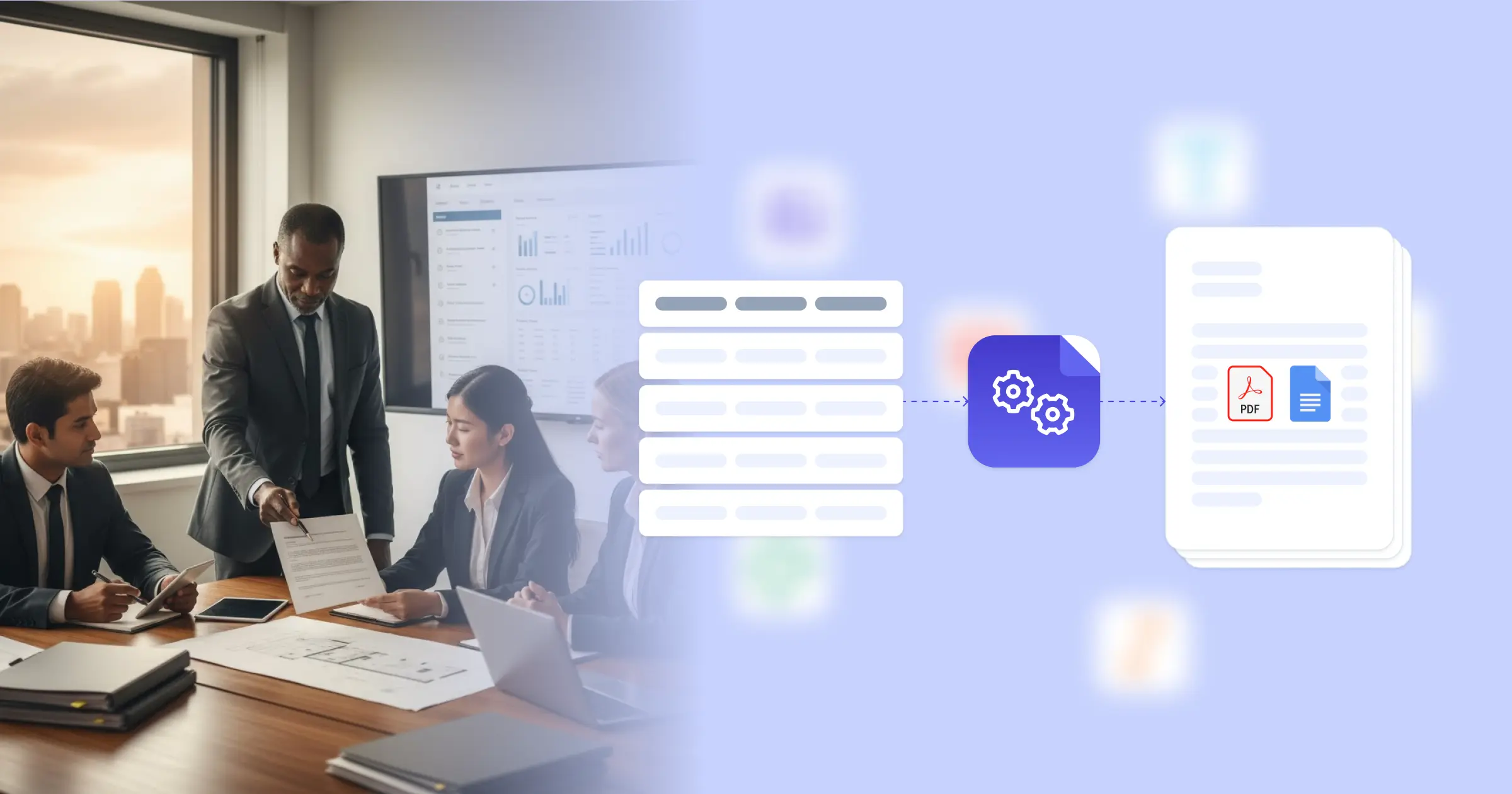
Property management contract automation changes how real estate agencies handle the high volume of lease agreements, tenant contracts, and rental documentation required to operate efficiently. By connecting your property management software or rental database directly to document templates, you eliminate the manual process of filling out lease forms for every new tenant or property. Industry analysis from McKinsey highlights how technology adoption, including automation, is reshaping real estate operations. Here's how it works in practice: when you connect Google Docs templates with your existing systems, whether that's specialized property management databases on tools like Airtable or custom databases via API, each new lease is generated with accurate property details, tenant information, and rent terms already in place. This lets your leasing team focus on tenant relationships and portfolio growth rather than document formatting.
Start automating documents in minutes!
Why Real Estate Teams Need Automated Contracts
Property management companies handle dozens or hundreds of lease agreements simultaneously, and manual contract creation creates significant operational drag. Document errors in lease agreements can lead to legal disputes or lost revenue when terms aren't properly documented.
- High Volume Bottlenecks: During peak leasing seasons, manually creating individual lease agreements for each new tenant slows down the move-in process and frustrates prospective renters who expect quick turnaround.
- Inconsistent Terms: When leasing agents use different template versions or manually type terms, you end up with varied security deposit amounts, pet policies, or maintenance responsibilities across similar properties.
- Compliance Risks: Local rental laws change frequently, and ensuring every lease includes required disclosures, fair housing language, and jurisdiction-specific clauses becomes difficult with manual document management.
- Data Entry Errors: Typing property addresses, unit numbers, rent amounts, and tenant names into lease templates leads to mistakes that require lease amendments or create confusion during tenant disputes.
These challenges compound as your portfolio grows, making document workflow automation essential for scalable property management operations.


How DocsAutomator Helps With Automating Contracts for Real Estate Organizations
DocsAutomator generates your property management contracts automatically from existing data, so your team stops manually creating lease agreements. By connecting your property management information we pull e.g. property details, tenant information, rent schedules, and lease terms directly into Google Docs templates, we turn them into professionally formatted documents. This means e.g. when a tenant application is approved, their lease can be generated immediately with all accurate information already populated.
We handle the complexity that real estate contracts require. Dynamic tables automatically format rent schedules, utility allocations, or payment breakdowns from your data without manual intervention. Conditional sections show or hide clauses based on property type, whether it's single-family, multi-unit, or commercial space, ensuring each lease includes only relevant terms. You can add property images, floor plans, or parking diagrams directly into lease documents to give tenants clear visual references.
Each contract outputs as a PDF ready for electronic signature, with the option to generate a Google Doc if you need to make property-specific adjustments or accommodate unique tenant requests. This flexibility means you maintain customization capability while gaining efficiency. You can also explore how to automate contract creation more broadly, or review the lease contract template to see what's possible. For agencies managing properties across multiple locations, integrations like Airtable make it easy to centralize your property data and generate consistent documentation.
DocsAutomator natively integrates with your favorite apps













Start with our free pre-built templates
To make the start easy, we've created a variety of templates for the most common use cases.












Discover all of our pre-built templates:
View full Template GalleryReady to automate your documents?
Join the 1,215 businesses that trust DocsAutomator with their most critical documents









Unlimited testing, no credit card required