Still creating your documents manually?
Automate Invoice Management Documents for Legal Firms
Generate legal invoice documents from time tracking and expense data to bill clients accurately and reduce the administrative burden of law firm billing processes.
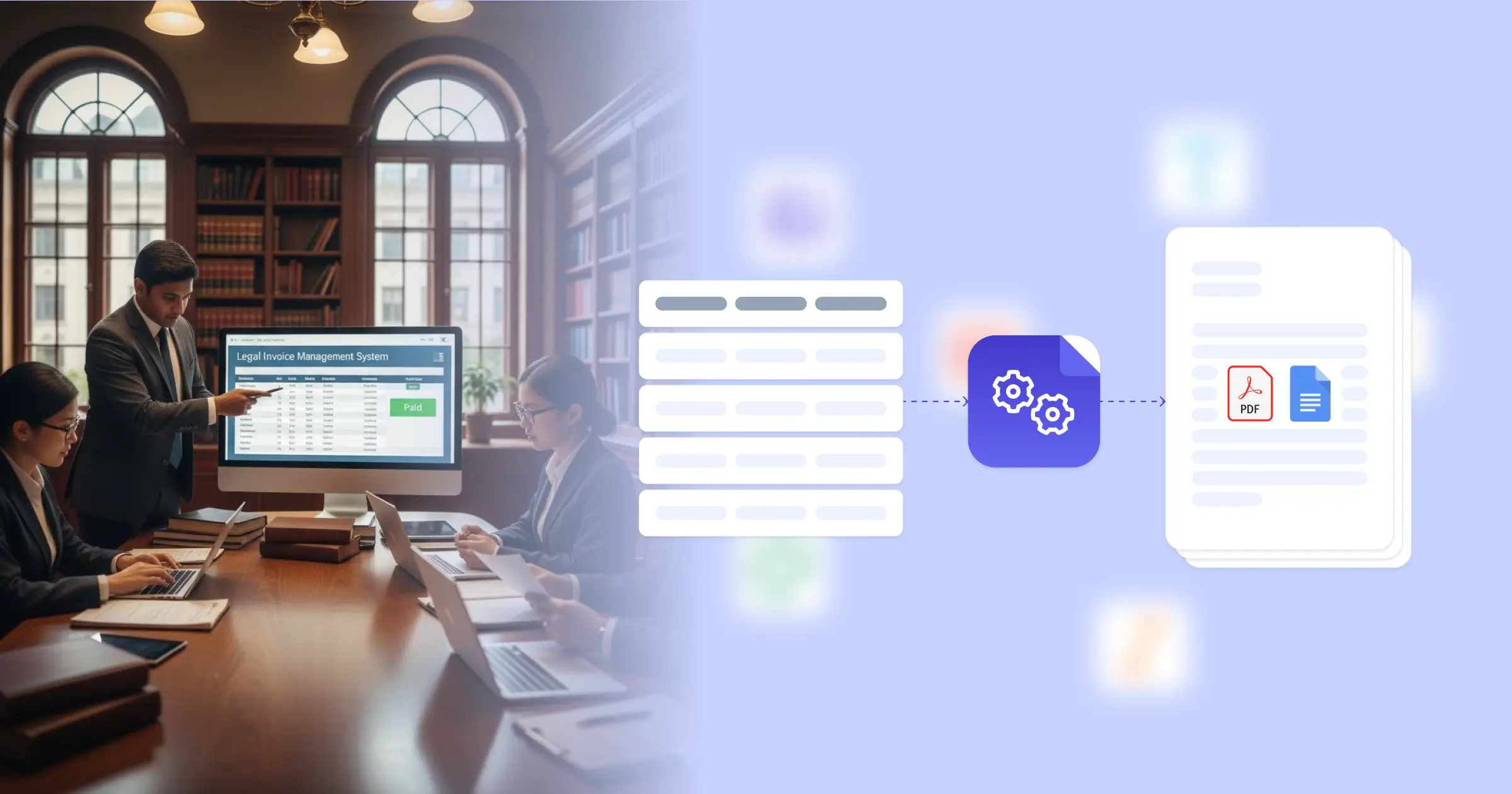
Understanding Invoice Management for Legal Organizations
Invoice management for legal firms encompasses the creation, review, and delivery of client bills that accurately reflect time invested, expenses incurred, and services rendered on legal matters. Research from American Bar Association on law practice management shows that efficient billing practices improve cash flow and client relationships. Legal billing staff traditionally compile time entries from practice management systems, expense records from accounting software, and matter details from case files before formatting each invoice manually. This effectiveness comes from connecting your Google Docs templates with your practice management platform, Airtable time tracker, or billing system, so invoices generate with accurate time summaries, expense itemizations, and matter details already formatted. Your billing team produces professional client invoices without manual data compilation.
Start automating documents in minutes!
Why Legal Teams Need Invoice Automation
Law firms face billing challenges that affect cash flow and client satisfaction when invoices are delayed or contain errors.
- Time Entry Volume: Active matters accumulate numerous time entries from multiple attorneys and staff. Compiling these entries into coherent invoice narratives consumes significant billing staff time.
- Rate Complexity: Different timekeepers bill at different rates, and some clients have negotiated rate structures. Applying correct rates to each time entry requires careful attention to engagement terms.
- E-Billing Requirements: Corporate clients increasingly require LEDES-format invoices with specific task and activity codes. Meeting these formatting requirements adds preparation complexity.
- Pre-Bill Review Cycles: Partner review of draft invoices before client delivery creates iterative processes that extend billing cycles and delay cash collection.
These billing operation demands explain why law firms implement invoice automation to improve their billing efficiency.


How DocsAutomator Delivers Invoice Automation for Legal Organizations
We connect your practice management data directly to Google Docs templates, generating client invoices automatically when billing periods close. Client names, matter details, time entries, rates, expenses, and calculated totals flow from your practice management system or Airtable time database into formatted invoices ready for review and delivery.
The system handles legal billing complexity naturally. Dynamic tables present time entries with dates, descriptions, timekeepers, hours, and amounts from your time tracking data. Conditional logic applies appropriate rate structures based on client engagement terms and timekeeper levels. Expense items, retainer applications, and trust account balances format according to your billing configuration.
This works through native integrations with Airtable, Google Sheets, ClickUp, and similar platforms, plus our flexible API for connecting to practice management software and billing systems. Output is PDF for client delivery, with optional Google Docs format during pre-bill review when partners need to make adjustments. See our invoice template collection for professional designs. Teams also benefit from understanding automated document generation for legal operations.
DocsAutomator natively integrates with your favorite apps













Start with our free pre-built templates
To make the start easy, we've created a variety of templates for the most common use cases.












Discover all of our pre-built templates:
View full Template GalleryReady to automate your documents?
Join the 1,215 businesses that trust DocsAutomator with their most critical documents









Unlimited testing, no credit card required