Still creating your documents manually?
Automate Risk Management Reporting PDFs For Project Managers
Generate risk management reports from project risk data to communicate threats, mitigation status, and risk trends to stakeholders without manual report preparation.
Understanding Risk Management Reports for SMB Business Organizations
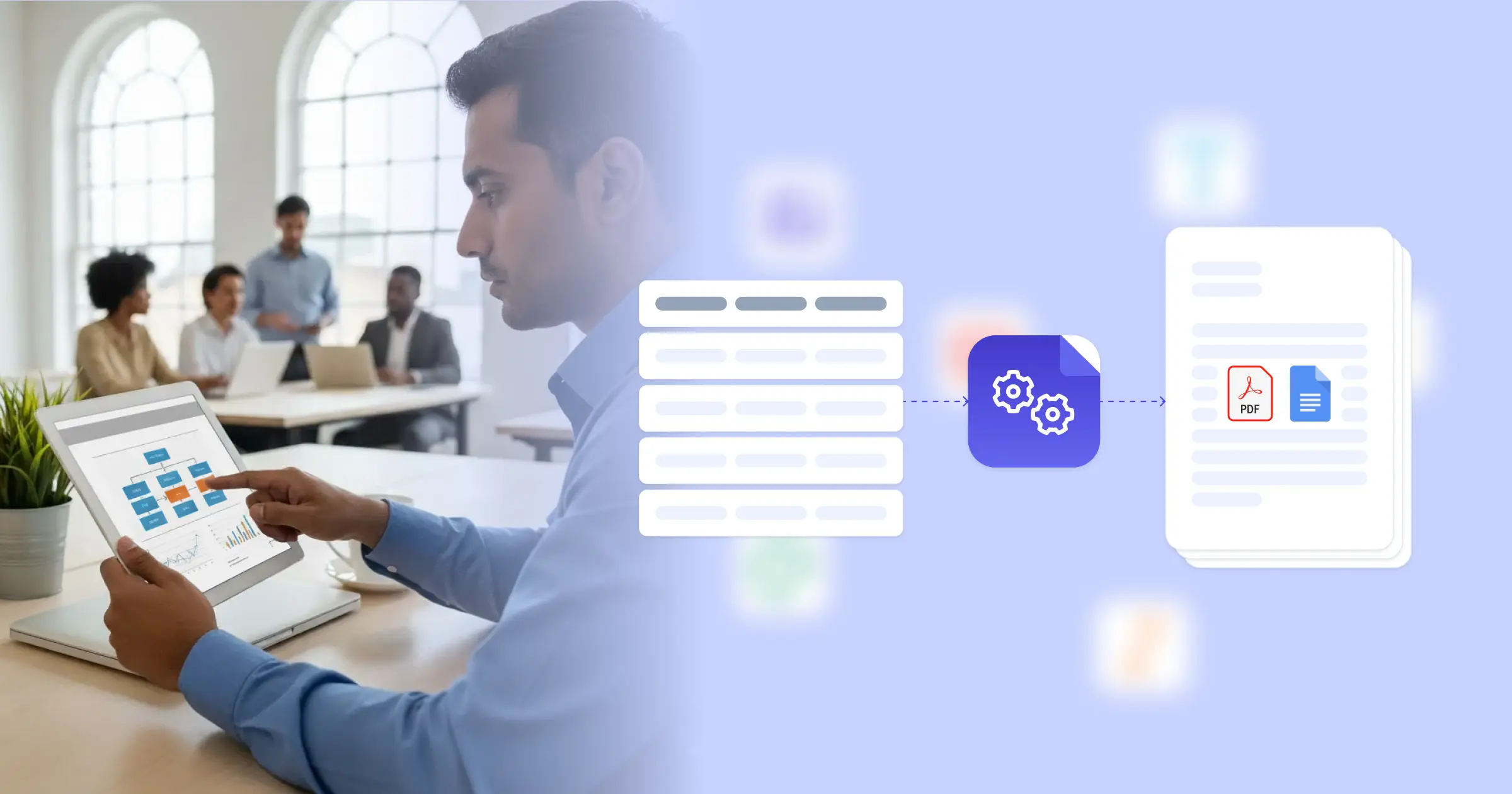
Risk management in project management involves identifying, analyzing, and responding to threats that could affect project objectives, with documentation that communicates risk status to stakeholders. Research from Harvard Business Review on risk management shows that formal risk documentation improves project success rates and stakeholder confidence. Project managers traditionally maintain risk registers in spreadsheets, then manually format reports for steering committee meetings and status updates. This effectiveness comes from connecting your Google Docs templates with your risk tracking system, Airtable risk database, or ClickUp risk management board, so reports generate with current risk data, mitigation status, and trend analysis already formatted. Your project managers deliver professional risk reports without manual data compilation.
Start automating documents in minutes!
Why SMB Business Teams Need Risk Reporting Automation
Project managers face risk communication challenges that affect stakeholder awareness and risk response effectiveness.
- Report Preparation Time: Creating risk reports for status meetings requires extracting data from risk registers, formatting tables, and writing summaries. This manual work competes with active risk management activities.
- Reporting Frequency Limitations: Manual report preparation limits how often stakeholders receive risk updates. Infrequent reporting can mean emerging risks are not communicated until they become issues.
- Format Inconsistency: Different project managers report risks differently, making portfolio-level risk visibility difficult. Inconsistent formats prevent meaningful risk comparisons across projects.
- Historical Tracking: Understanding risk trends requires comparing current risk status to previous periods. Manual tracking of risk changes over time is tedious and often incomplete.
These project governance demands explain why teams implement reporting automation for their risk management processes.


How DocsAutomator Delivers Risk Reporting for SMB Business Organizations
We connect your risk tracking data directly to Google Docs templates, generating risk reports automatically on your reporting schedule. Risk descriptions, probability ratings, impact assessments, mitigation status, and owner assignments flow from ClickUp or Airtable risk databases into formatted reports ready for stakeholder distribution.
The system handles risk reporting complexity naturally. Dynamic tables present risk registers with probability-impact matrices, mitigation action lists, or owner assignment summaries from your risk data. Conditional logic includes different content based on audience, so executive summaries show top risks while detailed reports include comprehensive risk registers. Risk counts, severity distributions, and trend indicators calculate automatically from your current data.
This works through native integrations with ClickUp, Airtable, Google Sheets, and similar platforms, plus our flexible API for connecting to enterprise project management systems. Output is PDF for formal distribution, with optional Google Docs format when reports need collaborative review before finalization. See our audit report template for related formats. Teams also benefit from understanding automated document generation for project reporting.
DocsAutomator natively integrates with your favorite apps













Start with our free pre-built templates
To make the start easy, we've created a variety of templates for the most common use cases.












Discover all of our pre-built templates:
View full Template GalleryReady to automate your documents?
Join the 1,215 businesses that trust DocsAutomator with their most critical documents









Unlimited testing, no credit card required