Still creating your documents manually?
Facility Management Contract Automation for Operations Teams
Transform vendor and property information into complete facility management contracts automatically. Generate maintenance agreements, service contracts, and vendor documentation from your operations data without manual document preparation.
Understanding Facility Management Contracts for Real Estate Organizations
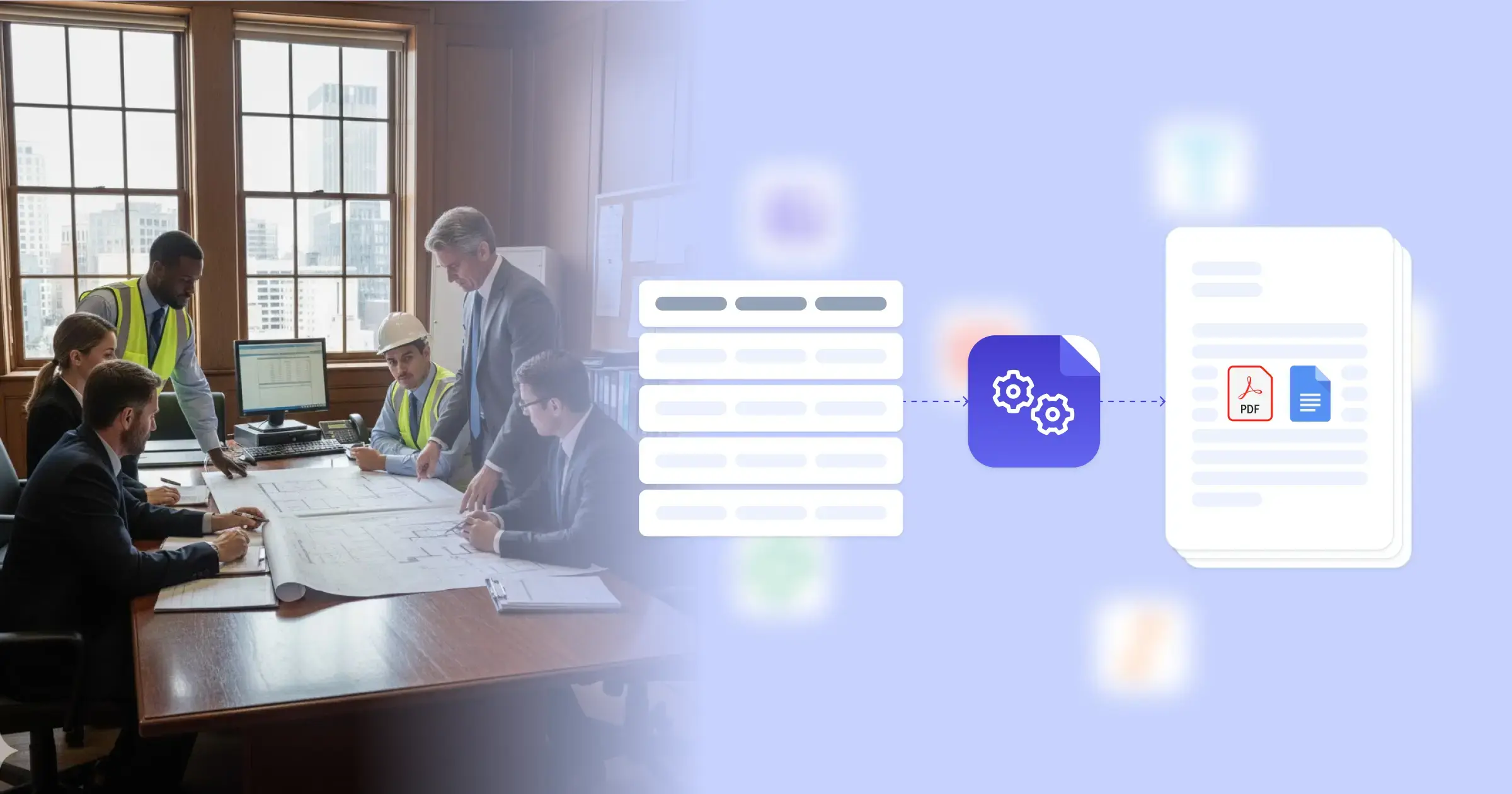
Facility management contract automation streamlines how property operations teams create agreements with maintenance vendors, cleaning services, security providers, and other facility service contractors. Managing commercial properties, corporate campuses, or multi-site portfolios requires maintaining dozens or hundreds of vendor relationships, each with specific service terms, pricing structures, and performance requirements. Research from McKinsey on real estate operations highlights technology adoption as key to competitive facility management. The mechanism to be part of this development is straightforward: connect your Google Docs templates with your existing data sources, whether that's your property management system, Airtable for tracking vendors, ClickUp for managing service requests, or custom facilities databases via APIs. This connection pulls vendor information, property details, service specifications, and pricing terms directly into formatted contracts, letting your operations team focus on vendor relationships and service quality rather than document assembly.
Start automating documents in minutes!
Why Operations Teams Need Facility Management Contract Automation
Managing facility service vendors across multiple properties creates documentation overhead that distracts from operational excellence. Manual contract creation slows vendor onboarding and makes it difficult to maintain consistent terms across service providers.
- Multi-Property Complexity: Operations teams managing multiple buildings need similar but not identical contracts for each location. Manually customizing vendor agreements with property-specific details like addresses, square footage, equipment lists, and access procedures for each site wastes time and introduces location-specific errors.
- Service Scope Variability: Different facilities require different service levels. A corporate headquarters needs daily janitorial service while a warehouse needs weekly cleaning. Manually adjusting contract terms for service frequency, coverage hours, and deliverable specifications creates inconsistency in how you document vendor expectations.
- Vendor Comparison Challenges: When evaluating competitive bids from multiple service providers, manually creating contract versions with each vendor's pricing and terms makes it harder to compare offers fairly. This slows decision-making and can delay critical facility services.
- Contract Renewal Delays: Facility service contracts typically renew annually with updated pricing or scope adjustments. Manually revising dozens of vendor agreements each year creates renewal bottlenecks that sometimes result in service lapses or unfavorable holdover terms.
These friction points demonstrate why facility operations are implementing document workflow automation for vendor management.


Solving the Facility Management Contract Challenge for Real Estate Teams with DocsAutomator
We generate your facility management contracts automatically from existing property and vendor data, eliminating manual document assembly across multiple locations. Our platform connects natively with property management systems, Airtable, ClickUp, and other operations tools, or integrates via our flexible API with custom facilities software. When you need a new service agreement, the document generates with accurate vendor details, correct property specifications, appropriate service terms, and negotiated pricing already formatted and ready for review.
We address the specific variations that facility contracts require. Conditional logic automatically adapts contract content based on service type, showing relevant scope definitions, performance standards, and compliance requirements while hiding clauses that don't apply to that particular service category. Dynamic tables format multi-location pricing, service schedules across different properties, or equipment maintenance lists without manual layout work. You can incorporate property-specific attachments like floor plans, access procedures, or equipment inventories directly within contract packages.
Each contract outputs as a PDF ready for vendor signature platforms, with optional Google Doc generation if your legal team or the vendor needs to negotiate specific terms before finalizing. This approach maintains accuracy while dramatically accelerating vendor onboarding. Operations teams using our automated contract creation typically generate complete facility service agreements in minutes instead of spending hours compiling information for each vendor and location. You can also leverage existing vendor agreement templates or service level agreement templates as starting points for your facility-specific requirements.
DocsAutomator natively integrates with your favorite apps













Start with our free pre-built templates
To make the start easy, we've created a variety of templates for the most common use cases.












Discover all of our pre-built templates:
View full Template GalleryReady to automate your documents?
Join the 1,215 businesses that trust DocsAutomator with their most critical documents









Unlimited testing, no credit card required