Still creating your documents manually?
Automate Cost Management Reports for Project Managers
Generate cost management reports from project financial data to track budgets, identify variances, and communicate project financial status to stakeholders.
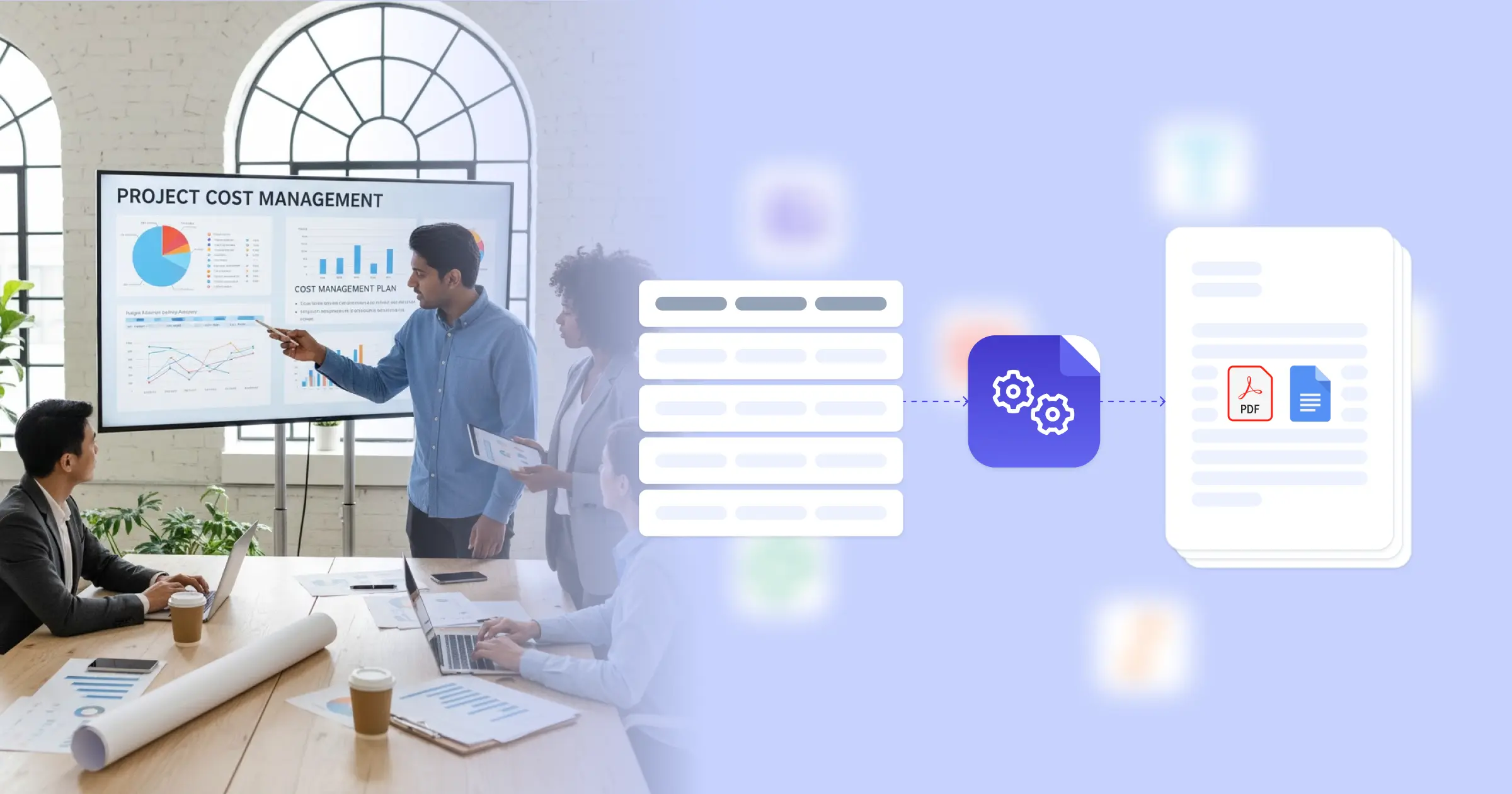
Understanding Cost Management Reports for SMB Business Organizations
Cost management in project management involves planning, estimating, budgeting, and controlling costs to complete projects within approved budgets while providing stakeholders with financial visibility. Research from Project Management Institute on cost management practices shows that effective cost tracking and reporting improve project financial outcomes. Project managers traditionally compile budget data from project plans, actual costs from accounting systems, and progress information from schedule tracking before formatting financial reports manually. This transformation is powered by connecting your Google Docs templates with your project management platform, Airtable cost tracker, or financial system, so reports generate with accurate budget figures, actual costs, and variance calculations already formatted. Your project managers deliver professional cost reports without manual data compilation.
Start automating documents in minutes!
Why SMB Business Teams Need Cost Reporting Automation
Project managers face cost reporting challenges that affect financial visibility and stakeholder communication.
- Data Consolidation Time: Cost reports require data from project budgets, timesheet systems, expense tracking, and accounting platforms. Manually consolidating this information for each reporting period consumes significant time.
- Calculation Complexity: Variance analyses, earned value metrics, and forecasts require calculations that must be performed accurately each period. Manual calculations introduce errors and slow report preparation.
- Reporting Frequency Demands: Stakeholders expect regular cost updates, but manual preparation limits reporting frequency. Less frequent reporting means financial issues may not be identified promptly.
- Format Consistency: Different project managers create cost reports with varying layouts and metrics. Inconsistent formats make portfolio-level cost visibility difficult.
These project financial demands explain why teams implement reporting automation for their cost management processes.


How DocsAutomator Delivers Cost Reporting for SMB Business Organizations
We connect your project financial data directly to Google Docs templates, generating cost reports automatically when reporting periods close. Budget figures, actual costs, variance calculations, and forecast projections flow from ClickUp or Airtable project databases into formatted reports ready for stakeholder distribution.
The system handles project cost complexity naturally. Dynamic tables present budget line items, cost breakdowns, or variance details from your financial data. Conditional logic highlights variances exceeding thresholds, includes corrective action sections when budgets are at risk, or shows different metrics based on project type. Earned value calculations, forecast projections, and trend analyses compute automatically from your current data.
This works through native integrations with ClickUp, Airtable, Google Sheets, and similar platforms, plus our flexible API for connecting to project management systems and accounting software. Output is PDF for formal distribution, with optional Google Docs format when reports need collaborative input before finalization. See our financial report template for related formats. Teams also benefit from understanding automated document generation for project reporting.
DocsAutomator natively integrates with your favorite apps













Start with our free pre-built templates
To make the start easy, we've created a variety of templates for the most common use cases.












Discover all of our pre-built templates:
View full Template GalleryReady to automate your documents?
Join the 1,215 businesses that trust DocsAutomator with their most critical documents









Unlimited testing, no credit card required