Still creating your documents manually?
Generate Contracts Management Software Comparison Reports
Generate contracts management software comparison documents from evaluation data to support procurement decisions and communicate findings to stakeholders.
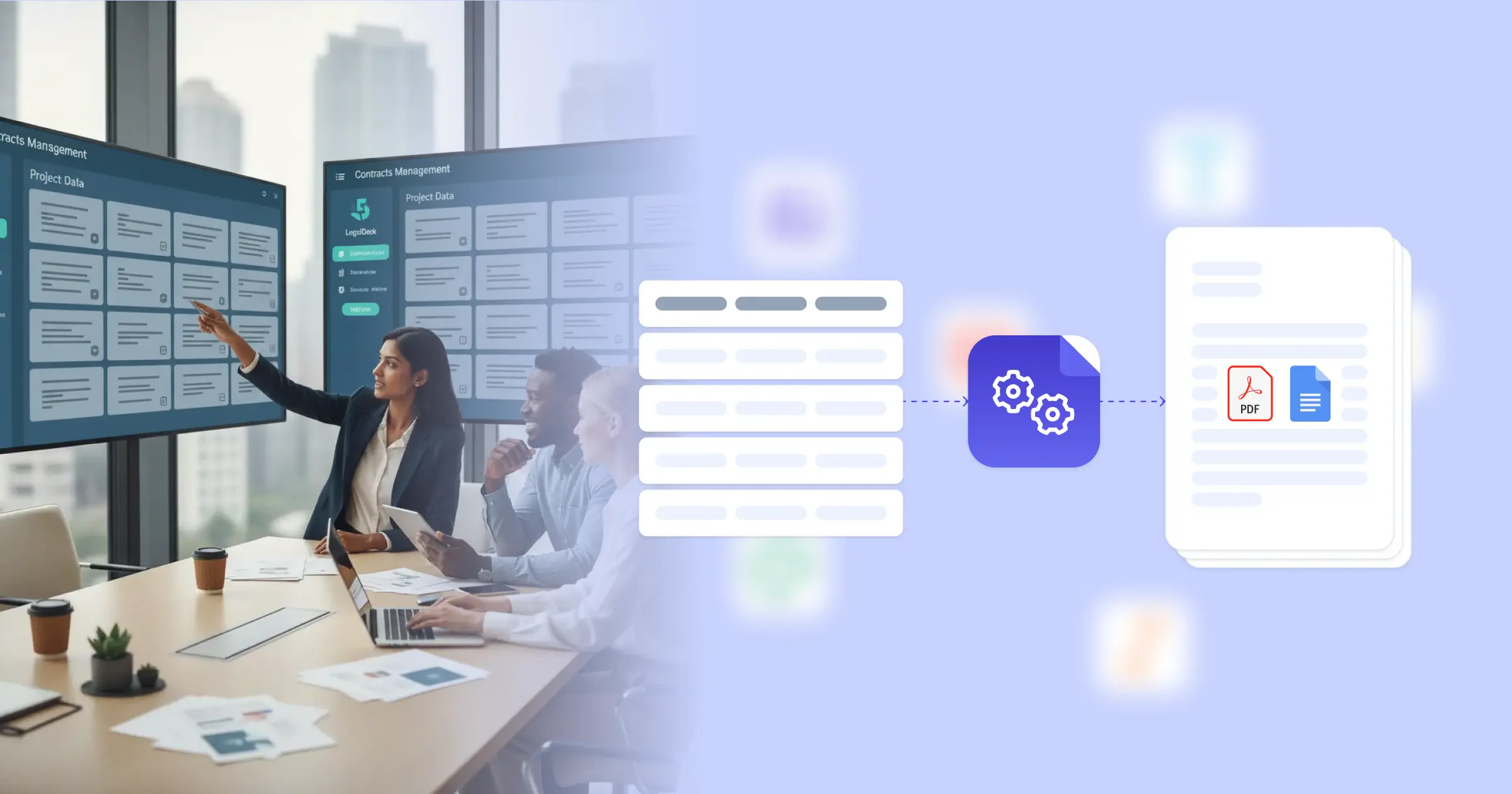
Understanding Software Comparison Reports for SMB Business Organizations
Contracts management software comparison involves evaluating multiple CLM platforms against organizational requirements, documenting findings, and presenting recommendations to support informed procurement decisions. Research from Harvard Business Review on business law and contracts shows that thorough software evaluation processes lead to better technology investments and higher adoption success. Procurement teams traditionally create comparison documents by compiling vendor information from demos, feature lists from marketing materials, and pricing from proposals into presentation formats. This efficiency is achieved through seamless integration: when you connect Google Docs templates with your evaluation tracker, Airtable vendor database, or assessment spreadsheets, comparison reports generate with accurate feature matrices, scoring summaries, and cost analyses already formatted. Your procurement team delivers professional evaluation documents without manual report assembly.
Start automating documents in minutes!
Why SMB Business Teams Need Comparison Report Automation
Organizations evaluating CLM software face documentation challenges that affect decision quality and procurement efficiency.
- Multi-Vendor Data Management: Software evaluations involve multiple vendors with different feature sets, pricing structures, and capabilities. Organizing this information into coherent comparisons requires systematic data management.
- Stakeholder Communication: Different stakeholders need different views of evaluation data, from detailed feature comparisons to executive summaries. Creating multiple report formats consumes preparation time.
- Evaluation Consistency: Fair vendor comparisons require consistent evaluation criteria and scoring methods. Ensuring all vendors are assessed using the same framework demands structured approaches.
- Decision Documentation: Software selection decisions should be documented with supporting rationale for audit and reference purposes. Creating thorough decision documentation adds to project workload.
These procurement documentation demands explain why organizations implement reporting automation for their software evaluation processes.


How DocsAutomator Delivers Comparison Report Automation for SMB Business Organizations
We connect your evaluation data directly to Google Docs templates, generating comparison reports automatically as assessments complete. Vendor names, feature scores, pricing details, and evaluation notes flow from your assessment tracker or Airtable evaluation database into formatted reports ready for stakeholder review.
The system handles evaluation documentation complexity naturally. Dynamic tables present feature comparison matrices, scoring summaries, or cost comparisons from your assessment data. Conditional logic includes appropriate content based on report type and audience, so executive summaries show key recommendations while detailed reports include full evaluation data. Vendor rankings, requirement fit assessments, and implementation considerations format according to your evaluation framework.
This works through native integrations with Airtable, Google Sheets, ClickUp, and similar platforms, plus our flexible API for connecting to procurement systems. Output is PDF for formal distribution, with optional Google Docs format when reports need collaborative input. See our guide on automated document generation for business processes. Teams also benefit from understanding document workflow automation for procurement.
DocsAutomator natively integrates with your favorite apps













Start with our free pre-built templates
To make the start easy, we've created a variety of templates for the most common use cases.












Discover all of our pre-built templates:
View full Template GalleryReady to automate your documents?
Join the 1,215 businesses that trust DocsAutomator with their most critical documents









Unlimited testing, no credit card required