Still creating your documents manually?
Generate Contracts Management PDFs in Minutes, Not Hours
Business teams create dozens of contracts monthly across vendors, employees, partners, and clients. Contracts management PDF automation transforms how organizations generate these agreements by pulling data from existing systems to create formatted, accurate PDF documents without manual reformatting or copy-paste workflows.
Understanding Contracts Management PDF for Business Organizations
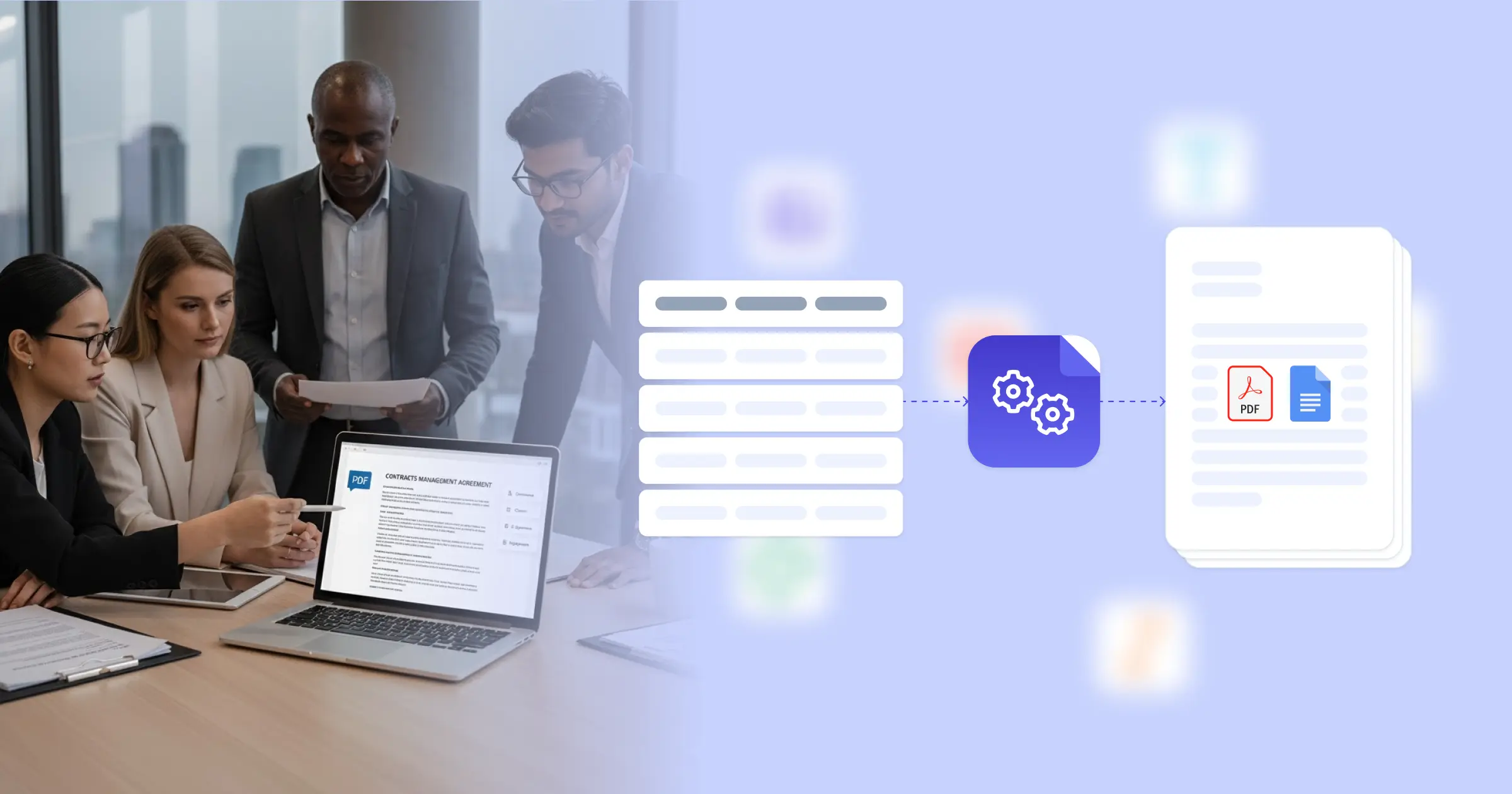
Every business relationship eventually requires a formal contract, and those contracts need to exist as professional PDF documents for signing, storage, and legal compliance. As organizations accelerate digital transformation across operational functions, contracts management PDF automation addresses the gap between having contract data in your systems and producing the actual documents you need. Instead of manually copying information into Word documents, adjusting formatting, and converting to PDF repeatedly, automation generates these contracts directly from your existing data sources.
By connecting Google Docs templates with your CRM, project management tools, HR systems, or custom databases, this approach eliminates the repetitive work of contract preparation. When you close a deal, hire an employee, or engage a vendor, the contract PDF generates immediately with all relevant terms, names, dates, and conditions already in place. For teams managing multiple contract types or high volumes of agreements, understanding how document automation applies to contracts management explains where the efficiency gains actually happen.
Start automating documents in minutes!
Why Business Teams Need Contract PDF Automation
Contract information lives in various systems, but legal relationships require formal PDF documents with proper structure and complete terms.
- Manual PDF creation consumes time that should go to negotiation: Your team spends hours copying deal terms from CRM records into contract templates, adjusting formatting, fixing inconsistencies, and converting documents to PDF. This administrative work delays contract execution and pulls focus from actual business discussions with partners, clients, or vendors.
- Version control becomes chaotic across multiple agreements: When you maintain contract templates in different locations, some team members use outdated versions while others have the latest legal language. This means contracts going out simultaneously might have different terms, different formatting, or missing updated compliance clauses that legal already approved.
- Template management scales poorly with contract variety: Each contract type needs its own template with specific clauses, but maintaining separate Word files for service agreements, NDAs, employment offers, vendor contracts, and partnership deals means template updates happen inconsistently. When legal revises standard language, propagating that change across all templates becomes a project itself.
- Formatting consistency matters for professional appearance: Contracts represent your organization in formal business relationships, but manual document creation introduces formatting variations, spacing inconsistencies, font mismatches, and layout irregularities that make agreements look less professional than they should.
These challenges reflect how traditional contract creation struggles to match modern business velocity. Contract automation resolves these issues by connecting data directly to document generation.


How DocsAutomator Delivers Contract PDF Generation for Business Organizations
DocsAutomator connects your contract data to professional PDF documents through Google Docs templates you design once. You create templates that match your standard contract formats, complete with all legal language, standard clauses, and terms your agreements require. These templates include placeholders where specific information varies, like party names, contract values, dates, deliverables, or payment schedules. You might adapt a freelance services contract template to your business needs or design custom agreements that reflect your specific contract structures.
Then you connect those templates to wherever your contract information lives. This works with Airtable bases tracking deals and vendors, ClickUp managing client projects, Glide apps your sales team uses, or custom systems through the PDF generation API. When you need a contract, the system pulls the relevant record and generates a complete PDF with all terms, conditions, and details already populated.
Dynamic tables automatically format payment schedules, deliverable lists, or pricing breakdowns without manual table construction. Conditional sections mean NDA clauses only appear when needed, employment benefits sections populate for hiring contracts, and vendor-specific terms show up in supplier agreements. Conditional styling adjusts text formatting based on contract type or urgency level.
The output is a professional PDF ready for signing, plus optionally a Google Doc if your legal team needs to make deal-specific adjustments before finalizing. Because templates are Google Docs, your team already understands how to update them when contract requirements change or legal counsel revises standard language. One template update means all future contracts from that template include the new terms automatically.
DocsAutomator natively integrates with your favorite apps













Start with our free pre-built templates
To make the start easy, we've created a variety of templates for the most common use cases.












Discover all of our pre-built templates:
View full Template GalleryReady to automate your documents?
Join the 1,215 businesses that trust DocsAutomator with their most critical documents









Unlimited testing, no credit card required