Still creating your documents manually?
Automate Construction Management Contracts from Your Existing Data
Construction projects involve multiple contracts across subcontractors, vendors, and suppliers, each requiring accurate scope definitions, payment terms, and compliance documentation. Construction management contract automation connects your project data to templates that generate complete agreements without the repetitive assembly work that slows project starts and change order processing.
Understanding Construction Management Contracts for Real Estate Organizations
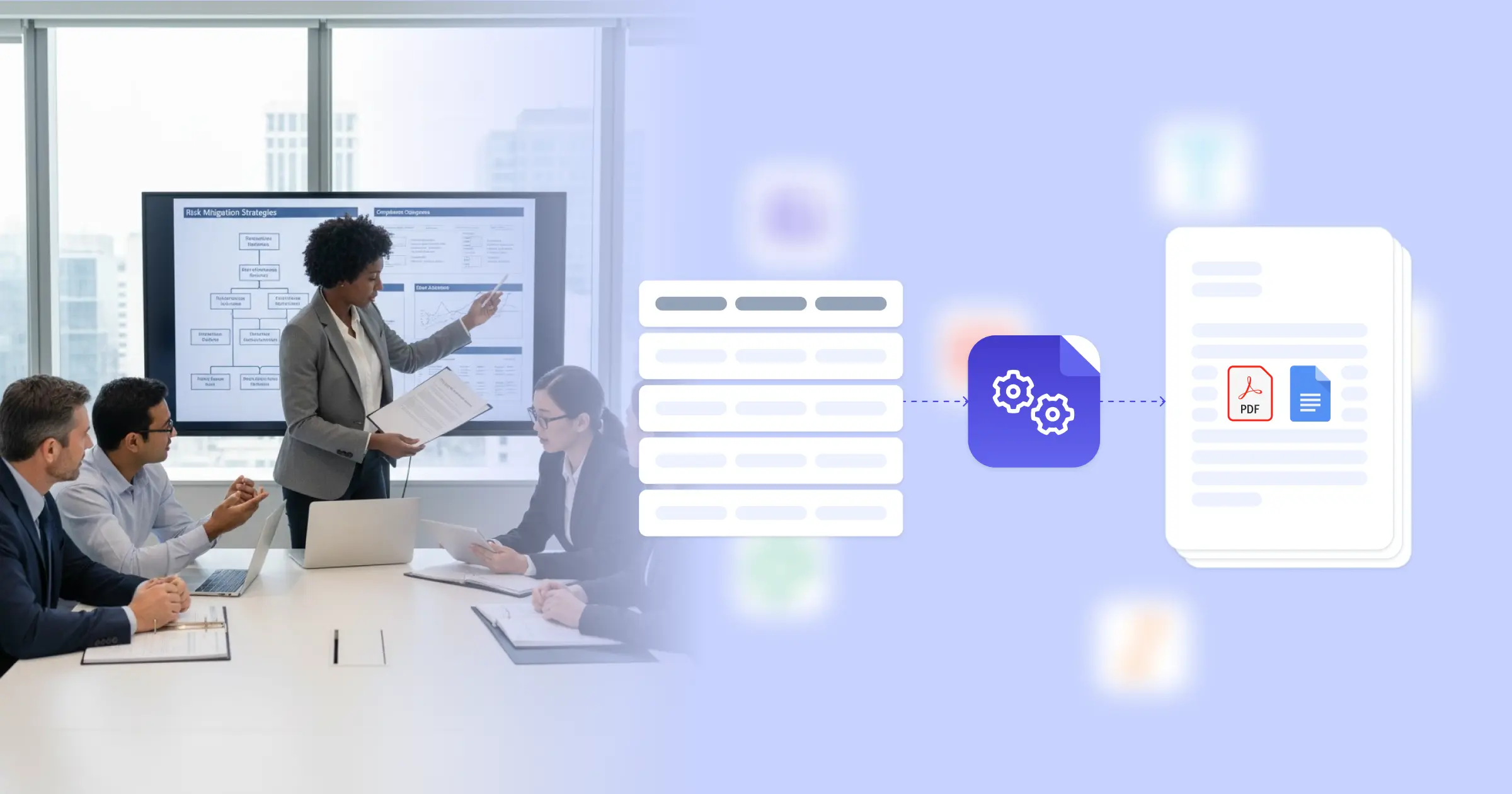
Construction projects generate contracts at every phase, from initial subcontractor agreements through final completion certificates. As construction digitalization accelerates across the industry, construction management contract automation addresses the challenge of converting project data, specifications, and terms into the formal agreements that keep projects moving. Instead of manually drafting contracts for each trade, change order, or payment milestone, automation generates these documents directly from your project management systems.
For construction managers coordinating multiple trades, handling frequent scope changes, or managing portfolio projects across different sites, this eliminates the bottleneck of contract preparation. When a new trade comes on site or project conditions change, you generate updated agreements immediately rather than waiting for contracts to work through manual drafting cycles. The specific challenges construction teams face with contract management help explain where automation delivers the most impact.
Start automating documents in minutes!
Why Real Estate Teams Need Construction Management Contract Automation
Construction contracts exist in project management systems as scope items, cost codes, and vendor records, but legal execution requires formatted agreements with complete terms, conditions, and signatures. The transformation from project data to executed contracts creates delays that affect project starts, change order approvals, and payment processing.
- Multiple stakeholders need different contract versions: General contractors require agreements with owners, subcontractors need trade-specific contracts, suppliers expect purchase orders, and specialty trades require detailed scope definitions. Each relationship involves different terms, but all draw from the same underlying project information. Creating these variations manually means reformatting similar information repeatedly for different audiences.
- Project changes demand rapid contract amendments: Field conditions reveal unexpected issues, owners request modifications, material availability shifts, or design changes cascade through multiple trades. Each change requires formal documentation through change orders or contract amendments. When processing these takes days instead of hours, project teams make decisions before paperwork catches up, which creates risk when disputes arise later.
- Compliance documentation spans multiple requirements: Insurance certificates need verification, safety plans require acknowledgment, prevailing wage rates must be documented, lien waivers need collection, and permit conditions require confirmation. Each subcontractor and phase involves different compliance needs, and missing documentation delays payments or creates liability exposure.
- Coordination across parties creates version confusion: Original agreements get modified through change orders, payment terms adjust based on performance, scope definitions evolve as work progresses, and completion dates shift with weather or delays. Tracking which version of which contract applies to which trade at which point in the project timeline becomes complicated when documents exist as separate files rather than connected to project data.
These challenges reflect the reality of managing contractual relationships in dynamic construction environments. Project information stays current in management systems, but converting it into the legal agreements that govern work relationships requires effort that doesn't scale as project complexity increases. Contract automation synchronizes agreements with project data while producing the formatted documents that legal execution requires.


How DocsAutomator Delivers Construction Management Contract Automation for Real Estate Organizations
We connect your construction project data to the contracts you need to execute work. You create a Google Docs template that matches your standard contract format, whether that's subcontractor agreements, change orders, or payment certificates. The template defines structure once, with placeholders where project-specific information appears. This includes scope descriptions, payment terms, project addresses, completion dates, insurance requirements, and any other terms your contracts require. Then you connect that template to your data source, whether that's Airtable managing subcontractor details, ClickUp tracking project timelines, construction management software, or a custom database via API.
When you need contracts, the system pulls relevant project records and generates complete documents. Dynamic tables automatically format scope of work line items, payment schedules, or material lists without manual table construction. Conditional sections mean specialized terms only appear for certain trade types, union provisions only show up for applicable contractors, hazardous material handling clauses only populate when work involves regulated substances, and insurance requirements adjust based on contract value and scope. Image insertion places site plans, specification drawings, or signature blocks exactly where your contracts require them.
The preview mode lets you test templates against actual project data before using them, so you catch missing fields or formatting issues before sending contracts to subcontractors or owners. Output includes both a PDF for signature and a Google Doc if you need to add project-specific modifications or negotiate custom terms. Because the system works with Google Docs, your team already understands how to adjust templates when project requirements change or new contract types become necessary.
Construction teams use DocsAutomator to automate several types of contract documents as shown in the overview below.
DocsAutomator natively integrates with your favorite apps













Start with our free pre-built templates
To make the start easy, we've created a variety of templates for the most common use cases.












Discover all of our pre-built templates:
View full Template GalleryReady to automate your documents?
Join the 1,215 businesses that trust DocsAutomator with their most critical documents









Unlimited testing, no credit card required