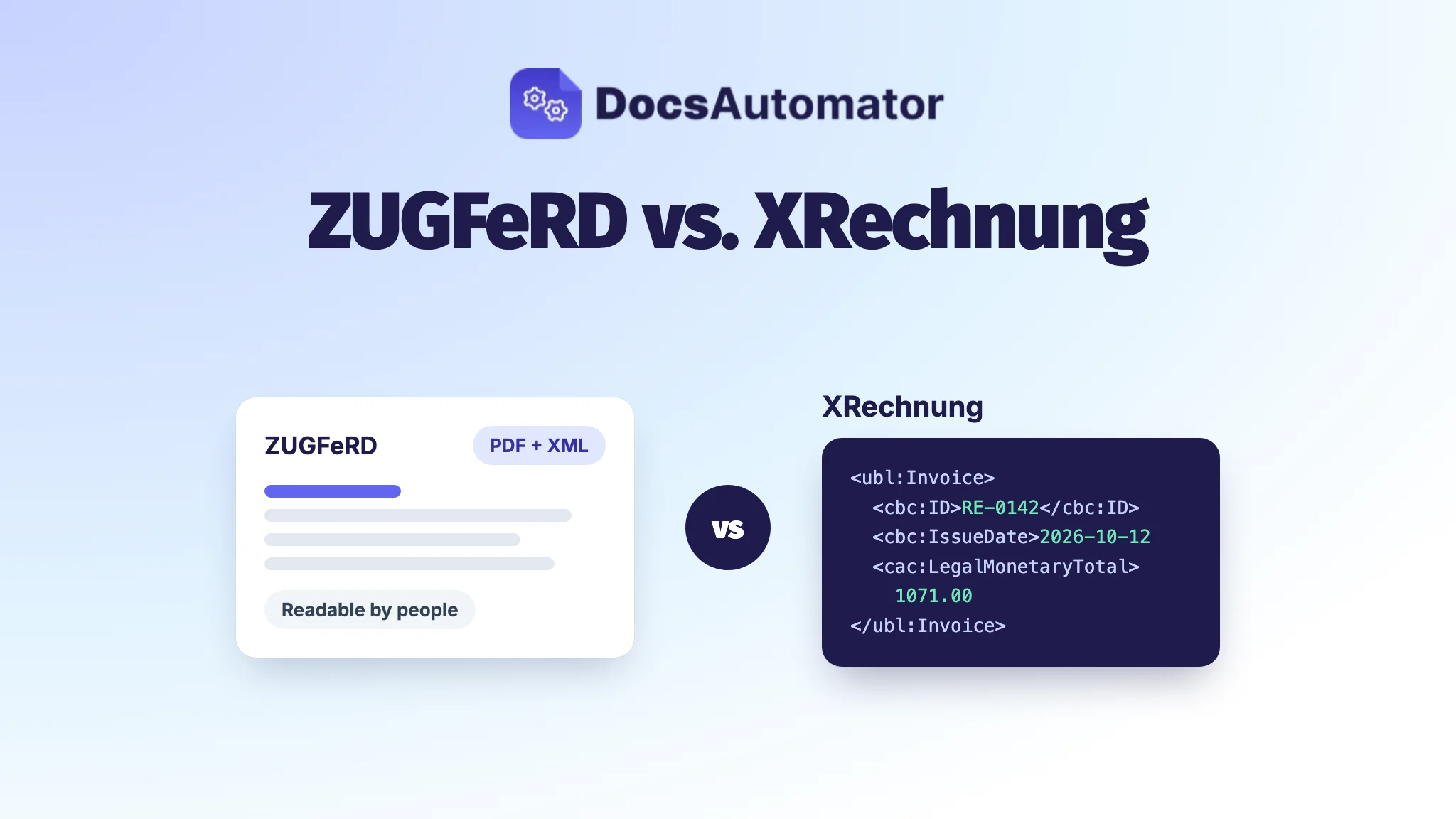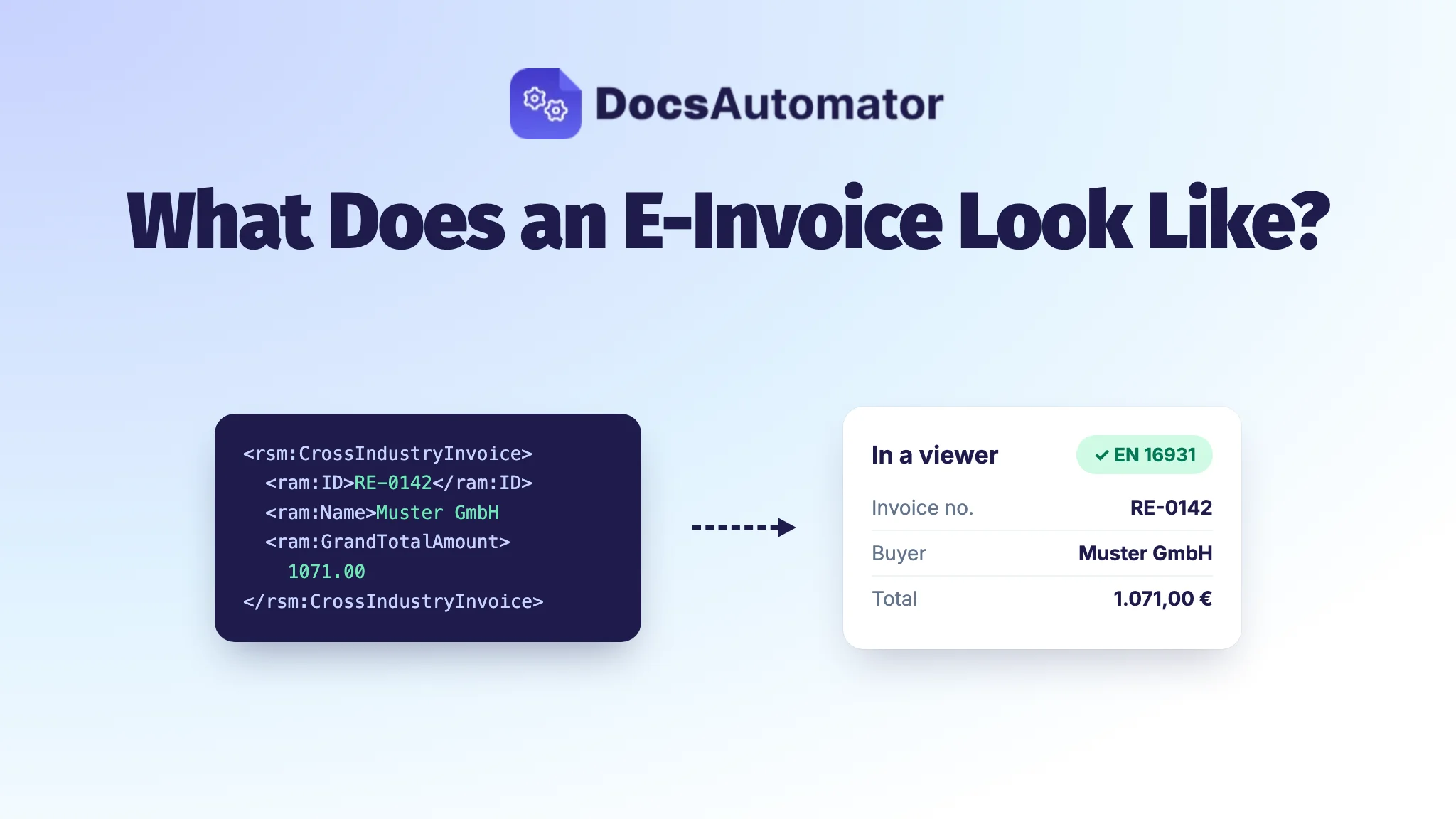
An e-invoice is not a picture of an invoice. It is a data file, almost always XML, in which every detail sits in a named field: invoice number, date, seller, buyer, line items, VAT and total. A ZUGFeRD e-invoice also carries a normal PDF, so people can read it like any invoice. An XRechnung is the XML alone, and you need a viewer or accounting software to see it as a readable page.
That is why the first e-invoice often surprises people. They open the attachment expecting a letterhead and see lines of code. Below you'll see what an e-invoice looks like on the inside, which fields it has to contain, and what the person who receives it actually sees.
What an e-invoice looks like on the inside
Since 1 January 2025, German VAT law only calls an invoice an e-invoice if it is issued, sent and received in a structured electronic format that allows electronic processing (§ 14 UStG). In practice that format follows the European standard EN 16931, and the file is XML.
Here is a shortened example: invoice RE-2026-0142 from Beispiel Studio GmbH to Muster GmbH, 7.5 hours of consulting at €120, so €900.00 net, 19% VAT of €171.00 and €1,071.00 in total. It uses the CII syntax, the one ZUGFeRD embeds and XRechnung can use as well.
<rsm:CrossIndustryInvoice>
  <rsm:ExchangedDocument>
    <ram:ID>RE-2026-0142</ram:ID>
    <ram:TypeCode>380</ram:TypeCode>
    <ram:IssueDateTime>
      <udt:DateTimeString format="102">20261012</udt:DateTimeString>
    </ram:IssueDateTime>
  </rsm:ExchangedDocument>
  <rsm:SupplyChainTradeTransaction>
    <ram:IncludedSupplyChainTradeLineItem>
      <ram:SpecifiedTradeProduct>
        <ram:Name>Beratung</ram:Name>
      </ram:SpecifiedTradeProduct>
      <ram:SpecifiedLineTradeDelivery>
        <ram:BilledQuantity unitCode="HUR">7.5</ram:BilledQuantity>
      </ram:SpecifiedLineTradeDelivery>
      <!-- price, VAT rate and line total -->
    </ram:IncludedSupplyChainTradeLineItem>
    <ram:ApplicableHeaderTradeAgreement>
      <ram:SellerTradeParty>
        <ram:Name>Beispiel Studio GmbH</ram:Name>
        <ram:SpecifiedTaxRegistration>
          <ram:ID schemeID="VA">DE123456789</ram:ID>
        </ram:SpecifiedTaxRegistration>
      </ram:SellerTradeParty>
      <ram:BuyerTradeParty>
        <ram:Name>Muster GmbH</ram:Name>
      </ram:BuyerTradeParty>
    </ram:ApplicableHeaderTradeAgreement>
    <ram:ApplicableHeaderTradeSettlement>
      <ram:InvoiceCurrencyCode>EUR</ram:InvoiceCurrencyCode>
      <ram:ApplicableTradeTax>
        <ram:CalculatedAmount>171.00</ram:CalculatedAmount>
        <ram:TypeCode>VAT</ram:TypeCode>
        <ram:BasisAmount>900.00</ram:BasisAmount>
        <ram:CategoryCode>S</ram:CategoryCode>
        <ram:RateApplicablePercent>19</ram:RateApplicablePercent>
      </ram:ApplicableTradeTax>
      <ram:SpecifiedTradeSettlementHeaderMonetarySummation>
        <ram:TaxBasisTotalAmount>900.00</ram:TaxBasisTotalAmount>
        <ram:TaxTotalAmount currencyID="EUR">171.00</ram:TaxTotalAmount>
        <ram:GrandTotalAmount>1071.00</ram:GrandTotalAmount>
        <ram:DuePayableAmount>1071.00</ram:DuePayableAmount>
      </ram:SpecifiedTradeSettlementHeaderMonetarySummation>
    </ram:ApplicableHeaderTradeSettlement>
  </rsm:SupplyChainTradeTransaction>
</rsm:CrossIndustryInvoice>
A few things stand out:
- Every value has a label. The invoice number isn't "somewhere near the top", it is in
ram:ID. That is what lets the buyer's software book it without anyone typing. - Dates and amounts are machine formats. 12 October 2026 is
20261012, €1,071.00 is1071.00. - Codes replace words.
380means "invoice" (a credit note is381),Sis the standard VAT rate,HURis hours. - No layout at all. No logo, no font, no columns. How the invoice looks on screen is decided by whoever opens it.
Which fields an e-invoice has to contain
The content rules haven't changed: an e-invoice needs the same mandatory details as any German invoice under § 14 (4) UStG. What's new is where they go. EN 16931 gives each detail a "business term" (BT) or a group of terms (BG), and the Federal Ministry of Finance says all mandatory details must be in the structured part. A note saying "see attached PDF" is not enough.
| Mandatory detail (§ 14 (4) UStG) | Where it goes in EN 16931 | In the example |
|---|---|---|
| Invoice number, unique and sequential | BT-1 Invoice number | RE-2026-0142 |
| Issue date | BT-2 Invoice issue date | 20261012 |
| Full name and address of the seller | BG-4 Seller | Beispiel Studio GmbH |
| Full name and address of the buyer | BG-7 Buyer | Muster GmbH |
| Seller's tax number or VAT ID | BT-31 Seller VAT identifier | DE123456789 |
| Quantity and type of goods or services | BG-25 Invoice line | 7.5 hours of consulting |
| Net amount per tax rate, tax rate and tax amount | BG-23 VAT breakdown | 900.00, 19%, 171.00 |
| Total including VAT | BT-112 Invoice total amount with VAT | 1071.00 |
Around these sit a few technical fields: BT-3, the invoice type code (380), BT-5, the currency (EUR), and BT-10, the buyer reference, which public-sector buyers fill with their Leitweg-ID. KoSIT and FeRD publish a full table that maps each § 14 detail to its EN 16931 field, and the ministry's letter of 15 October 2026 points to it.
What the recipient sees: ZUGFeRD vs. XRechnung
The XML is the same idea in both formats. The difference is what comes with it. (If you're still choosing between the two, read ZUGFeRD vs. XRechnung.)
A ZUGFeRD invoice: a normal PDF with XML inside
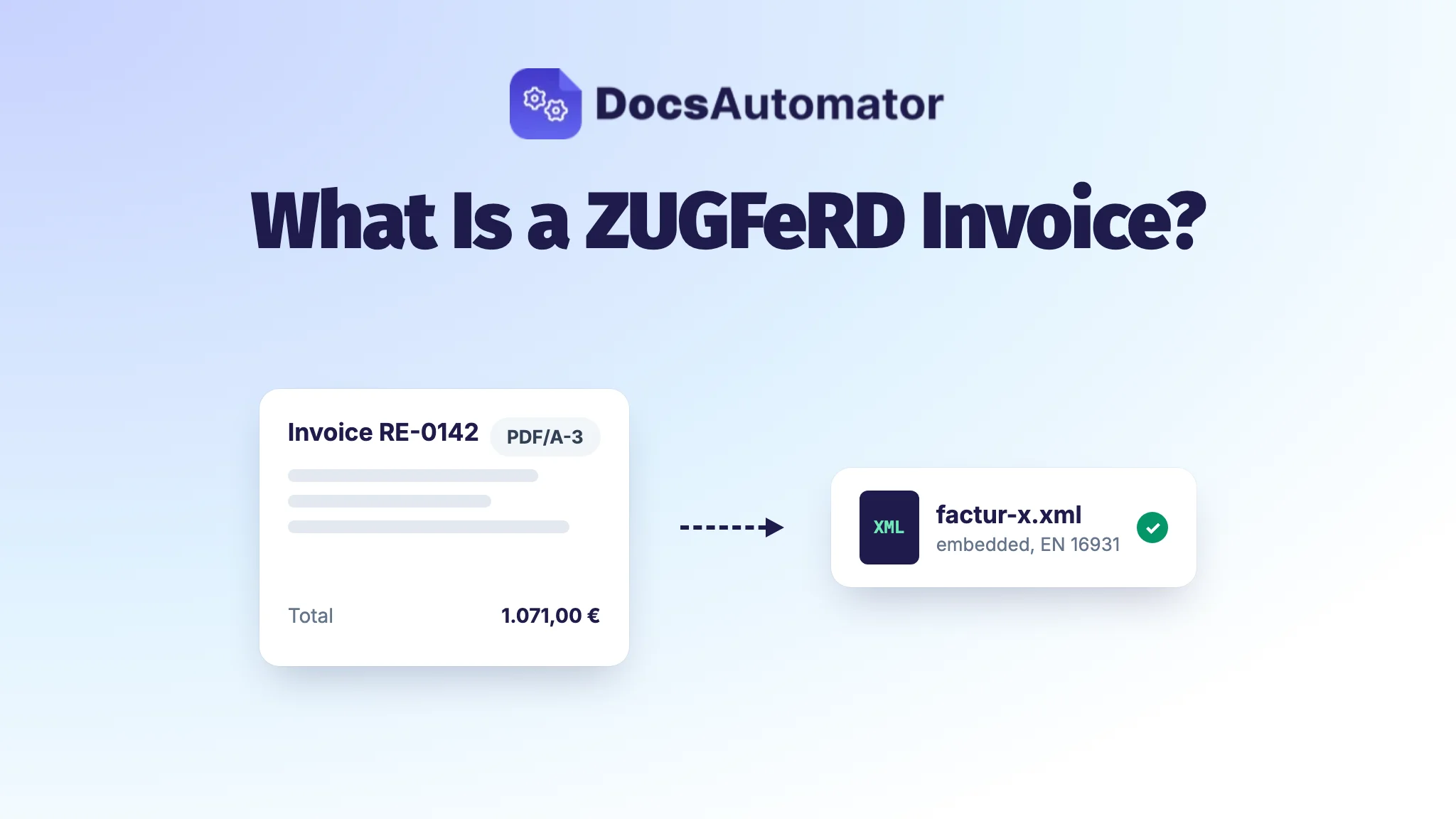
A ZUGFeRD e-invoice is a PDF/A-3 file. Open it in any PDF reader and you see your usual invoice, with your logo and layout. The XML is attached inside the PDF. Most readers show it in the attachments panel, and accounting software reads it automatically. More on the format in What is a ZUGFeRD invoice?
One rule matters here: for VAT purposes, the XML is the invoice. If the PDF and the XML disagree, the XML wins. The PDF is a convenient view, nothing more.
An XRechnung: XML only, opened with a viewer
An XRechnung is just the XML file. Opened in a browser or text editor it looks like the code above, and the ministry itself notes that this raw XML isn't meant for visual checking. To read it as a page, recipients use:
- Accounting or ERP software that imports e-invoices, which most finance teams use anyway.
- The KoSIT visualisation, a free tool from the body that maintains XRechnung. It turns the XML into a readable view but needs a technical install.
- Free web viewers from various providers. Check where they process the file before you upload invoices with customer data.
How to check whether a file is a valid e-invoice
You can't tell by looking. A PDF with a nice layout can be a plain PDF, and an XML file can be broken. To check a file, run it through a validator such as the one KoSIT provides for XRechnung. It checks two things:
- The format (syntax). Is it well-formed XML that matches the schema? If not, the ministry treats the file as an ordinary invoice, not an e-invoice.
- The business rules (semantics). Do the sums add up, is a required field missing? A file that breaks a business rule still counts as an e-invoice for VAT, but the error should be fixed.
The Federal Ministry of Finance suggests keeping the validation report as evidence. Keep the XML itself too: at least the structured part has to be stored unchanged, for eight years since the retention period was shortened in 2025.
What an e-invoice is not
These are all "other invoices" (sonstige Rechnungen) under § 14 UStG, however digital they feel:
- a PDF sent by email, even one created by accounting software
- a scanned paper invoice or a photo of one
- a Word or Excel file
- a ZUGFeRD file in the MINIMUM or BASIC WL profile, which lack the line items EN 16931 requires
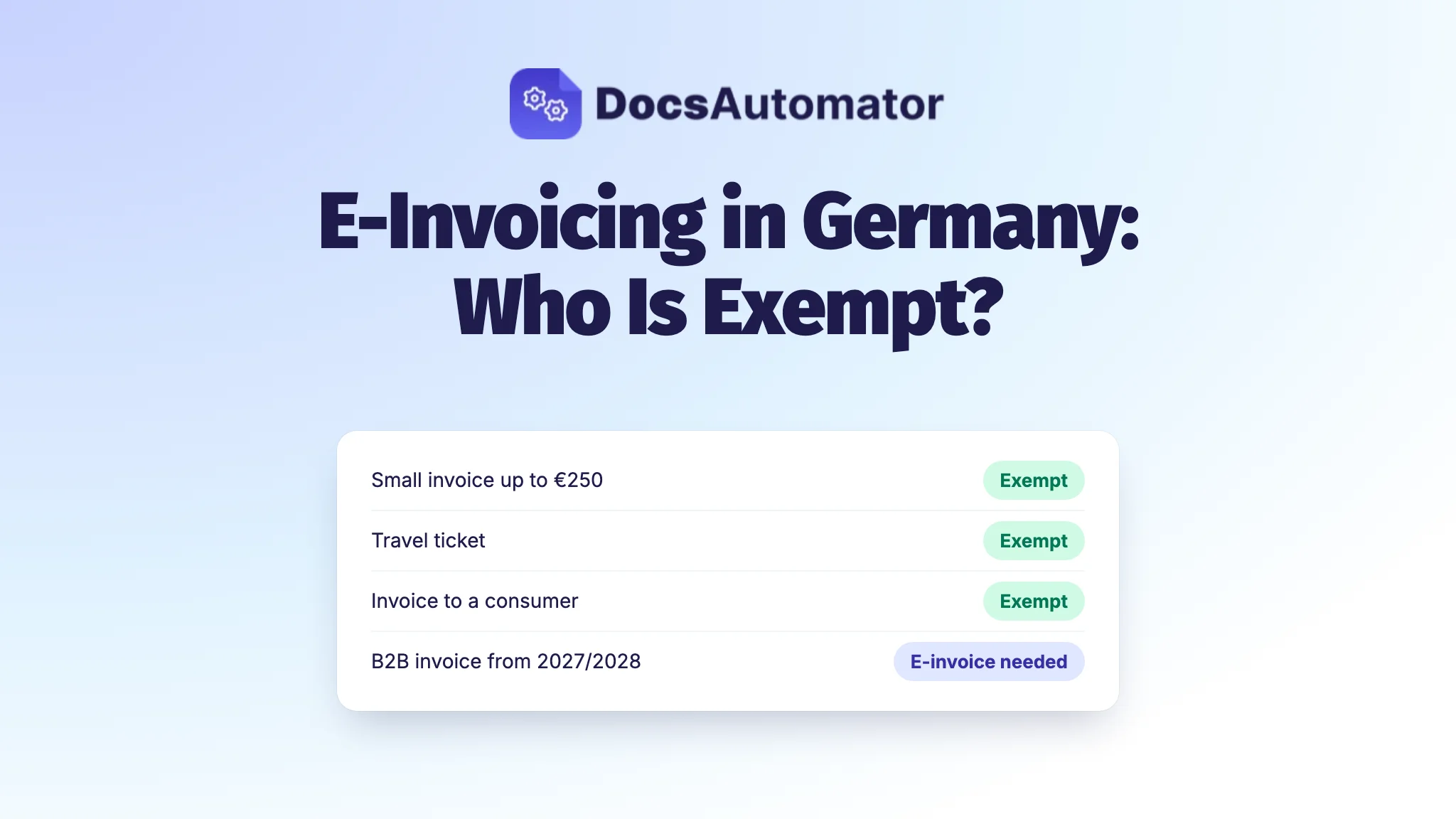
Until the end of 2026 you can still send PDFs to business customers if they agree, and from 2027 that depends on your turnover. Small invoices up to €250, travel tickets and invoices from small businesses under § 19 UStG may stay PDFs or paper. Who is covered and who isn't is explained in E-invoicing in Germany: who is exempt?
This guide explains the rules as of October 2026. It is not tax advice; for your own case, ask your tax adviser.
Create e-invoices from your own template with DocsAutomator
With ZUGFeRD, the readable side of the e-invoice is simply your invoice. In DocsAutomator that's your own Google Docs, Word or PDF template, filled with data from Airtable, Google Sheets, Notion, Zapier, Make, n8n or the API. DocsAutomator writes the XML from the same data, embeds it in a PDF/A-3 file and checks it before it goes out: ZUGFeRD with Mustang, XRechnung with the KoSIT validator. XRechnung 3.0 is available too, for buyers who ask for it.
The checked e-invoice goes wherever your PDF goes today: to an attachment field, to Google Drive or by email. See how e-invoicing works in DocsAutomator, or send invoice data straight from your own app with the ZUGFeRD and XRechnung API. You can test everything for free and only pay once you send real invoices, from $19 a month. Try e-invoicing in DocsAutomator.
Frequently asked questions
Can I open an e-invoice without special software?
A ZUGFeRD invoice opens in any PDF reader, because the readable invoice is a normal PDF and the XML is attached inside it. An XRechnung is only XML, so you need a viewer, such as the free KoSIT visualisation, or accounting software that imports e-invoices.
Is a PDF invoice sent by email an e-invoice?
No. A PDF, a scan or a Word file is an "other invoice" under § 14 UStG. An e-invoice has to be in a structured format such as XRechnung or ZUGFeRD that follows EN 16931.
Which part of a ZUGFeRD invoice counts, the PDF or the XML?
The XML. It holds all the mandatory details, and if the PDF and the XML differ, the XML prevails.
What does the number 380 mean in an e-invoice?
380 is the invoice type code (BT-3) for a commercial invoice. A credit note uses 381.