NetSuite Sales Order to Signed Contract
Powerful Document Automation & Signing for NetSuite
NetSuite customer contracts, sent for signing when a sales order is approved









Works through Zapier, Make or your AI assistant. DocsAutomator has no native NetSuite connection; this page shows only the routes that run today.
Some of the teams / institutions automating and signing their documents with DocsAutomator:







Contracts, quotes and sign-offs, signed or accepted with DocsAutomator
Some examples of our customers and the documents they automate and sign daily

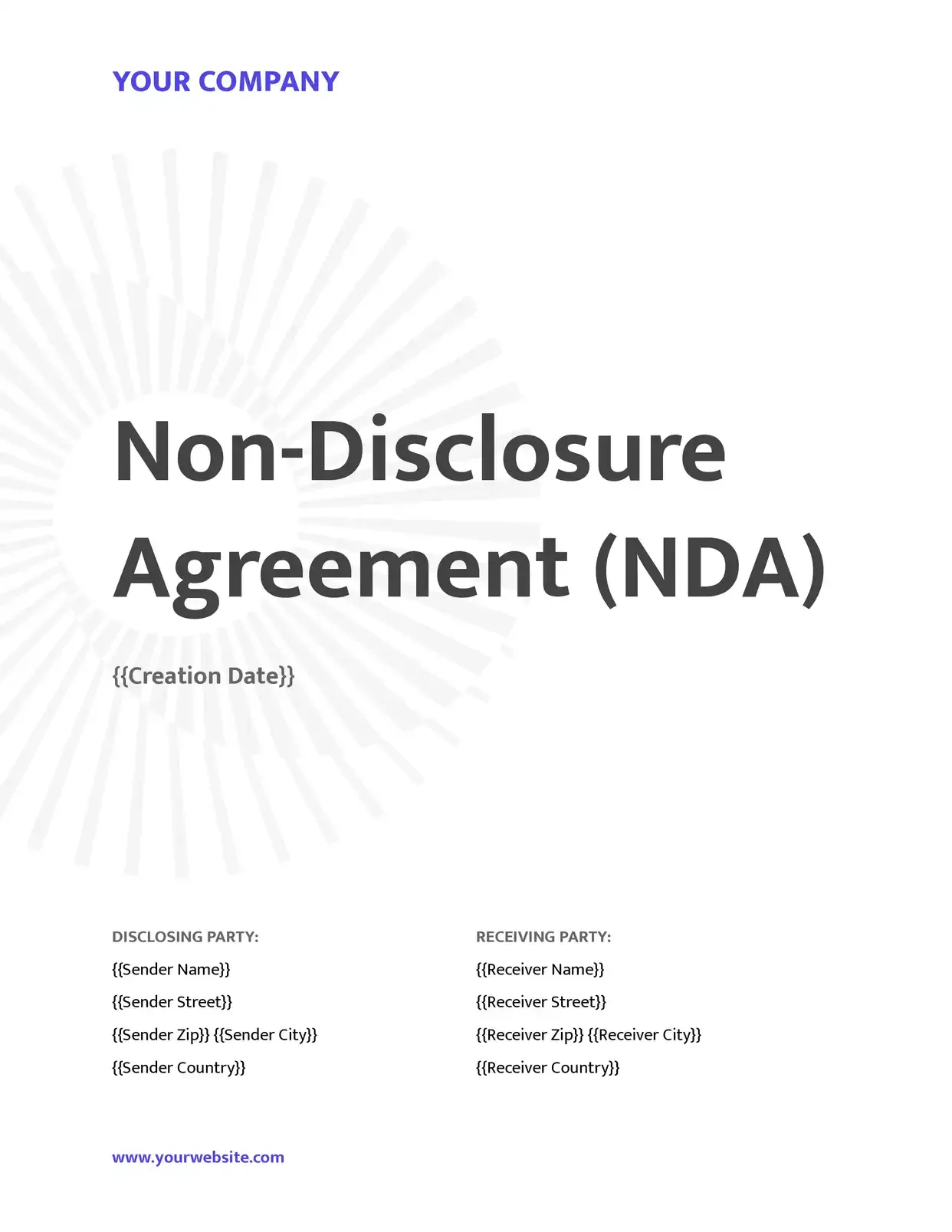 Signed
Contracts go out from your records, and clients sign them online.
Service agreements · Leases · NDAs · Engagement letters

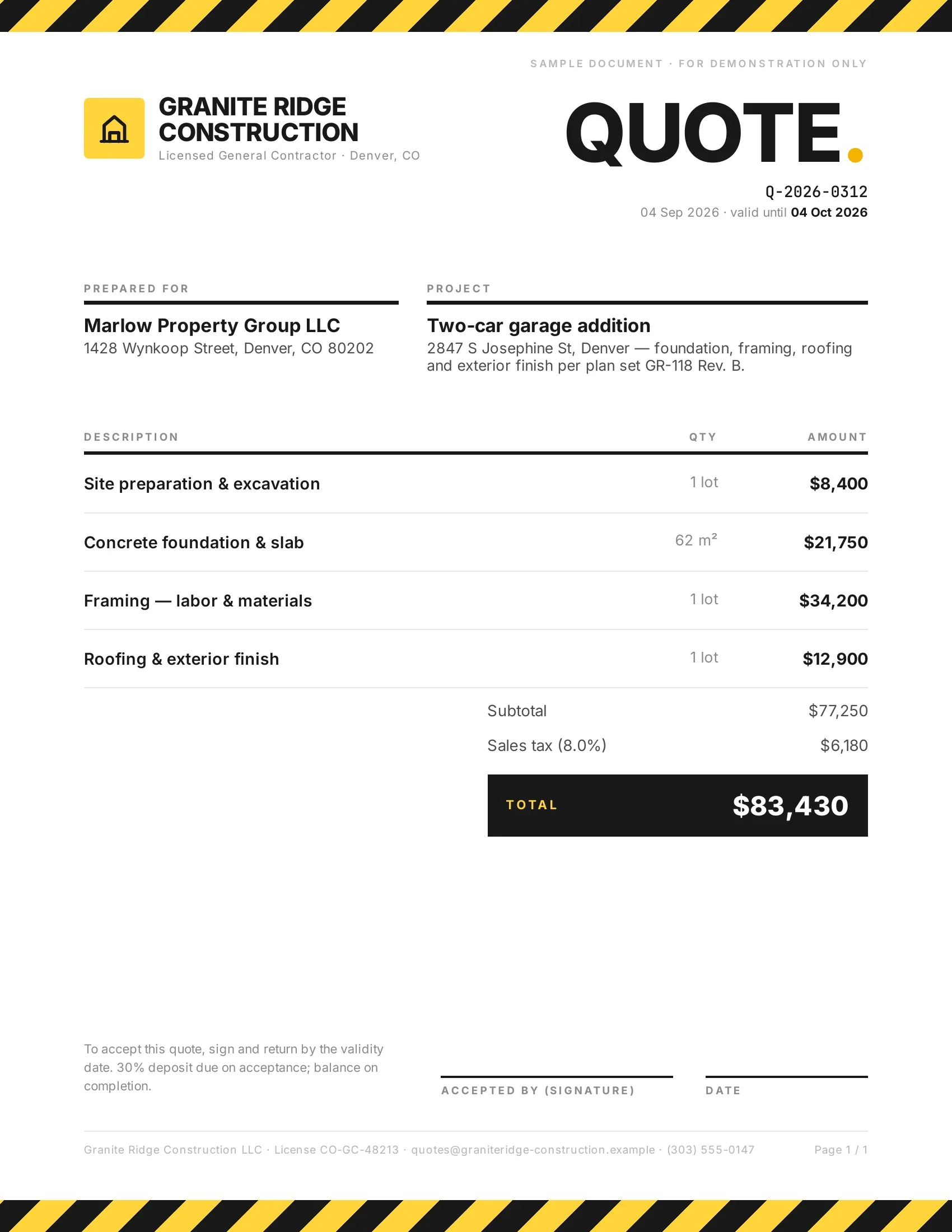 Accepted
Customers accept quotes and change orders in one tap, so work starts sooner.
Quotes · Estimates · Order confirmations · Change orders

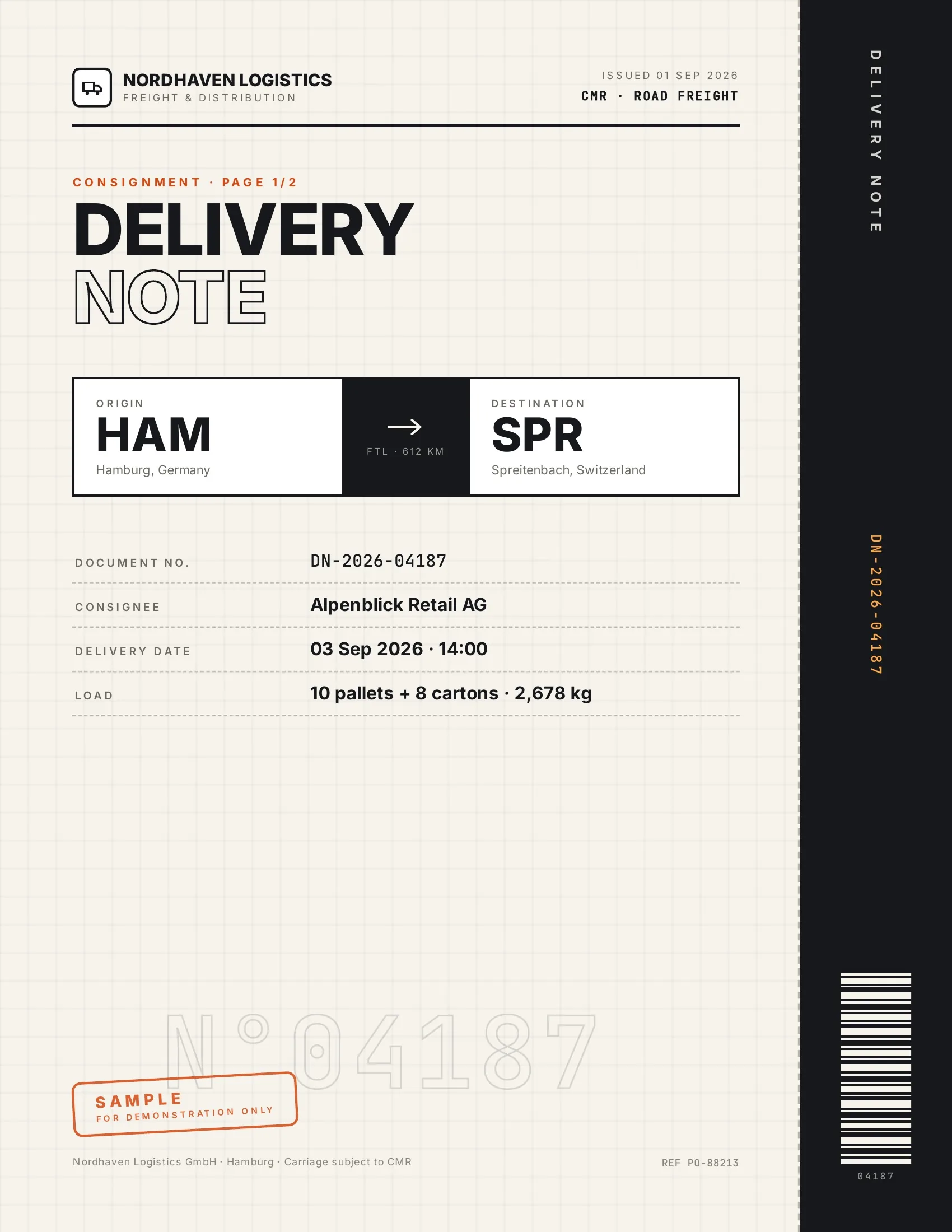 Accepted
Customers accept finished work and deliveries on their phone, on the spot.
Work orders · Handover reports · Inspection reports · Purchase orders

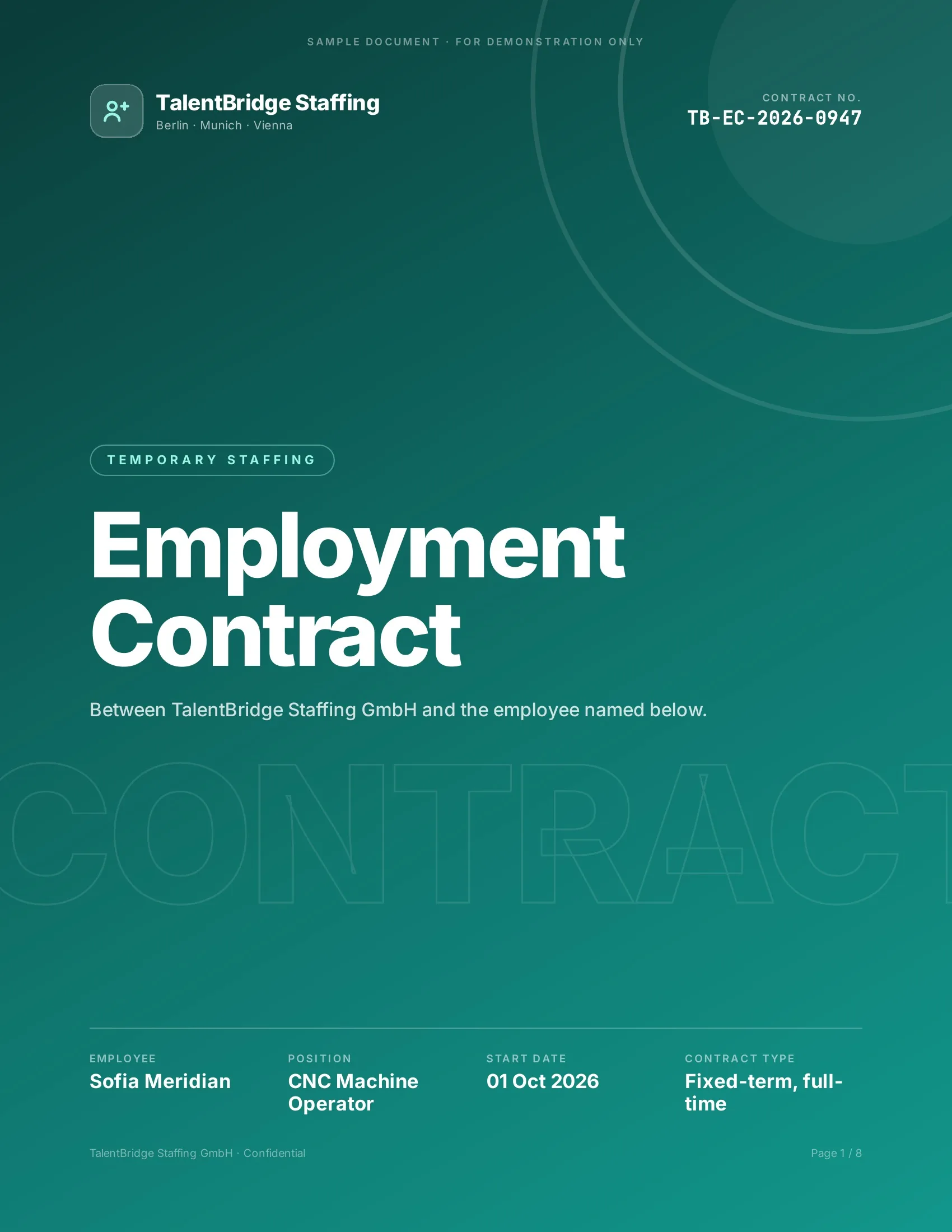 Signed
New hires, clients and students sign their paperwork before day one.
Employment contracts · Offer letters · Enrollment forms · Letters of authority
Strong reasons for choosing DocsAutomator to automate & sign your NetSuite documents
All you need to effortlessly automate and sign your documents
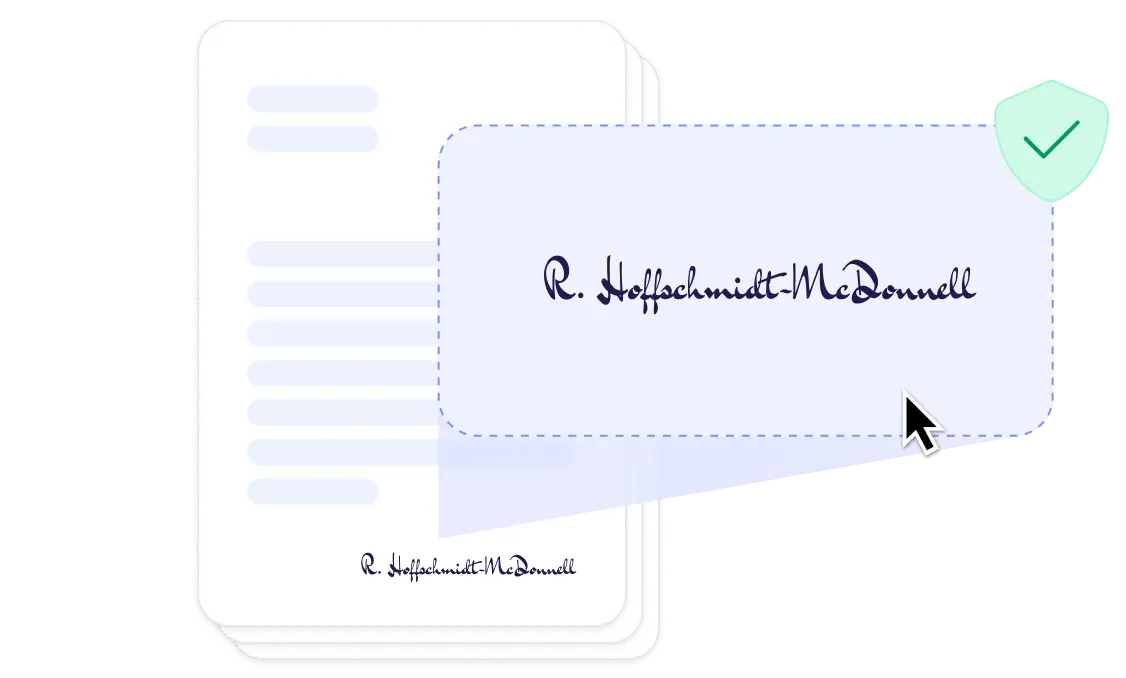

The contract after the sales order is approved
That retyping is the part we take away. The approved sales order starts the document, its customer, items and amounts fill your own template, the customer gets a signing link, and the signed PDF can go back onto the sales order as a file.
NetSuite's Advanced PDF/HTML templates print the sales order itself. Your contract is a different document. It stays a Word or Google Docs file, and whoever owns the wording edits it there without a NetSuite role.

Describe it, the AI agent builds it
Tell it what you need. It takes your template or drafts one, connects your data, sets up signing and runs a test. No setup screens.

Bring your own AI agent
Connect Claude, ChatGPT, or your own agent. It creates and sends documents within the limits and approvals you set.
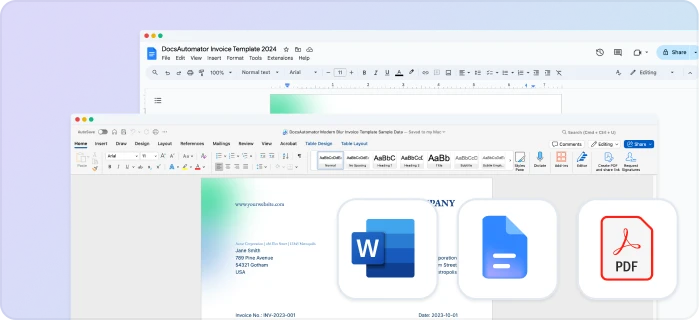
Your own Google Docs, Word or PDF templates
Keep writing your documents where you write them. DocsAutomator fills the placeholders.
Line items and nested tables
Invoices, quotes and any itemized list, straight from your data.

Conditional content
Sections, styling and images that show or hide based on the data.

Preview mode
Unlimited previews until you're happy, and no credits wasted on testing.
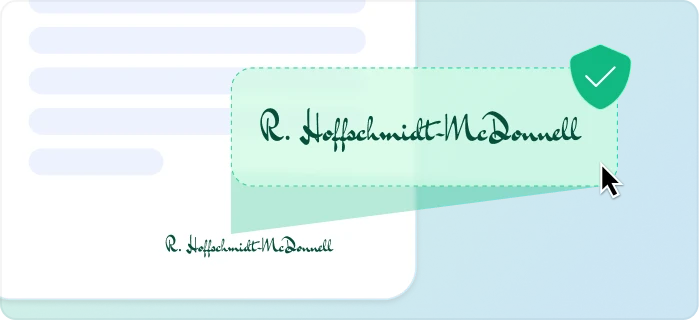
E-signatures, sent automatically
Legally binding, with a full audit trail. Nobody chases anyone.
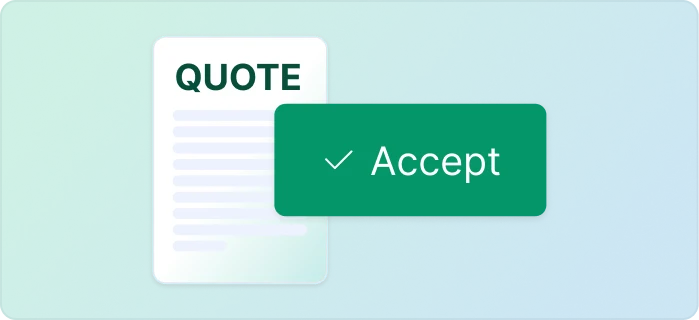
One-click acceptance for quotes
Your client accepts with one click. Recorded, no signature ceremony.
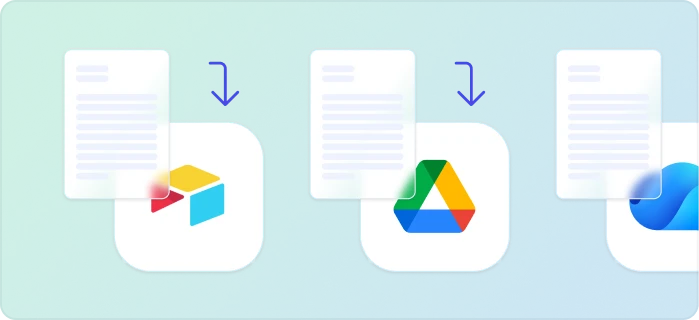
Signed or accepted copies delivered and filed automatically
Every finished document is emailed and saved back to your Airtable, Notion, sheet, or Drive folder.
Start automating & signing in minutes!
Set up in minutes, save weeks of work
Three steps from your sales order to a signed document
Create a Google Docs or Word template
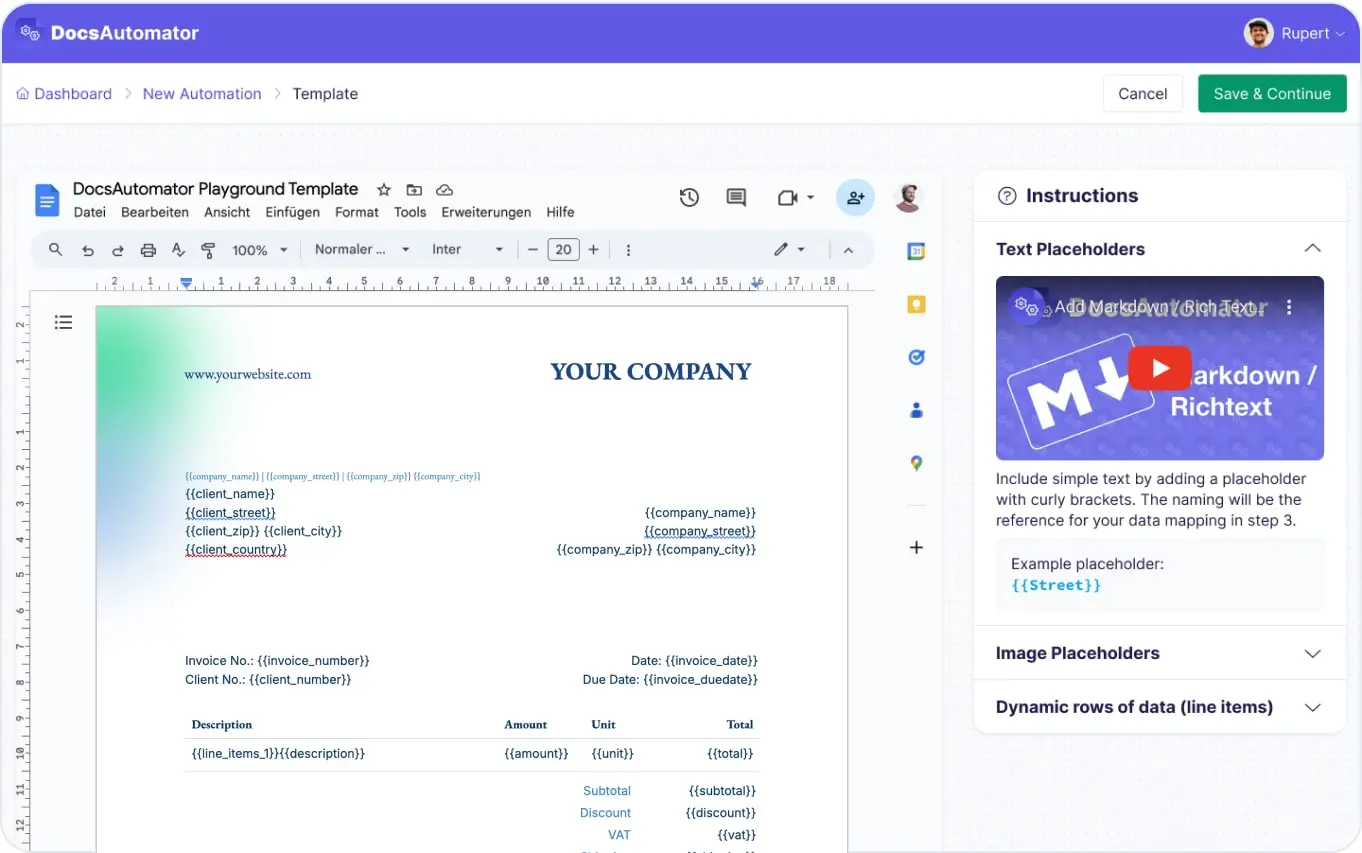
Map Data & Preview
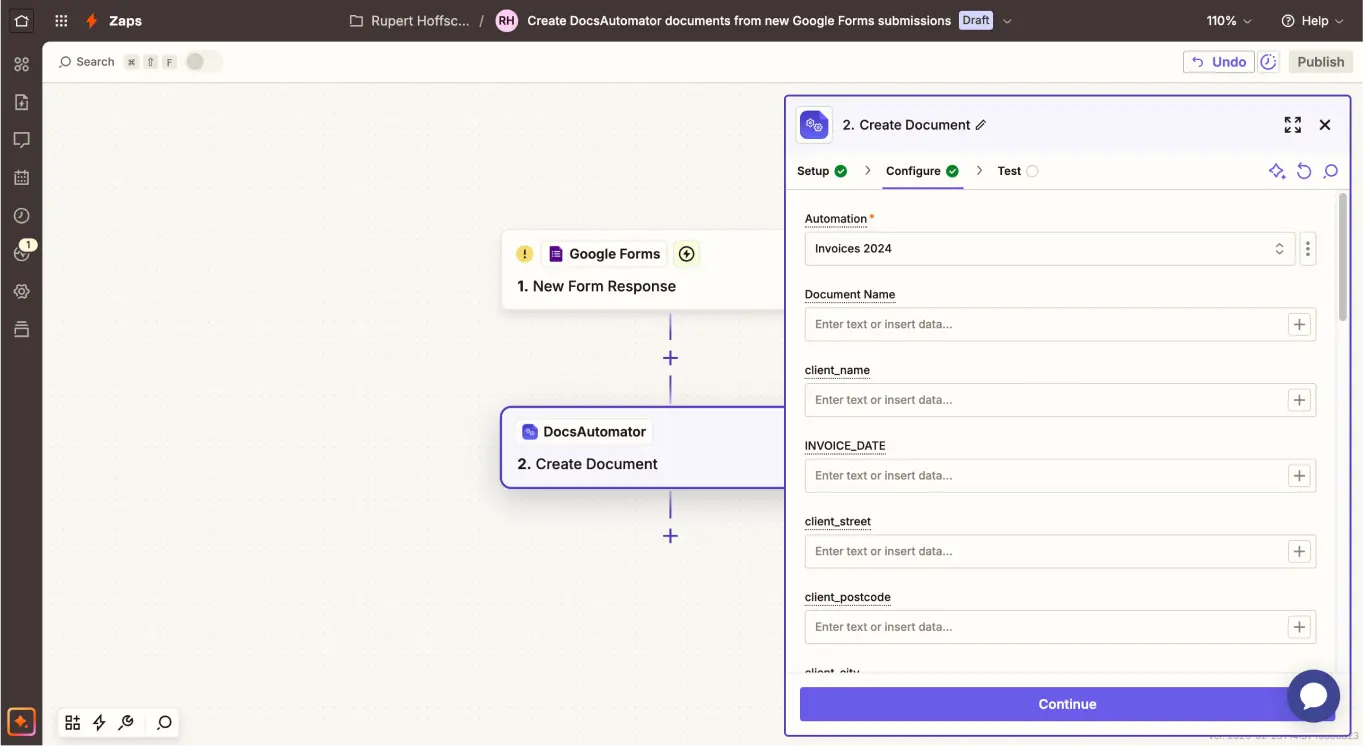
Connect NetSuite
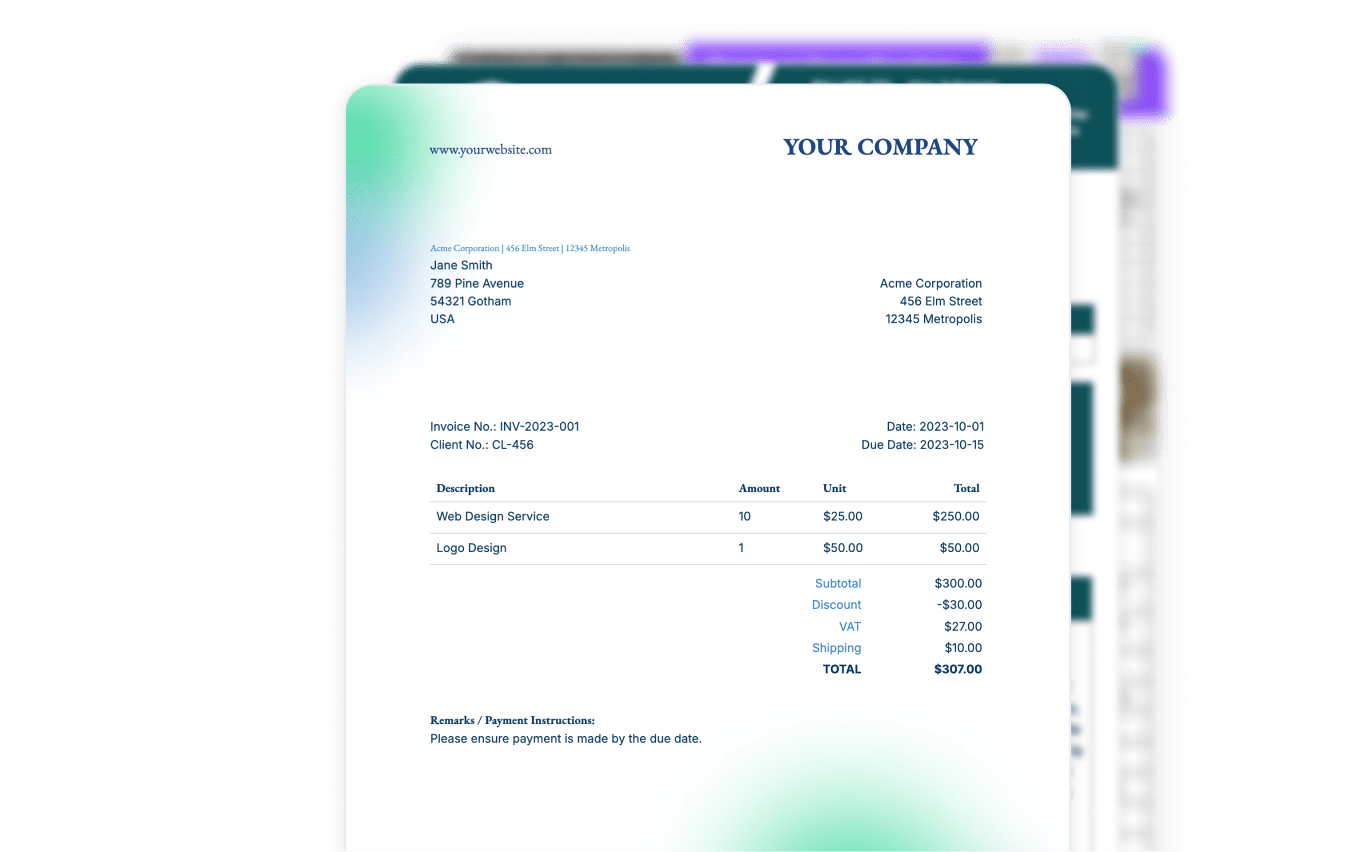
Step by Step Implementation Guide
Start automating & signing in minutes!
What the sales order brings to the contract
The fields of the sales order fill the placeholders in your template. All names and amounts are fictional.
The sales order in NetSuite
- Pending Approval
- Pending Fulfillment
- Partially Fulfilled
- Billed
- Customer
- Harbor Point Marine Supply
- Date
- 10/27/2026
- Sales Rep
- Marcus Bell
- Ship To
- 1180 Harbor Way, Tacoma, WA 98421
| Item | Quantity | Rate | Amount |
|---|---|---|---|
| Marine-grade rope, 600 ft spool | 24 | $185.00 | $4,440.00 |
| Stainless deck hardware kit | 40 | $310.00 | $12,400.00 |
| Delivery, quarterly | 4 | $250.00 | $1,000.00 |
| Total | $17,840.00 | ||
Three ways to connect NetSuite today
Works through Zapier, Make or your AI assistant

Zapier
The approved order starts the contract without a click.
- In DocsAutomator, create an automation with your supply agreement template, turn on signing, and make the customer's email on the sales order the signer, using a placeholder such as {{customer_email}}.
- In Zapier, use the NetSuite trigger "New Or Updated Record" with the record type Sales Order.
- Add a filter so that only the status Pending Fulfillment continues.
- Add the DocsAutomator action "Create Document" and map the customer, item and amount fields to the placeholders.
NetSuite is a premium app on Zapier, so the Zap needs a paid Zapier plan. The trigger checks NetSuite at intervals, so expect the contract some minutes after the approval. Orders that never needed approval also start at Pending Fulfillment, so this filter is for companies that approve their sales orders.

Make
A Make scenario that can also attach the signed PDF to the order itself.
- Start the scenario with the NetSuite module "Watch Records" on sales orders.
- Let only the status Pending Fulfillment continue.
- Add the DocsAutomator module that creates the document and map the fields.
Make offers the NetSuite app on its Enterprise plan only.


Claude or ChatGPT
Ask in a chat for the contract on a given order, and the assistant looks up the order and sends the contract.
- Connect NetSuite to Claude or ChatGPT with the NetSuite AI Connector Service. Each user sees only what their NetSuite role allows.
- Connect DocsAutomator to the same assistant. In Claude, add it from the Claude directory. In ChatGPT, add it from ChatGPT Plugins.
- Ask: "Create the supply agreement for Harbor Point Marine's approved sales order SO-20417 and send it to their buyer for signing."
- The assistant reads the sales order, fills the template and starts the signing request.
This route starts when you ask, not when the order is approved. NetSuite lists no file tool for the connector, so on this route the signed PDF reaches you by email and doesn't go onto the order.
The signed PDF on the sales order
Once the customer signs, DocsAutomator seals the PDF, adds a certificate page with the audit trail and sends a completion email with the link.
To file the PDF on the right order, name the document after the sales order's internal ID (for example Supply Agreement {{internal_id}}). On completion, DocsAutomator sends that name and the link to a web address you choose. A second Zap catches it, puts the PDF in the File Cabinet with "Upload File to File Cabinet", and attaches it to the sales order with "Attach Existing File to Record".
In Make, the same two steps are the modules "Upload a File" and "Attach a File".
What to know before you start
A NetSuite administrator sets up the connection once. For Zapier, that means installing the Zapier Automation SuiteApp and turning on REST Web Services and Token-Based Authentication. Make connects with token-based authentication and a role with web services access.
There's no trigger for an approved order. The Zapier and Make routes watch the sales order and check its status. If your account requires re-approval after an edit, the order drops back to Pending Approval, and the second approval starts a second contract. To stop that, also filter on a field of your own, such as a Contract sent checkbox.
What it costs
Questions about NetSuite and DocsAutomator
Start automating & signing in minutes!
Customer Voices
Don't take our word for it. Here's what our customers say about us:
It's incredible how easily we can connect it to other systems. [...] No similar software was found. It should be made mandatory. Docautomator has been our best choice so far! Always reliable! Thank you very much for making my day and work easier.

Ágota dr. Czirják-Nagy
I've just been looking for this app for weeks. DocsAutomator simply outperforms any competitor out there. I've tried almost every possible way to generate PDF from Airtable, and none offer half of the capacities DocsAutomator does.

Foulques de Moncade
This is the best value for money app for creating template. Easy to use, easy to set up, and we like to support small businesses. Keep going!
Aris Zagklis
DocsAutomator integrates very nicely with Airtable, letting my team create highly customized itineraries that handle dozens of variables. We've used the software for several years now and have no reason to shop around for other solutions.
Heather Wilson
DocsAutomator has decreased the amount of time I spend making the repeatable and batch documents I need for my business. [...] It's easy to set up and a very user friendly no code tool. Plus they are always making improvements. Love it.
Patrick Beseda
DocsAutomator has been a game-changer for our company when it comes to creating documents both internally and for our clients. The tool's ease of use has made it simple for us to design documents without the need for technical expertise.
Jesús Gazca
More integrations
Claude
Create documents, send them for signing and create e-invoices from a chat with Claude.
ChatGPT
Create documents, send them for signing and create e-invoices from a chat with ChatGPT.

Airtable
Airtable combines spreadsheet and database features for data organization and collaboration.

Notion
Notion is the connected workspace where better, faster work happens. Build wikis, manage projects, and run your business.

Google Sheets
Google Sheets is a cloud-based spreadsheet app for real-time collaboration.

Google Forms
Google Forms is a free online tool to create forms to collect and organize data efficiently.

Glide
Glide makes it easy to build custom business software powered by your data, without code.

Softr
Turn your siloed data and workflows into powerful custom software for your business, with AI built in.

SmartSuite
SmartSuite replaces disconnected point solutions with a modern platform that scales across functions.

Noloco
The fastest way to create custom internal tools, client portals, CRMs and other business tools.

ClickUp
ClickUp brings teams closer together with connected workflows, docs, real-time dashboards and more.
Zapier
You can automate a simple task or build an entire automated system, all on Zapier.

n8n
Flexible AI workflow automation for technical teams.
Make
AI automation you can visually build and orchestrate in real time.

API
Use our API to build connect your custom app and use the power of DocsAutomator.
Start automating & signing in minutes!
Ready to automate & sign your NetSuite documents?
Join 1,200+ businesses saving hours on document creation
Unlimited testing, no credit card required