Jotform to PDF Contracts, Sent for Signing
Powerful Document Automation & Signing for Jotform
Jotform submissions, turned into your own contract and sent for signing







Works through Zapier, Make or n8n. DocsAutomator has no native Jotform connection; this page shows only the routes that run today.
Some of the teams / institutions automating and signing their documents with DocsAutomator:







Contracts, quotes and sign-offs, signed or accepted with DocsAutomator
Some examples of our customers and the documents they automate and sign daily

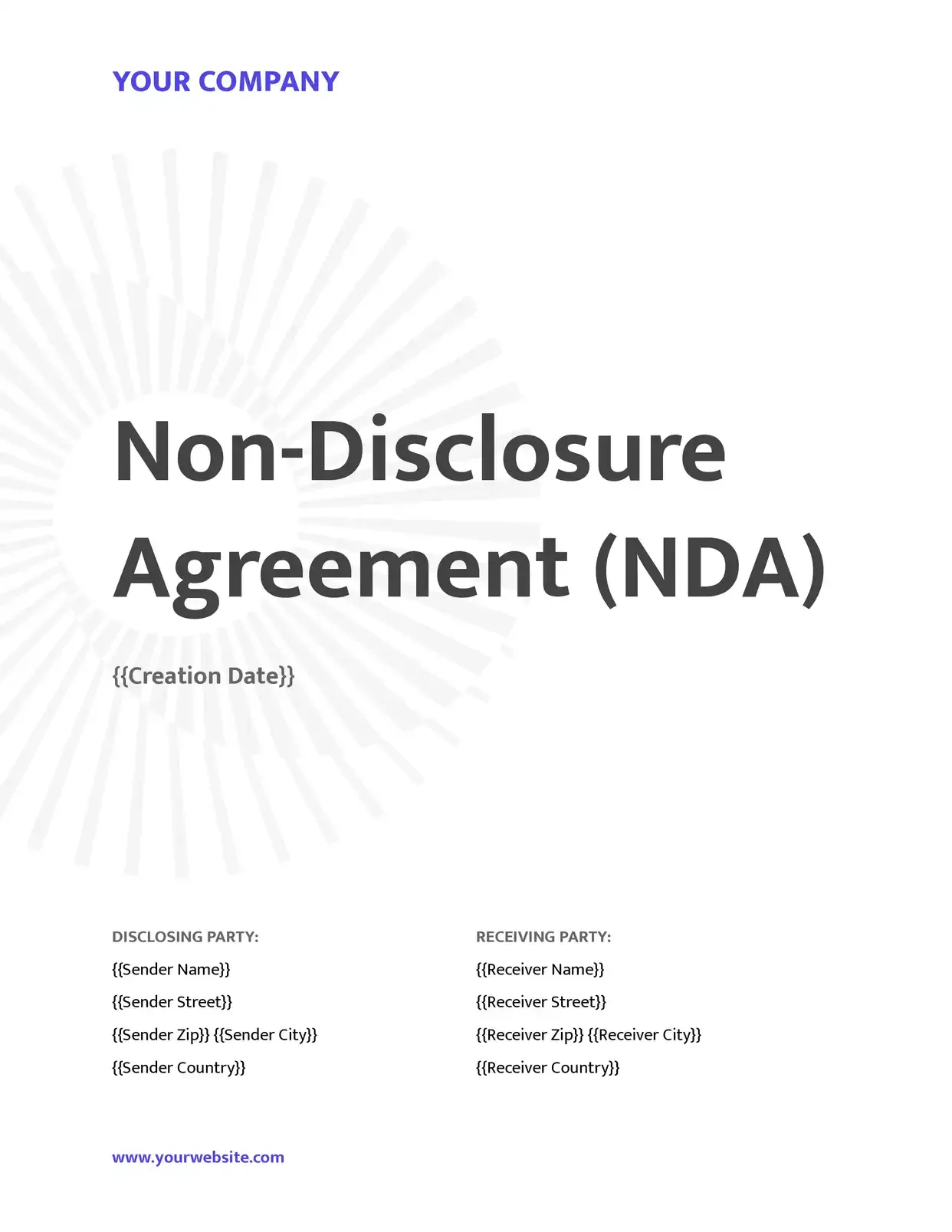 Signed
Contracts go out from your records, and clients sign them online.
Service agreements · Leases · NDAs · Engagement letters

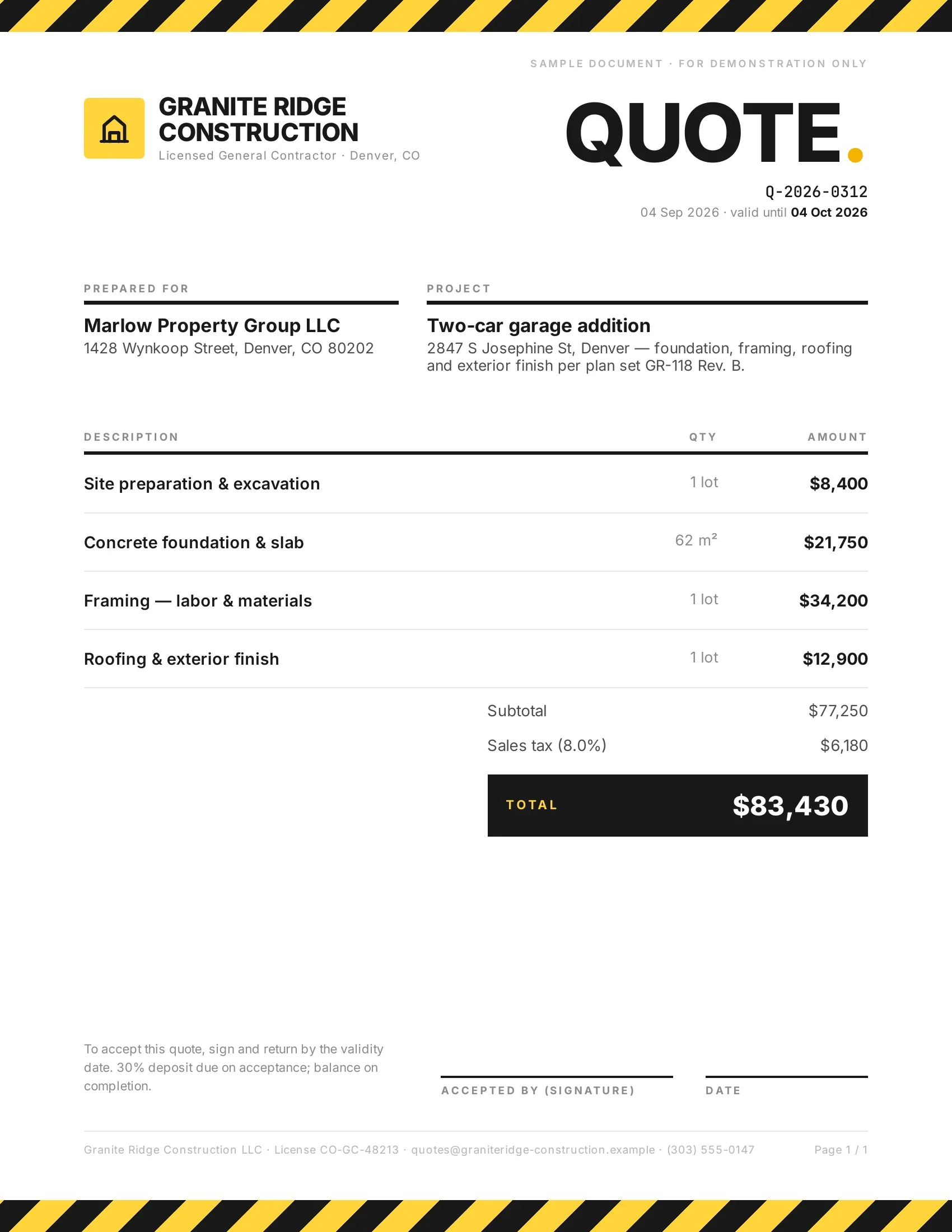 Accepted
Customers accept quotes and change orders in one tap, so work starts sooner.
Quotes · Estimates · Order confirmations · Change orders

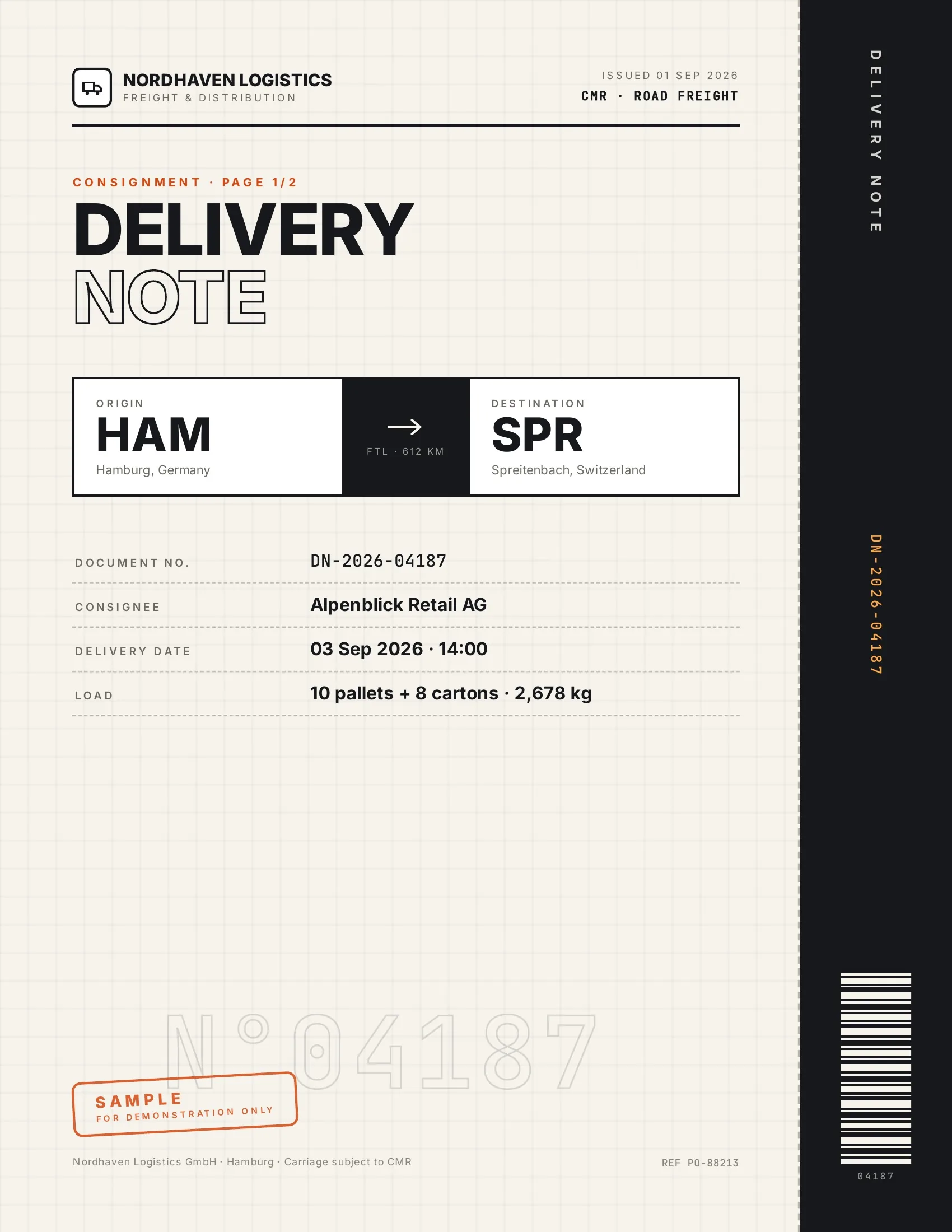 Accepted
Customers accept finished work and deliveries on their phone, on the spot.
Work orders · Handover reports · Inspection reports · Purchase orders

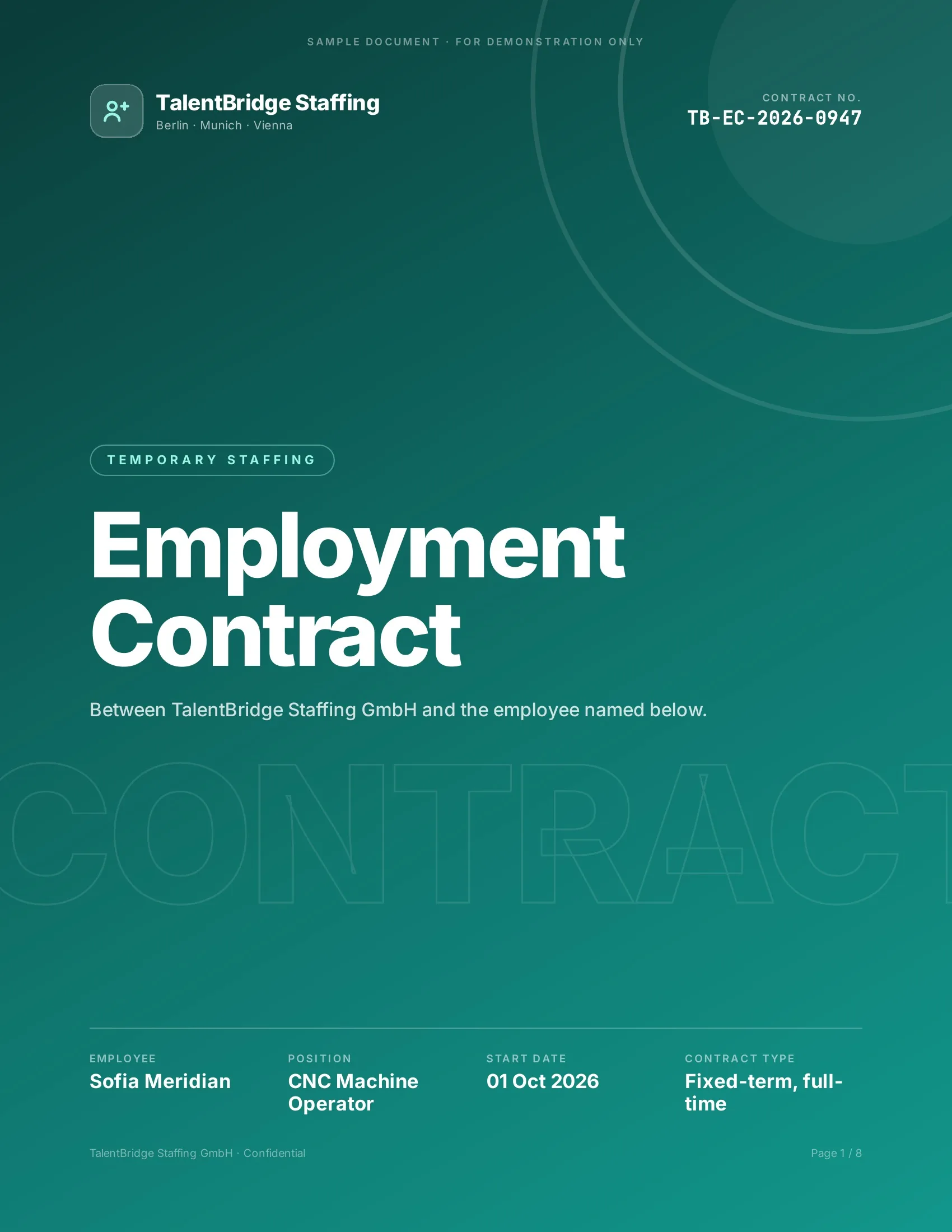 Signed
New hires, clients and students sign their paperwork before day one.
Employment contracts · Offer letters · Enrollment forms · Letters of authority
Strong reasons for choosing DocsAutomator to automate & sign your Jotform documents
All you need to effortlessly automate and sign your documents
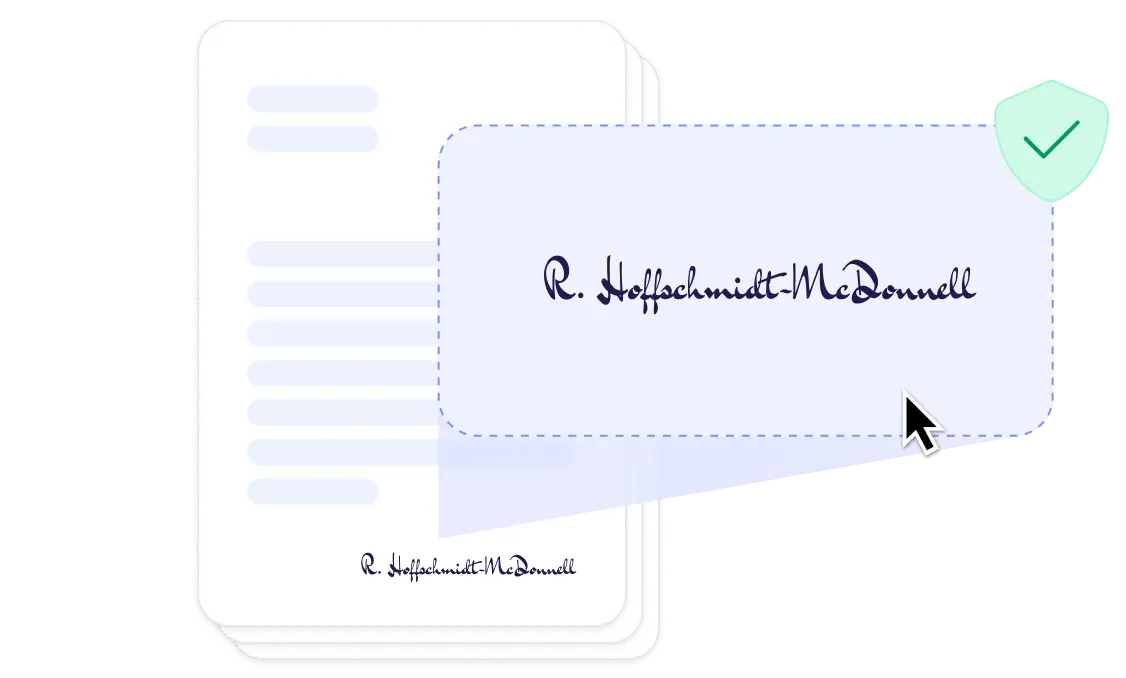

The agreement after someone submits the form
We connect the two. The submission starts the document, the answers fill your own template, and the person who filled in the form gets a link to sign or accept it.
Jotform does part of this itself. PDF Editor turns each submission into a PDF, and Jotform Sign collects signatures with an audit trail. DocsAutomator is for when the agreement is your own Word or Google Docs file, with your clauses and layout, that someone on your team keeps up to date.
Describe it, the AI agent builds it
Tell it what you need. It takes your template or drafts one, connects your data, sets up signing and runs a test. No setup screens.

Bring your own AI agent
Connect Claude, ChatGPT, or your own agent. It creates and sends documents within the limits and approvals you set.
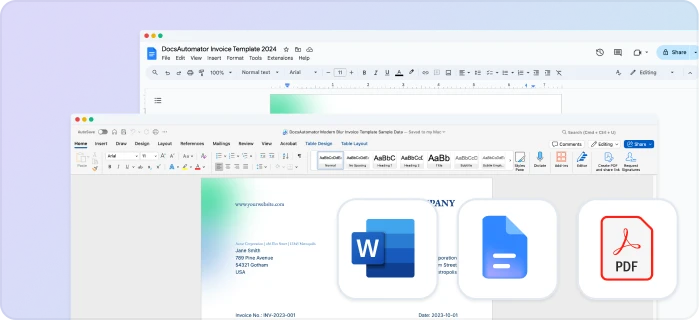
Your own Google Docs, Word or PDF templates
Keep writing your documents where you write them. DocsAutomator fills the placeholders.
Line items and nested tables
Invoices, quotes and any itemized list, straight from your data.
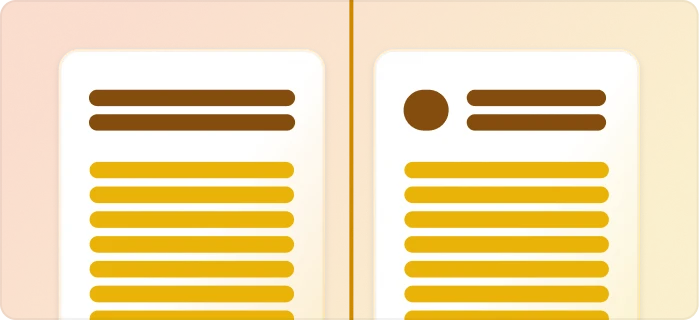
Conditional content
Sections, styling and images that show or hide based on the data.
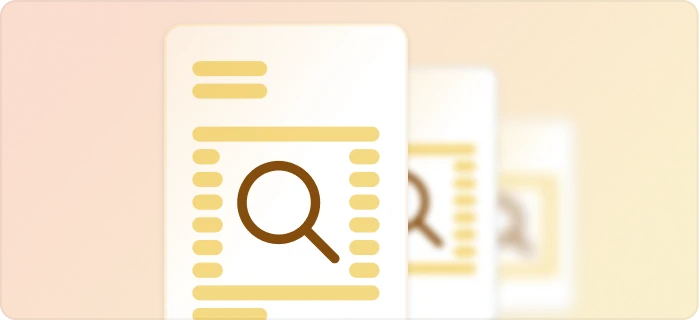
Preview mode
Unlimited previews until you're happy, and no credits wasted on testing.
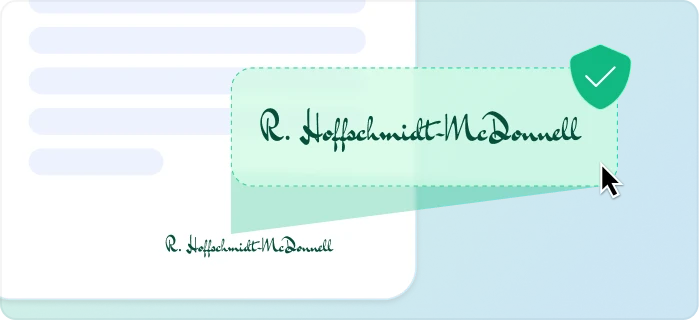
E-signatures, sent automatically
Legally binding, with a full audit trail. Nobody chases anyone.
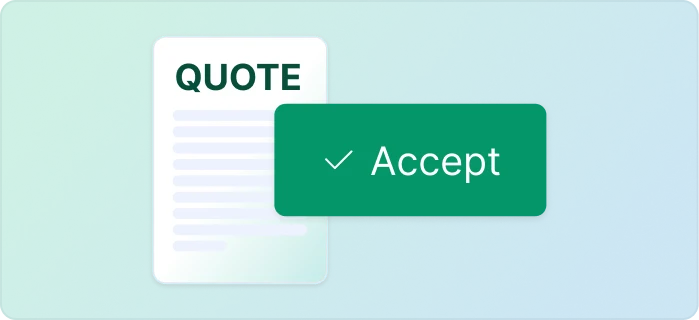
One-click acceptance for quotes
Your client accepts with one click. Recorded, no signature ceremony.
Signed or accepted copies delivered and filed automatically
Every finished document is emailed and saved back to your Airtable, Notion, sheet, or Drive folder.
Start automating & signing in minutes!
Set up in minutes, save weeks of work
Three steps from your submission to a signed document
Create a Google Docs or Word template
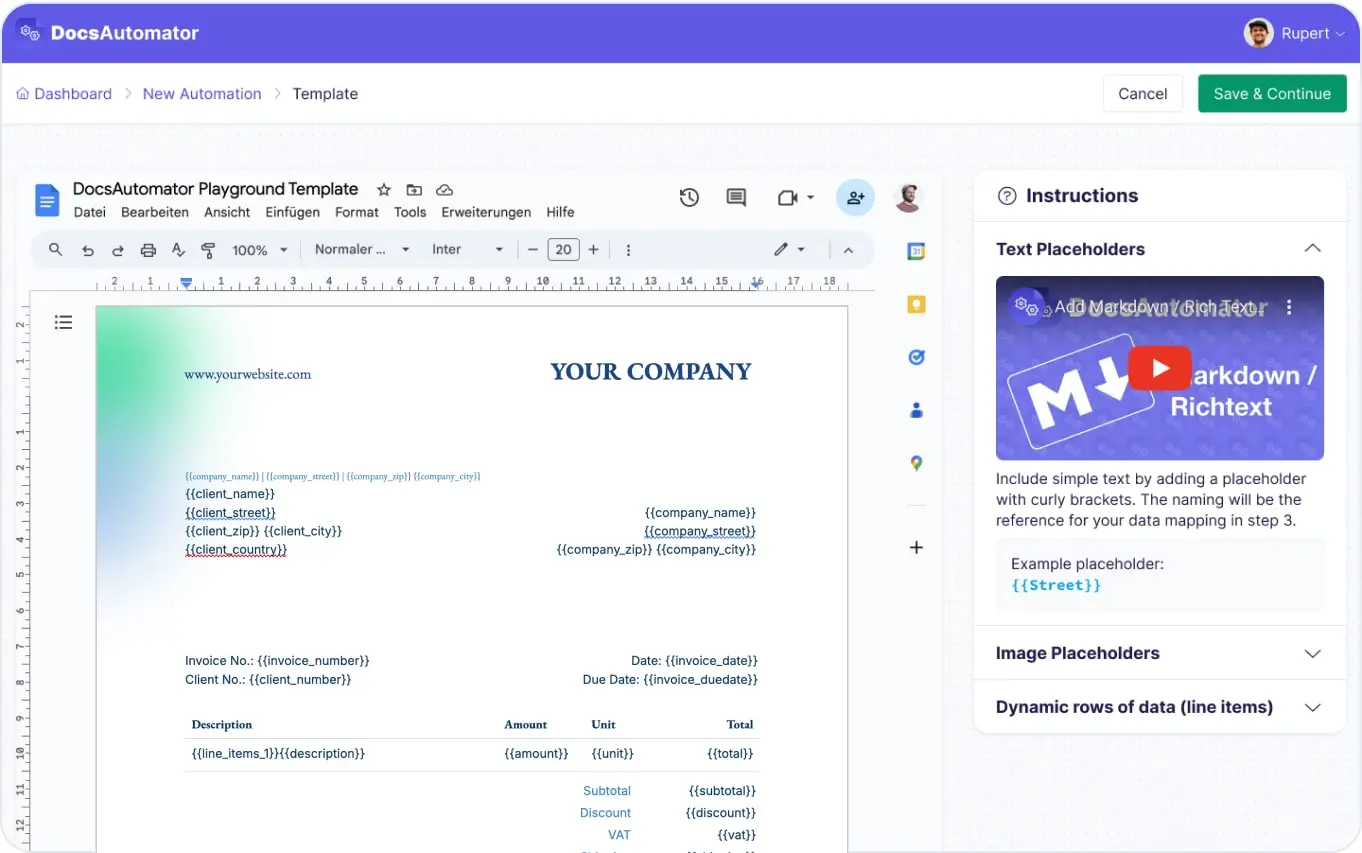
Map Data & Preview
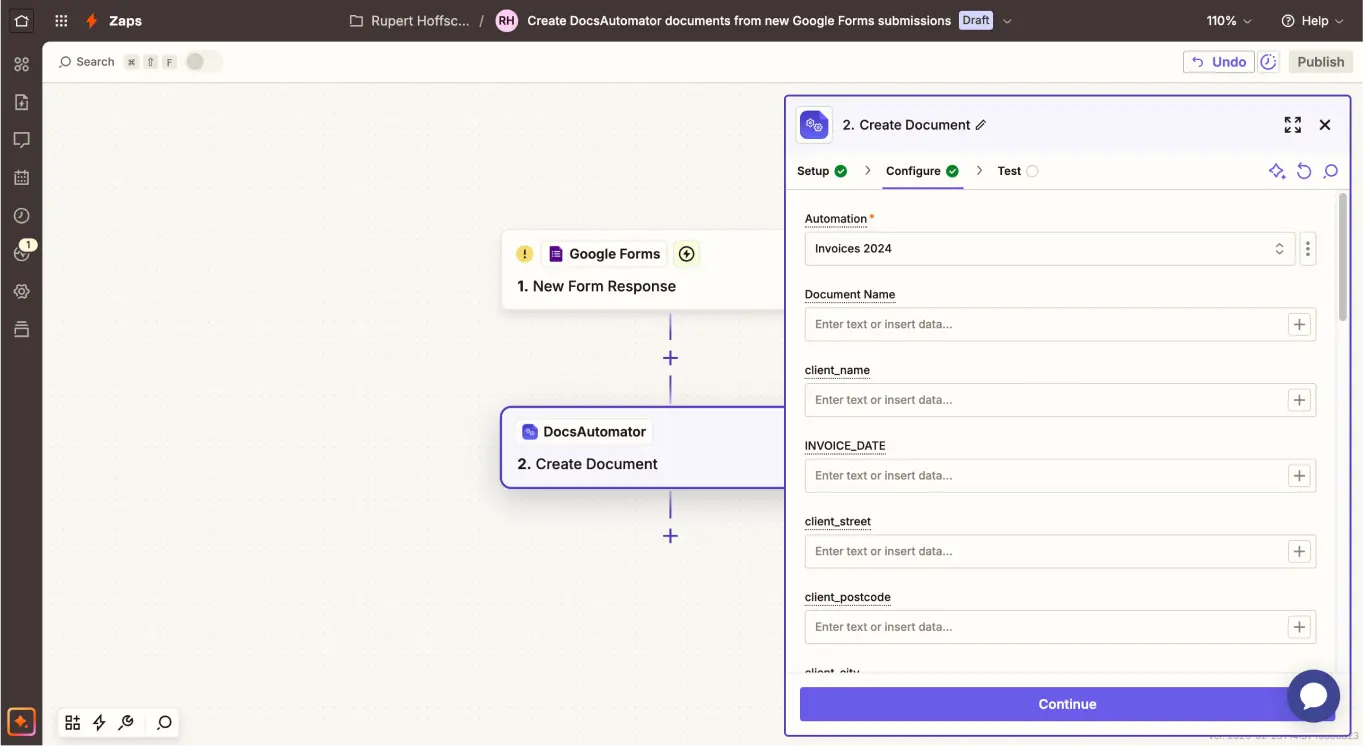
Connect Jotform
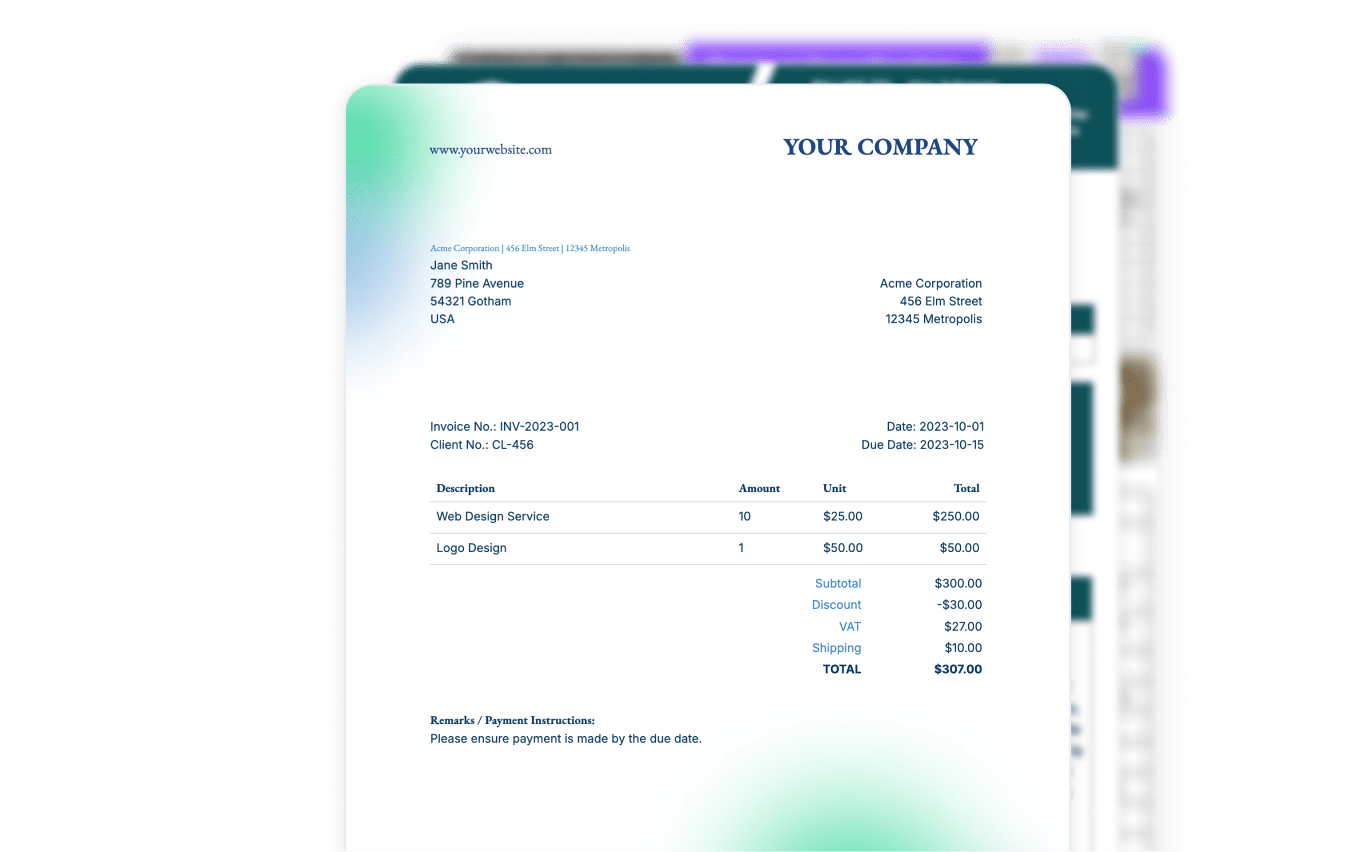
Step by Step Implementation Guide
Start automating & signing in minutes!
What the submission brings to the agreement
The fields of the submission fill the placeholders in your template. All names and amounts are fictional.
The submission in Jotform
- Full Name
- Jordan Ellis
- jordan.ellis@example.com
- Company
- Ellis Event Co.
- Rental Start
- 11/14/2026
- Rental End
- 11/16/2026
- Delivery Address
- 88 Riverside Ave, Austin, TX 78702
- Equipment
- 2 stage lighting kits, 1 PA system
Three ways to connect Jotform today
Works through Zapier, Make or n8n

Zapier
Each new submission starts the agreement the moment it arrives.
- In DocsAutomator, create an automation with your agreement template and turn on signing or acceptance. Set the recipient's email to a placeholder such as {{email}}.
- In Zapier, use the Jotform trigger "New Submission" and pick your form. It's instant.
- Add the DocsAutomator action "Create Document" and map the form's answers to the placeholders.
- Turn the Zap on. The person who submitted the form gets the link by email and signs.
Jotform isn't a premium app on Zapier and this Zap has only two steps, so it runs on a free Zapier account.

Make
The same flow as a Make scenario.
- Start the scenario with the Jotform module "Watch for Submissions" and pick your form. It starts when a submission arrives.
- Add the DocsAutomator module that creates the document and map the answers to the placeholders.
Make connects with a Jotform API key. Give the key Full Access so Make can create the webhook the trigger needs.

n8n
The same flow as an n8n workflow, self-hosted or on n8n Cloud.
- Start the workflow with the Jotform Trigger node and pick your form.
- Add the DocsAutomator node with the operation Document, Create, and map the answers to the placeholders.
Where the signed agreement goes
When the last signer has signed, DocsAutomator seals the PDF, adds a certificate page with the audit trail, and sends a completion email with a link to the PDF. It can also save the PDF to a Google Drive folder.
The PDF doesn't go back onto the submission in Jotform. Zapier, Make and n8n have no ready-made Jotform action that attaches a file to a submission or edits one. A second Zap, scenario or workflow can take DocsAutomator's completion notification and put the link in a spreadsheet or your CRM. In Zapier, that needs a paid plan.
What to know before you start
One submission makes one agreement, sent to the email address in the form. Make the email field required, or the agreement has no one to go to.
If your form collects rows of items with a Configurable List or an Input Table, send one test submission with several rows and check how they arrive in Zapier, Make or n8n before you rely on a table in the agreement that repeats for each row.
What it costs
Questions about Jotform and DocsAutomator
Start automating & signing in minutes!
Customer Voices
Don't take our word for it. Here's what our customers say about us:
Docsautomator give us the perfect solution for our needs. and the most important - they have GREAT support.

Isaac Eran
It's incredible how easily we can connect it to other systems. [...] No similar software was found. It should be made mandatory. Docautomator has been our best choice so far! Always reliable! Thank you very much for making my day and work easier.

Ágota dr. Czirják-Nagy
If you use automated document creation, this is an amazing app. We've used several others, and this blows the others away in: ease of creation of the automations, speed of execution, and responsiveness of the staff. Couldn't be happier.

Aaron Waldrip
I was looking for a convenient solution to generate Google docs based on Airtable data, which supported features like Line Items and Dynamic Folder Creation. I was thrilled to find DocsAutomator, the experience and support has been excellent.
Doug H.
DocsAutomator have helped me creating super complex documents which I had no clue how to create these with other tools as Zapier or Make.com. I have never been helped so quickly. I'm currently recommending this tool to all of my friends.

Stefan
I find this tool really great! Very rich, and so easy to use! the parameters are numerous and very well detailed. Preview mode allows you to immediately see our changes. [...] Not to mention the very fast and top-notch support!

Fred de Artistepro
More integrations

Claude
Create documents, send them for signing and create e-invoices from a chat with Claude.

ChatGPT
Create documents, send them for signing and create e-invoices from a chat with ChatGPT.

Airtable
Airtable combines spreadsheet and database features for data organization and collaboration.

Notion
Notion is the connected workspace where better, faster work happens. Build wikis, manage projects, and run your business.

Google Sheets
Google Sheets is a cloud-based spreadsheet app for real-time collaboration.

Google Forms
Google Forms is a free online tool to create forms to collect and organize data efficiently.

Glide
Glide makes it easy to build custom business software powered by your data, without code.

Softr
Turn your siloed data and workflows into powerful custom software for your business, with AI built in.

SmartSuite
SmartSuite replaces disconnected point solutions with a modern platform that scales across functions.

Noloco
The fastest way to create custom internal tools, client portals, CRMs and other business tools.

ClickUp
ClickUp brings teams closer together with connected workflows, docs, real-time dashboards and more.
Zapier
You can automate a simple task or build an entire automated system, all on Zapier.
n8n
Flexible AI workflow automation for technical teams.
Make
AI automation you can visually build and orchestrate in real time.

API
Use our API to build connect your custom app and use the power of DocsAutomator.
Start automating & signing in minutes!
Ready to automate & sign your Jotform documents?
Join 1,200+ businesses saving hours on document creation
Unlimited testing, no credit card required