
Free Google Docs Templates
With DocsAutomator's free Google Docs Templates, a curated collection of professionally designed free document templates, you can streamline your work and enhance your productivity.
Top 3 Order Templates
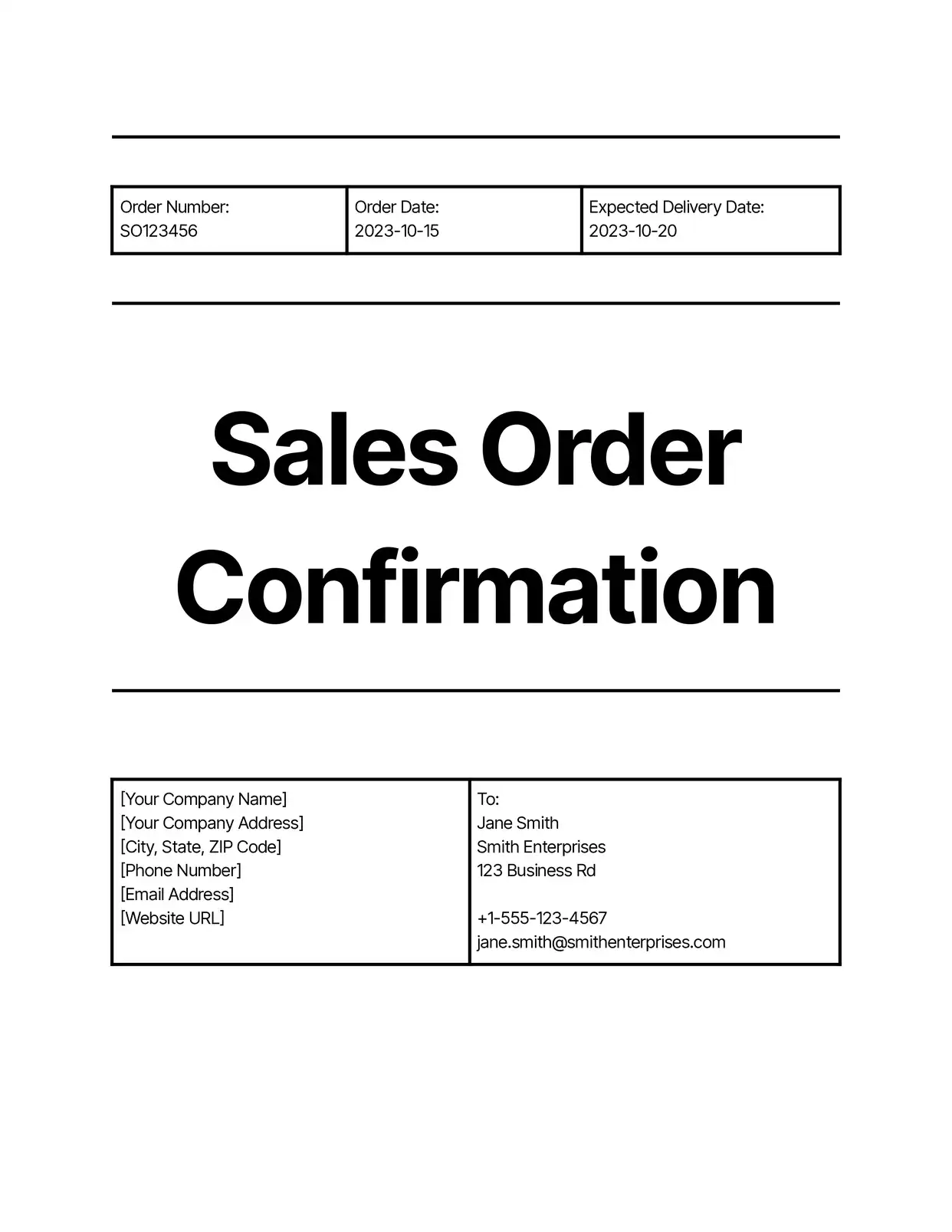
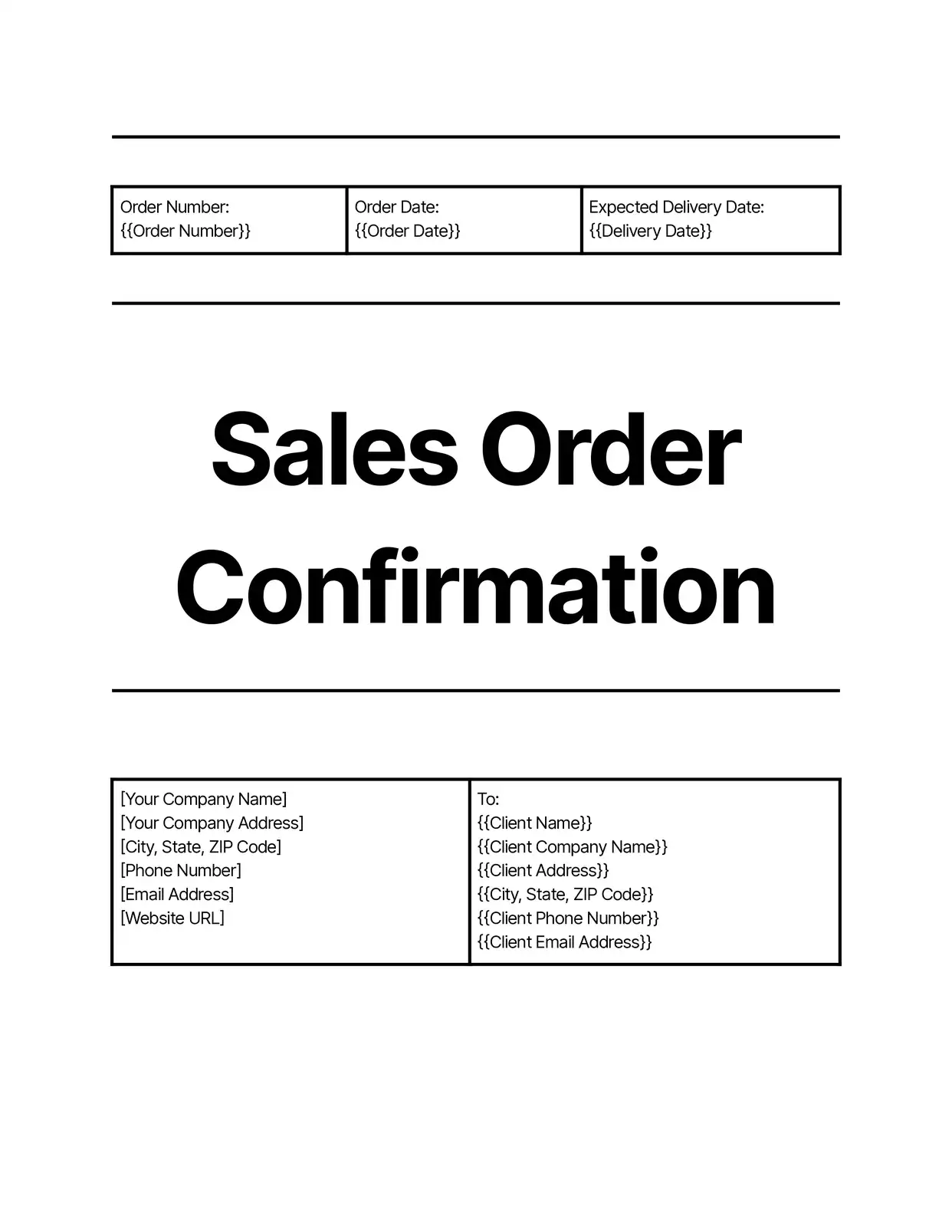

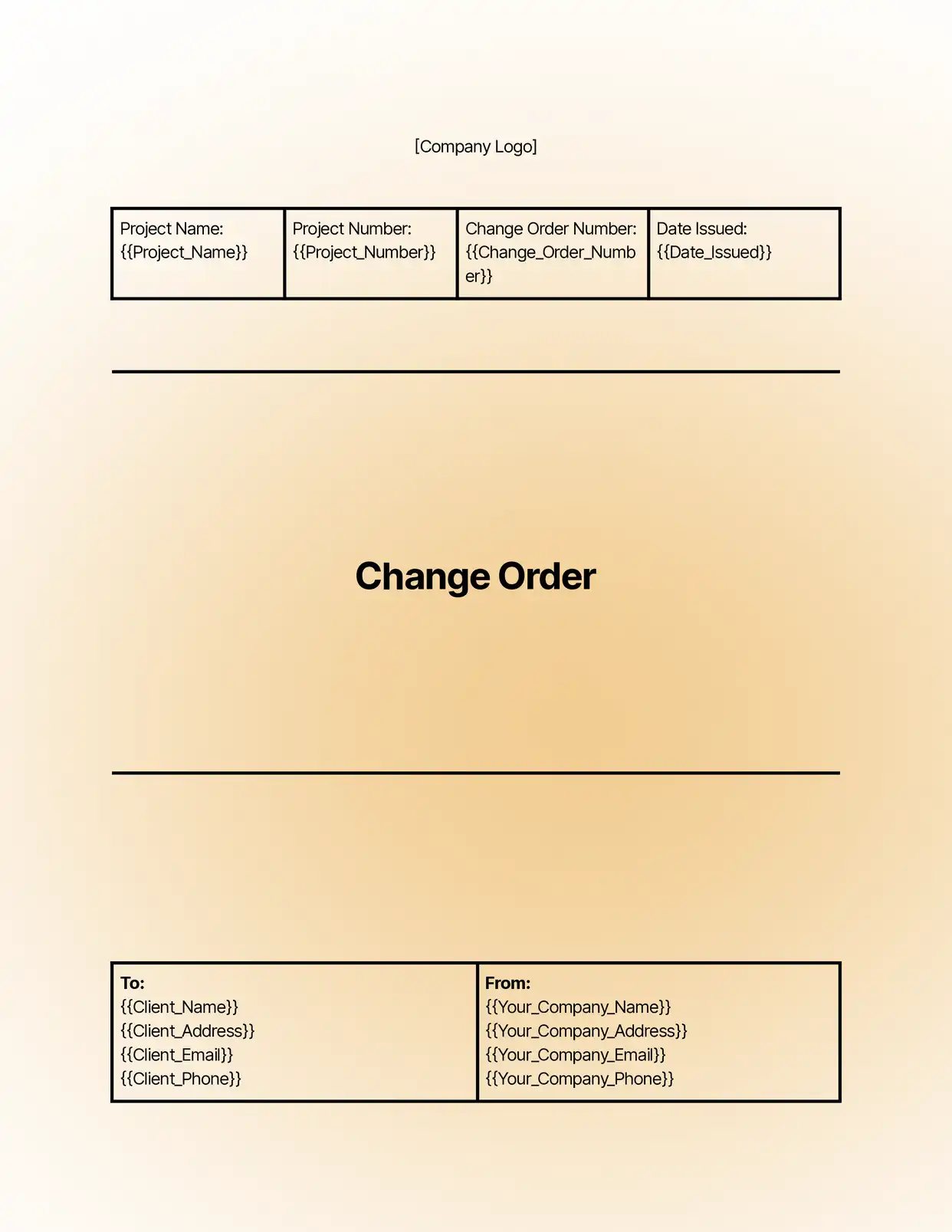
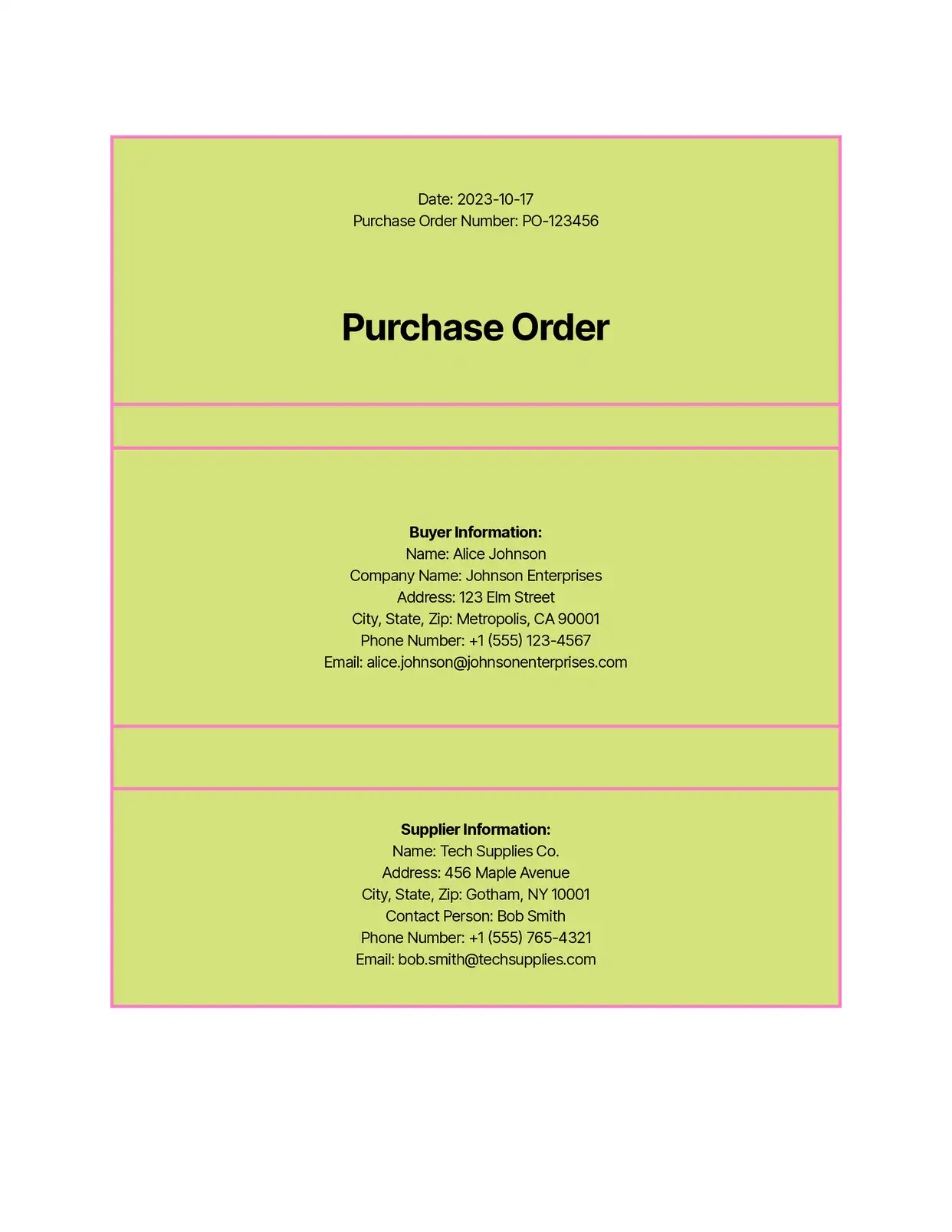

All Order Templates

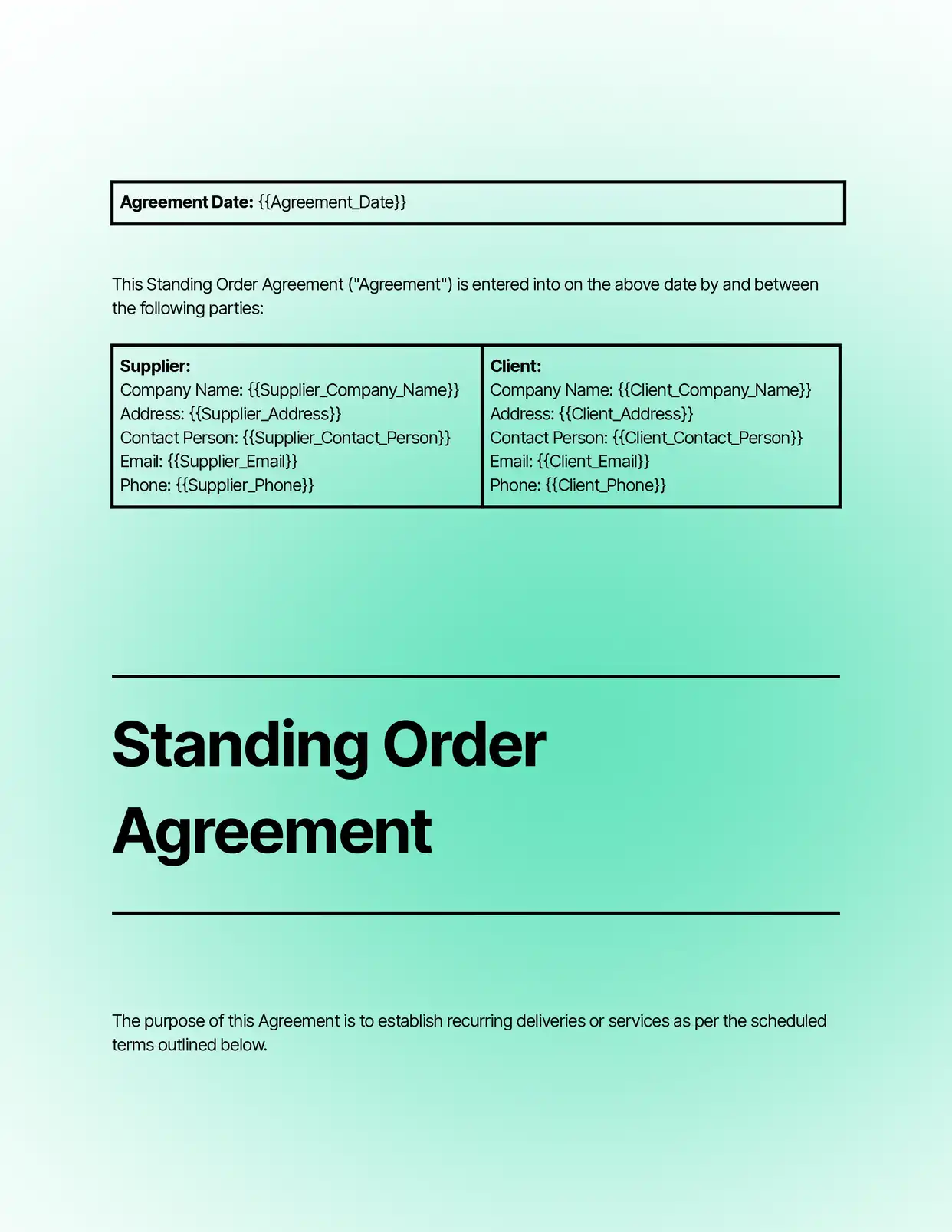
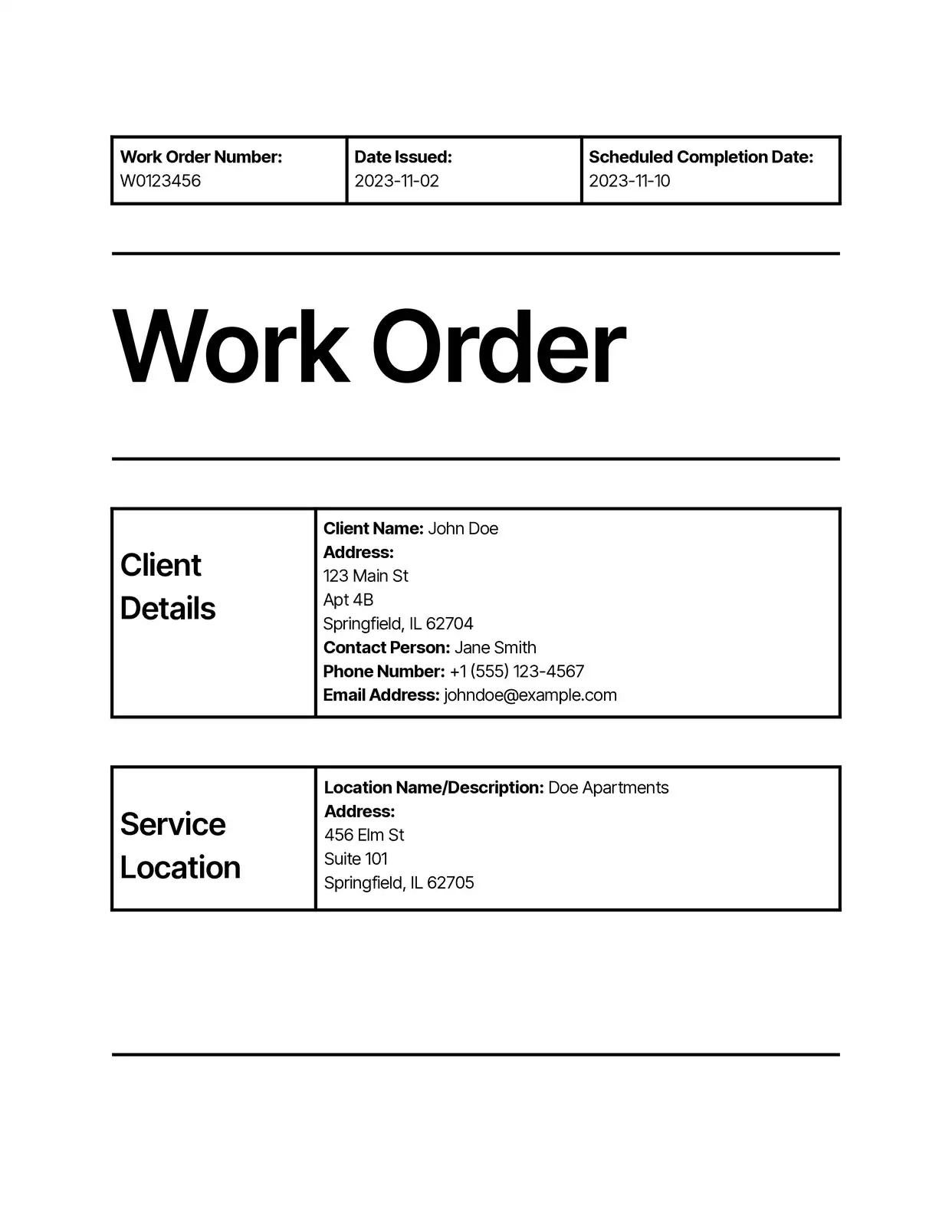
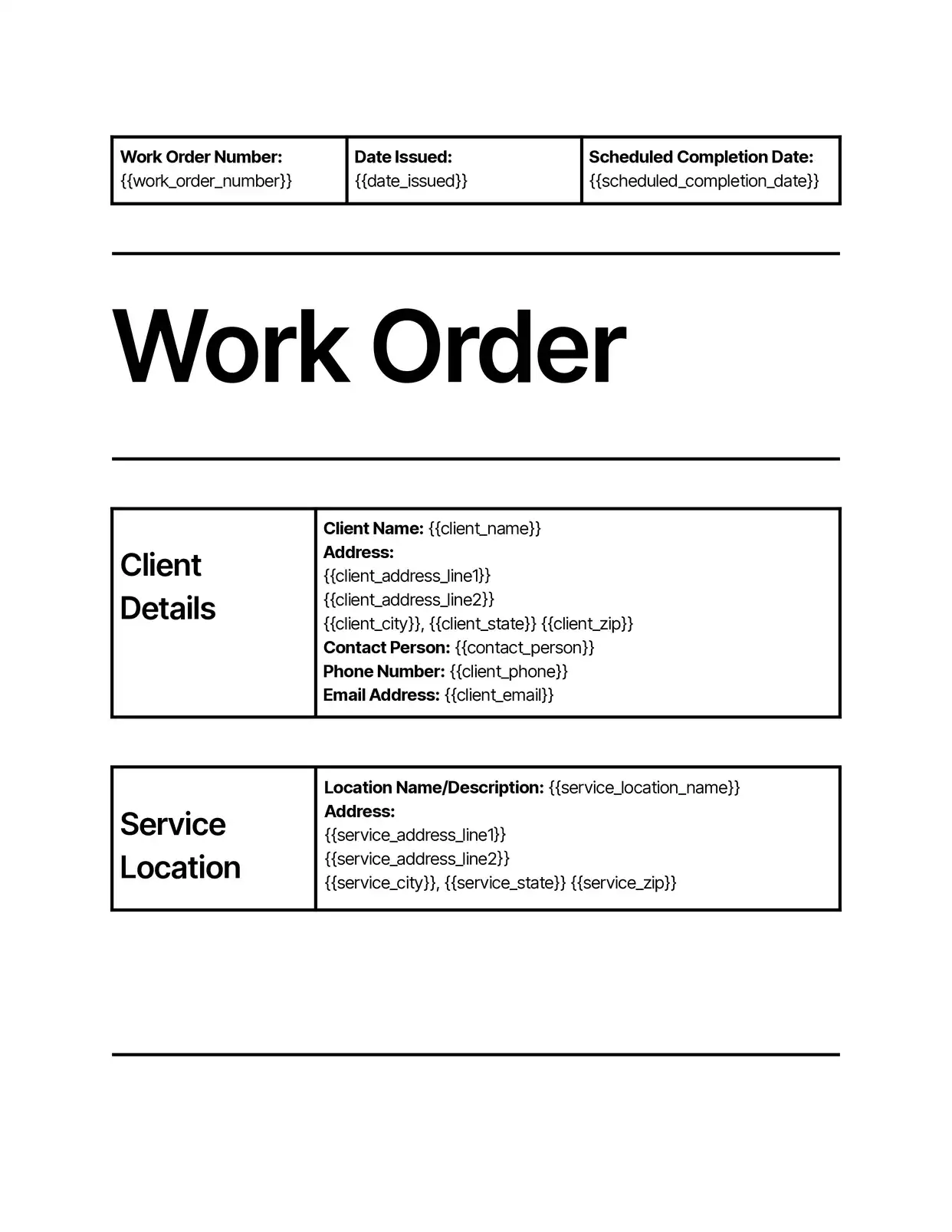

Why choose our free Google Docs Order templates?
- Professional Design - Our free Google Docs order templates feature a clean, professional layout that maintains consistency across all your business orders
- Automated Calculations - Built-in formulas in our Google Docs order templates automatically calculate totals, taxes, and discounts
- Complete Order Details - Pre-formatted sections for customer information, order items, shipping details, and payment terms
- Easy Customization - Modify the order template to match your brand identity and specific business requirements
- Line Item Support - Add multiple products or services with detailed descriptions, quantities, and pricing
- Digital-First Format - Perfect for modern business operations with easy sharing and cloud storage through Google Docs
Why use free Order templates?
Order templates are essential tools for businesses to streamline their sales process and maintain professional documentation of transactions. Using free order templates helps businesses standardize their ordering process, reduce errors, and save time on order processing. With DocsAutomator's free order templates in Google Docs, businesses can create, manage, and track orders efficiently while maintaining a professional appearance. These templates ensure all necessary information is captured consistently, making it easier to process orders, track inventory, and maintain accurate business records.
FAQ for Order Templates
What information is included in the order templates?
Our templates include fields for:
- Customer contact information
- Order number and date
- Product/service details
- Quantity and pricing
- Shipping information
- Payment terms
- Special instructions
Can I customize the order template branding?
Yes, you can add your company logo, adjust colors, and modify the layout to match your brand identity.
How do I handle multiple items in an order?
The template includes dynamic line items that can be easily added or removed to accommodate orders of any size.
Can I automate order number generation?
Yes, DocsAutomator supports automatic order number generation and sequential numbering.
Are calculations automated in the template?
Yes, the template automatically calculates subtotals, taxes, shipping costs, and final totals.
Can I integrate the order template with other systems?
Yes, DocsAutomator allows integration with Google Sheets and other data sources for automated order processing.
How do I save and organize completed orders?
Templates can be automatically saved to specific Google Drive folders and named according to your preferred convention.
Can I track order status with the template?
Yes, the template includes status fields and can be customized with tracking information.
Are the templates suitable for international orders?
Yes, templates can be customized for different currencies, languages, and international shipping requirements.
How do I share orders with customers?
Orders can be easily shared as PDFs or Google Docs links, with options for automated email distribution.
