
Free Google Docs Templates
With DocsAutomator's free Google Docs Templates, a curated collection of professionally designed free document templates, you can streamline your work and enhance your productivity.
Top 3 Request Templates
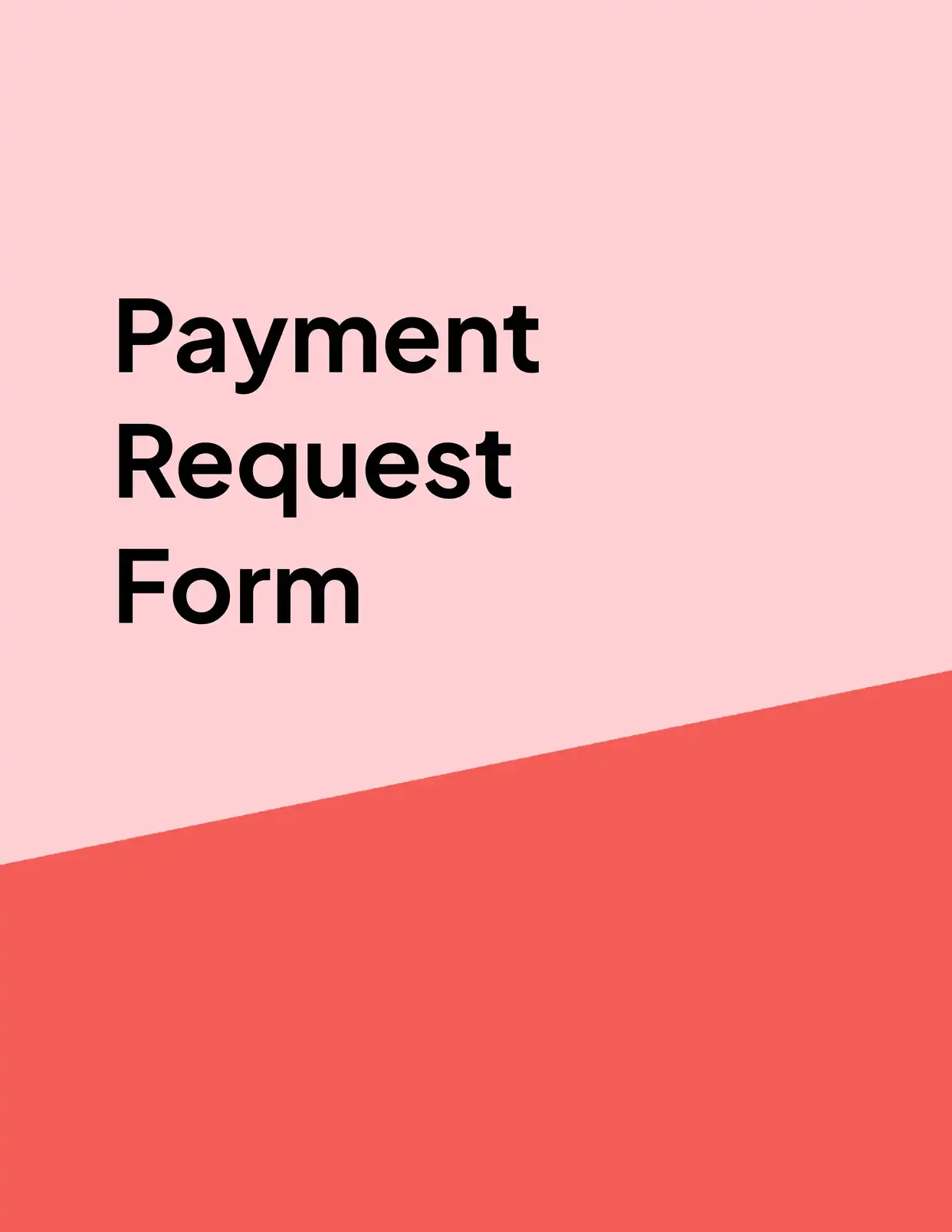
All Request Templates
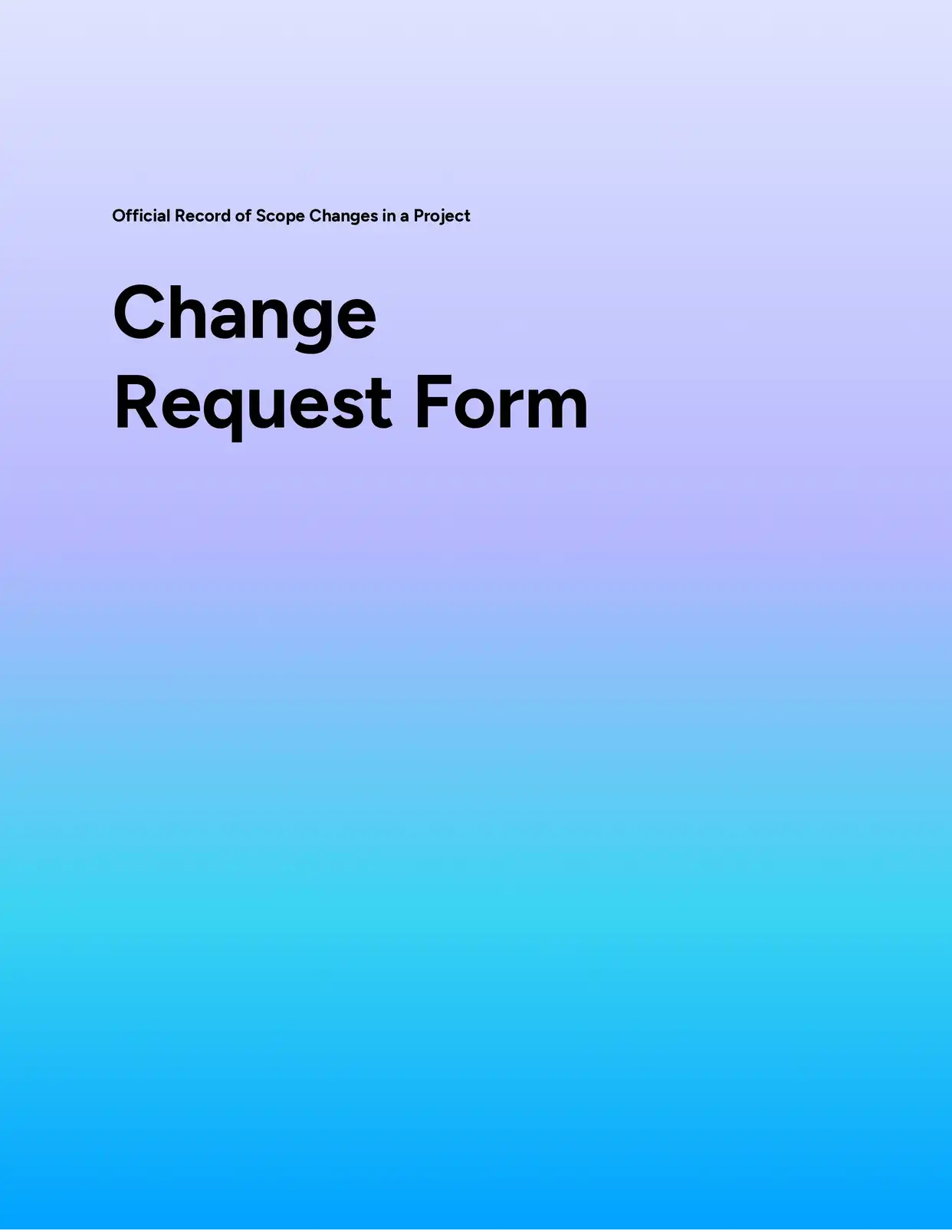
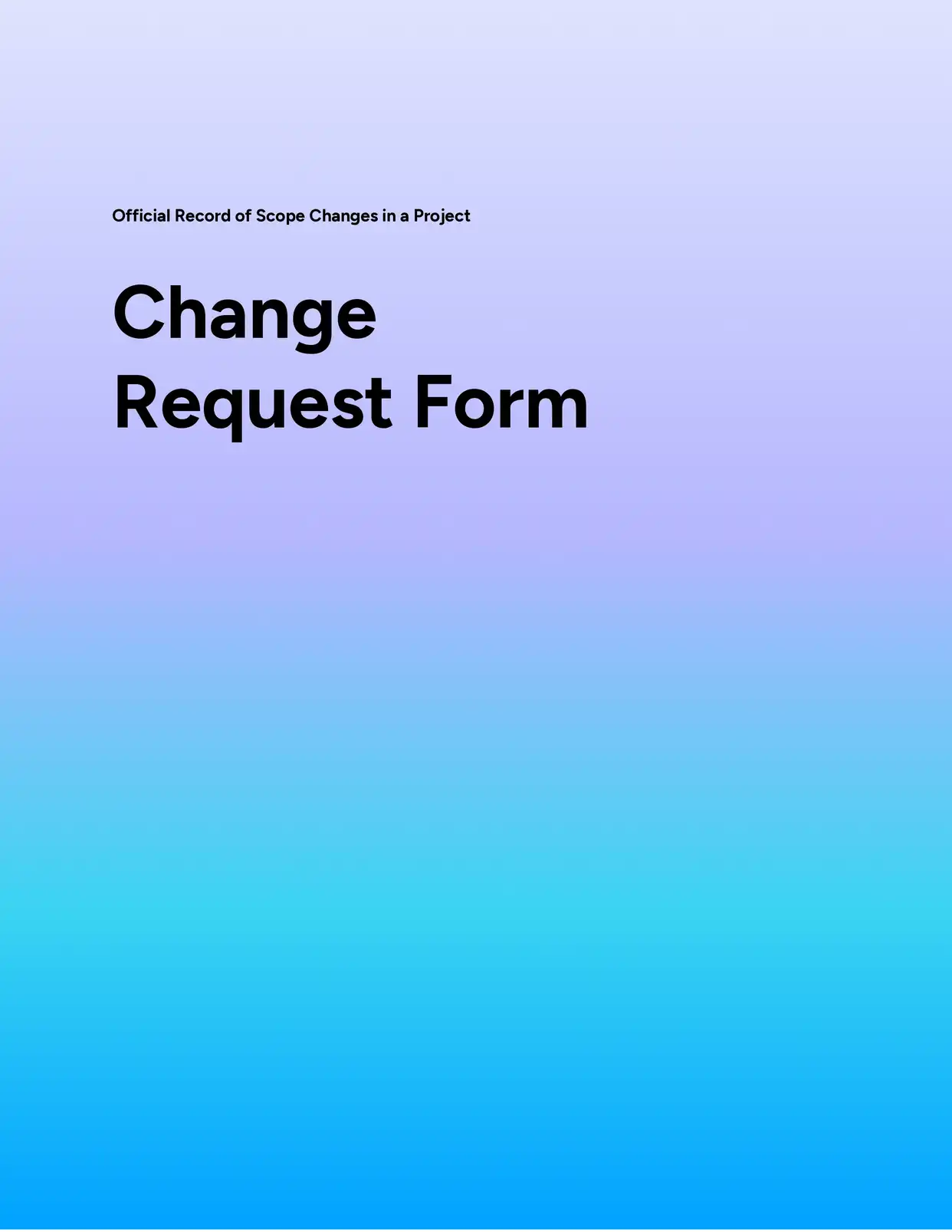
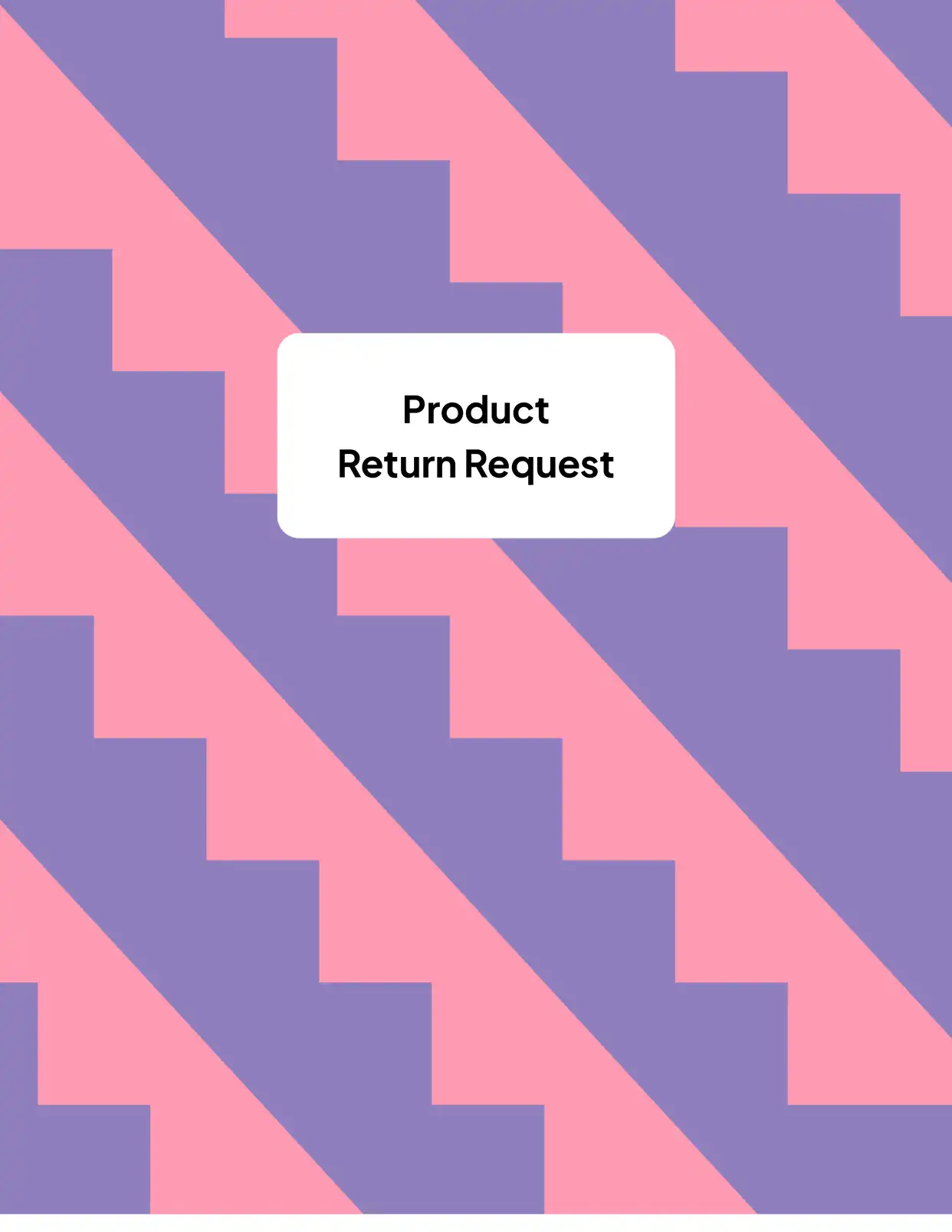

Why choose our free Google Docs Request templates?
- Professional Design - Our free Google Docs request templates offer polished, business-ready layouts for all types of requests
- Easy Customization - Built with Google Docs' familiar interface, making it simple to modify and personalize your request documents
- Multiple Request Types - Access templates for purchase requests, time-off requests, budget requests, and more
- Clear Structure - Pre-formatted sections that guide users through providing all necessary information
- Automated Fields - Integration with DocsAutomator for automatic date, reference number, and contact information population
- Mobile-Friendly - Create and submit requests from any device that supports Google Docs
Why use free Request templates?
Request templates streamline the process of making formal asks within an organization or to external parties. Whether you're requesting resources, time off, budget approvals, or other business needs, having a standardized template ensures that all necessary information is included and presented professionally. Free request templates save time, maintain consistency across departments, and help avoid common oversights in request submissions. With DocsAutomator's free request templates in Google Docs, users can quickly create professional-looking requests while ensuring all required elements are properly formatted and included.
FAQ for Request Templates
What types of requests can I create with these templates?
Our templates cover various request types including:
- Purchase requests
- Time-off requests
- Budget requests
- Resource requests
- Project approval requests
- Change requests
Can I modify the request form fields?
Yes, all fields and sections can be customized to match your organization's requirements.
How do I add my company logo to the request template?
The templates include designated areas for company branding and logos that can be easily updated.
Can multiple people review the request?
Yes, Google Docs' sharing features allow for multiple reviewers and approvers.
Are the templates suitable for formal business requests?
Yes, all templates follow professional standards and business etiquette.
How do I track request status?
The templates include status fields that can be updated throughout the approval process.
Can I save the template for repeated use?
Yes, you can save copies of the template for future requests while maintaining the original format.
Do the templates include approval sections?
Yes, there are dedicated areas for approval signatures and timestamps.
How do I attach supporting documents?
The templates include sections for referencing or linking to supporting documentation.
Can I automate the request numbering system?
Yes, with DocsAutomator you can automatically generate unique request reference numbers.
