
Free Google Docs Templates
With DocsAutomator's free Google Docs Templates, a curated collection of professionally designed free document templates, you can streamline your work and enhance your productivity.
Top 3 Quotation Templates
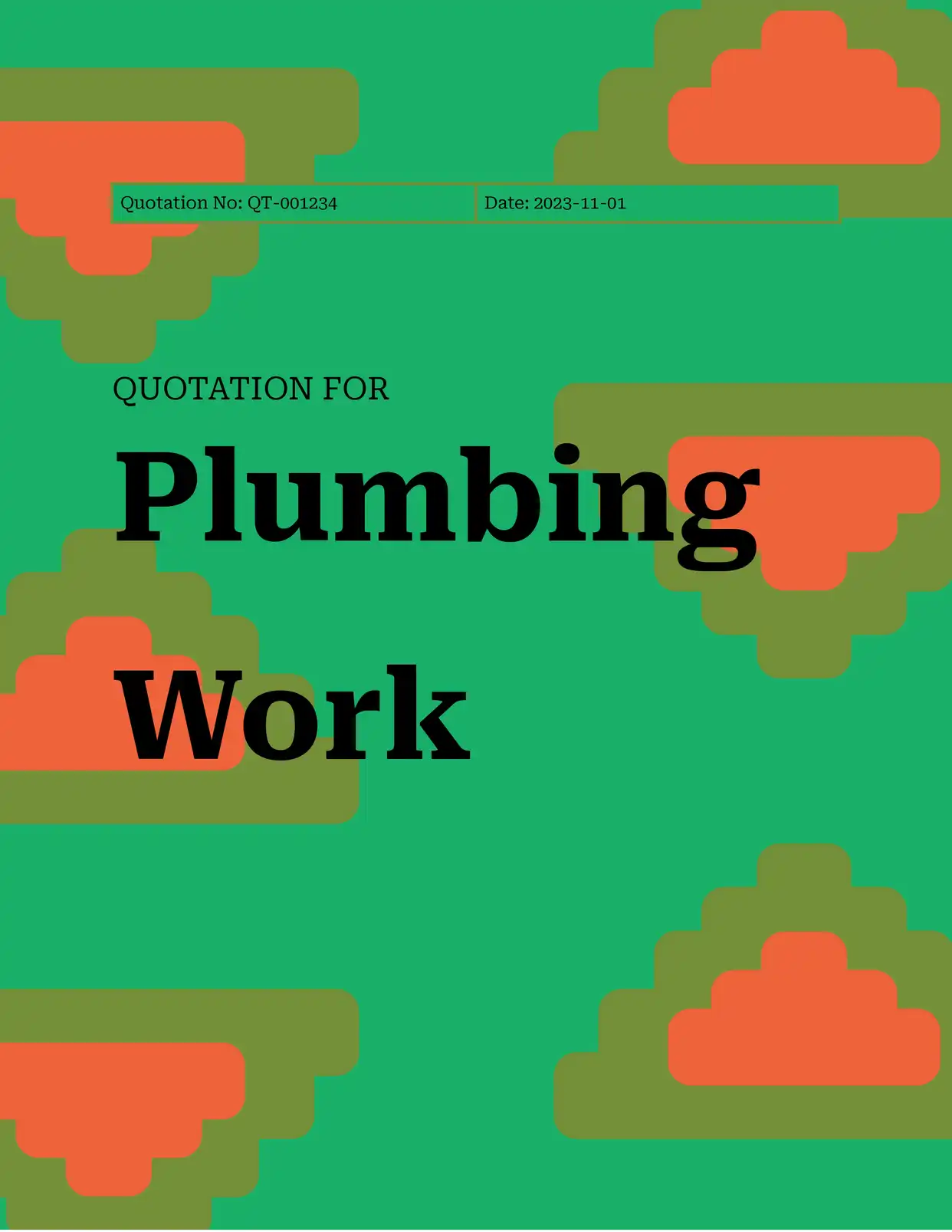
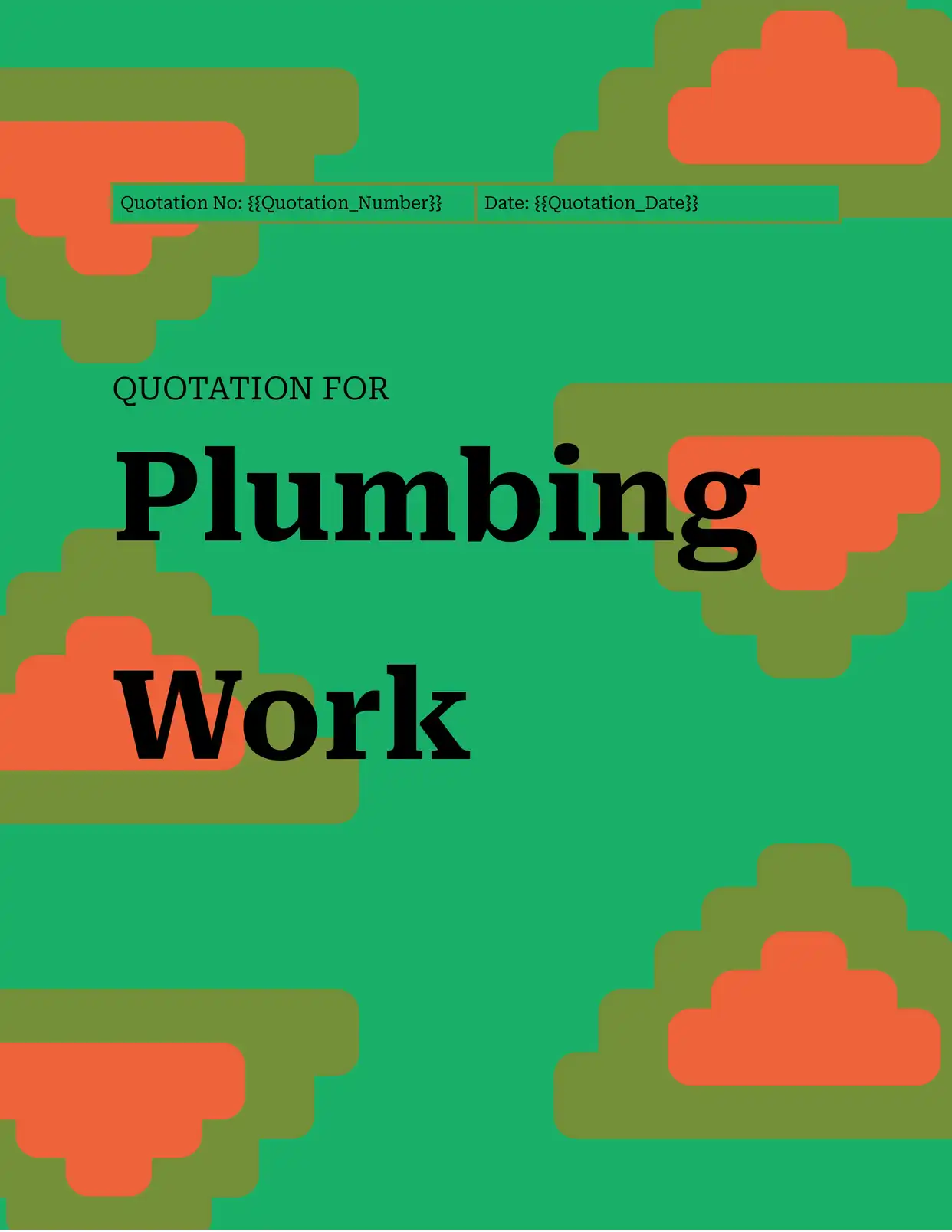
All Quotation Templates
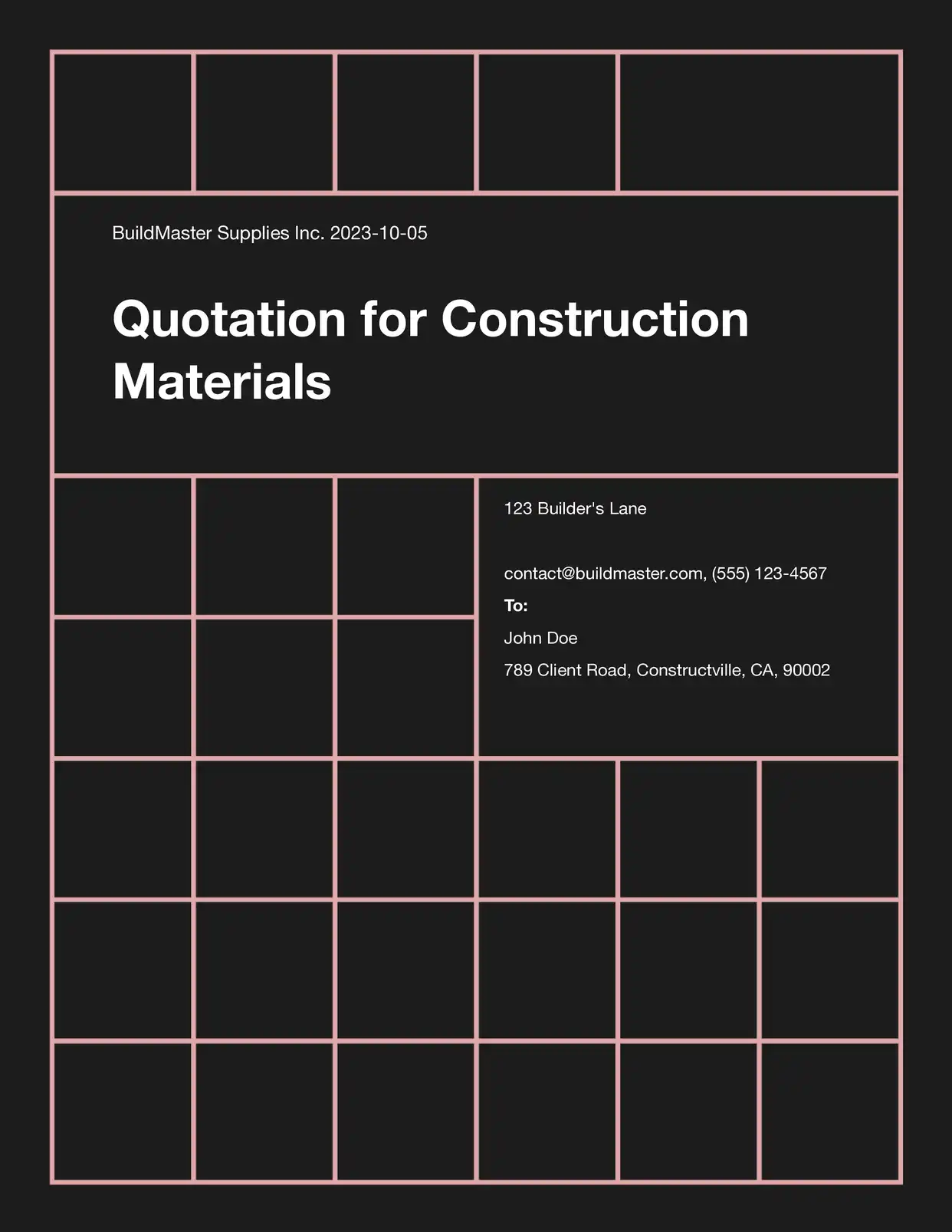
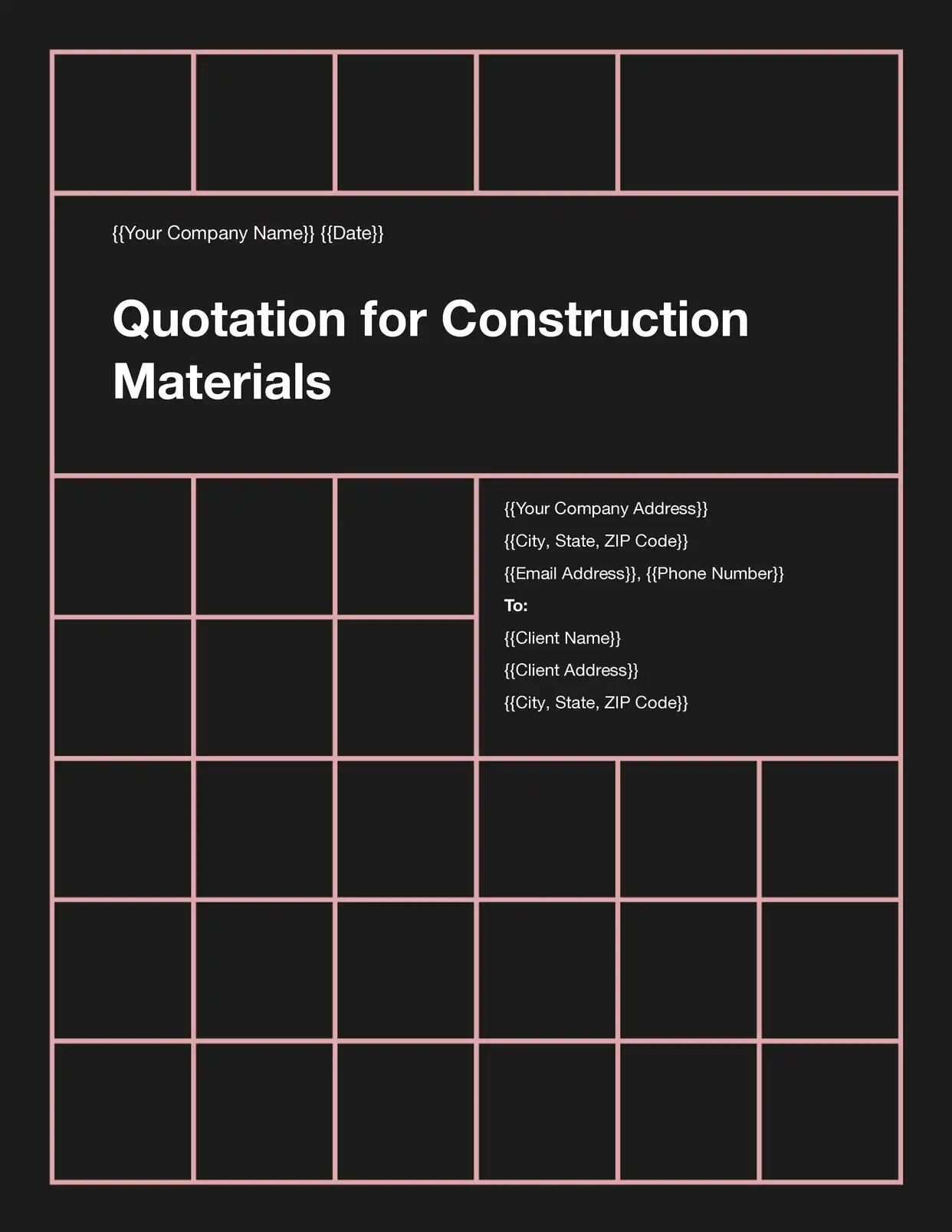
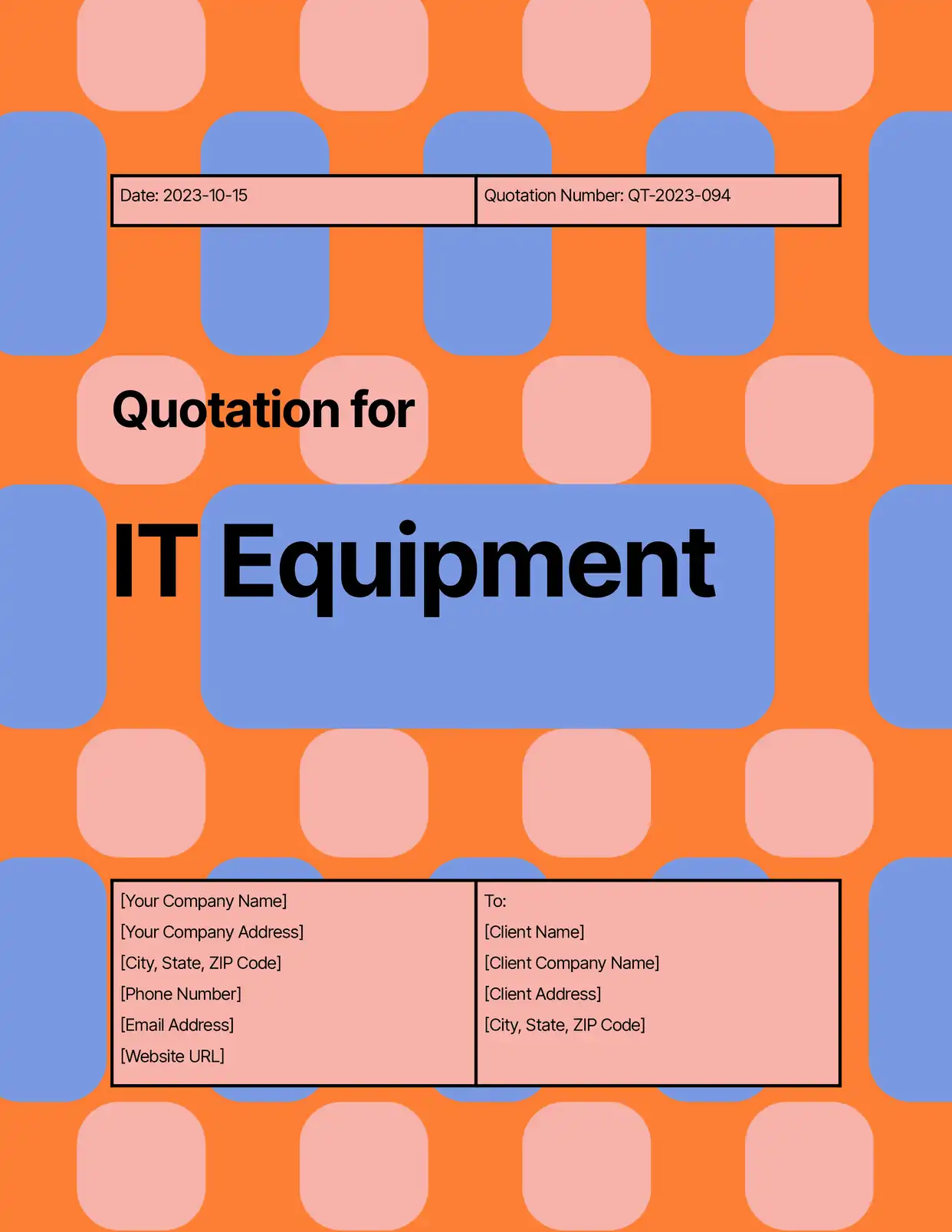
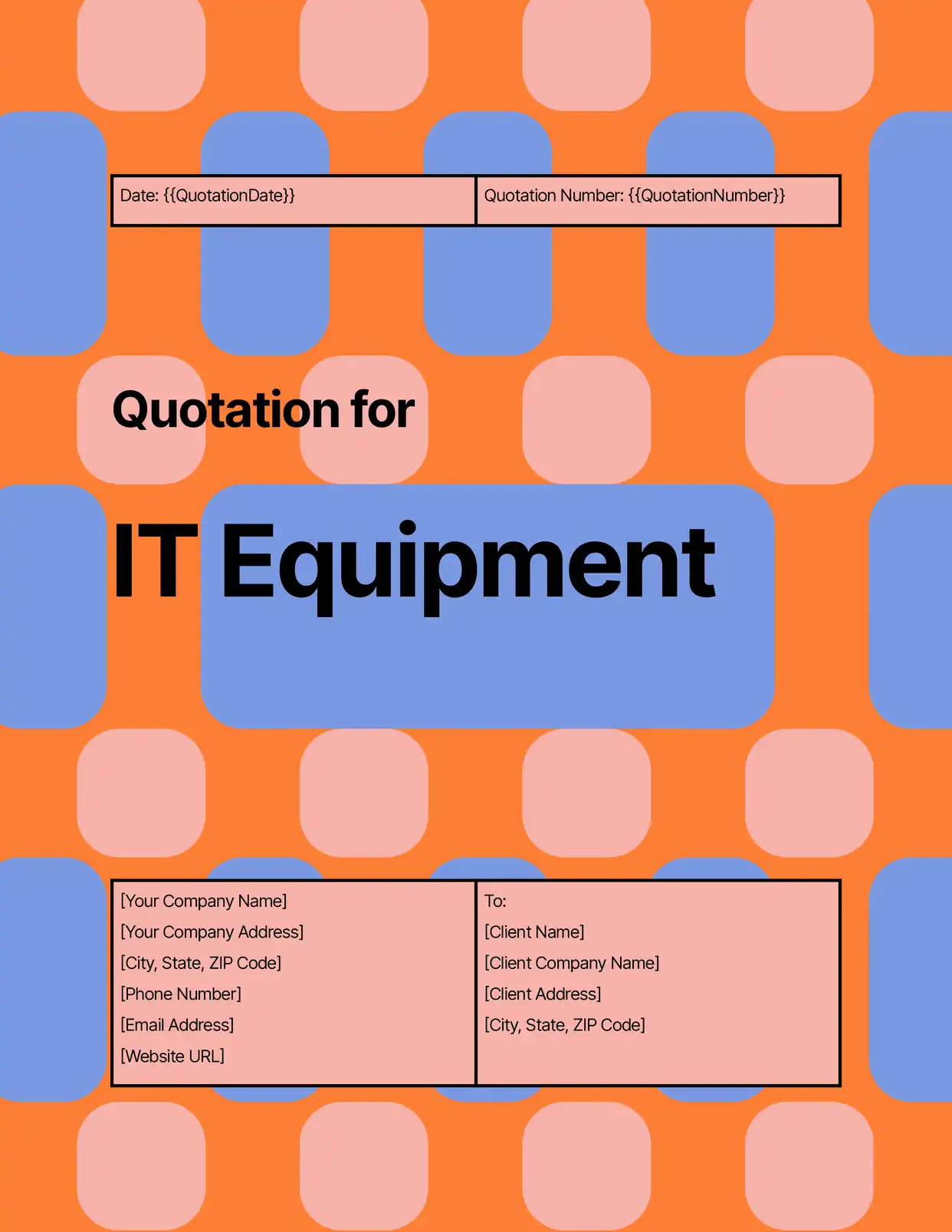

Why choose our free Google Docs Quotation templates?
- Professional Formatting - Our free Google Docs quotation templates feature clean, business-ready layouts that inspire confidence
- Automatic Calculations - Built-in formulas help you calculate totals, taxes, and discounts accurately
- Multiple Styles - Choose from various quotation template designs to match your business needs
- Easy Customization - Modify our Google Docs quotation templates with your branding and specific pricing structure
- Line Item Support - Include detailed product or service descriptions with our flexible line item system
- Ready-to-Use Sections - Pre-formatted areas for terms and conditions, payment details, and company information
Why use free Quotation templates?
Creating professional quotations is essential for any business transaction, but designing them from scratch can be time-consuming and prone to errors. Free quotation templates provide a standardized, professional format that ensures consistency and accuracy in your price communications. With DocsAutomator's free quotation templates in Google Docs, businesses can quickly generate polished quotes that include all necessary details, from itemized pricing to terms and conditions, while maintaining a professional appearance that helps win business.
FAQ for Quotation Templates
What information can I include in the quotation template?
Our templates support all essential quotation elements including:
- Company details
- Client information
- Item descriptions
- Pricing breakdowns
- Terms and conditions
- Payment terms
Can I add my company logo to the quotation?
Yes, all templates include a designated space for your company logo and branding elements.
How do I calculate totals and taxes?
The templates include pre-configured formulas for automatic calculation of subtotals, taxes, and final amounts.
Are the templates suitable for different currencies?
Yes, the templates can be easily adapted to work with any currency and pricing format.
Can I save quotations as PDFs?
Yes, you can easily export your completed quotations as professional PDF documents.
How do I modify the payment terms?
Templates include customizable payment terms sections that can be adjusted to your specific requirements.
Can multiple team members work on quotations?
Yes, Google Docs' collaborative features allow team members to create and review quotations together.
Are the templates mobile-friendly?
Yes, quotations can be viewed and edited on any device through Google Docs.
How do I include discounts in my quotations?
The templates feature built-in sections for both item-specific and overall discounts.
