
Free Google Docs Templates
With DocsAutomator's free Google Docs Templates, a curated collection of professionally designed free document templates, you can streamline your work and enhance your productivity.
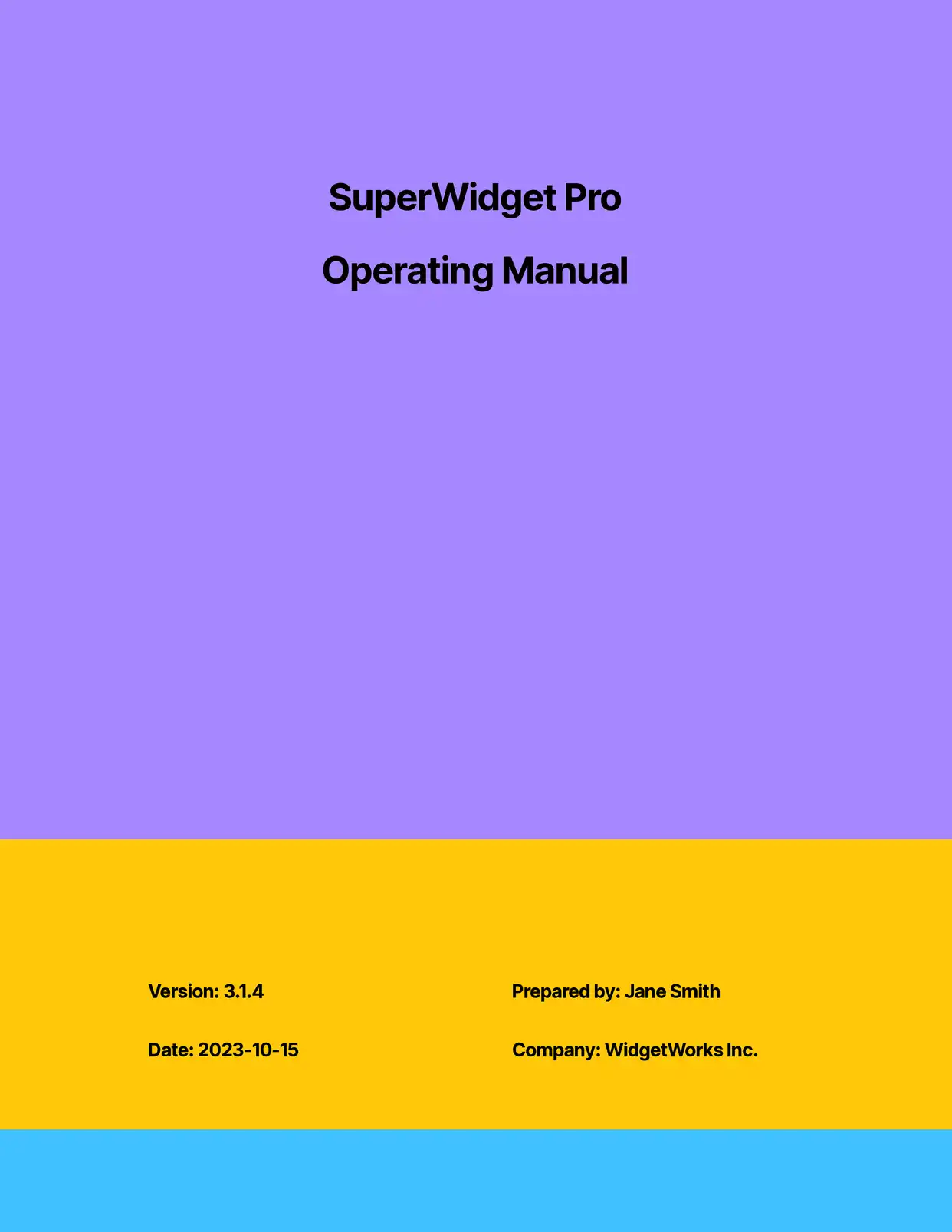
Top 3 Instruction Templates




All Instruction Templates




Why choose our free Google Docs Instruction templates?
- Professional Instruction Layout - Our free Google Docs instruction templates feature clear, easy-to-follow formatting designed for maximum comprehension
- Ready-to-Use Sections - Each instruction template includes pre-formatted sections for steps, materials needed, and important notes
- Customizable Instructions - Easily modify these Google Docs instruction templates to match your brand or specific requirements
- Visual Integration Support - Built-in placeholders for images, diagrams, and screenshots to enhance your instructions
- Step-by-Step Structure - Pre-designed formatting for numbered steps, warnings, and tips to create clear instructions
- Multi-Language Ready - Templates designed to support multiple language versions of your instructions
Why use free Instruction templates?
Creating clear, well-structured instructions is crucial for effective communication, whether for product manuals, training guides, or standard operating procedures. Free instruction templates provide a consistent and professional foundation that ensures your documentation is organized, easy to follow, and comprehensive. Using DocsAutomator's free instruction templates in Google Docs helps maintain consistency across all instructional materials while saving significant time in document preparation. These templates incorporate best practices in technical writing and information design, making complex procedures easier to understand and follow.
FAQ for Instructions
What types of instruction templates are available?
Our collection includes templates for:
- User manuals
- Assembly instructions
- Training guides
- Standard operating procedures
- How-to guides
- Safety instructions
Can I add my own branding to the instruction templates?
Yes, all templates can be customized with your company logo, colors, and styling preferences.
How do I include images in my instructions?
The templates include designated spaces for images, and DocsAutomator supports dynamic image insertion.
Can I create multi-language versions of instructions?
Yes, our templates are designed to support multiple language versions and can be automated using DocsAutomator.
Are the templates suitable for technical documentation?
Yes, our templates follow technical writing best practices and can be used for complex technical documentation.
How can I ensure consistency across multiple instruction documents?
DocsAutomator helps maintain consistency by automating document generation from a single template.
Can I collaborate with others on instruction creation?
Yes, Google Docs' collaboration features allow multiple team members to work on instructions simultaneously.
Do the templates include warning and safety sections?
Yes, our instruction templates include dedicated sections for important warnings, cautions, and safety information.
How often are the instruction templates updated?
We regularly update our template collection based on user feedback and industry best practices.
