Still creating your documents manually?
Document Automation for SAP Contracts Management
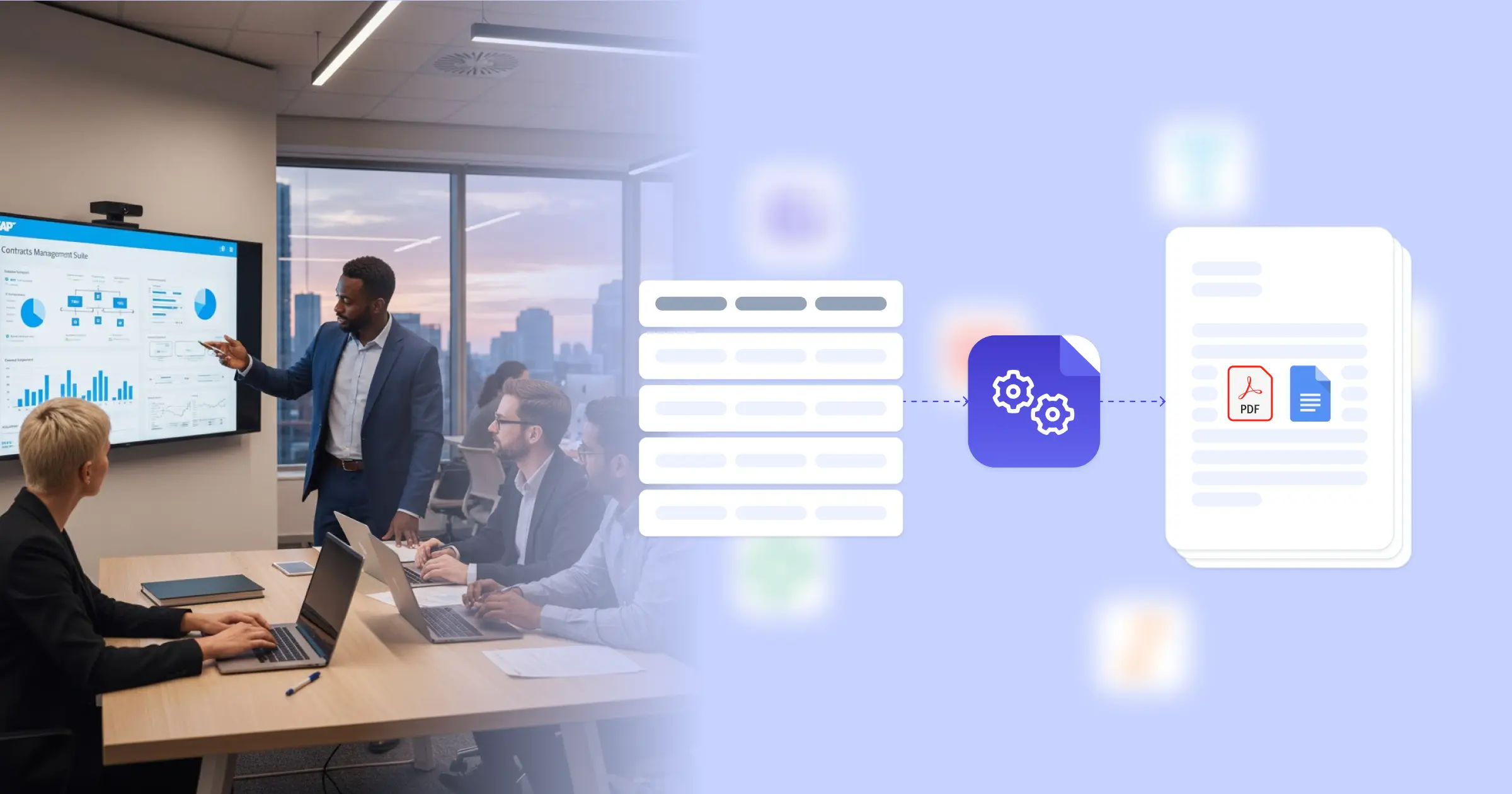
Organizations running SAP for procurement and vendor management handle hundreds of contracts annually, from purchase agreements to service level agreements to supplier terms. Document automation connects SAP contract data to templates that generate complete, formatted agreements without manually transferring information between systems.
Understanding Contracts Management for Supply Chain Organizations
Supply chain operations depend on contracts that govern relationships with suppliers, manufacturers, logistics providers, and service vendors. As enterprise resource planning systems like SAP increasingly centralize procurement and vendor management, document automation for SAP contracts management transforms how procurement teams convert stored contract data into formal agreements. Organizations running SAP maintain vendor information, pricing terms, compliance requirements, and performance metrics within the system, but executing supplier relationships still requires generating formatted contract documents.
For procurement teams processing vendor onboarding, managing contract renewals, or coordinating multi-tier supplier networks, this eliminates the bottleneck between having contract terms documented in SAP and producing the physical agreements those relationships require. When a new supplier gets approved or contract terms need amendment, you generate complete documents immediately rather than manually reformatting SAP data into legal agreements. The specific demands of SAP-based contract management explain where automation delivers value.
Start automating documents in minutes!
Why Supply Chain Teams Need Contract Automation
Contract information lives in SAP procurement modules, vendor master records, and purchasing systems, but formalizing supplier relationships requires legal documents with complete terms and conditions.
- Manual data transfer introduces errors: Copying vendor codes, pricing terms, delivery schedules, and compliance requirements from SAP into contract templates means transcription mistakes. Wrong material numbers affect what gets delivered, incorrect payment terms create disputes, missing compliance clauses expose regulatory risk, and outdated pricing causes budget overruns. Each manual transfer between SAP and contract documents creates opportunity for information to drift out of sync.
- Contract volume scales with supplier complexity: Managing hundreds of active suppliers means continuous contract generation for new vendors, renewals for existing relationships, amendments when terms change, and specialized agreements for different material categories or service types. When your supplier base grows or you expand into new categories, contract production workload multiplies faster than procurement team capacity.
- Approval cycles depend on document availability: Legal review, procurement approval, and vendor signature workflows can't start until contracts exist in final form. When document preparation takes days, the entire supplier onboarding or contract renewal process extends accordingly. Faster supplier activation or quicker response to market changes requires faster contract generation.
- Different contract types need different formats: Standard purchase agreements, master service agreements, quality assurance contracts, and logistics service agreements all draw from SAP data but require distinct legal structures and clauses. Maintaining multiple contract templates and manually adapting them for each supplier relationship consumes time and creates version control challenges.
These challenges reflect how procurement organizations balance supplier relationship formalization with operational efficiency. A contract automation system synchronizes SAP data with the legal documents supplier relationships require.


How DocsAutomator Delivers Contract Automation for Supply Chain Organizations
DocsAutomator connects SAP contract data to the agreements your procurement function needs. You create a Google Docs template matching your standard contract format, whether that's master service agreements, purchase order contracts, or supplier quality agreements. The template includes placeholders for vendor information, material specifications, pricing schedules, delivery terms, compliance requirements, and any other contract elements. Then you connect that template to your SAP data, either by exporting contract records to Airtable for contract management, maintaining contract data in connected databases, or using the PDF generation API to trigger document creation directly from SAP workflows.
When you need contracts, the system pulls relevant vendor and purchasing records and generates complete documents. Dynamic tables automatically format pricing schedules, material lists, delivery timetables, or payment milestones without manual table construction. Conditional sections mean goods-specific terms only appear for material suppliers, service level agreements include performance metrics relevant to service providers, international suppliers get additional import compliance clauses, and specialized requirements adjust based on vendor classification and material category. This approach works whether you manage a focused supplier base or coordinate global procurement across multiple business units and thousands of vendor relationships.
The output is PDF for final execution and optionally an editable Google Doc if legal review requires modifications before vendor signature. This means procurement generates initial contracts from SAP data, legal reviews and adjusts specific terms where needed, and final agreements reflect both standardized SAP information and case-specific legal language.
DocsAutomator natively integrates with your favorite apps













Start with our free pre-built templates
To make the start easy, we've created a variety of templates for the most common use cases.












Discover all of our pre-built templates:
View full Template GalleryReady to automate your documents?
Join the 1,215 businesses that trust DocsAutomator with their most critical documents









Unlimited testing, no credit card required