📝 DocsAutomator eSign is now available!

Still creating your documents manually?

Automate your document creation / workflow with DocsAutomator.
Get started for free
Trusted by 10,000+ Business Owners

Automate Cost Management Reports for Project Managers

Generate cost management reports from project financial data to track budgets, identify variances, and communicate project financial status to stakeholders.

Understanding Cost Management Reports for SMB Business Organizations

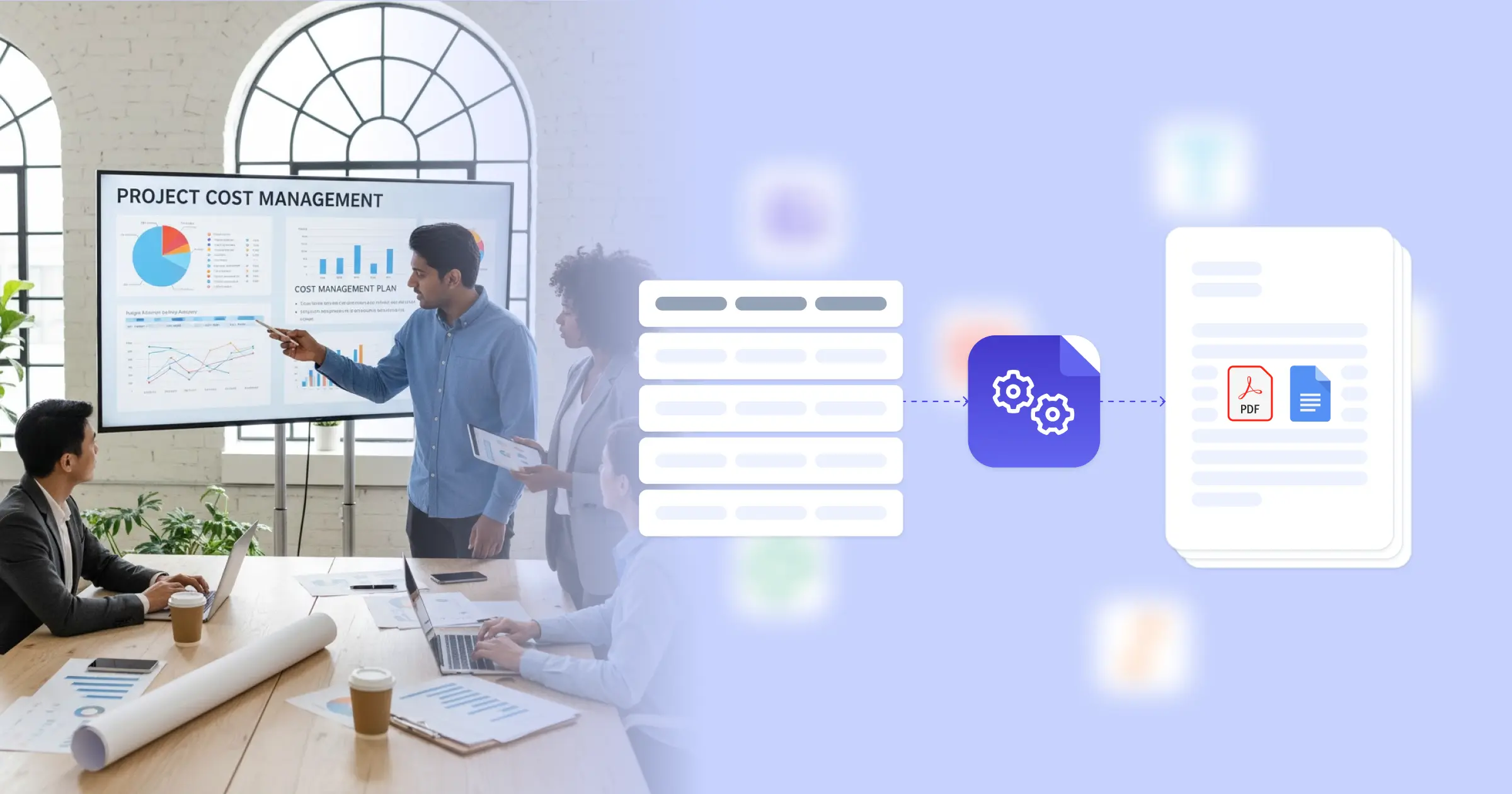
Cost management in project management involves planning, estimating, budgeting, and controlling costs to complete projects within approved budgets while providing stakeholders with financial visibility. Research from Project Management Institute on cost management practices shows that effective cost tracking and reporting improve project financial outcomes. Project managers traditionally compile budget data from project plans, actual costs from accounting systems, and progress information from schedule tracking before formatting financial reports manually. This transformation is powered by connecting your Google Docs templates with your project management platform, Airtable cost tracker, or financial system, so reports generate with accurate budget figures, actual costs, and variance calculations already formatted. Your project managers deliver professional cost reports without manual data compilation.

Start automating

SMB Business

Documents in minutes - for free!

20 documents for free/month. See pricing for details.

Why SMB Business Teams Need Cost Reporting Automation

Project managers face cost reporting challenges that affect financial visibility and stakeholder communication.

  • Data Consolidation Time: Cost reports require data from project budgets, timesheet systems, expense tracking, and accounting platforms. Manually consolidating this information for each reporting period consumes significant time.
  • Calculation Complexity: Variance analyses, earned value metrics, and forecasts require calculations that must be performed accurately each period. Manual calculations introduce errors and slow report preparation.
  • Reporting Frequency Demands: Stakeholders expect regular cost updates, but manual preparation limits reporting frequency. Less frequent reporting means financial issues may not be identified promptly.
  • Format Consistency: Different project managers create cost reports with varying layouts and metrics. Inconsistent formats make portfolio-level cost visibility difficult.

These project financial demands explain why teams implement reporting automation for their cost management processes.

Key Challenges
How DocsAutomator works

How DocsAutomator Delivers Cost Reporting for SMB Business Organizations

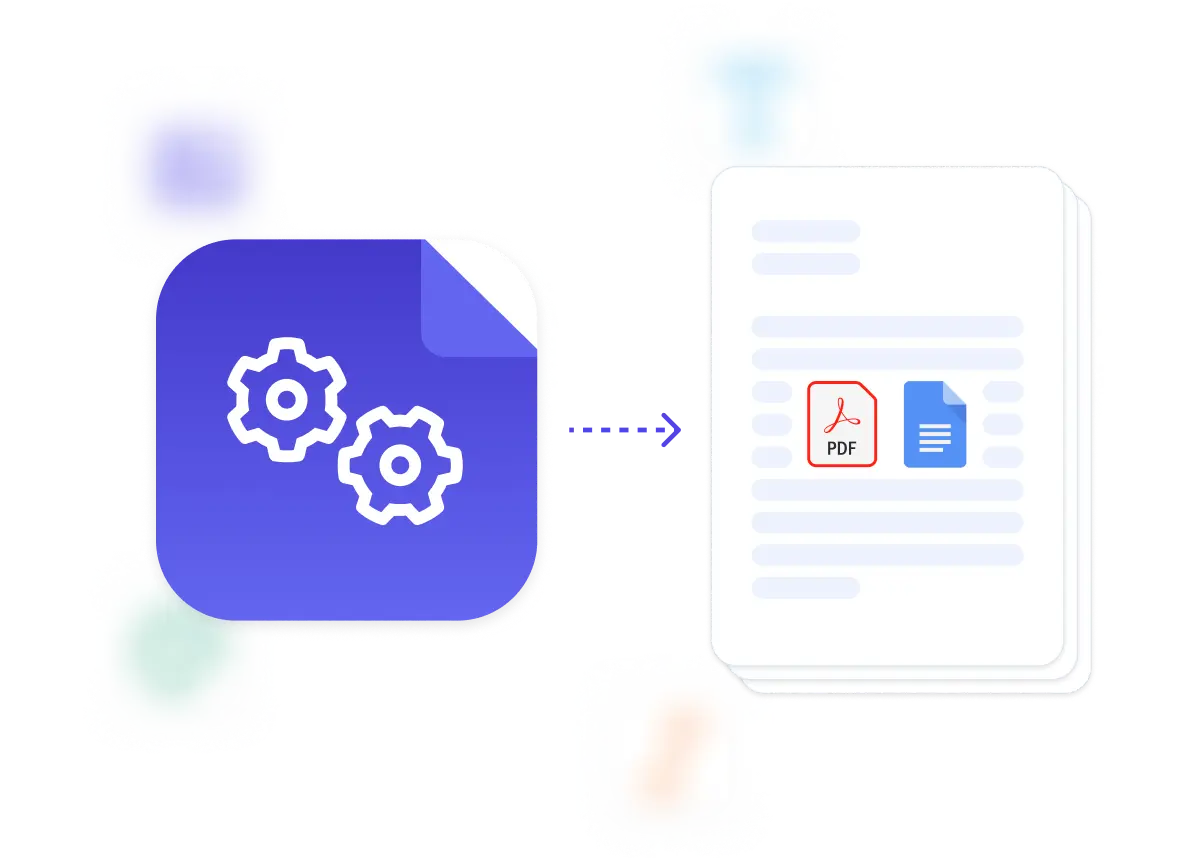
We connect your project financial data directly to Google Docs templates, generating cost reports automatically when reporting periods close. Budget figures, actual costs, variance calculations, and forecast projections flow from ClickUp or Airtable project databases into formatted reports ready for stakeholder distribution.

The system handles project cost complexity naturally. Dynamic tables present budget line items, cost breakdowns, or variance details from your financial data. Conditional logic highlights variances exceeding thresholds, includes corrective action sections when budgets are at risk, or shows different metrics based on project type. Earned value calculations, forecast projections, and trend analyses compute automatically from your current data.

This works through native integrations with ClickUp, Airtable, Google Sheets, and similar platforms, plus our flexible API for connecting to project management systems and accounting software. Output is PDF for formal distribution, with optional Google Docs format when reports need collaborative input before finalization. See our financial report template for related formats. Teams also benefit from understanding automated document generation for project reporting.

Budget Status Reports

generate comprehensive budget tracking documents with planned costs, actual expenditures, and remaining budget from project financial data

Cost Variance Analyses

create variance reports showing budget-to-actual differences, variance explanations, and corrective action recommendations from cost tracking data

Earned Value Reports

produce EVM documentation with planned value, earned value, actual cost, and performance indices from project progress and cost data

Cost Forecast Documents

automate estimate-at-completion reports with projected final costs, forecast variances, and trend analyses from current performance data

Resource Cost Reports

generate labor and resource cost breakdowns with hours, rates, and total costs by team member or resource category from timesheet data

Cost Control Documentation

create cost control action documentation with identified overruns, mitigation plans, and approval requests from cost management workflows

DocsAutomator natively integrates with your favorite apps

We’ve built native integrations for the most common platforms our customers are using. If you’re missing an integration, please send us a message.

Start with our free pre-built Google Docs templates

Frequently Asked Questions