📝 DocsAutomator eSign is now available!

Still creating your documents manually?

Automate your document creation / workflow with DocsAutomator.
Get started for free
Trusted by 10,000+ Business Owners

Generate Contracts Management Software Comparison Reports

Generate contracts management software comparison documents from evaluation data to support procurement decisions and communicate findings to stakeholders.

Understanding Software Comparison Reports for SMB Business Organizations

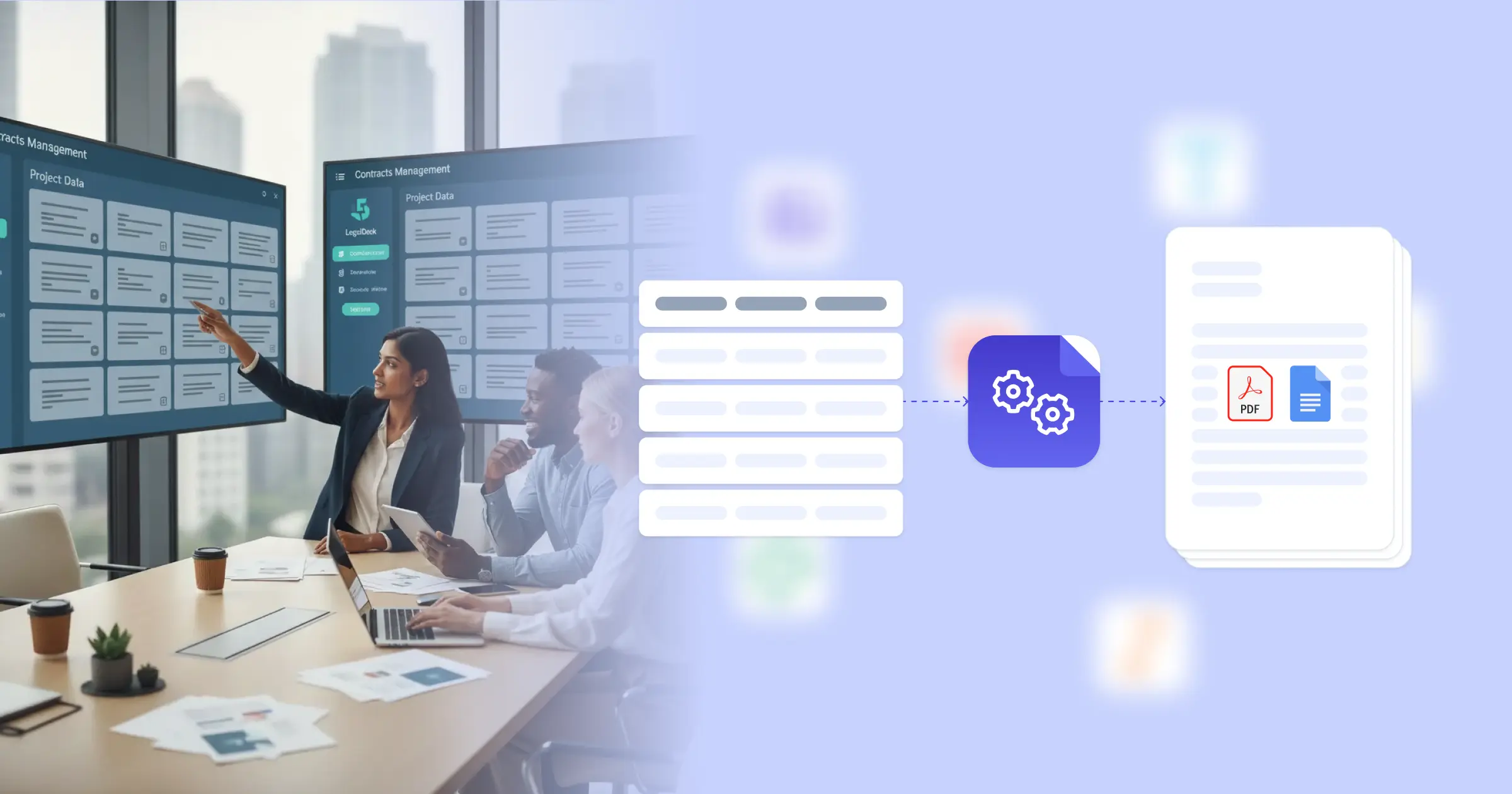
Contracts management software comparison involves evaluating multiple CLM platforms against organizational requirements, documenting findings, and presenting recommendations to support informed procurement decisions. Research from Harvard Business Review on business law and contracts shows that thorough software evaluation processes lead to better technology investments and higher adoption success. Procurement teams traditionally create comparison documents by compiling vendor information from demos, feature lists from marketing materials, and pricing from proposals into presentation formats. This efficiency is achieved through seamless integration: when you connect Google Docs templates with your evaluation tracker, Airtable vendor database, or assessment spreadsheets, comparison reports generate with accurate feature matrices, scoring summaries, and cost analyses already formatted. Your procurement team delivers professional evaluation documents without manual report assembly.

Start automating

SMB Business

Documents in minutes - for free!

20 documents for free/month. See pricing for details.

Why SMB Business Teams Need Comparison Report Automation

Organizations evaluating CLM software face documentation challenges that affect decision quality and procurement efficiency.

  • Multi-Vendor Data Management: Software evaluations involve multiple vendors with different feature sets, pricing structures, and capabilities. Organizing this information into coherent comparisons requires systematic data management.
  • Stakeholder Communication: Different stakeholders need different views of evaluation data, from detailed feature comparisons to executive summaries. Creating multiple report formats consumes preparation time.
  • Evaluation Consistency: Fair vendor comparisons require consistent evaluation criteria and scoring methods. Ensuring all vendors are assessed using the same framework demands structured approaches.
  • Decision Documentation: Software selection decisions should be documented with supporting rationale for audit and reference purposes. Creating thorough decision documentation adds to project workload.

These procurement documentation demands explain why organizations implement reporting automation for their software evaluation processes.

Key Challenges
How DocsAutomator works

How DocsAutomator Delivers Comparison Report Automation for SMB Business Organizations

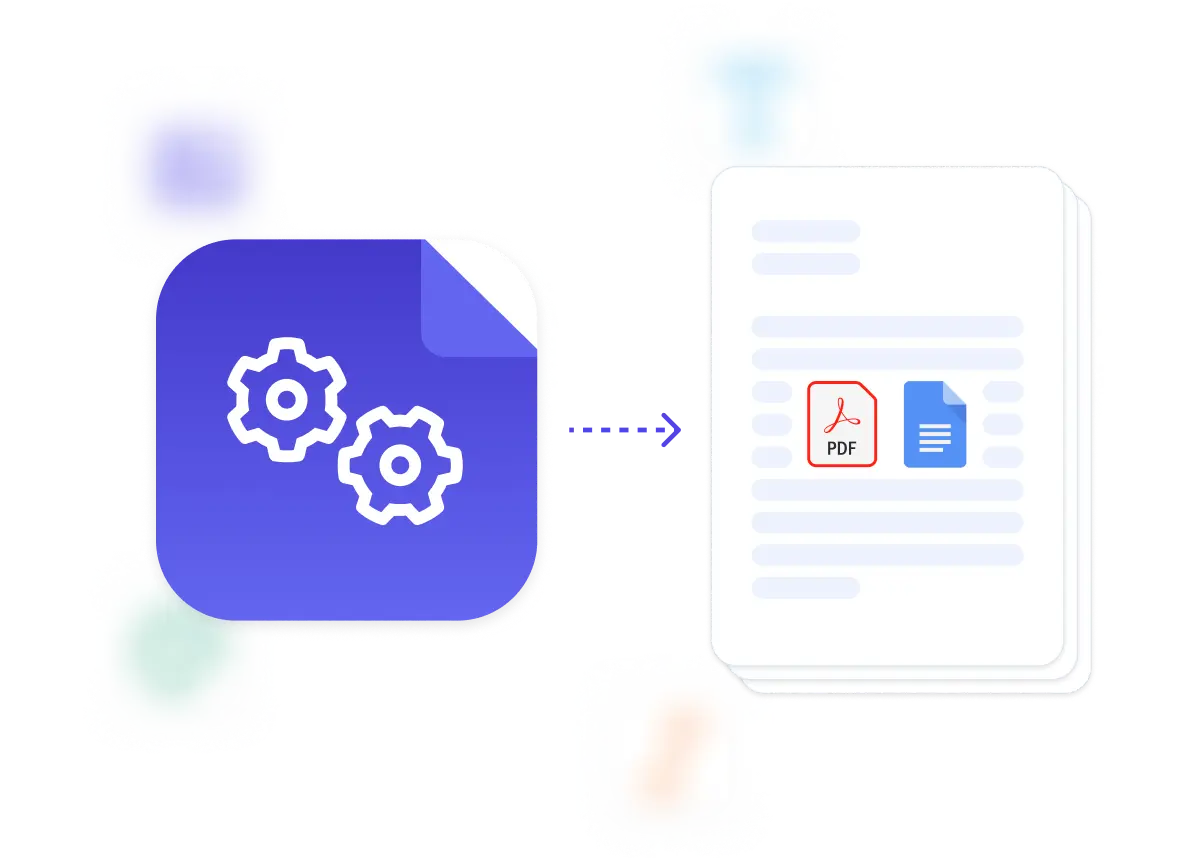
We connect your evaluation data directly to Google Docs templates, generating comparison reports automatically as assessments complete. Vendor names, feature scores, pricing details, and evaluation notes flow from your assessment tracker or Airtable evaluation database into formatted reports ready for stakeholder review.

The system handles evaluation documentation complexity naturally. Dynamic tables present feature comparison matrices, scoring summaries, or cost comparisons from your assessment data. Conditional logic includes appropriate content based on report type and audience, so executive summaries show key recommendations while detailed reports include full evaluation data. Vendor rankings, requirement fit assessments, and implementation considerations format according to your evaluation framework.

This works through native integrations with Airtable, Google Sheets, ClickUp, and similar platforms, plus our flexible API for connecting to procurement systems. Output is PDF for formal distribution, with optional Google Docs format when reports need collaborative input. See our guide on automated document generation for business processes. Teams also benefit from understanding document workflow automation for procurement.

Vendor Comparison Matrices

generate side-by-side feature comparison documents with capability assessments and scoring from vendor evaluation data

Requirements Analysis Reports

create requirements documentation with business needs, must-have features, and evaluation criteria from stakeholder input data

Demo Evaluation Summaries

produce demo assessment documents with observations, team feedback, and scores from vendor demonstration notes

Cost Analysis Documents

automate pricing comparison reports with licensing costs, implementation fees, and total cost of ownership from vendor quotes

Recommendation Reports

generate selection recommendation documents with evaluation summaries, comparative analyses, and final recommendations from assessment data

Stakeholder Presentation Decks

create presentation-ready summaries with key findings, comparison highlights, and recommendation rationales from evaluation conclusions

DocsAutomator natively integrates with your favorite apps

We’ve built native integrations for the most common platforms our customers are using. If you’re missing an integration, please send us a message.

Start with our free pre-built Google Docs templates

Frequently Asked Questions