No-code tools like Airtable have transformed data management, helping agencies centralize client, project, and financial information.
Yet, a key paradox remains—while data is easily accessible, document creation still relies on time-consuming manual work. This data-to-document gap forces agencies to spend 10+ hours a week copying data into invoices, reports, and proposals.
With tools like DocsAutomator, you can connect Airtable to Google Docs, use custom templates, and auto-fill key details instantly.
This guide shows how to automate five essential agency workflows:
- Invoices
- Marketing service proposals
- Client reports
- Project kickoff docs
- Service Level Agreements (SLAs)
The problem with marketing agency documentation workflows
For fast-paced marketing agencies, the data-to-document gap quickly turns into a major cost center.
Creating a single client invoice takes 30 to 60 minutes: pulling data from Airtable, copying deliverables, and double-checking details. For an agency with 20 clients, that’s 10 to 20 hours lost every month.
Manual data transfer also increases the risk of errors: a typo in an invoice delays payments, a wrong metric in a report damages credibility, and a mistake in an SLA can cause client disputes or financial loss.
The biggest cost, however, is opportunity.
Every hour a strategist spends on admin work is an hour not spent on client strategy, creative output, or business growth.
This manual workload creates operational debt. It is like technical debt in software, where short-term inefficiencies accumulate into long-term constraints.
As agencies scale from 5 to 15 to 30 clients, the workload multiplies, forcing a choice between hiring more staff or overloading the team. Eventually, this inefficiency becomes a hard limit on growth, making manual documentation a fundamental barrier to scaling.
Airtable cannot solve the marketing agency documentation problem
Many agencies turn to Airtable’s Page Designer to automate document creation using Airtable records. However, it quickly proves inadequate for professional use. Instead of solving workflow issues, it often adds new frustrations due to its structural limitations:
- Restrictive output: Only exports PDFs, no editable Google Docs or collaborative options.
- No automation: Each document must be generated manually; it can’t trigger automatically on project completion or schedules.
- Single-page limit: Can’t produce multi-page reports, proposals, or contracts.
- Poor design flexibility: The layout editor is clunky, Markdown formatting breaks easily, and results often look unprofessional.
- No data write-back: Generated files can’t automatically attach to records, creating version control and organization issues.
Beyond inefficiency, Page Designer introduces data security risks. Airtable’s limited permission controls expose internal fields, like cost data or private notes, during manual document creation. Without automated, field-specific filtering, agencies risk leaking sensitive information.
In short, Page Designer isn’t built for scalable, secure, or professional agency workflows.
Marketing agency document stack: The unbeatable synergy of Airtable and Google Docs
Airtable serves as a strong database foundation, while Google Docs excels at document creation and collaboration, making them a natural pair.
Every marketing agency would agree — It is hard to beat the comfort, familiarity, and ease of Google Docs due to below reasons:
- Familiar and easy to adopt: Teams and clients already know it, ensuring instant collaboration.
- Real-time collaboration: Built-in co-editing, comments, and version history streamline reviews.
- Professional formatting: Full control over layout, branding, and design for polished client documents.
- Seamless integration: Works natively with Google Drive for secure, organized storage.
By automating data transfer from Airtable to Google Docs, agencies can eliminate manual work and create professional documents efficiently.
Bridging the gap: Use DocsAutomator for marketing agency document automation
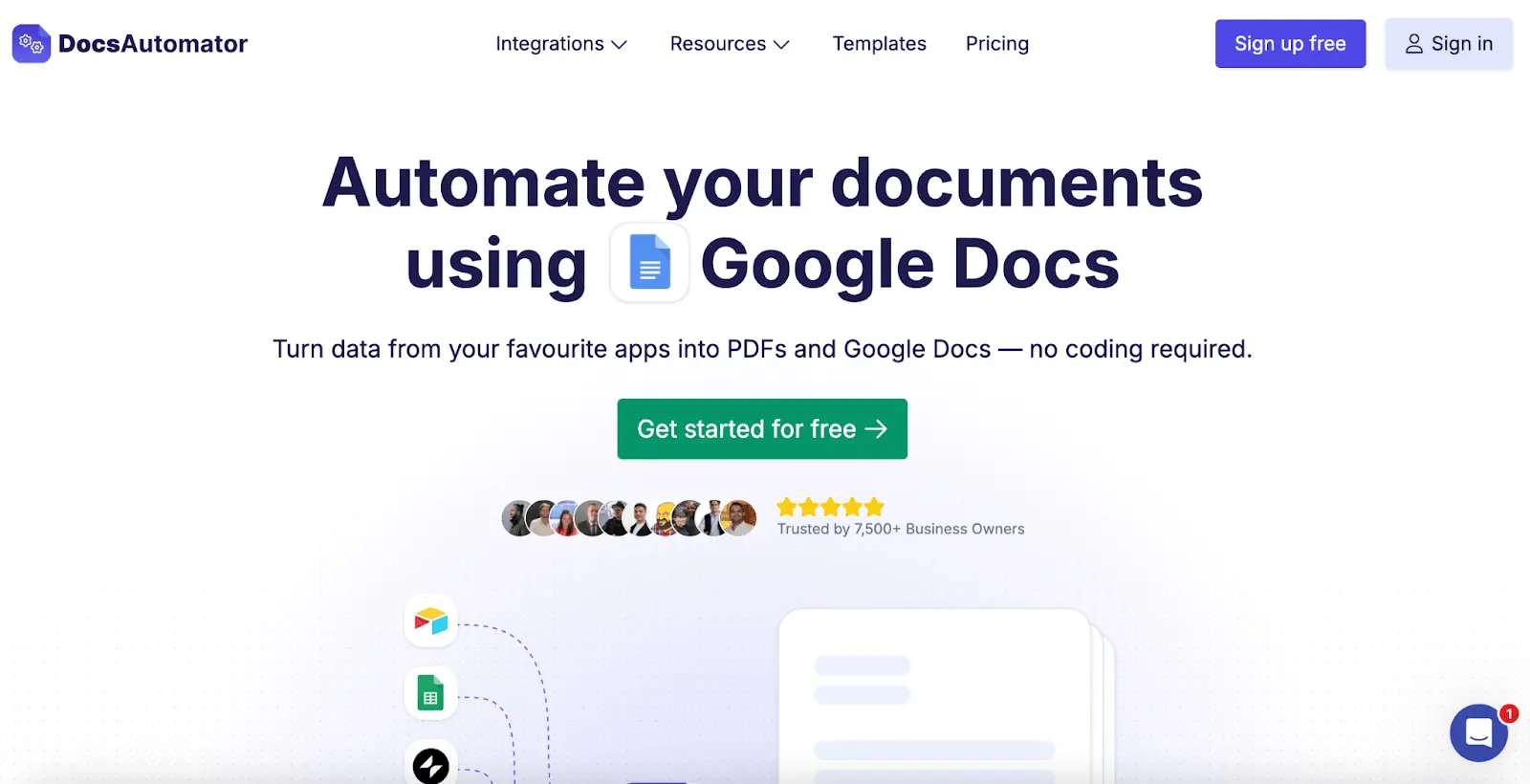
DocsAutomator is a no-code automation tool to connect Airtable records data to dynamic Google Docs templates, eliminating manual document creation.
It’s simple, scalable, and requires no coding:
- Connect: Link your Airtable base to DocsAutomator securely.
- Template: Build Google Docs templates using placeholders like {{client_name}} or {{project_scope}}.
- Automate: Map Airtable fields to these placeholders and trigger document creation with one click or automatically when records update.
This creates a fully automated, efficient document workflow that native tools can’t match.
5 marketing agency workflows to automate using Airtable, Google Docs, and DocsAutomator
“I have been using DocAutomator for about 2 weeks now and it is fantastic! Very easy to set up the configuration between Google Docs, Airtable, and DocAutomator.”
The following guide provides practical applications for five key document types, each following a "Problem -> Automated Solution -> Business Impact" structure.
Automate client invoicing for faster payments
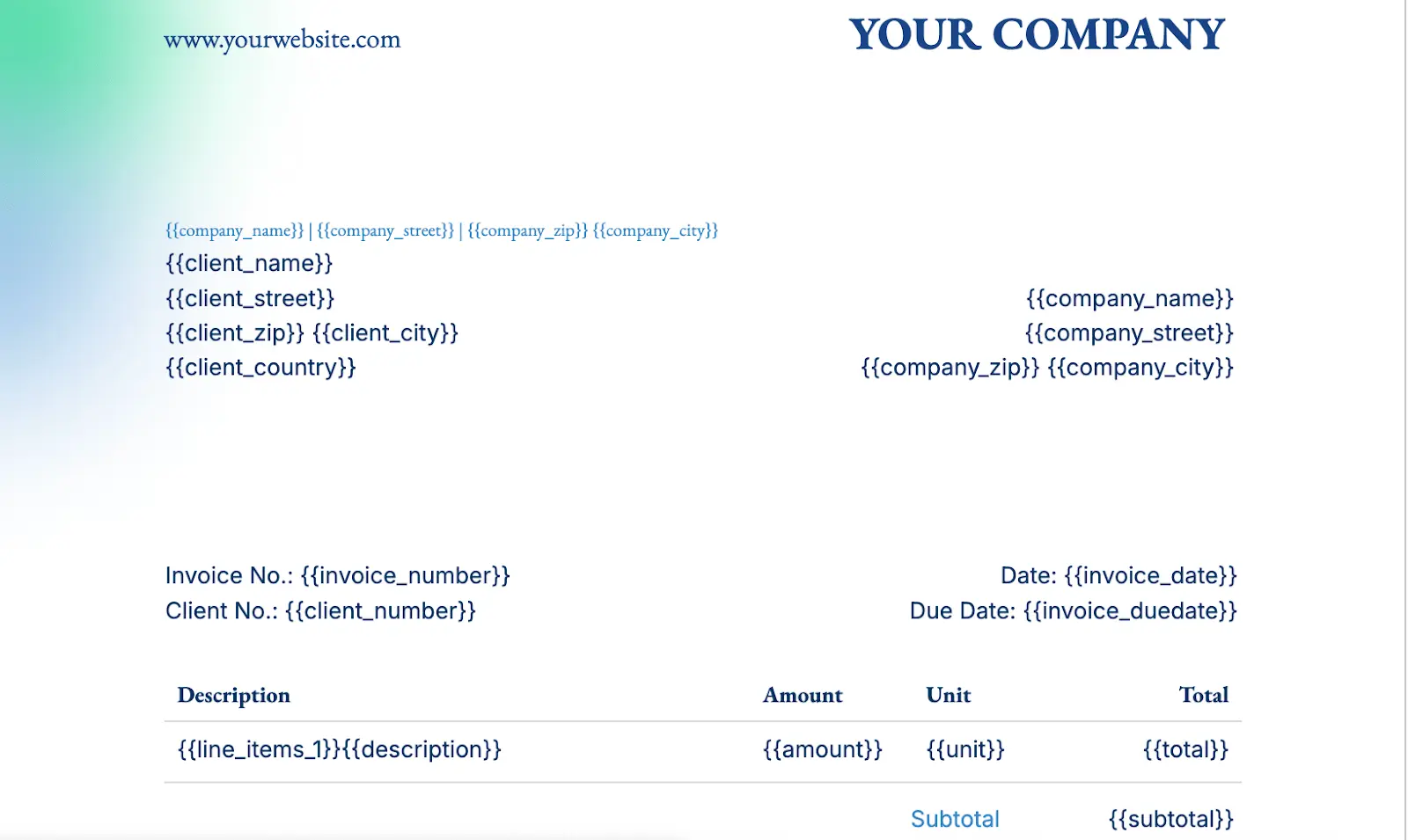
Using our invoice template, you can AVOID copying client details, adding billable hours, checking totals, and formatting to save 30–60 minutes per client.
Your marketing agency must already be tracking billable hours and deliverables on Airtable as linked records to each client. With DocsAutomator, agencies can use or customize branded invoice templates in Google Docs and connect them to Airtable. The Dynamic Line Items feature auto-fills all billable records for a selected period, generating accurate invoices instantly.
With one click, you can trigger and even email the final PDF to clients.
DocsAutomator provides 6 different invoice template designs to choose from: Explore DocsAutomator’s Free Invoice Creation Template
The template set up is often one-time, and you can reduce invoice creation time by over 95%. This document automation workflow completely eliminates billing errors, ensures professional consistency across all client communications, and significantly accelerates payment cycles.
Craft winning marketing service proposals at scale
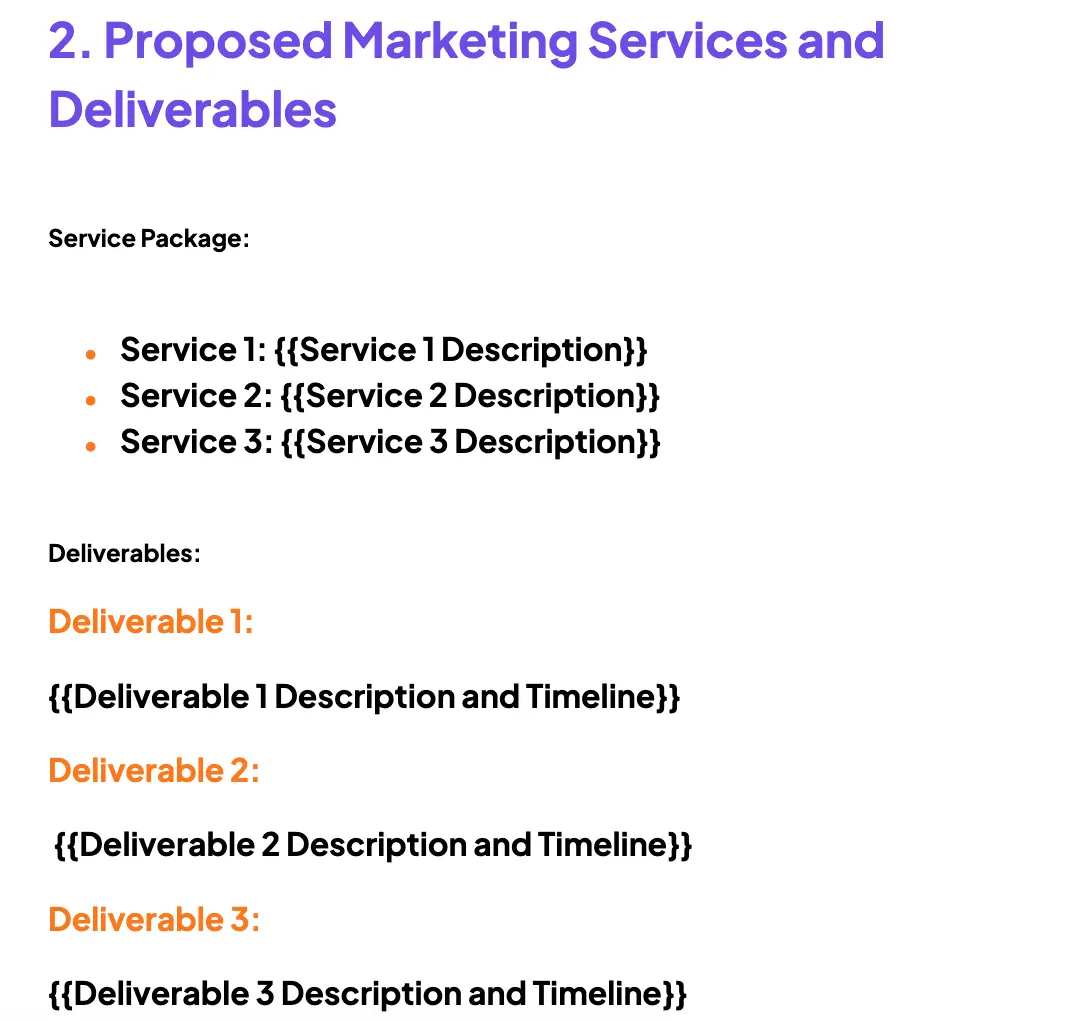
Proposal creation is often messy. Marketing agencies deal with data scattered across notes and tables, copy-paste assembly, and inconsistent formatting. A single missed detail can lead to an inaccurate project brief or a lost deal.
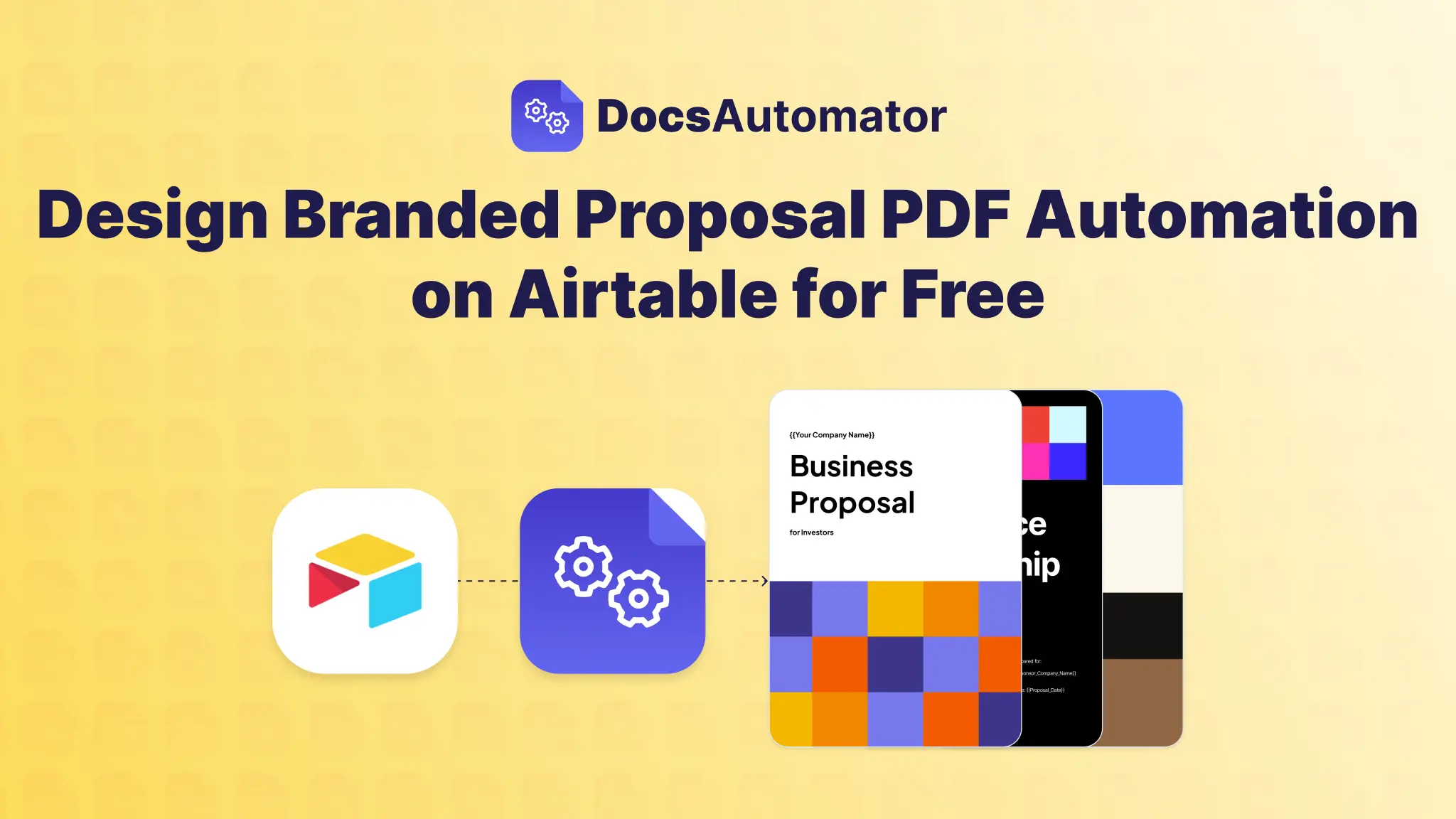
With DocsAutomator, marketing agencies can connect a ‘Deals’ or ‘Opportunities’ table or other source in Airtable to a customizable proposal template in Google Docs.
Let’s say, when a deal moves to the ‘Proposal’ stage, one click generates a complete, branded proposal. Using dynamic sections feature, DocsAutomator automatically adds or removes service sections and case studies based on client's industry or requested services recorded in Airtable.
Produce polished, accurate proposals in minutes, boost response speed, and win more clients: Use DocsAutomator’s Free Marketing Service Proposal template
Deliver insightful, data-driven client reports
Generating client reports across SEO, Ad campaigns, content, etc is easy — but errors are costly as it impacts your image in front of your client. While complex tools require investment.
If you are recording your client’s performance thoroughly on Airtable or connecting platforms like Google Analytics with Airtable, then the only step remains is to build the client report.
Skip the manual compiling of metrics, charts, and commentary into client reports. You can create custom Google Docs templates for each client and connect with Airtable to auto-fill the data.
You can also edit existing report template to suite your needs: DocsAutomator Report Templates
DocsAutomator can pull dynamic charts and images, then use Automated Emailing to send reports to clients on a set schedule – completely hands-free.
Here’s a video to help you get started to create custom documents using Airtable:
Standardize Project Kickoffs for effortless execution
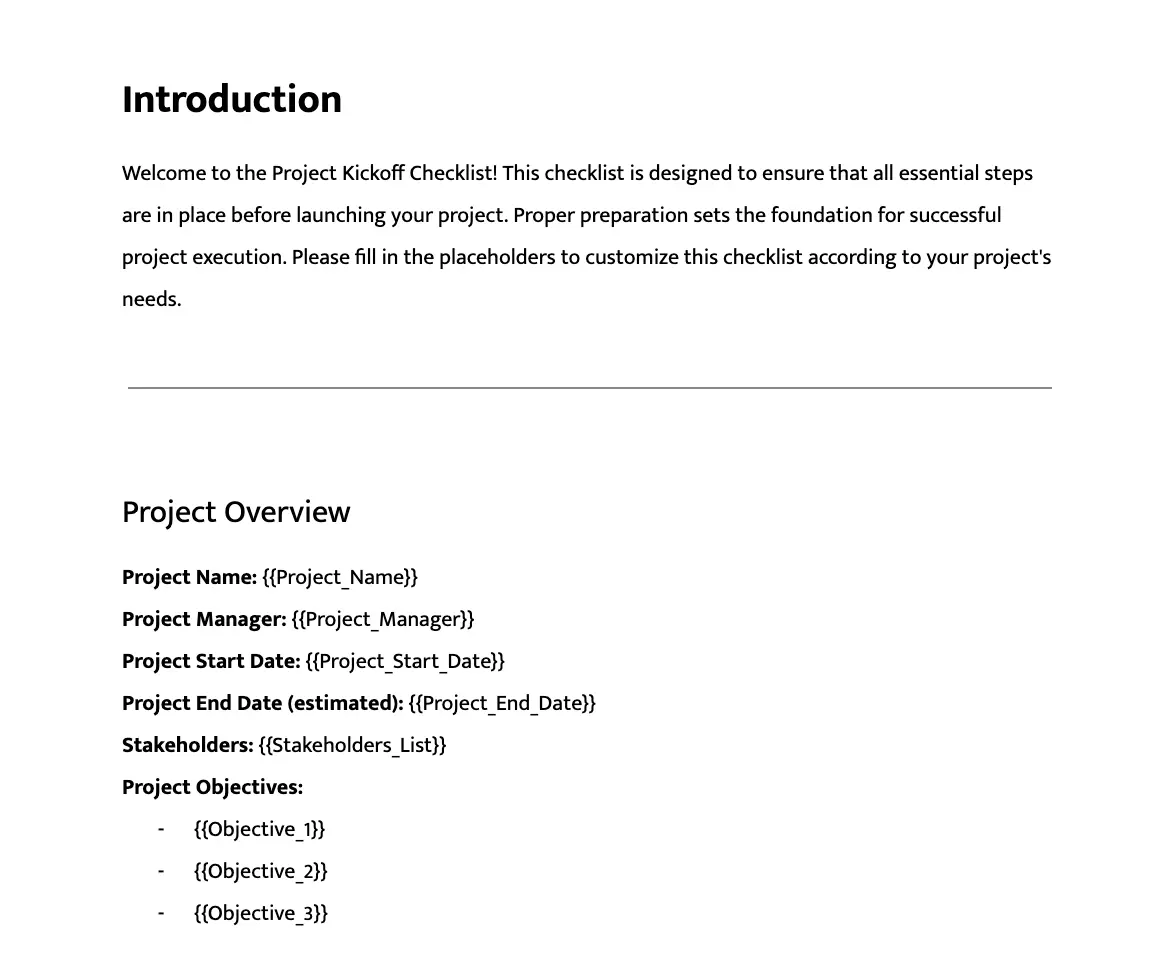
Once you have set up your marketing campaign strategy and project details on Airtable, you can automate project kickoff docs and other checklists seamlessly.
You need not manually compile project scope, objectives, timelines, and responsibilities — simply use DocsAutomator’s Free Project Kickoff Checklist Template
With DocsAutomator, once a project is won, Airtable data can auto-generate a standardized Project Kickoff document. This creates a single source of truth for the team and client from day one.
This simple workflow helps eliminate administrative setup time for new projects. It ensures perfect alignment between the sales and delivery teams. You get to create a smooth, professional, and confidence-building client onboarding experience.
Generate Service Level Agreements (SLAs) in seconds
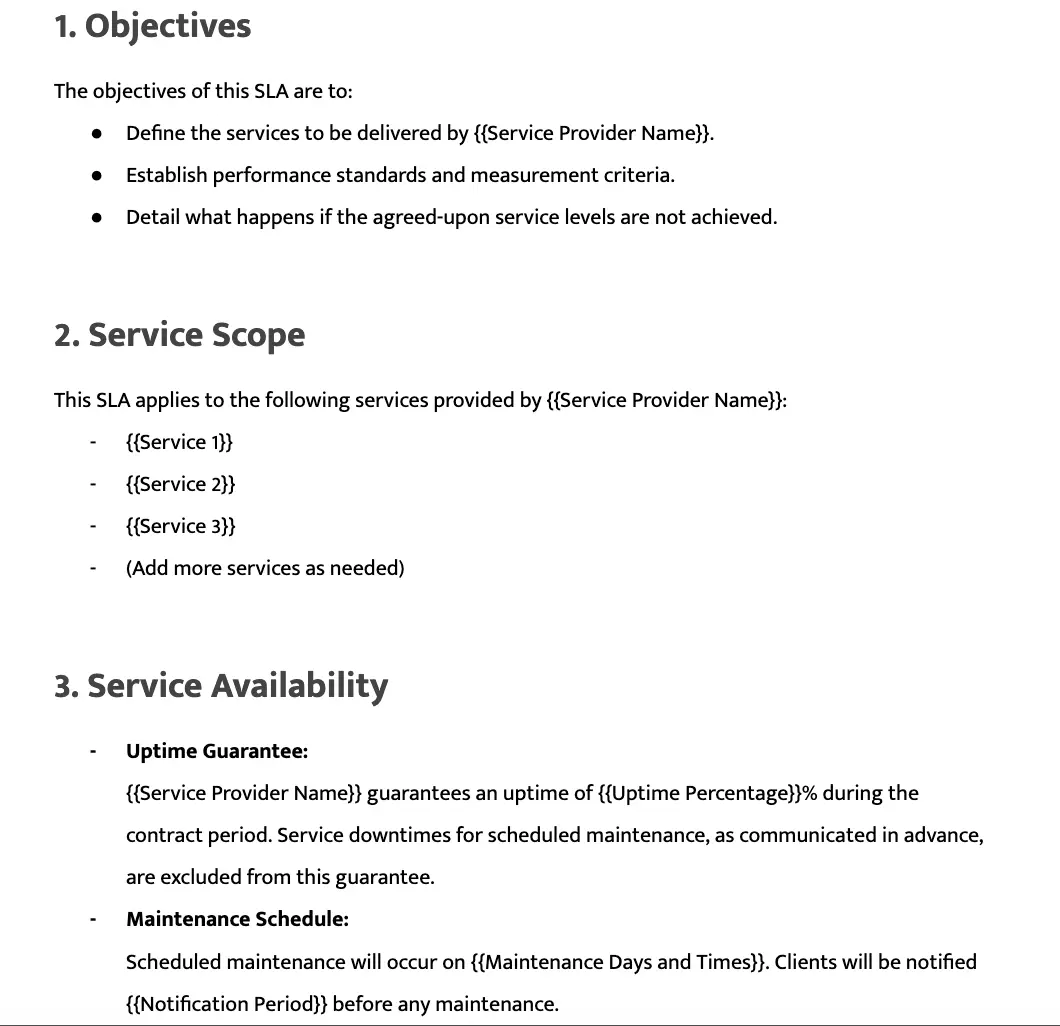
Scope creep is a common and difficult to deal with situation which a solid service level agreement can solve. A manual error in defining deliverables, timelines, or payment terms can lead to further payment disputes and serious legal challenges down the line.
Hence, although a repetitive task, a marketing agency cannot afford to have mistakes in it.
Store standardized SLA clauses and client-specific variables (project scope, pricing tiers, key contact points) within an Airtable base. DocsAutomator merges this data into a formal SLA template, ensuring every agreement is accurate, comprehensive, and consistent with the agency's legal standards.
Customize our SLA template as per your marketing agency’s brand guidelines: DocsAutomator’s Free Service Level Agreement Template
The ROI of document automation for marketing agencies
The Airtable → DocsAutomator → Google Docs system not only saves time but enhances client experience, lowers operational risk, and enables scalable growth.
Want more than Airtable?
DocsAutomator also connects with ClickUp, NoLoco, Google Sheets, Glide, SmartSuite, and Zapier. You can also explore PDF Generation API for more flexibility.
Simply combine Airtable for data, Google Docs for professional document creation, and DocsAutomator for document automation. Marketing agencies can eliminate repetitive tasks, reduce errors, and free teams to focus on strategic work.