📝 DocsAutomator eSign is now available!

Still creating your documents manually?

Automate your document creation / workflow with DocsAutomator.
Get started for free
Trusted by 10,000+ Business Owners

Build a Custom Sales Invoice Generator with Your Data

Build a custom sales invoice generator that connects to your existing data sources, creating professional invoices automatically without switching to new billing software.

Understanding Sales Invoice Generation for Sales Organizations

Sales invoice generators transform order data, service records, and billing information into professional invoices that customers can process and pay. Research from Accenture on finance transformation shows that automated invoice generation reduces billing errors and accelerates cash collection. Sales and finance teams traditionally copy customer information from CRM systems, order details from sales platforms, and pricing from rate cards before formatting each invoice manually. This efficiency is achieved through seamless integration: when you connect Google Docs templates with your CRM, Airtable order database, or sales platform, invoices generate with accurate customer details, line items, and calculations already formatted. Your team sends professional invoices immediately after sales close or service delivery.

Start automating

Sales

Documents in minutes - for free!

20 documents for free/month. See pricing for details.

Why Sales Teams Need Invoice Generation Automation

Sales and finance teams face invoicing challenges that delay revenue recognition and create customer friction.

  • Invoice Preparation Delays: After closing deals or delivering services, teams manually create invoices by copying data from sales systems. These delays extend billing cycles and postpone cash collection.
  • Data Entry Errors: Manually transcribing customer names, addresses, line items, and prices introduces errors that cause invoice rejections, payment delays, and customer complaints.
  • Format Inconsistency: Different team members create invoices with varying layouts, missing information, and inconsistent branding. This unprofessional appearance affects customer perception and payment processing.
  • System Switching Barriers: Dedicated invoicing software requires migrating customer data, learning new interfaces, and managing another subscription. Many teams want invoice automation without abandoning their existing sales tools.

These billing operation demands explain why sales teams implement invoice automation connected to their existing systems.

Key Challenges
How DocsAutomator works

How DocsAutomator Delivers Invoice Generation for Sales Organizations

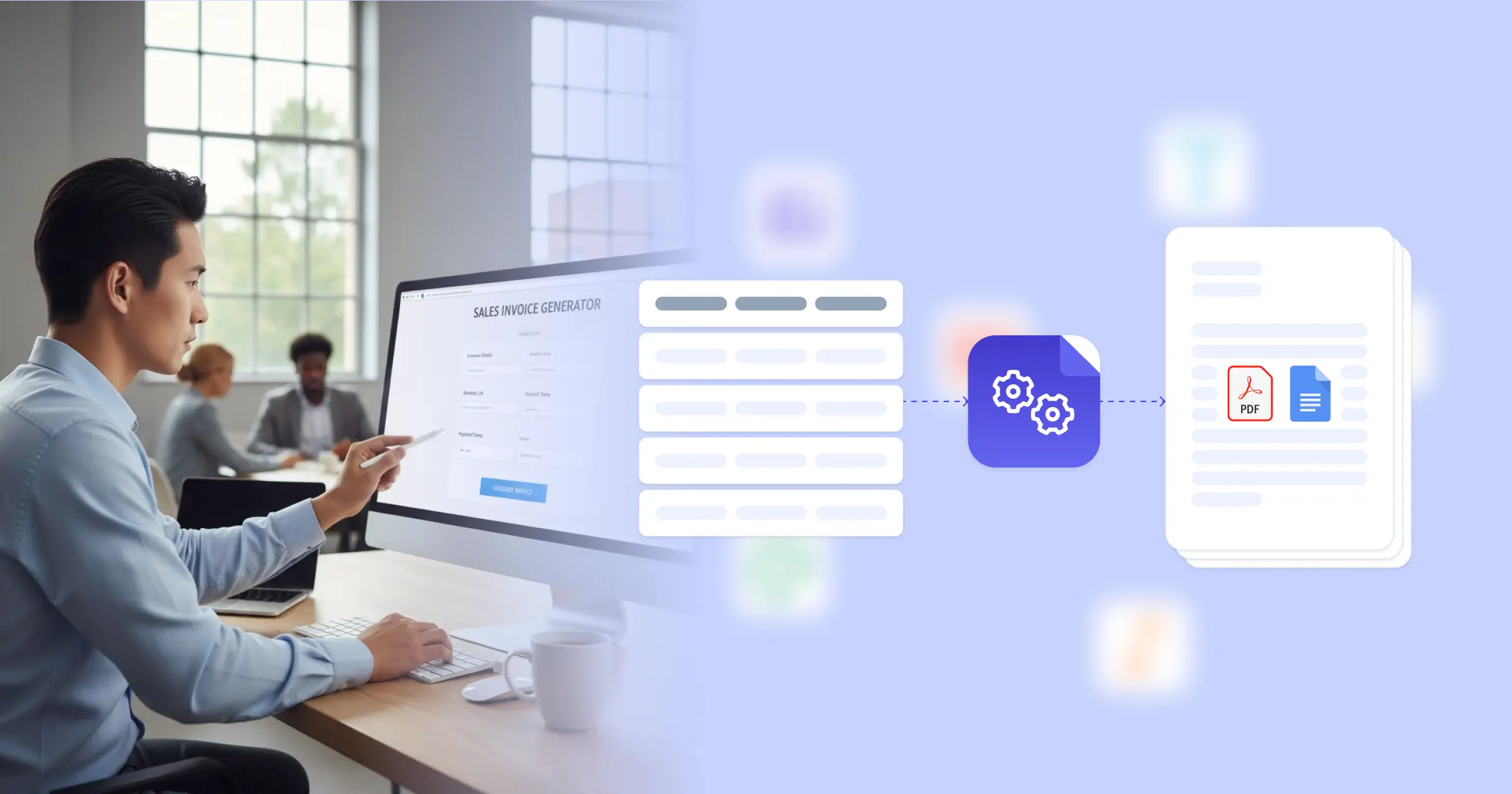
We connect your sales and order data directly to Google Docs templates, generating invoices automatically when orders are placed or services are delivered. Customer names, addresses, line items, quantities, prices, and payment terms flow from your CRM or Airtable order database into formatted invoices ready for delivery.

The system handles sales invoicing complexity naturally. Dynamic tables present line items with descriptions, quantities, unit prices, and extended totals from your order data. Conditional logic includes payment terms based on customer type, adds late fee notices for overdue accounts, or shows different payment instructions based on customer location. Tax calculations, discount applications, and currency formatting adjust based on your invoice configuration.

This works through native integrations with Airtable, Google Sheets, ClickUp, Glide, and similar platforms, plus our flexible API for connecting to CRM systems and e-commerce platforms. Output is PDF for customer delivery and accounting records, with optional Google Docs format when invoices need manual adjustments before sending. See our invoice template collection for professional designs. Teams also benefit from our guide on automating invoice creation.

Standard Sales Invoices

generate professional invoices with customer details, line items, quantities, prices, and payment terms from your order or CRM data

Recurring Invoices

create subscription and retainer invoices with billing periods, recurring amounts, and service descriptions from subscription management data

Quote-to-Invoice Conversions

produce invoices from accepted quotes with matching line items, negotiated prices, and customer-specific terms from your sales pipeline

Progress Billing Invoices

automate milestone-based invoices with completed deliverables, percentage complete, and remaining balance from project tracking data

Credit Memos

generate credit documents with refund amounts, original invoice references, and adjustment reasons from returns or dispute resolution data

Multi-Currency Invoices

create invoices in customer currencies with exchange rates, local formatting, and currency conversion details from your international sales data

DocsAutomator natively integrates with your favorite apps

We’ve built native integrations for the most common platforms our customers are using. If you’re missing an integration, please send us a message.

Start with our free pre-built Google Docs templates

Frequently Asked Questions