📝 DocsAutomator eSign is now available!

Still creating your documents manually?

Automate your document creation / workflow with DocsAutomator.
Get started for free
Trusted by 10,000+ Business Owners

Automate Event Management Invoices for Planners

Generate event management invoices from planning and budget data to bill clients accurately and maintain clear financial documentation for each event.

Understanding Event Management Invoices for SMB Business Organizations

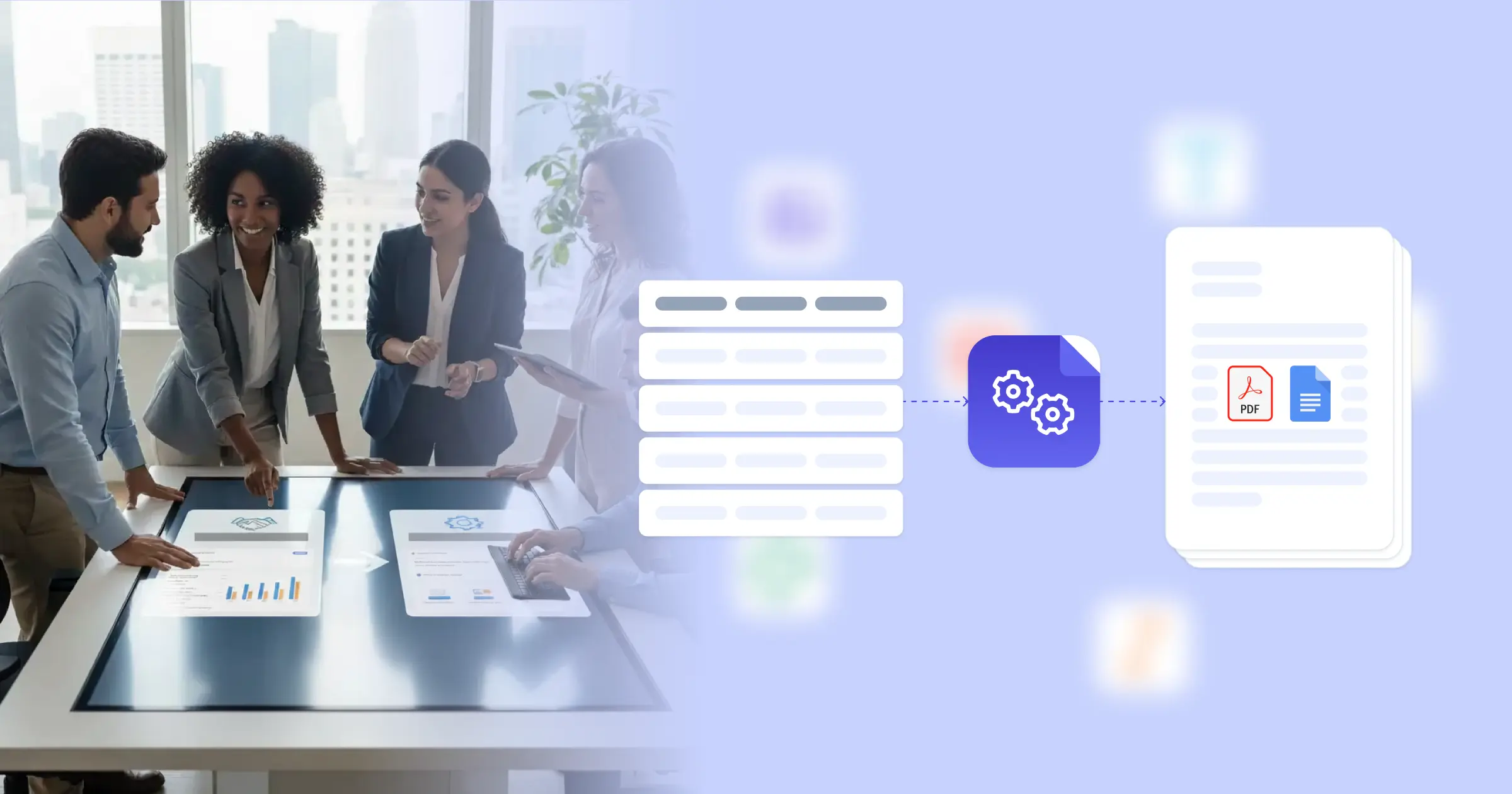
Event management invoices document the financial transactions between event planners and their clients, covering planning fees, vendor costs, and all expenses associated with producing successful events. Research from Harvard Business Review on operations strategy shows that transparent financial documentation improves client relationships and reduces billing disputes. Event planners traditionally compile invoices by gathering cost data from vendor contracts, tracking spreadsheets, and expense reports before formatting client bills manually. This efficiency is driven by seamless integration: when you connect Google Docs templates with your event management platform, Airtable budget tracker, or project management system, invoices generate with accurate cost breakdowns, vendor charges, and planning fees already formatted. Your finance team sends professional invoices without manual data compilation.

Start automating

SMB Business

Documents in minutes - for free!

20 documents for free/month. See pricing for details.

Why SMB Business Teams Need Invoice Automation

Event management companies face billing challenges that affect cash flow and client satisfaction.

  • Cost Tracking Complexity: Events involve numerous vendors, services, and expenses. Compiling all costs into accurate client invoices requires consolidating data from multiple sources without missing billable items.
  • Payment Schedule Management: Event contracts typically include deposit schedules and milestone payments. Generating accurate invoices at each payment stage requires careful attention to contract terms.
  • Post-Event Reconciliation: Final invoices must reflect actual costs against estimates, with adjustments for additions and changes. Creating accurate final settlements demands thorough cost reconciliation.
  • Multi-Event Volume: Busy planners manage multiple events simultaneously, each with unique budgets and payment schedules. Maintaining accurate billing across all active events is challenging.

These event finance demands explain why planners implement invoice automation for their client billing processes.

Key Challenges
How DocsAutomator works

How DocsAutomator Delivers Invoice Automation for SMB Business Organizations

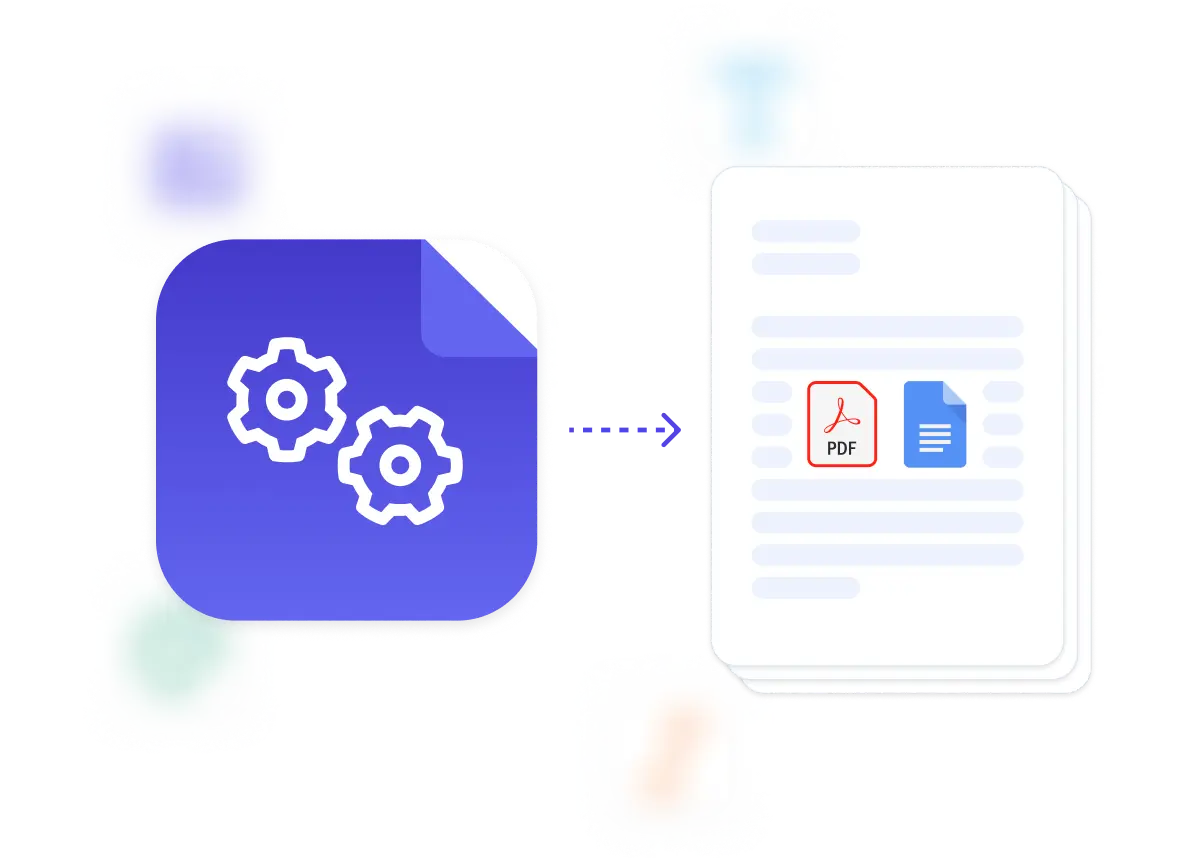
We connect your event and budget data directly to Google Docs templates, generating invoices automatically when billing milestones arrive. Client details, event information, cost breakdowns, and payment terms flow from your event platform or Airtable budget database into formatted invoices ready for client delivery.

The system handles event billing complexity naturally. Dynamic tables present vendor costs, service fees, or expense itemizations from your budget tracking data. Conditional logic includes appropriate content based on invoice type and payment stage, so deposit invoices show payment schedules while final invoices include reconciliation details. Planning fees, vendor pass-through costs, and expense markups calculate according to your fee structures.

This works through native integrations with Airtable, Google Sheets, ClickUp, and similar platforms, plus our flexible API for connecting to event management software. Output is PDF for client delivery, with optional Google Docs format when invoices need adjustments before sending. See our invoice template collection for professional designs. Teams also benefit from our guide on automating invoice creation.

Client Event Invoices

generate comprehensive client bills with planning fees, vendor costs, and service charges from event budget and contract data

Deposit Request Invoices

create deposit invoices with payment schedules, milestone amounts, and due dates from event contract terms

Final Settlement Invoices

produce post-event invoices with final costs, actual expenses, and balance calculations from event completion data

Vendor Payment Requests

automate vendor payment documentation with service details, contract amounts, and payment terms from vendor management data

Expense Reimbursement Documents

generate expense reports with itemized costs, receipt references, and category breakdowns from expense tracking data

Budget Reconciliation Reports

create budget comparison documents showing estimated versus actual costs with variance explanations from financial tracking data

DocsAutomator natively integrates with your favorite apps

We’ve built native integrations for the most common platforms our customers are using. If you’re missing an integration, please send us a message.

Start with our free pre-built Google Docs templates

Frequently Asked Questions