📝 DocsAutomator eSign is now available!

Still creating your documents manually?

Automate your document creation / workflow with DocsAutomator.
Get started for free
Trusted by 10,000+ Business Owners

Document Automation for Construction Contract Law and Management

Generate construction contract documents from project, contractor, and legal data to reduce drafting time and ensure consistent legal language across all construction agreements.

Understanding Construction Contract Law and Management for Legal Organizations

Construction contracts law and management encompasses the legal frameworks, contractual relationships, and documentation practices that govern building projects from inception through completion. Research from McKinsey on engineering and construction shows that organizations adopting digital documentation practices improve project outcomes and reduce disputes. Legal teams supporting construction clients traditionally draft contracts by copying project details from specifications, party information from qualification documents, and legal terms from precedent agreements. This efficiency is achieved through seamless integration: when you connect Google Docs templates with your matter management system, Airtable project database, or contract management platform, agreements generate with accurate project details, party information, and jurisdiction-specific legal language already formatted. Your construction attorneys deliver consistent, professionally drafted agreements without repetitive document assembly.

Start automating

Legal

Documents in minutes - for free!

20 documents for free/month. See pricing for details.

Why Legal Teams Need Construction Contract Automation

Law firms and in-house legal departments supporting construction clients face document volume challenges that strain resources during active project phases.

  • Contract Complexity: Construction agreements involve extensive technical specifications, detailed payment provisions, and complex risk allocation terms. Manually drafting each agreement from scratch consumes attorney time better spent on negotiation and counsel.
  • Multi-Party Coordination: A single project may require prime contracts, subcontracts, supply agreements, and professional service contracts. Maintaining consistency across related agreements while incorporating party-specific terms demands systematic document management.
  • Change Order Volume: Active construction projects generate numerous change orders that must be documented with precise scope descriptions, cost calculations, and schedule impacts. Delays in change order documentation create payment disputes and project friction.
  • Jurisdictional Requirements: Construction law varies significantly by state and locality, with specific requirements for lien waivers, notice provisions, and licensing documentation. Ensuring compliance across jurisdictions requires template variations and careful clause selection.

These legal documentation demands explain why construction law practices implement automated contract creation to serve their clients efficiently.

Key Challenges
How DocsAutomator works

How DocsAutomator Delivers Contract Automation for Construction Legal Teams

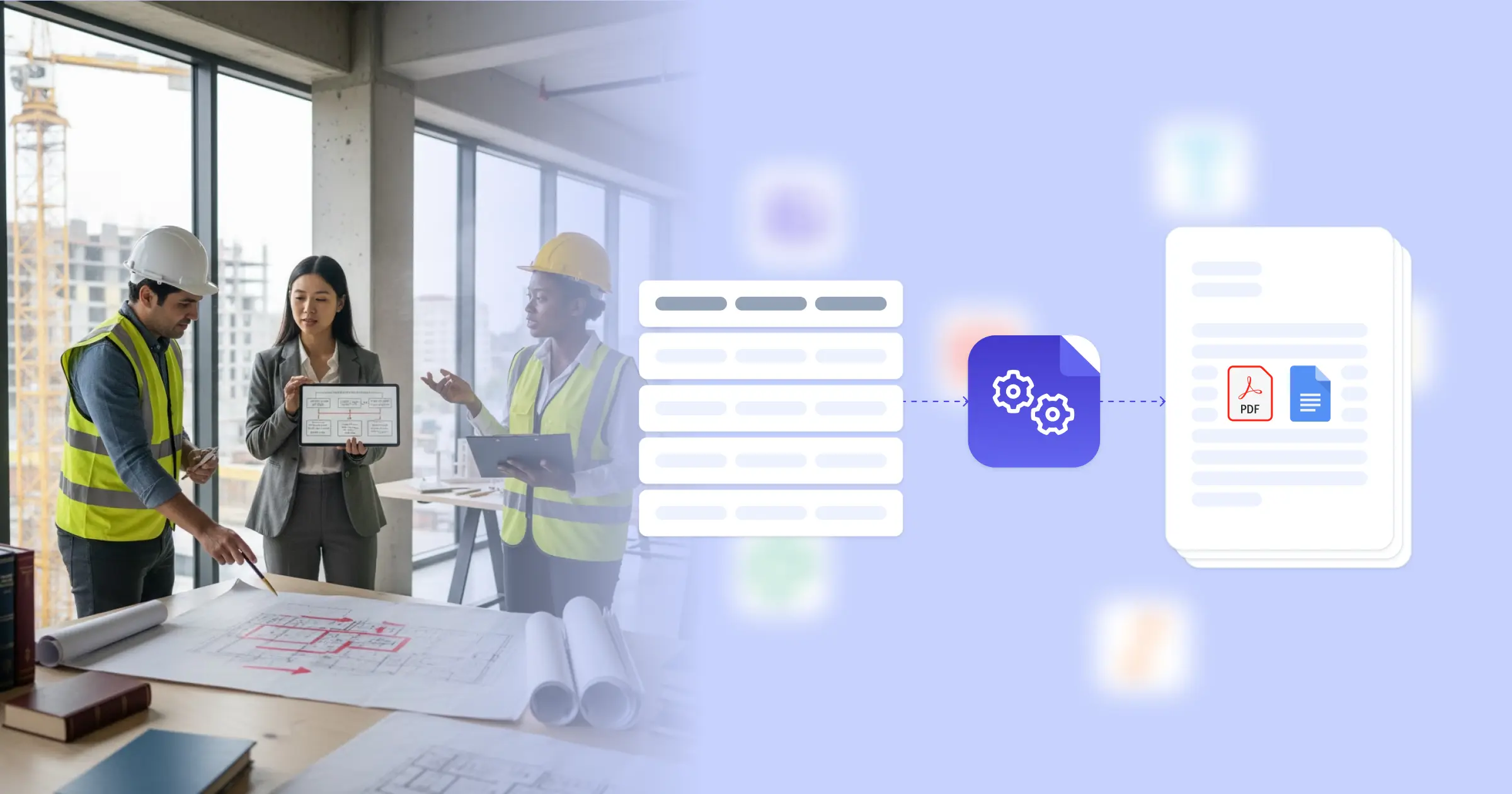
We connect your project and party data directly to Google Docs templates, generating construction agreements automatically when new contracts are needed. Project names, scope descriptions, party details, contract amounts, and schedule requirements flow from your matter management system or Airtable project database into formatted agreements ready for review.

The system handles construction contract complexity naturally. Dynamic tables present schedule of values, payment milestones, or scope line items from your project data. Conditional logic includes jurisdiction-specific provisions based on project location, so California projects show different lien waiver language than Texas projects. Insurance requirements, bond provisions, and indemnification clauses adjust based on project type and contract structure.

This works through native integrations with Airtable, ClickUp, Glide, and similar platforms, plus our flexible API for connecting to matter management systems and project management software. Output is PDF for execution and filing, with optional Google Docs format during negotiation phases when redlines are needed. See our construction contract template for a starting point. Teams also benefit from our construction management contracts guide.

Prime Construction Contracts

generate owner-contractor agreements with project scope, payment terms, completion schedules, and performance requirements from project planning data

Subcontractor Agreements

create subcontract documents with trade-specific scopes, flow down provisions, insurance requirements, and payment terms from subcontractor qualification records

Change Order Documents

produce change order forms with scope modifications, cost adjustments, schedule impacts, and authorization signatures from change request tracking

Lien Waiver Forms

automate conditional and unconditional lien waivers with payment amounts, through dates, and proper legal language from payment application data

Insurance Certificates

generate certificate of insurance requests and compliance verification documents with coverage requirements and additional insured specifications

Notice Documents

create formal notice letters for delays, claims, and contract administration with proper legal language and delivery requirements from project records

DocsAutomator natively integrates with your favorite apps

We’ve built native integrations for the most common platforms our customers are using. If you’re missing an integration, please send us a message.

Start with our free pre-built Google Docs templates

Frequently Asked Questions