🎉 Feature Alert: Sections are now available!

Still creating your documents manually?

Automate your document creation / workflow with DocsAutomator.
Get started for free
Trusted by 10,000+ Business Owners

Generate Project Management HR Plans from Resource Data

Learn how project teams automate HR planning documents, resource allocation reports, and staffing plans using Google Docs templates connected to their project management systems.

Understanding HR Planning for Project Management Organizations

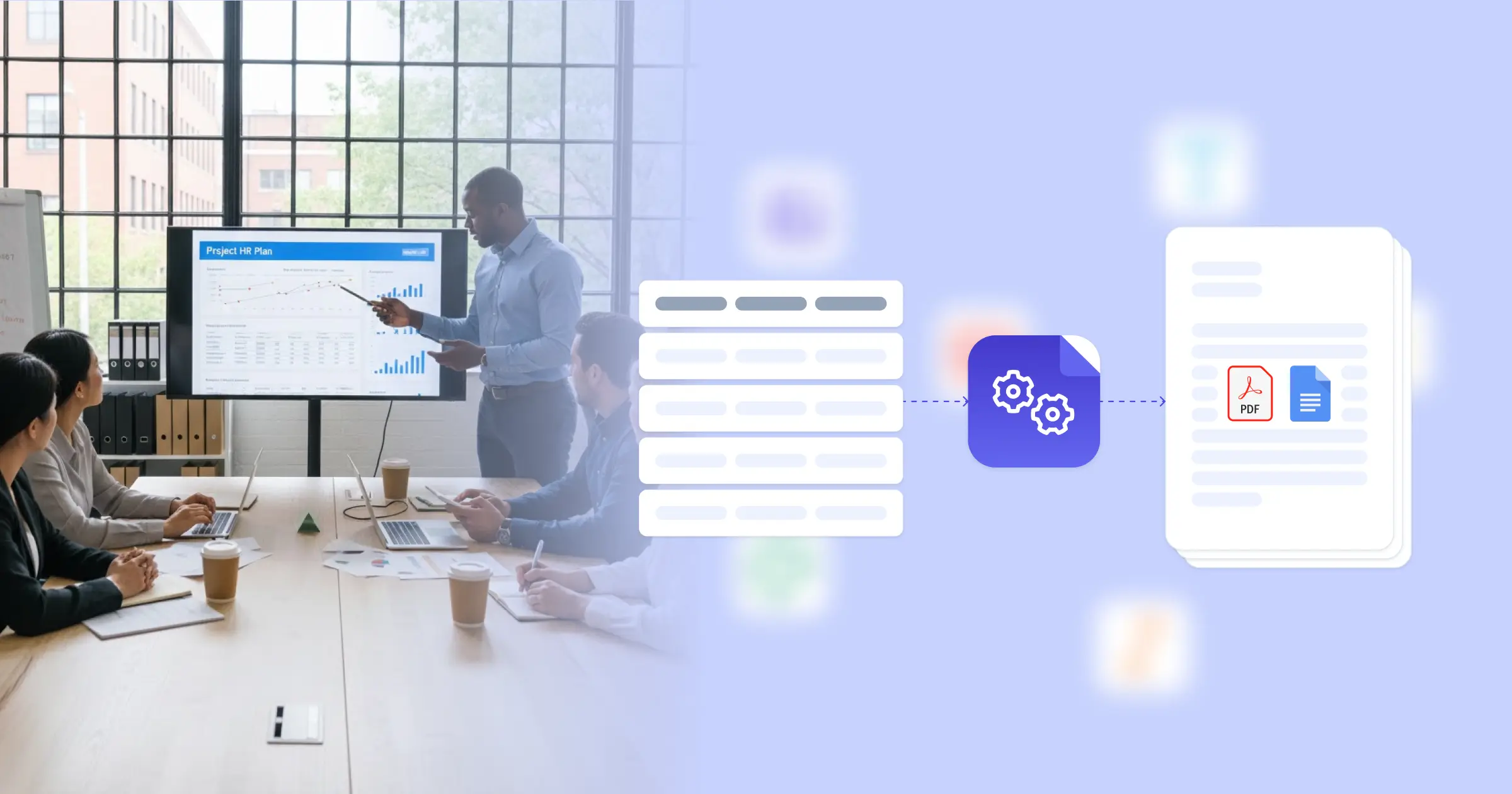
Project management HR plan automation transforms how project teams document resource allocation, staffing requirements, and team structures. Every project needs clear documentation of who's working on what, when they're available, and what skills the project requires, particularly when stakeholders and executives need visibility into resource utilization. According to Gartner research on resource management, effective resource planning becomes increasingly critical as organizations manage larger project portfolios. This planning effectiveness is powered by seamless integration: by connecting your Google Docs templates with your existing data sources, whether that's Airtable, ClickUp, Glide, or project management platforms via API, your HR plans generate automatically. Rather than compiling team assignments, availability calendars, and skill inventories into planning documents by hand, the resource data you're already tracking in your project management system flows directly into formatted planning documents.

Start automating

HR

Documents in minutes - for free!

20 documents for free/month. See pricing for details.

Why Project Management Teams Need HR Planning Automation

Creating resource plans for project approvals and status reporting pulls project managers away from actual project execution.

  • Multi-Project Resource Conflicts: Team members work across several projects simultaneously, but assembling current allocation data into readable staffing plans requires pulling information from multiple project boards, timesheets, and availability calendars
  • Approval Documentation Requirements: Project initiation and budget approvals need formal HR plans showing team composition, role costs, and time commitments, but converting resource tracking data into presentation-ready documents takes time during critical planning phases
  • Capacity Forecasting for Leadership: Executives and resource managers need visibility into upcoming staffing needs and utilization rates, but creating these reports means gathering data from individual project plans and translating it into summary formats
  • Dynamic Team Changes: Projects evolve, requiring staffing adjustments and role changes, and keeping HR planning documents current with these modifications adds administrative overhead when your focus should be on project delivery

The gap between your project tracking tools and the formatted HR documents stakeholders expect creates unnecessary documentation work. Automation bridges that gap directly.

Key Challenges
How DocsAutomator works

How DocsAutomator Delivers HR Planning Automation for Project Management Organizations

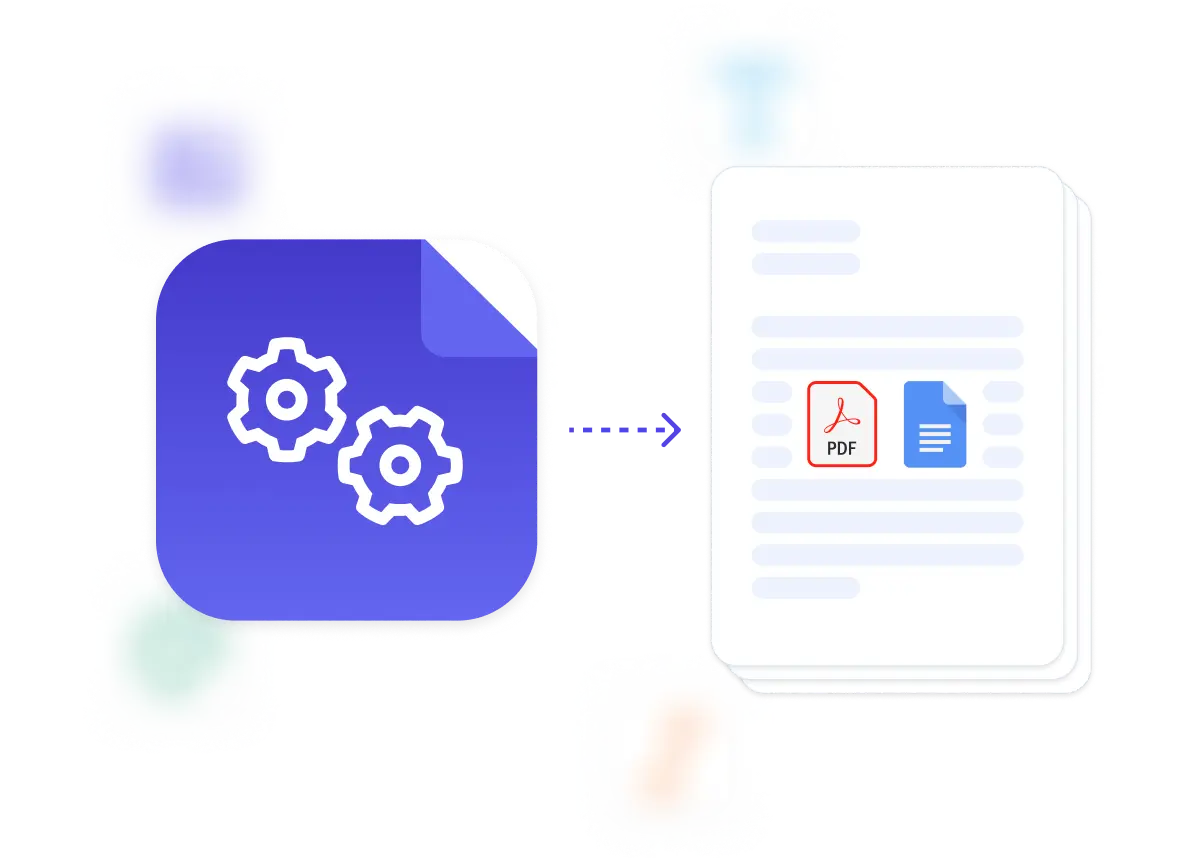
We connect your project resource data directly to Google Docs templates, so staffing plans, allocation reports, and capacity analyses generate automatically. Team member names, role assignments, time allocations, project phases, and skill requirements flow from tools like ClickUp, Airtable, or project management platforms into properly formatted HR planning documents.

The system handles the complexity project environments create. Dynamic tables list team members with their assigned projects, time allocations, and availability windows. Conditional formatting highlights resource conflicts or capacity constraints that need attention. Conditional logic includes different sections for new hire justifications versus internal resource reallocation, depending on your staffing approach.

This works through our native integrations with Airtable, Glide, Noloco, ClickUp, and others, plus a flexible API for connecting to enterprise project management systems or custom resource planning tools. Output is PDF for stakeholder distribution and approval workflows, with optional Google Docs output when you need to adjust details before finalizing. Check our onboarding templates for team documentation.

Project teams typically start with resource allocation plans for project approvals, then expand to capacity planning reports and staffing requirement documents. The pattern stays consistent: your project management system holds the resource data, your template defines how to present it, and we generate the document when stakeholders need it. Learn more at our workflow automation guide.

Resource Allocation Plans

generate team assignment documents with roles, time allocations, and project phase distributions

Staffing Requirement Documents

create hiring justifications with skill requirements, timeline needs, and budget allocations

Team Structure Reports

produce organizational charts with reporting lines, role definitions, and responsibility matrices

Capacity Planning Summaries

build utilization reports showing available hours, project commitments, and resource constraints

Onboarding Plans

generate project-specific orientation documents with team introductions, tools access, and initial assignments

Skills Gap Analyses

create assessment reports comparing required capabilities against current team expertise

DocsAutomator natively integrates with your favorite apps

We’ve built native integrations for the most common platforms our customers are using. If you’re missing an integration, please send us an email.

Start with our free pre-built Google Docs templates

Frequently Asked Questions