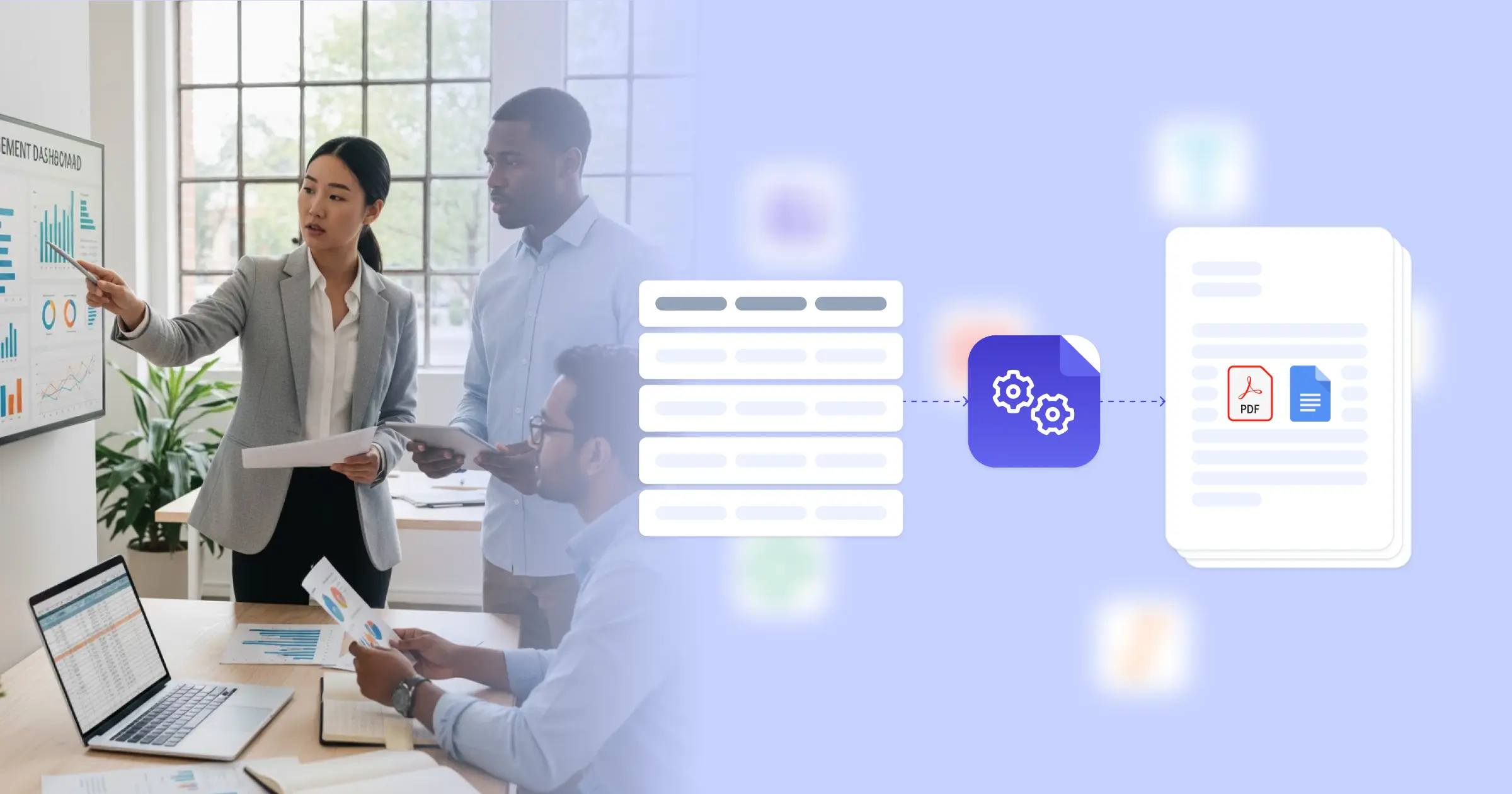
Still creating your documents manually?

Automate your document creation / workflow with DocsAutomator.
Get started for free
Trusted by 10,000+ Business Owners

Automate Account Management Reports for Client Success Teams

Generate account management reports from CRM and usage data to keep clients informed, demonstrate value, and identify expansion opportunities across your customer portfolio.

Understanding Account Management Reports for Sales Organizations

Account management reports communicate account health, usage patterns, and relationship status to clients and internal stakeholders in formats that demonstrate value and inform strategic decisions. Research from Gartner for Sales Leaders shows that data-driven account management improves retention rates and expansion revenue. Client success teams traditionally pull metrics from CRM systems, usage data from analytics platforms, and support history from ticketing systems before formatting reports manually for each client. This transformation is powered by connecting your Google Docs templates with your CRM, customer success platform, or Airtable account database, so reports generate with accurate metrics, trend analysis, and personalized insights already formatted. Your account managers deliver professional client reports without manual data compilation.

Start automating

Sales

Documents in minutes - for free!

20 documents for free/month. See pricing for details.

Why Sales Teams Need Account Report Automation

Client success and account management teams face reporting challenges that consume time better spent on strategic client engagement.

  • Report Preparation Time: Creating personalized account reports requires pulling data from multiple systems, formatting charts and tables, and writing narrative summaries. This manual work consumes hours that account managers could spend with clients.
  • Consistency Across Accounts: Different account managers create reports in different formats with varying metrics and presentation styles. This inconsistency makes portfolio-level analysis difficult and presents an unprofessional appearance to clients.
  • Reporting Frequency Limitations: Manual report creation limits how often teams can provide client updates. Monthly or quarterly reports become the maximum frequency, missing opportunities for more frequent value demonstration.
  • Multi-Stakeholder Requirements: Different client stakeholders want different information depth and focus areas. Creating tailored reports for operational contacts, executives, and technical users multiplies preparation effort.

These client communication demands explain why account management teams implement reporting automation to scale their client relationships.

Key Challenges
How DocsAutomator works

How DocsAutomator Delivers Account Report Automation for Sales Organizations

We connect your CRM and usage data directly to Google Docs templates, generating account reports automatically on your reporting schedule. Account names, health scores, usage metrics, support trends, and relationship details flow from your CRM or Airtable customer database into formatted reports ready for client delivery.

The system handles account reporting complexity naturally. Dynamic tables present usage trends, support ticket summaries, or feature adoption metrics from your analytics data. Conditional logic includes different content based on client tier, health score, or renewal proximity, so at-risk accounts show intervention recommendations while healthy accounts highlight expansion opportunities. Executive summaries format differently than detailed operational reports, all from the same underlying data.

This works through native integrations with Airtable, Google Sheets, ClickUp, and similar platforms, plus our flexible API for connecting to CRM systems and customer success platforms. Output is PDF for client distribution, with optional Google Docs format when account managers want to add personalized notes before sending. See our team sales notes template for related formats. Teams also benefit from understanding automated document generation for client communications.

Client Health Reports

generate account health summaries with engagement metrics, support ticket trends, and risk indicators from customer success platform data

Usage Analytics Reports

create product usage documentation showing feature adoption, active users, and utilization trends from your analytics platform

Quarterly Business Reviews

produce QBR presentation documents with performance metrics, goal progress, and strategic recommendations from account planning data

Renewal Summary Documents

automate pre-renewal reports showing contract value, relationship history, usage patterns, and expansion opportunities from CRM records

Executive Sponsor Updates

generate executive-level account summaries with key metrics, strategic initiatives, and relationship status for leadership stakeholders

Account Transition Documents

create handoff documentation for account manager transitions with relationship history, key contacts, and strategic context from CRM data

DocsAutomator natively integrates with your favorite apps

We’ve built native integrations for the most common platforms our customers are using. If you’re missing an integration, please send us an email.

Start with our free pre-built Google Docs templates

Frequently Asked Questions